


 文章介绍了如何利用MATLAB自带的cameracalibrator工具以及OpenCV的C++接口进行相机标定的过程。首先,通过多角度拍摄标定板照片,然后在MATLAB中导入图片进行标定。对于熟悉C++的用户,可以使用OpenCV的VideoCapture功能来捕获和处理视频帧,按需保存图片。文章提供了代码示例,展示如何读取摄像头帧并保存图片,最后在MATLAB中完成标定操作。

matlab自带很多好用的应用的!!!!良心推荐
- 制作标定版并拍照
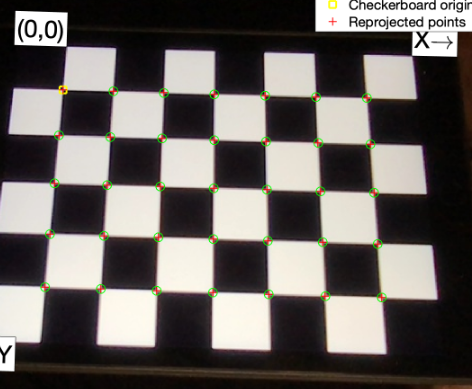
像这样的相机照片多个角度拍摄几次,然后打开cameracalibrator,即单目相机标定。
如果熟悉c++编程的话可以执行:
```cpp
#include "opencv2/opencv.hpp"
#include <string>
#include <iostream>
using namespace cv;
using namespace std;
int main()
{
    VideoCapture inputVideo(0);  //视情况选择预标定摄像头
    //inputVideo.set(CAP_PROP_FRAME_WIDTH, 320);  //可选项,调整窗口大小
    //inputVideo.set(CAP_PROP_FRAME_HEIGHT, 240);
    if (!inputVideo.isOpened())
    {
        cout << "Could not open the input video " << endl;
        return -1;
    }
    Mat frame;
    string imgname;
    int f = 1;
    while (1) //Show the image captured in the window and repeat
    {
        inputVideo >> frame;              // read
        if (frame.empty()) break;         // check if at end
        imshow("Camera", frame);
        char key = waitKey(1);
        if (key == 27) break;  //按ESC退出
        if (key == 'q' || key == 'Q')
        {
            imgname = to_string(f++) + ".jpg"; //输出文件名为 f.jpg, 保留在工程文件夹中
            imwrite(imgname, frame);
        }
    }
    cout << "Finished writing" << endl;
    return 0;
}
- 添加图片
选择add images
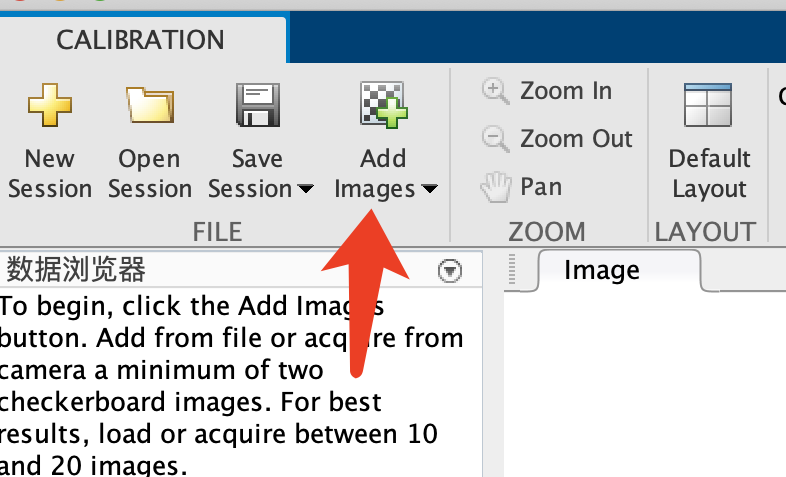
-
设置标定板参数
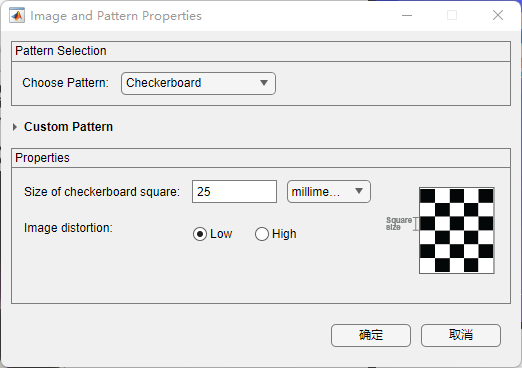
-
依次导入后直接calibrate运行
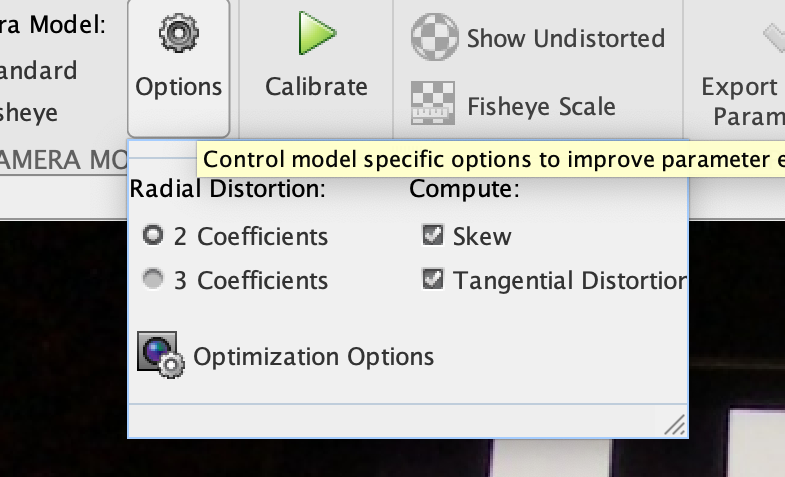
-
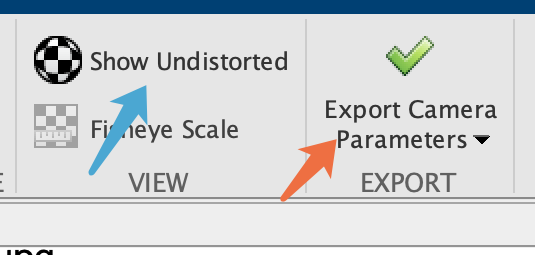
左边查看参数,右边保存内外参





 扫一扫
扫一扫


 9098
9098

 被折叠的 条评论
为什么被折叠?
被折叠的 条评论
为什么被折叠?
 到【灌水乐园】发言





