



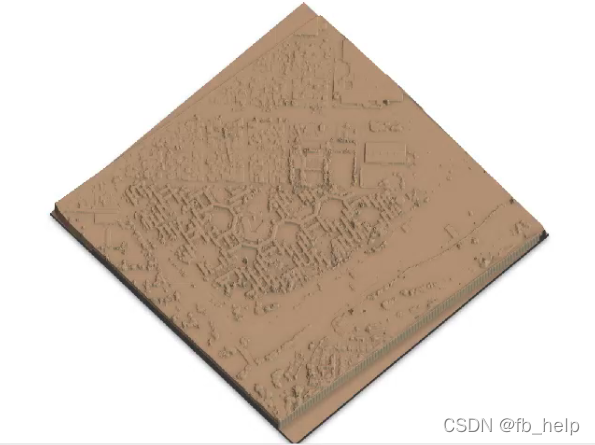
 本文介绍如何使用R语言进行数字表面模型(DSM)的可视化,包括R环境的安装配置、rayshader包的安装及使用方法,并提供了一个具体的案例,演示了从加载地理TIFF文件到最终实现三维地形渲染的全过程。
使用R语言可视化DSM
1. 安装R环境
下载R环境,下载Rtools(注意设置环境变量)
2. rayshader
https://github.com/tylermorganwall/rayshader
devtools::install_github("tylermorganwall/rayshader")
3 跑例子
library(rayshader)

#Here, I load a map with the raster package.
loadzip = tempfile()
download.file("https://tylermw.com/data/dem_01.tif.zip", loadzip)
localtif = raster::raster(unzip(loadzip, "dem_01.tif"))
unlink(loadzip)

#And convert it to a matrix:
elmat = raster_to_matrix(localtif)

#We use another one of rayshader's built-in textures:
elmat %>%
  sphere_shade(texture = "desert") %>%
  plot_map()
可以把tif换成自己的tif





 扫一扫
扫一扫


 3229
3229

 被折叠的 条评论
为什么被折叠?
被折叠的 条评论
为什么被折叠?
 到【灌水乐园】发言





