


 博主在Pop_OS 20.04上安装了与Ubuntu相同版本的ROS2 Foxy和Webots 2019a,过程中未遇到问题。系统壁纸具有B站风格。详细记录了从更新系统、添加源、安装软件到运行案例的全部指令,包括安装ros2、webots、相关扩展和依赖,并成功运行了几个ros2相关演示。
所使用的Pop_os版本与ubuntu一致为20.04,使用感受不如ubuntu,可能是个人习惯吧。
安装ros2和webots,没有遇到问题。
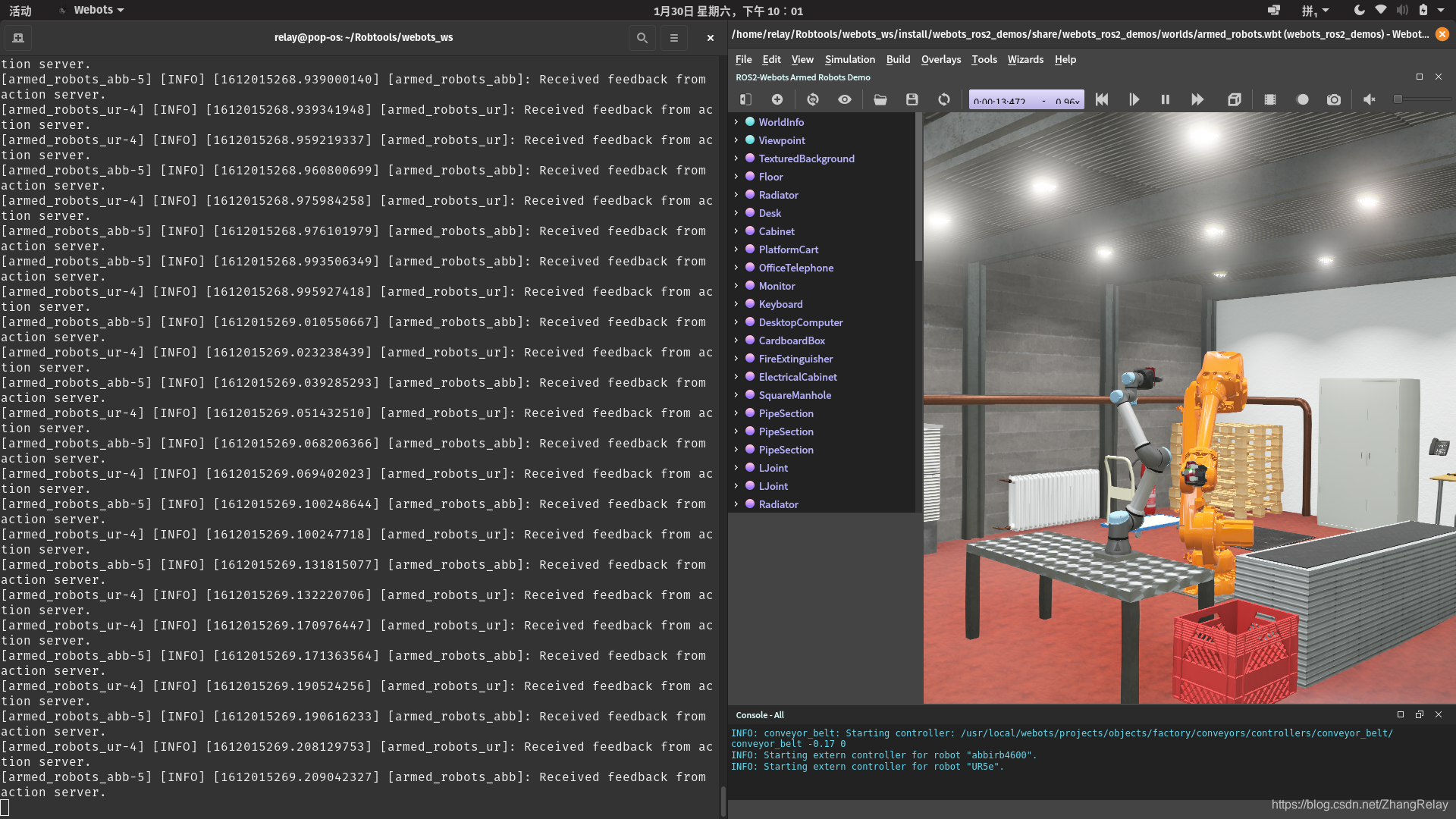
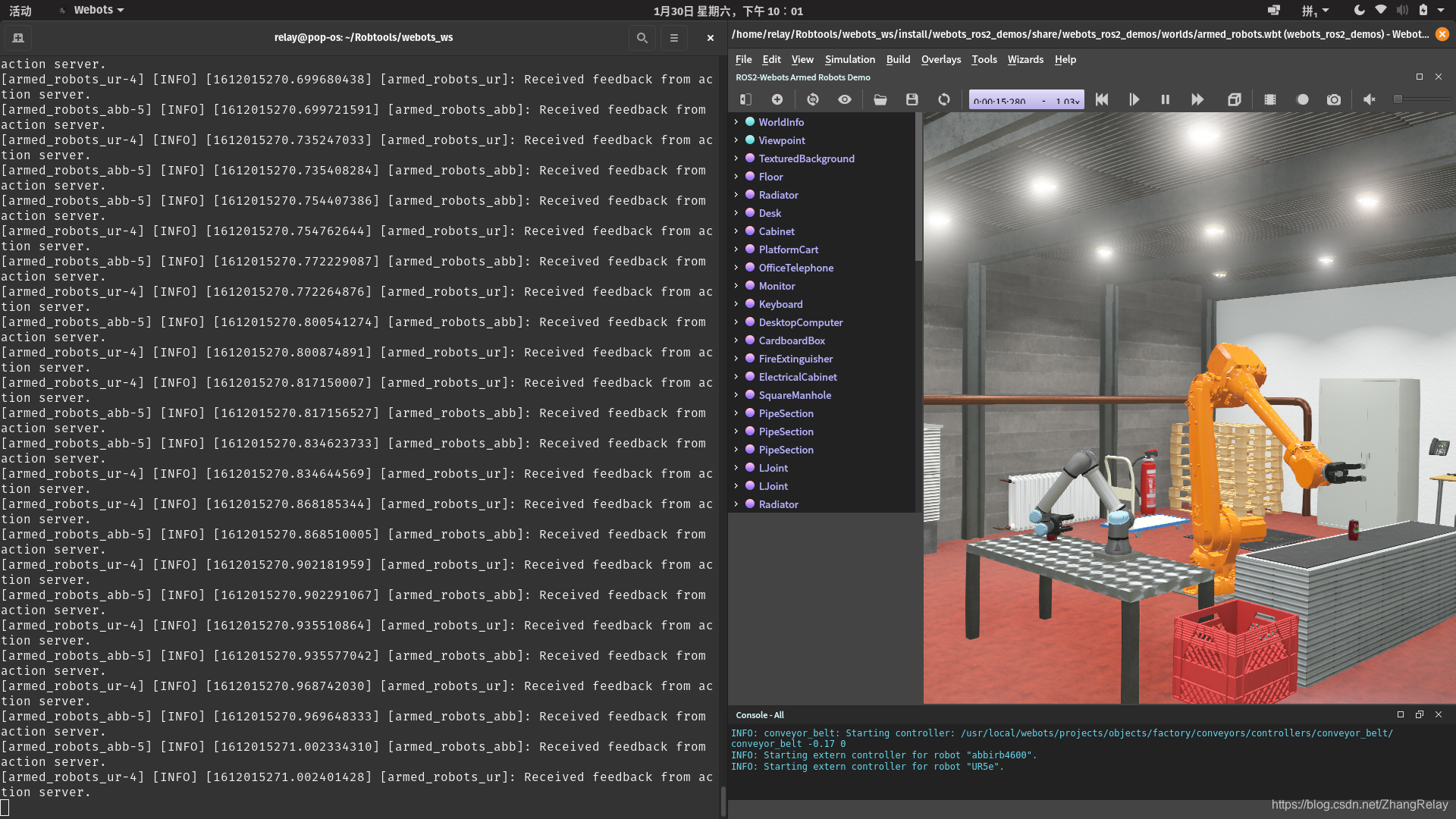
成功

失败

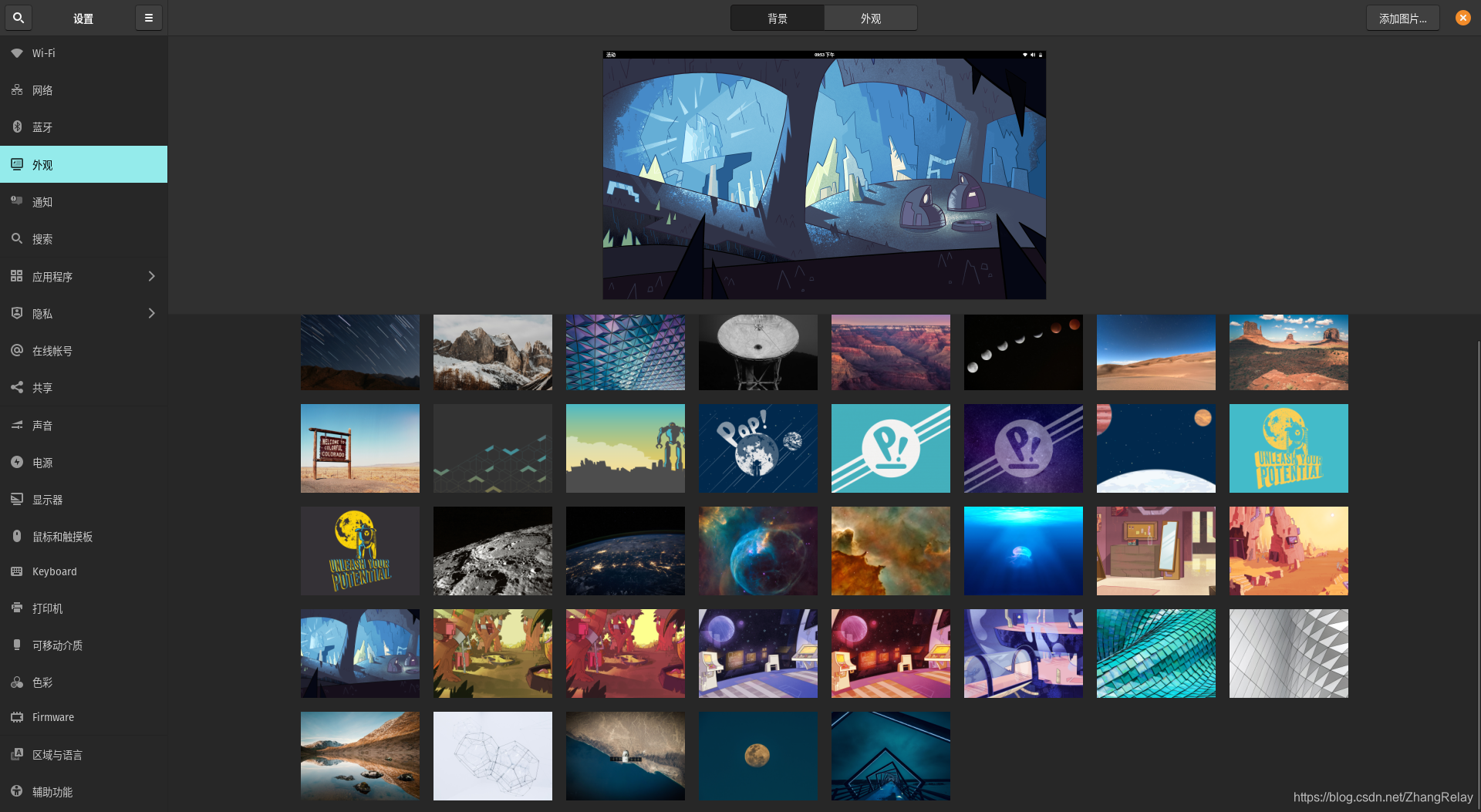
壁纸很有B站风格……
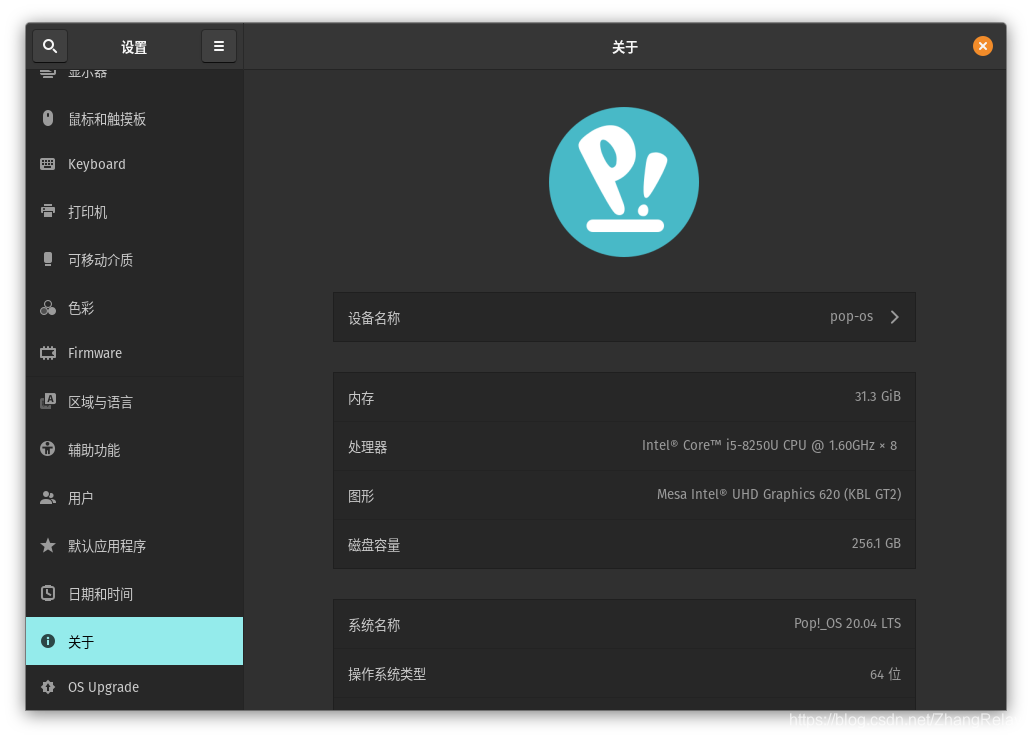
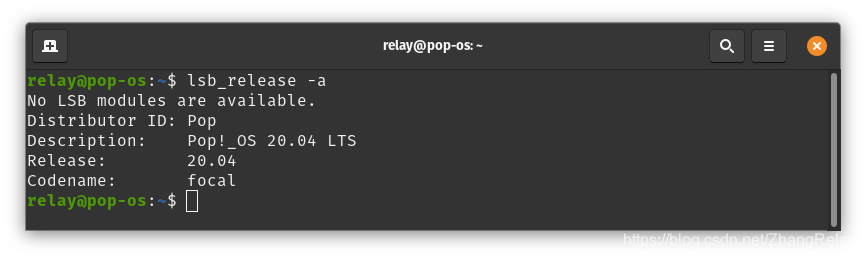
系统简要信息:
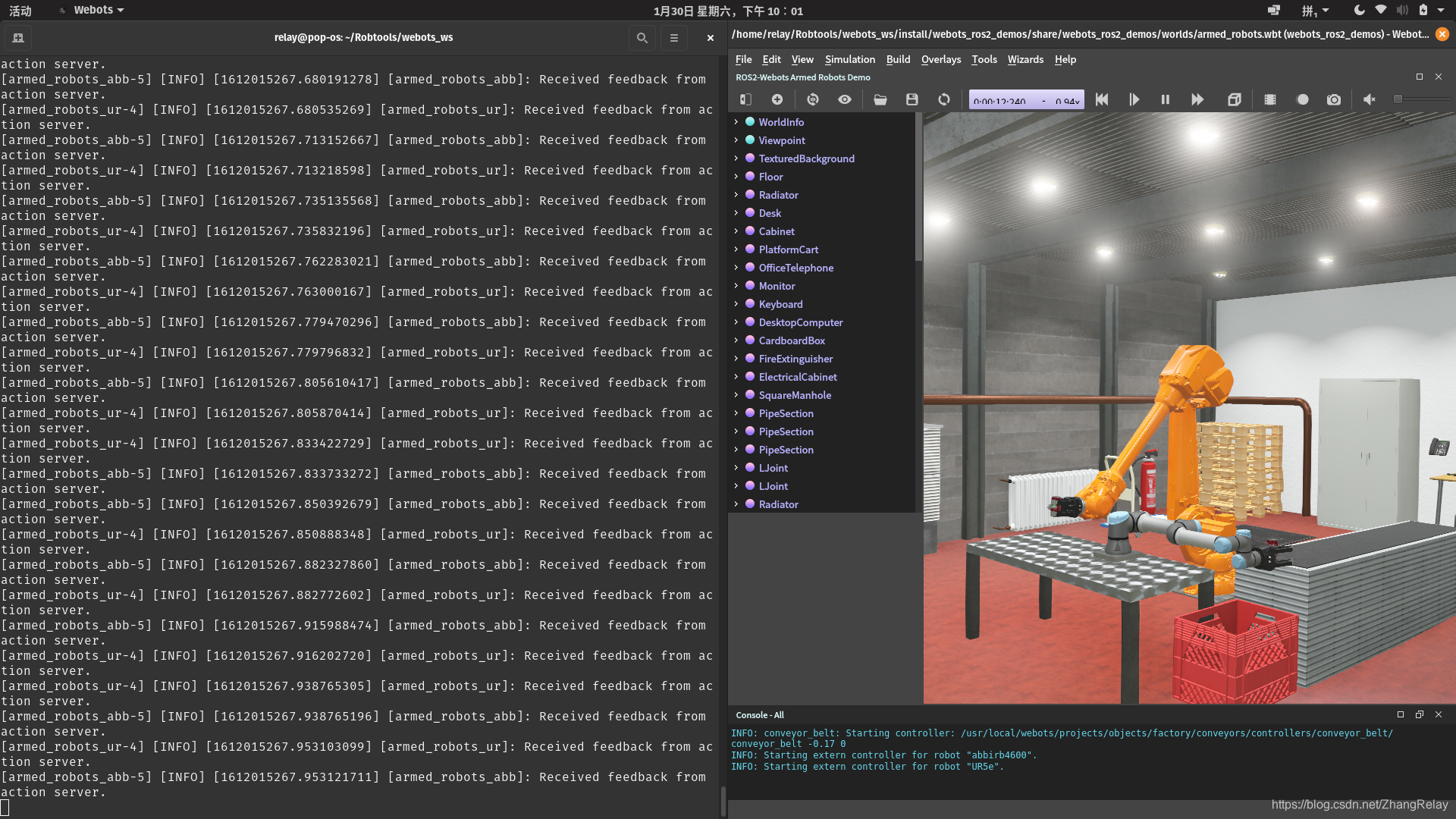
安装ros2-foxy和webots2019a。
案例使用参考博客webots+ros2笔记系列。
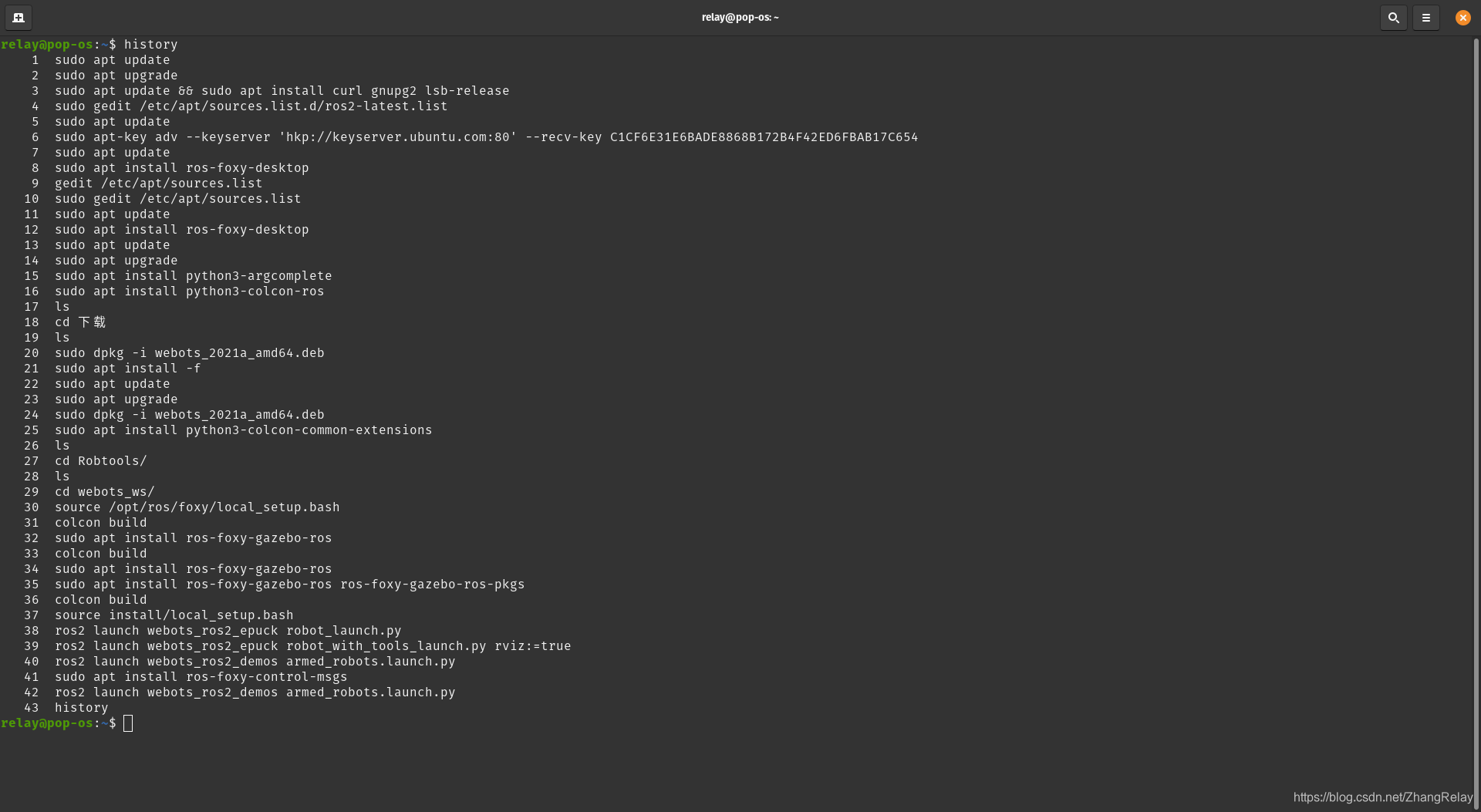
一共输入了如下指令(包括重复的):
    1  sudo apt update
    2  sudo apt upgrade
    3  sudo apt update && sudo apt install curl gnupg2 lsb-release
    4  sudo gedit /etc/apt/sources.list.d/ros2-latest.list
    5  sudo apt update
    6  sudo apt-key adv --keyserver 'hkp://keyserver.ubuntu.com:80' --recv-key C1CF6E31E6BADE8868B172B4F42ED6FBAB17C654
    7  sudo apt update
    8  sudo apt install ros-foxy-desktop
    9  gedit /etc/apt/sources.list
   10  sudo gedit /etc/apt/sources.list
   11  sudo apt update
   12  sudo apt install ros-foxy-desktop
   13  sudo apt update
   14  sudo apt upgrade
   15  sudo apt install python3-argcomplete
   16  sudo apt install python3-colcon-ros
   17  ls
   18  cd 下载
   19  ls
   20  sudo dpkg -i webots_2021a_amd64.deb
   21  sudo apt install -f
   22  sudo apt update
   23  sudo apt upgrade
   24  sudo dpkg -i webots_2021a_amd64.deb
   25  sudo apt install python3-colcon-common-extensions
   26  ls
   27  cd Robtools/
   28  ls
   29  cd webots_ws/
   30  source /opt/ros/foxy/local_setup.bash
   31  colcon build
   32  sudo apt install ros-foxy-gazebo-ros
   33  colcon build
   34  sudo apt install ros-foxy-gazebo-ros
   35  sudo apt install ros-foxy-gazebo-ros ros-foxy-gazebo-ros-pkgs
   36  colcon build
   37  source install/local_setup.bash
   38  ros2 launch webots_ros2_epuck robot_launch.py
   39  ros2 launch webots_ros2_epuck robot_with_tools_launch.py rviz:=true
   40  ros2 launch webots_ros2_demos armed_robots.launch.py
   41  sudo apt install ros-foxy-control-msgs
   42  ros2 launch webots_ros2_demos armed_robots.launch.py
   43  history






 扫一扫
扫一扫


 5295
5295


 到【灌水乐园】发言



