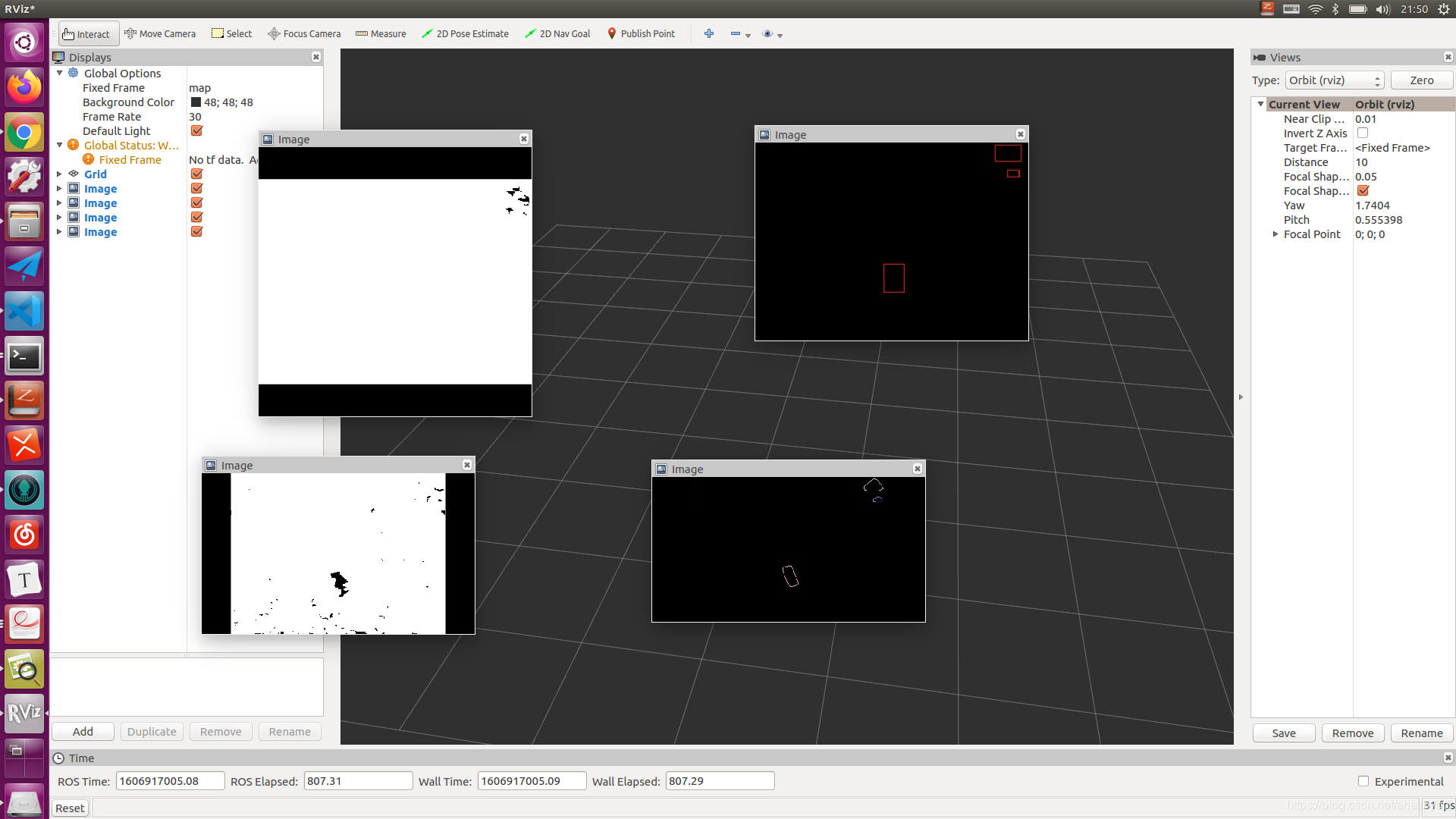
ROS单独发布压缩图片

ROS单独发布压缩图片

sensor_msgs/CompressedImage Message

Header header        # Header timestamp should be acquisition time of image
                     # Header frame_id should be optical frame of camera
                     # origin of frame should be optical center of camera
                     # +x should point to the right in the image
                     # +y should point down in the image
                     # +z should point into to plane of the image

string format        # Specifies the format of the data
                     #   Acceptable values:
                     #     jpeg, png
uint8[] data         # Compressed image buffer
 ros::Publisher image_pub3_;
      
image_pub3_ = nh_.advertise<sensor_msgs::CompressedImage>(
          "/realsense_up/compressed", 5);
  sensor_msgs::CompressedImage image_up;
    image_up.format = "jpeg";
    std::vector<uchar> encodeing;
    cv::imencode(".jpg", deal_result[1], encodeing);
    encodeing.swap(image_up.data);
    image_up.header = std_msgs::Header();
    image_pub3_.publish(image_up);

tip

1. 消息后面的拓展名必须是标准的 eg. compressed等
2. 用cv::imencode 去进行编码,可以自己设置压缩比和图像质量,详情看cv函数
3. 用swap进行数据交换
4.cmakelists文件照着写就好了

在这里插入图片描述

评论
添加红包

请填写红包祝福语或标题

红包个数最小为10个

红包金额最低5元

当前余额3.43前往充值 >
需支付:10.00
成就一亿技术人!
领取后你会自动成为博主和红包主的粉丝 规则
hope_wisdom
发出的红包
实付
使用余额支付
点击重新获取
扫码支付
钱包余额 0

抵扣说明:

1.余额是钱包充值的虚拟货币,按照1:1的比例进行支付金额的抵扣。
2.余额无法直接购买下载,可以购买VIP、付费专栏及课程。

余额充值