



 本文档详细介绍了如何为Hexo博客更换hueman主题,包括从官网查找主题,通过git克隆代码到本地,修改_config.yml文件设置主题,创建关于页面并编辑markdown内容,以及配置hueman主题的导航栏。此外,还提供了hueman主题的配置参考和官方文档链接,帮助用户顺利完成主题更换和自定义。
更换 hueman 主题
各种主题可以在官网中寻找 :https://hexo.io/themes/
在其中发现了 hueman 主题比较满意,进入它的 github 页面,将其代码保存到本地的themes/hueman 下
git clone https://github.com/ppoffice/hexo-theme-hueman themes/hueman
其中 themes 是用来保存主题的文件夹
然后修改 _config.yml 文件,找到 theme,设置成 hueman 即可
# Extensions
## Plugins: https://hexo.io/plugins/
## Themes: https://hexo.io/themes/
theme: hueman
进入 hueman 文件夹,将其中的 _config.yml.example 另存一份命名为_config.yml
hexo clean
hexo generate
hexo server
主题更换成功!
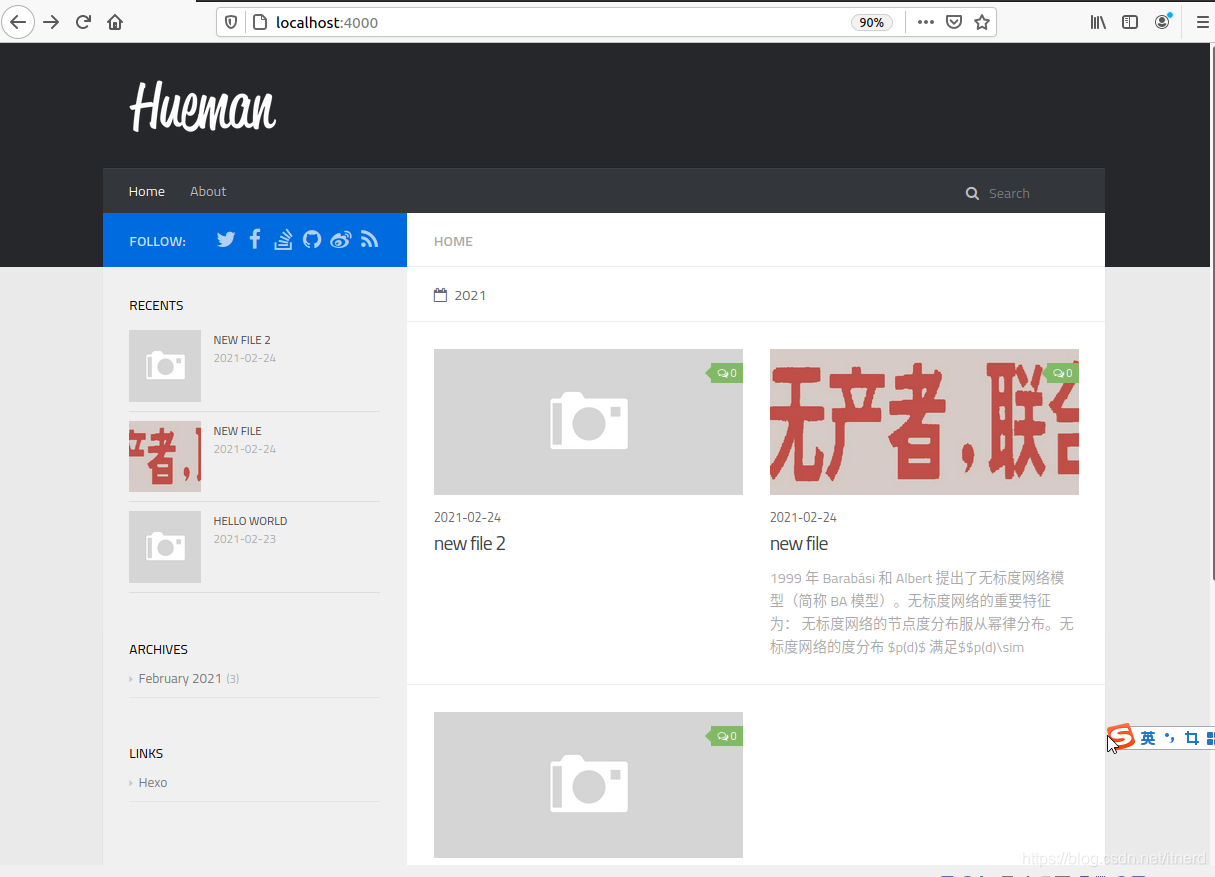
hueman 主题配置
可以参考官方文档:https://github.com/ppoffice/hexo-theme-hueman/wiki
添加导航栏
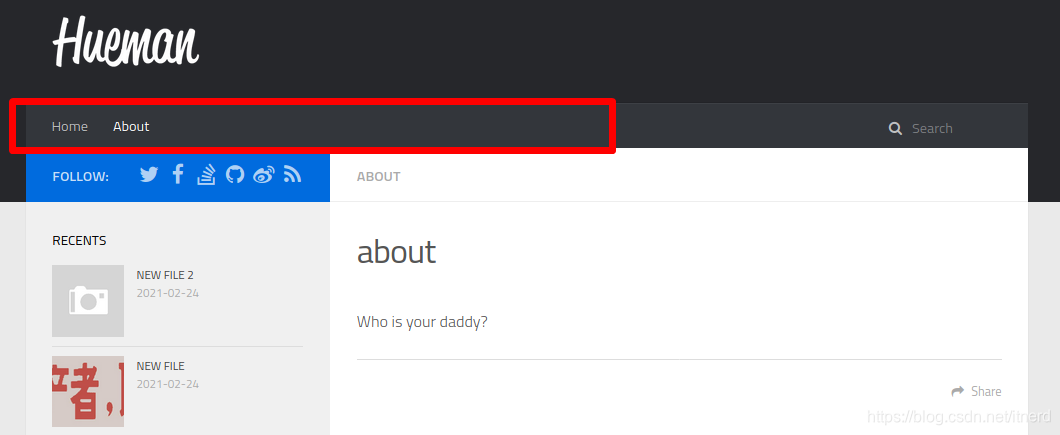
先来把导航栏中的 About 页面补上,目前点进去是 404,缺少页面。我们发现在配置文件hueman/_config.yml中其指向的页面是 /about/index.html
  1 # Menus
  2 menu:
  3     Home: /
  4     # Delete this row if you don't want categories in your header nav bar
  5     Categories:
  6     About: /about/index.html
那就用hexo生成新页面:
hexo new page about
然后自行修改生成的 markdown 文件 source/about/index.md 即可






 扫一扫
扫一扫


 1122
1122


 到【灌水乐园】发言



