HML_FwLib_8051使用补充说明

本文介绍了如何在STC89平台使用HML_FwLib库进行串口通信,并通过Makefile进行编译和烧录过程。从源码到实际应用,一步步引导读者理解现代编程模式。

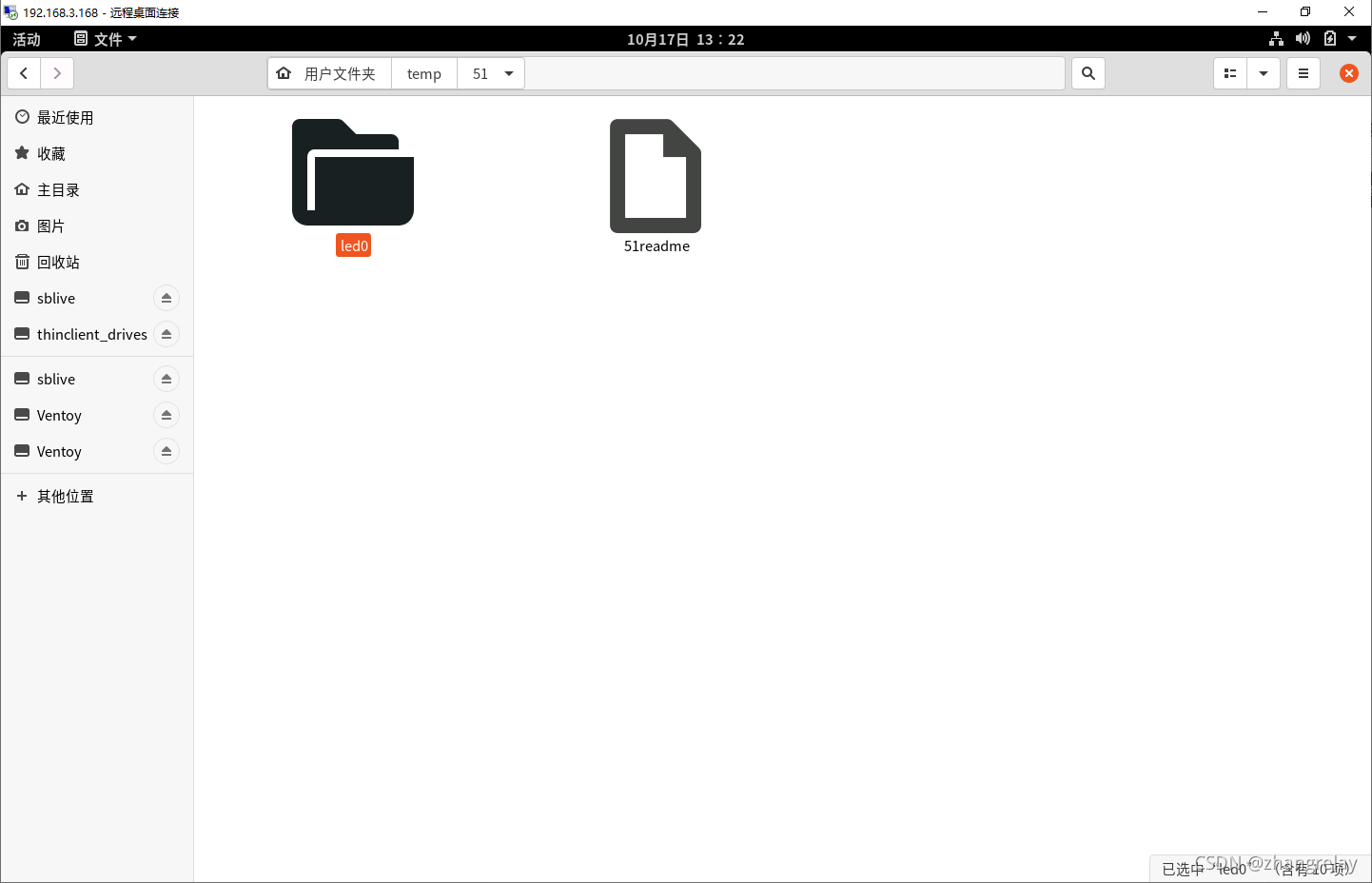
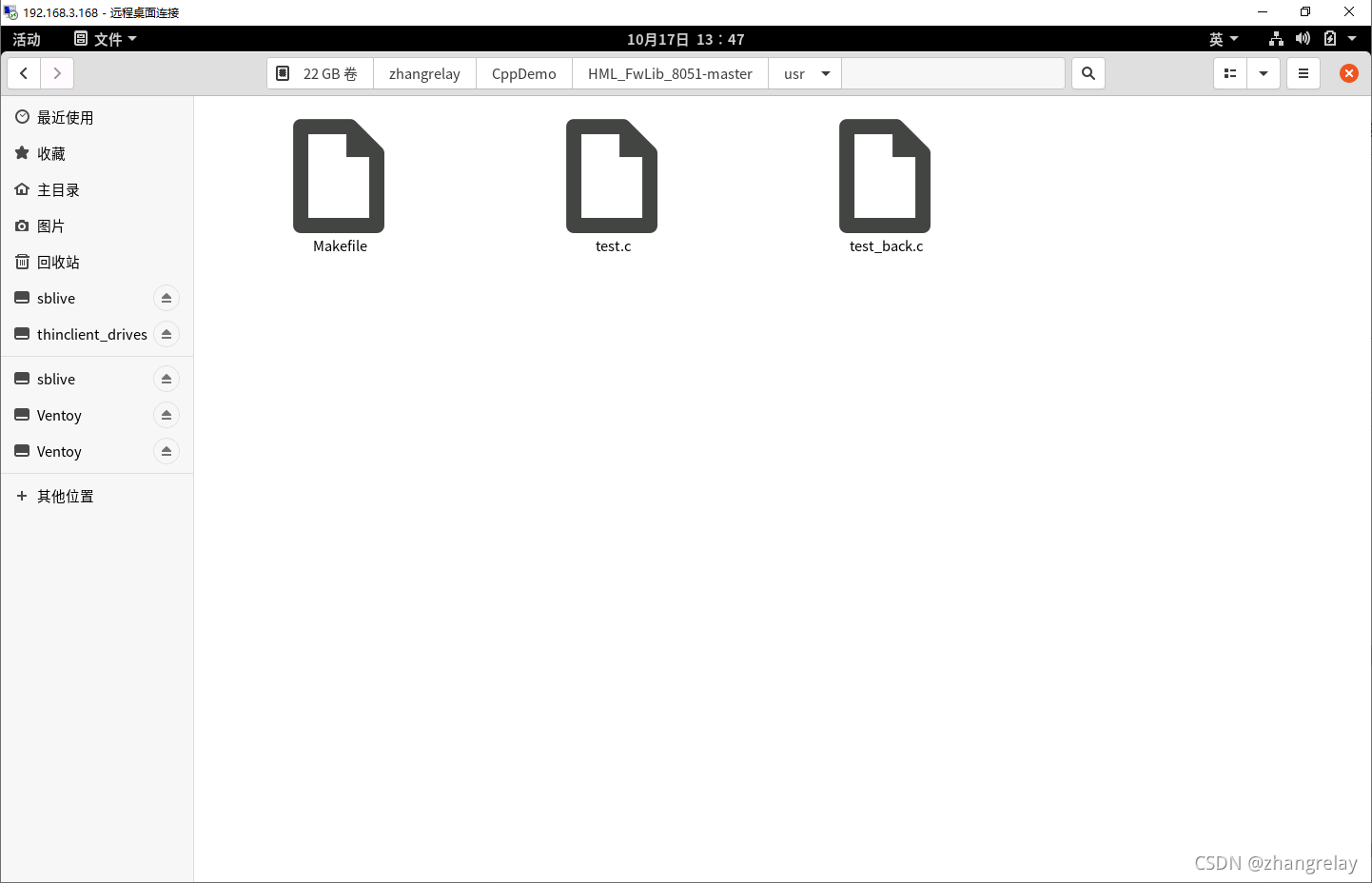
镜像中默认只有STC89的源码和一个51测试demo:
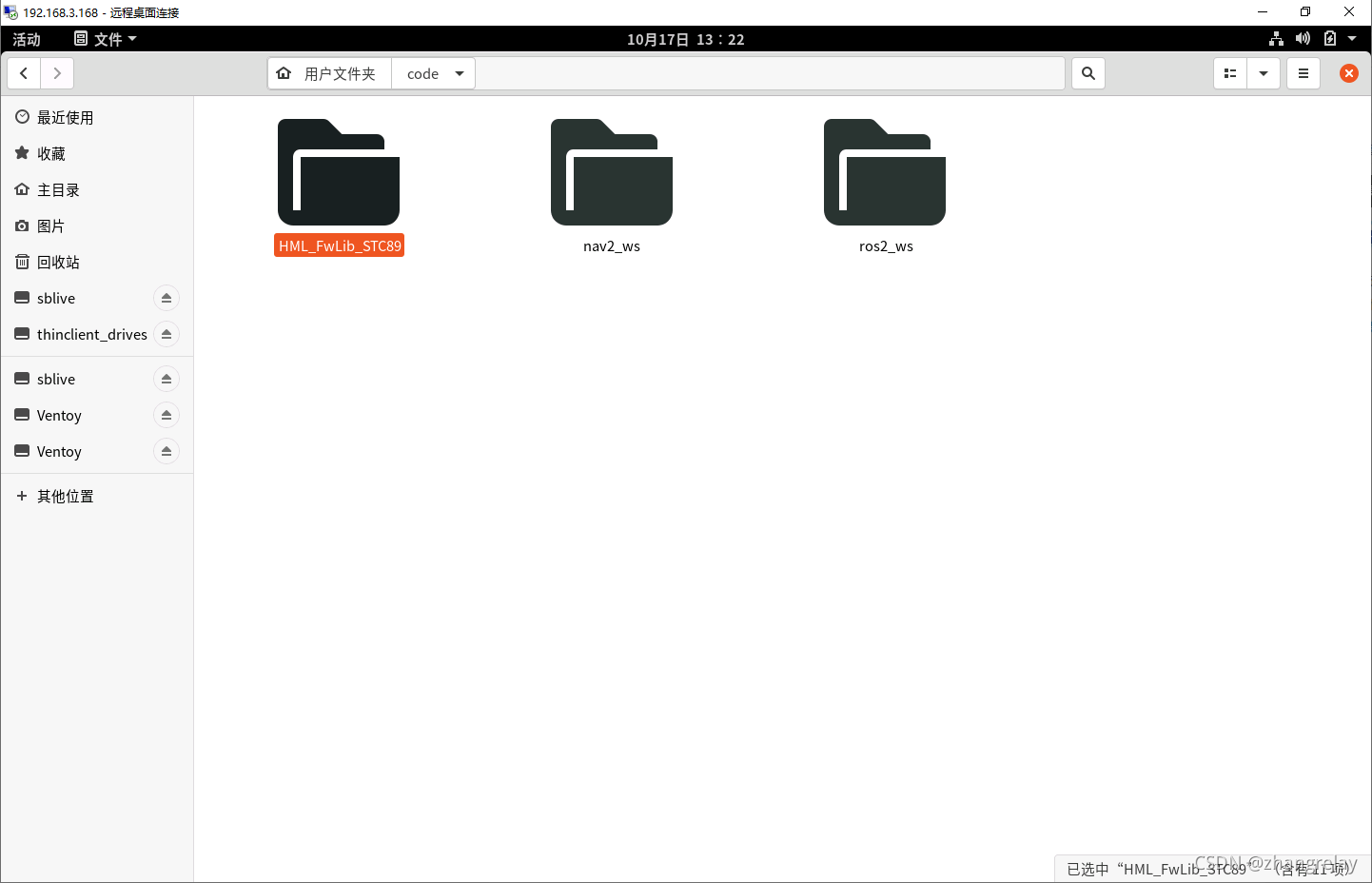
分别代表了相对传统和相对现代的编程模式。仍然推荐现代模式!

用自己电脑启动会有其他盘可供使用,需要修改并保存的,在其他位置中打开windows下常用盘就可以了。当然在此处做实验也可以但是,关机或重启,所有内容都会消失的。

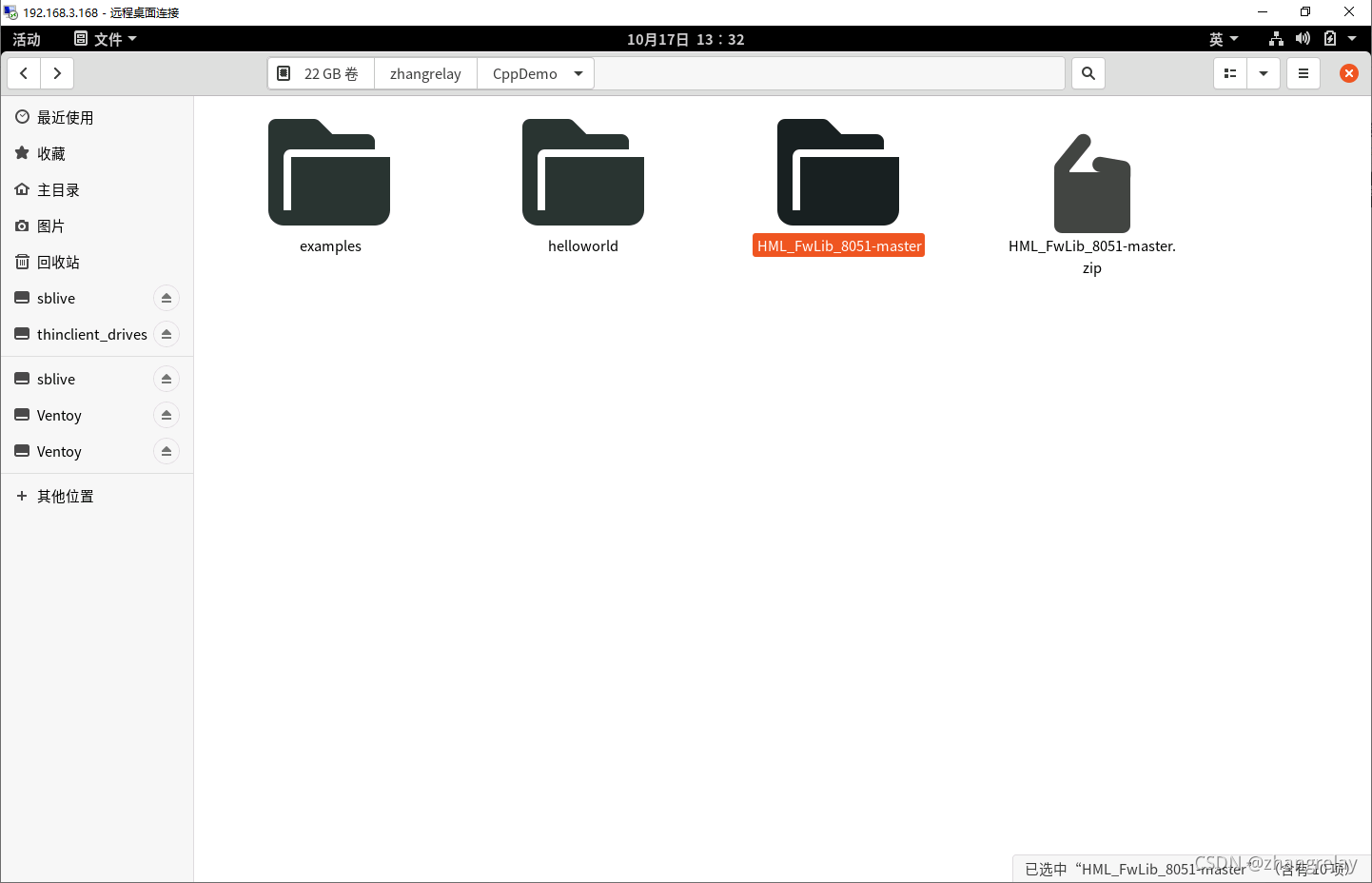
这里以/media/zhangrelay/740e2374-46af-4dab-9b9b-bd73e0ea829c/zhangrelay/CppDemo为例。*具体路径有所不同。

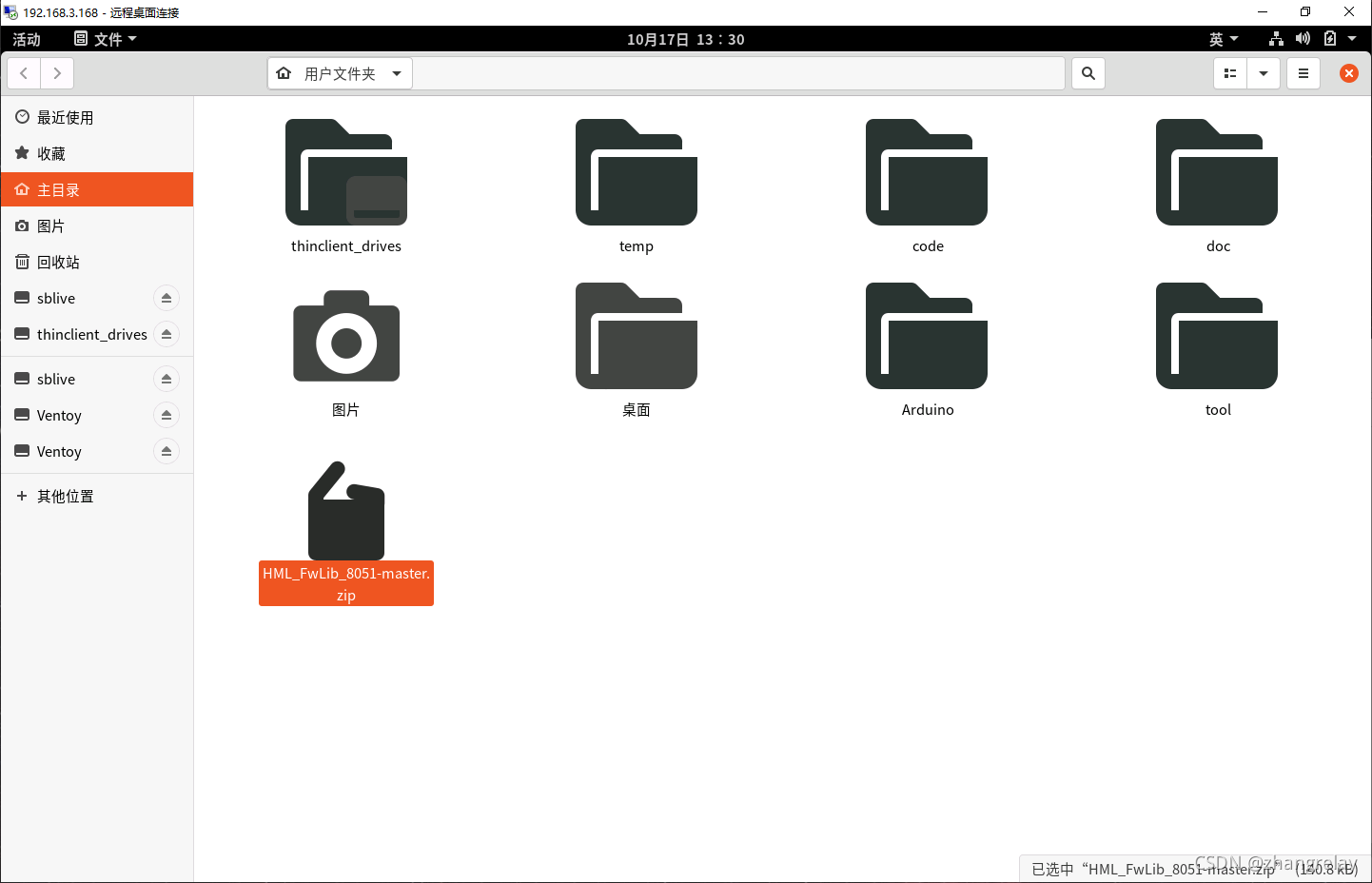
到github网页下载:
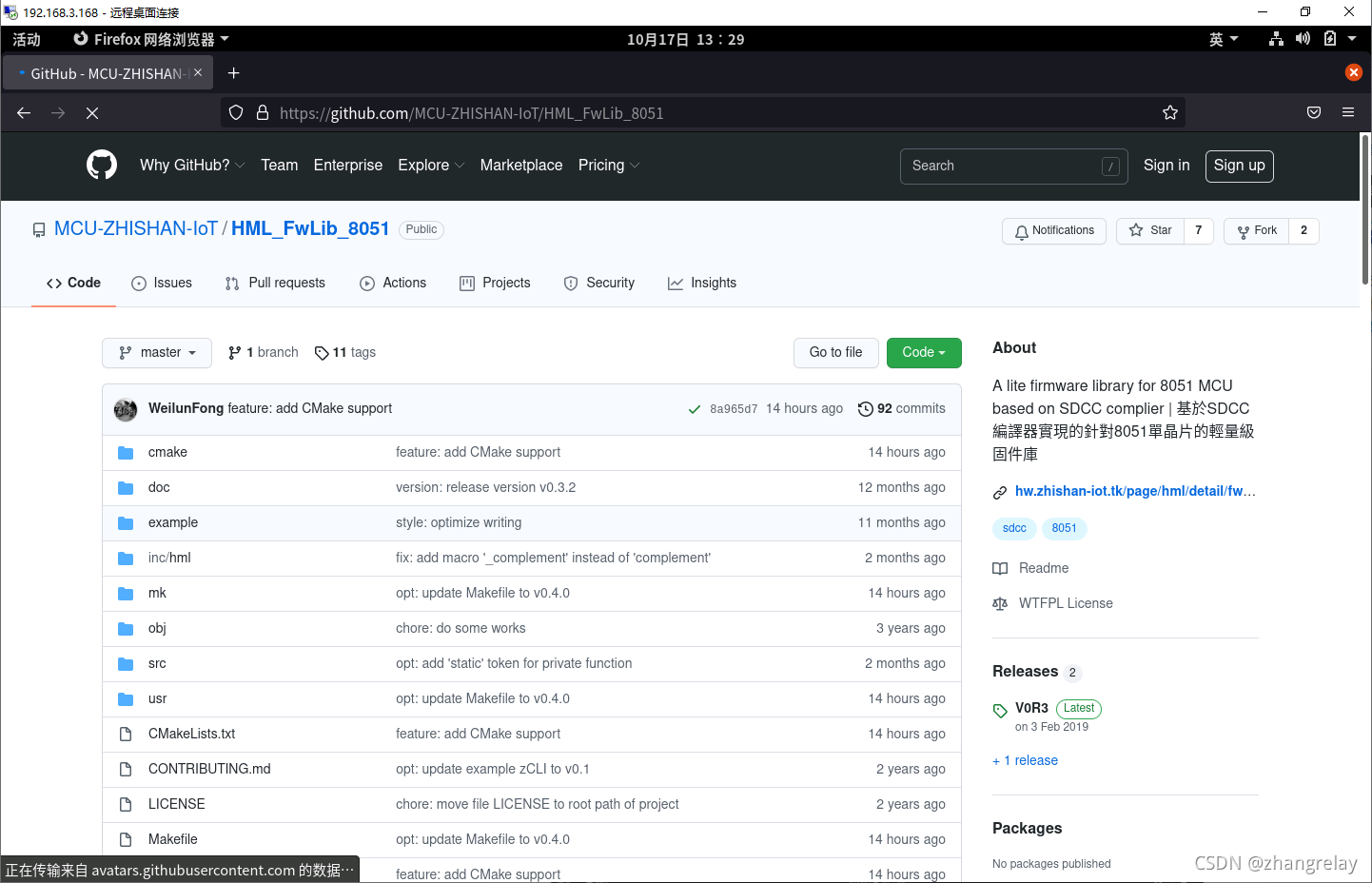
 

将其复制到自己需要的文件夹:
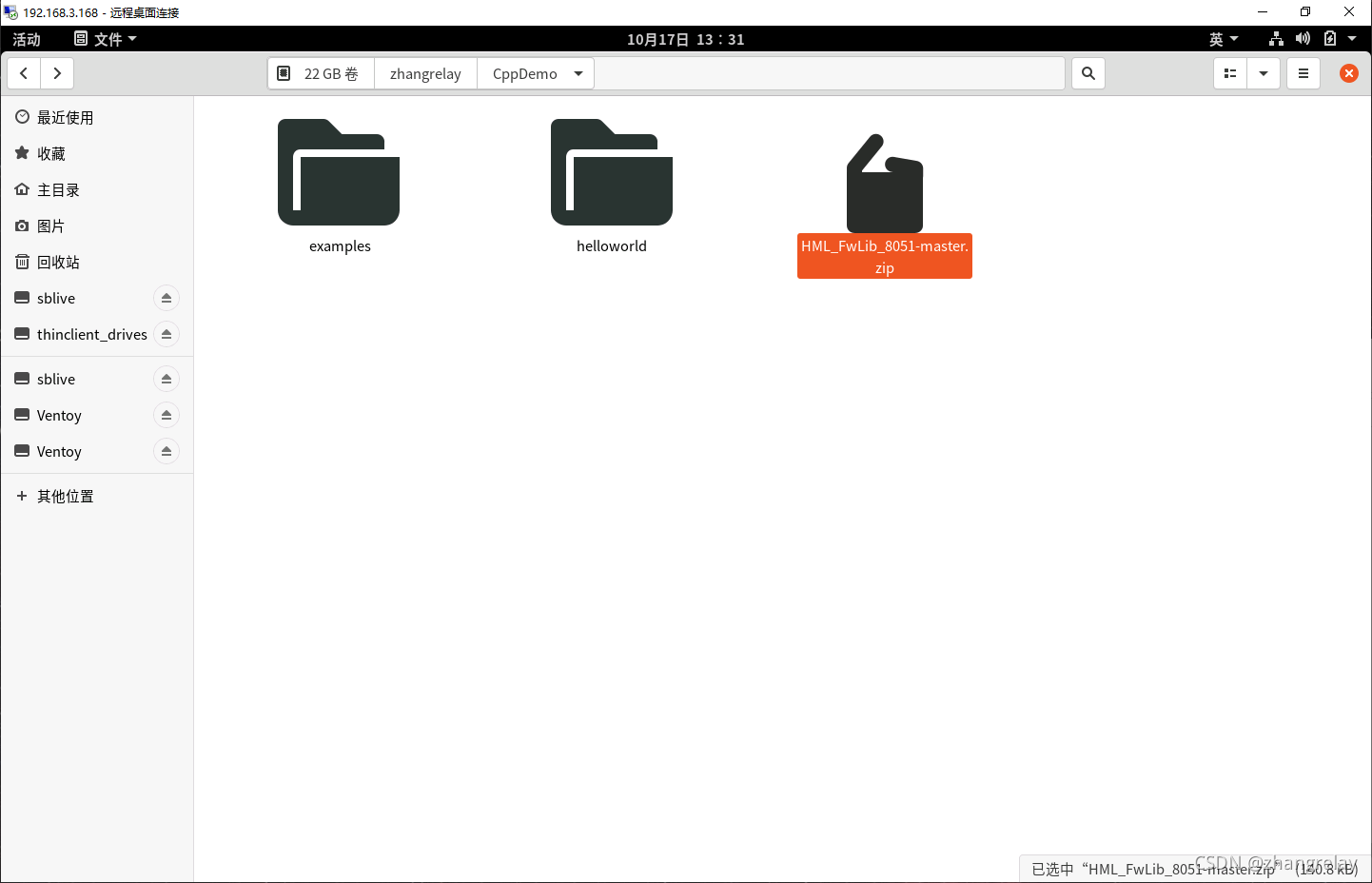
单击鼠标右键,提取到此处……

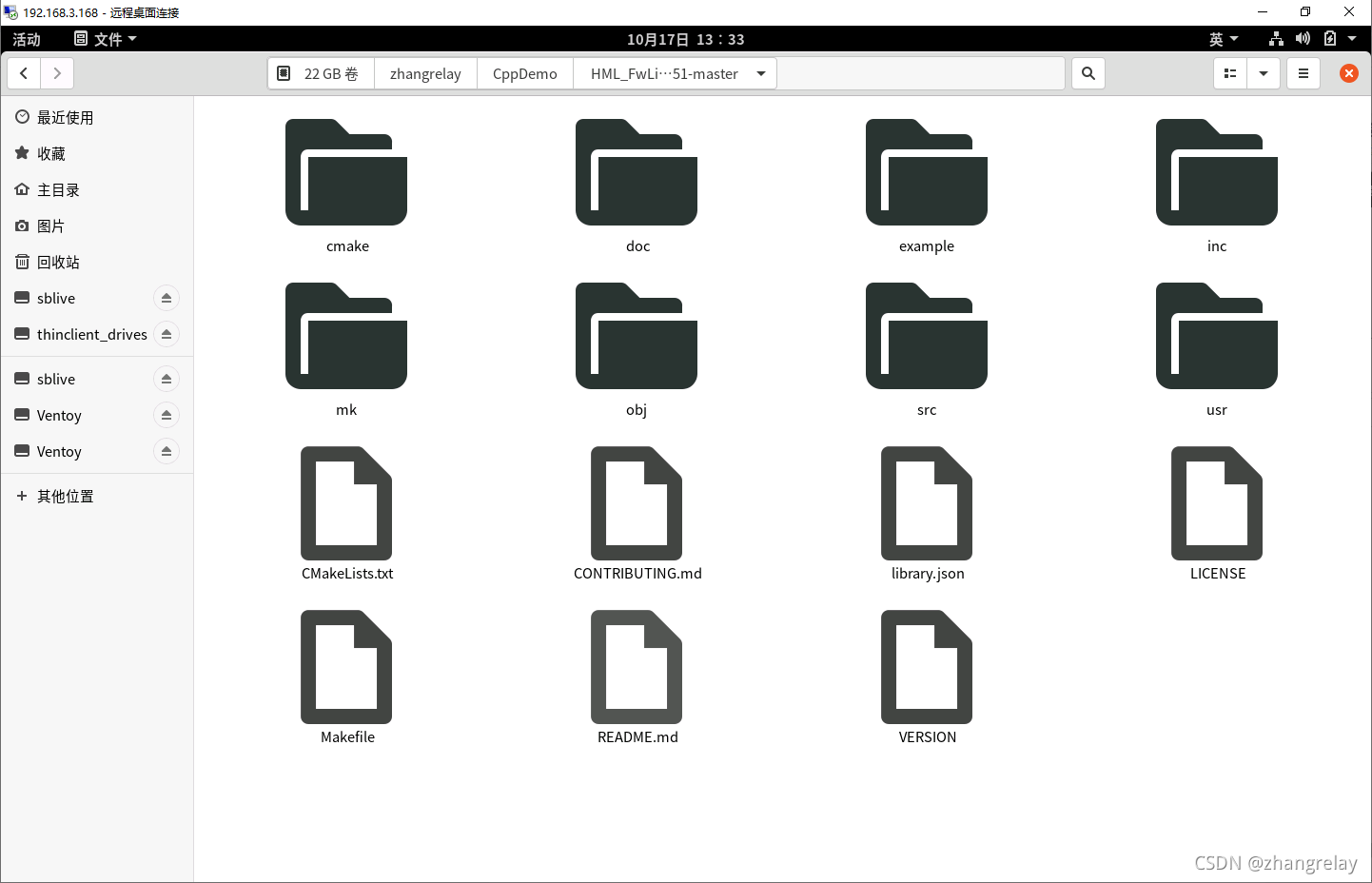
进入文件夹:


会发现obj和usr这两个文件夹,其中在编译前,obj为空!usr只有待编译文件。
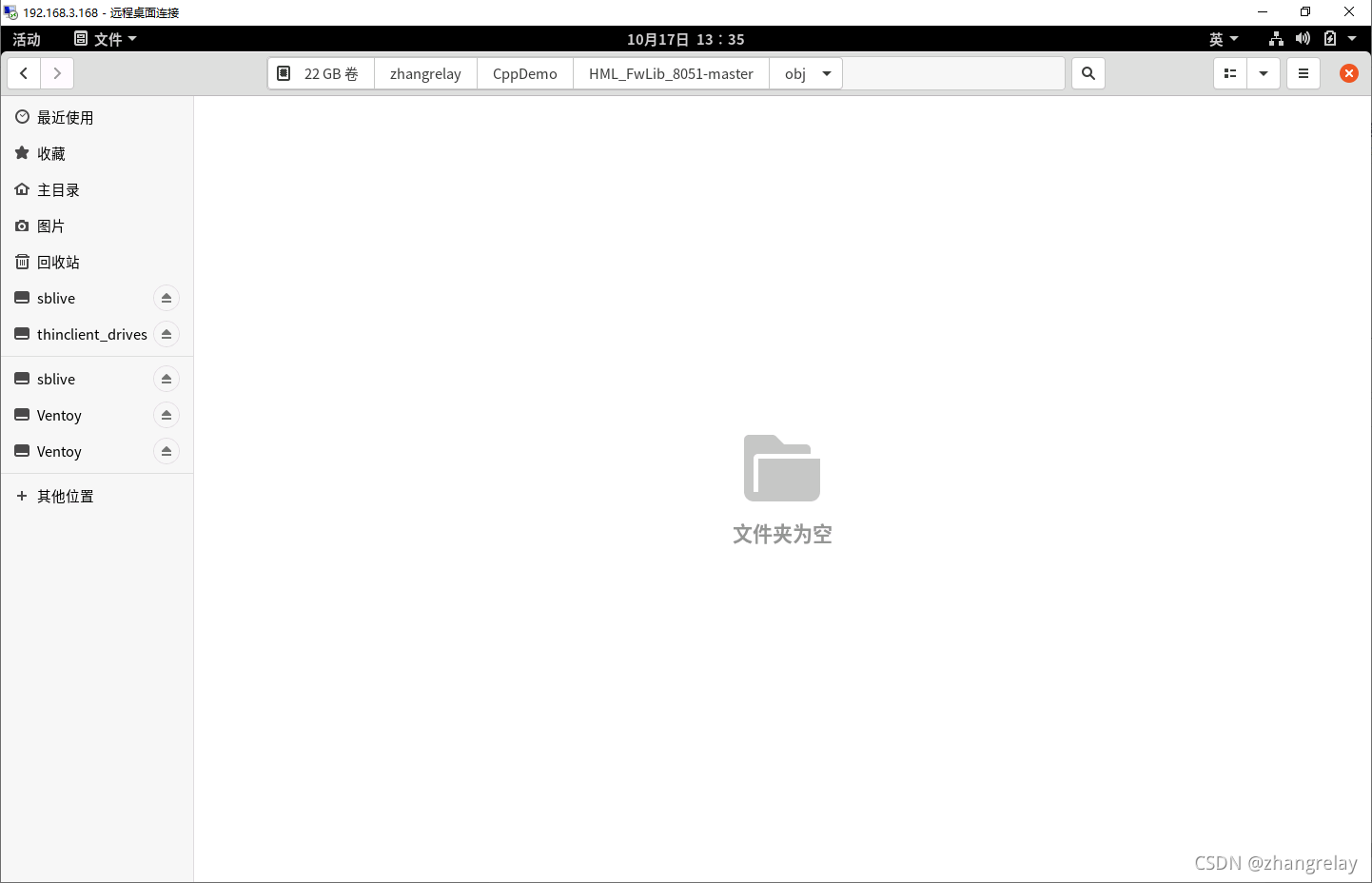
空空什么也没有呢^_^

进入到usr文件夹下,单击右键在终端打开输入make,然后回车:
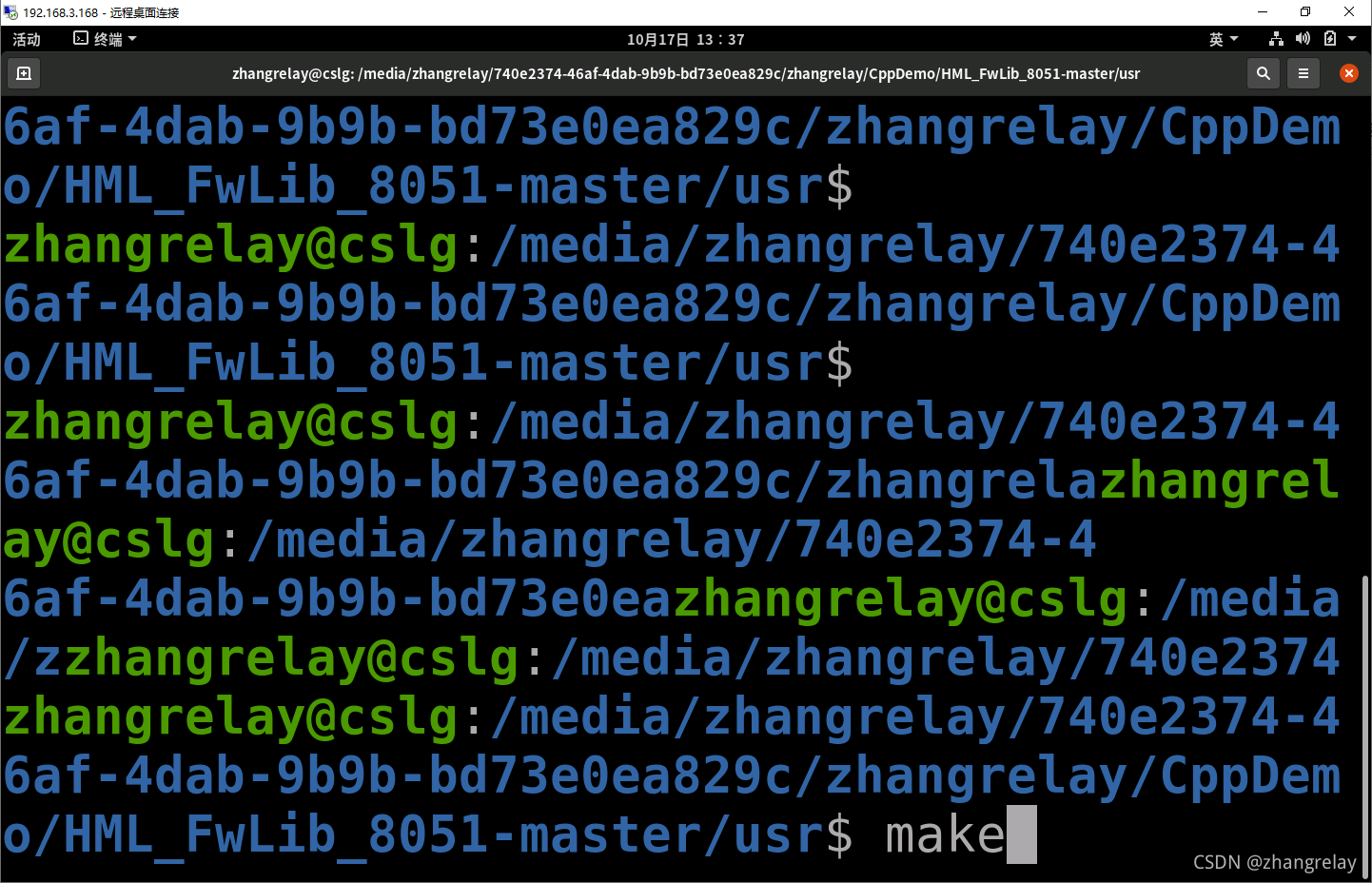
 等待所有完成,时间小于2s。
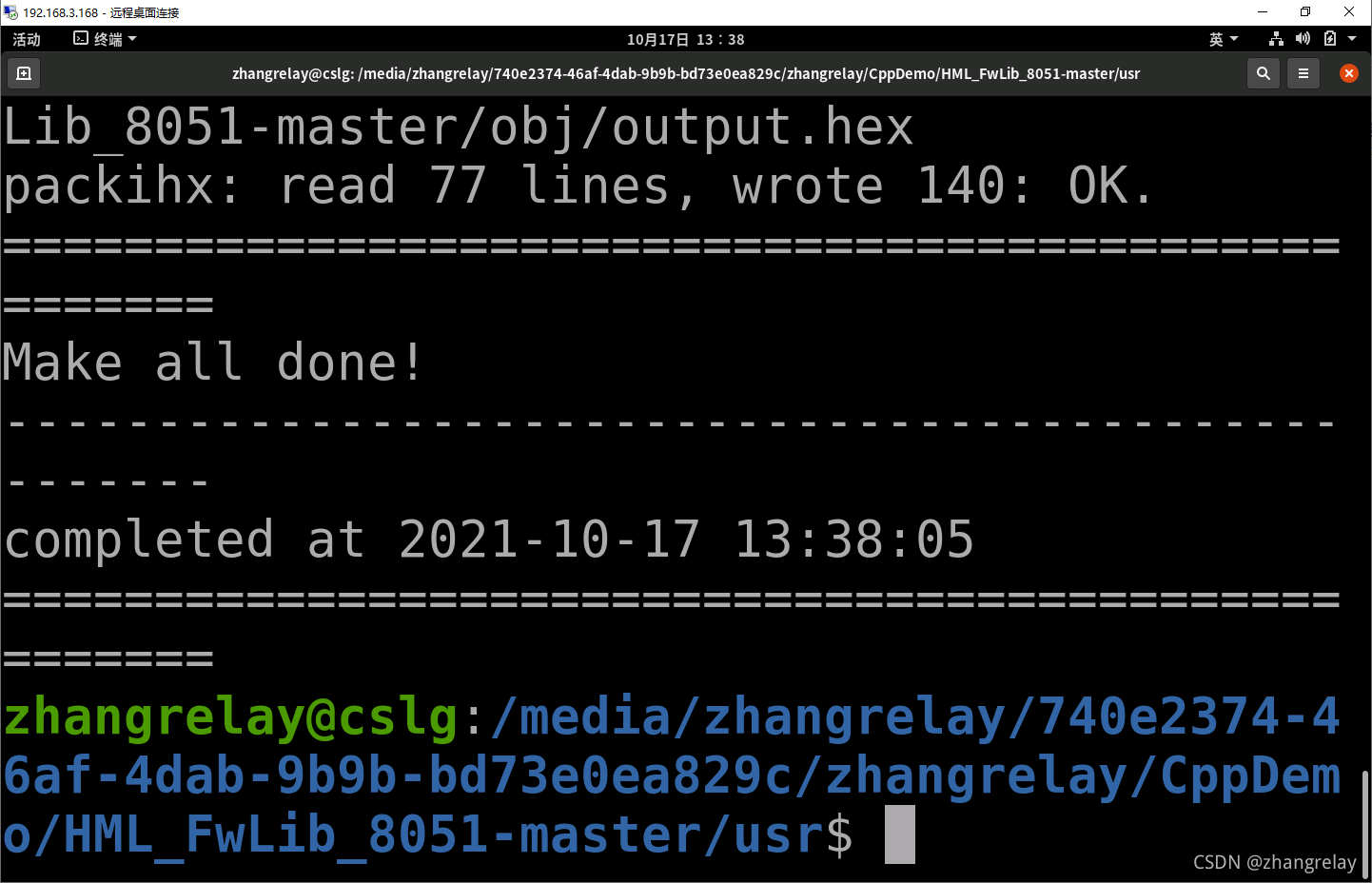
再次回到obj文件夹,可以看到下载文件。
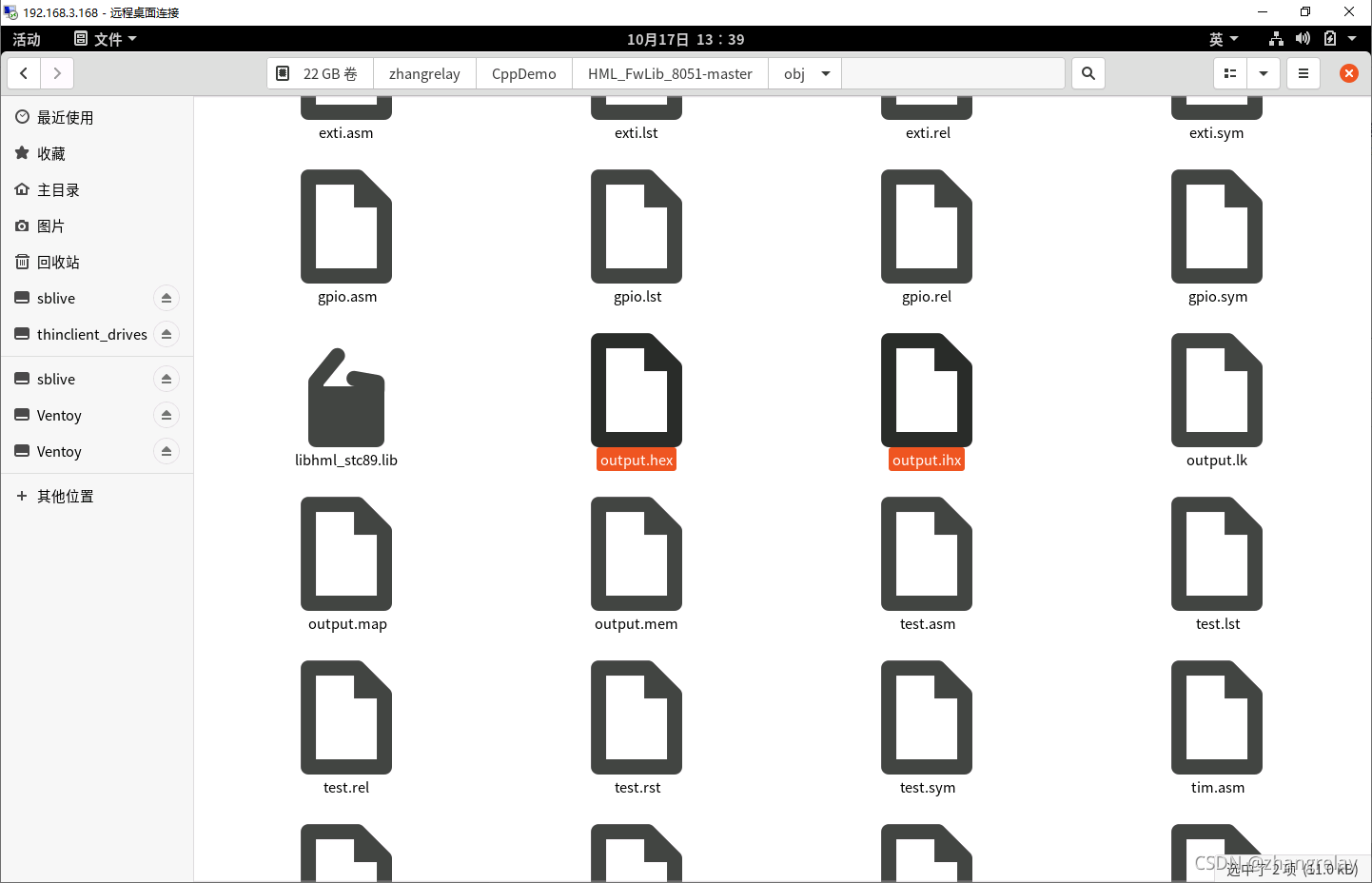
 

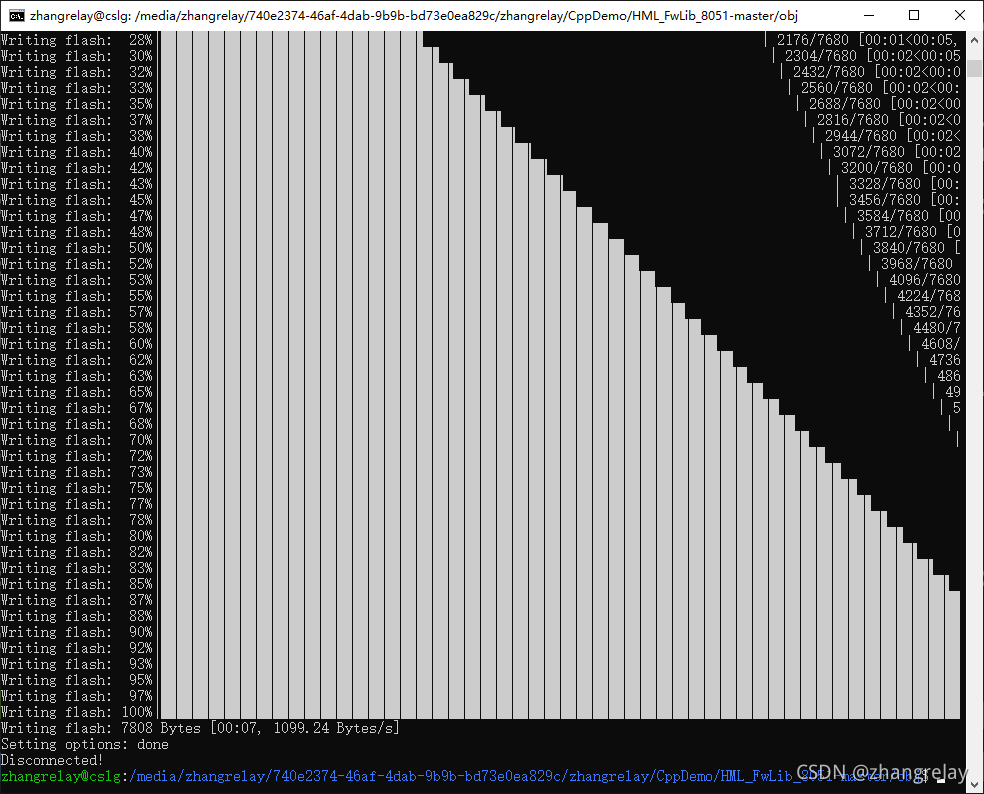
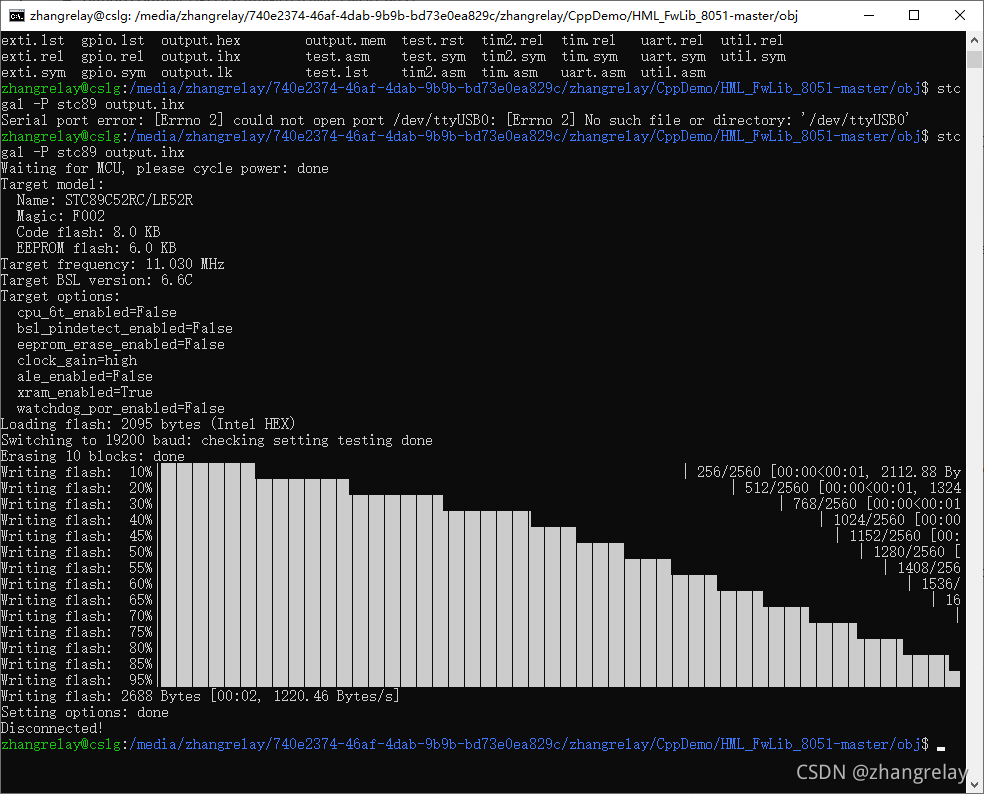
使用如下命令写入到单片机中:

 stcgal -P stc89 output.ihx  
看看这代码干啥的?

/*****************************************************************************/
/** 
 * \file      test.c
 * \author    Weilun Fong | wlf@zhishan-iot.tk
 * \date      
 * \brief     a example which shows how to use HML_FwLib_8051 to send string
 *            via UART module
 * \note      
 * \version   v0.3
 * \ingroup   example
 * \remarks   test-board: TS51-V2.0; test-MCU: STC89C52RC
******************************************************************************/

/*****************************************************************************
 *                             header file                                   *
 *****************************************************************************/
#include "hml/hml.h"

/*****************************************************************************/
/** 
 * \author      Weilun Fong
 * \date        
 * \brief       initial MCU
 * \param[in]   
 * \return      none
 * \ingroup     
 * \remarks     
******************************************************************************/
void sys_init(void)
{
    UART_configTypeDef uc;

    uc.baudrate          = 9600;
    uc.interruptState    = ENABLE;
    uc.interruptPriority = DISABLE;
    uc.mode              = UART_mode_1;
    uc.multiBaudrate     = DISABLE;
    uc.receiveState      = ENABLE;
    uc.baudGenertor      = UART_baudGenerator_tim1;

    UART_config(&uc);
    enableAllInterrupts();
}

/*****************************************************************************/
/** 
 * \author      Weilun Fong
 * \date        
 * \brief       main function
 * \param[in]   
 * \return      none
 * \ingroup     
 * \remarks     
******************************************************************************/
void main(void)
{
    sys_init();
    while(true)
    {
        sleep(500);
        UART_sendString("Hello,world!\r\n");
    }
}

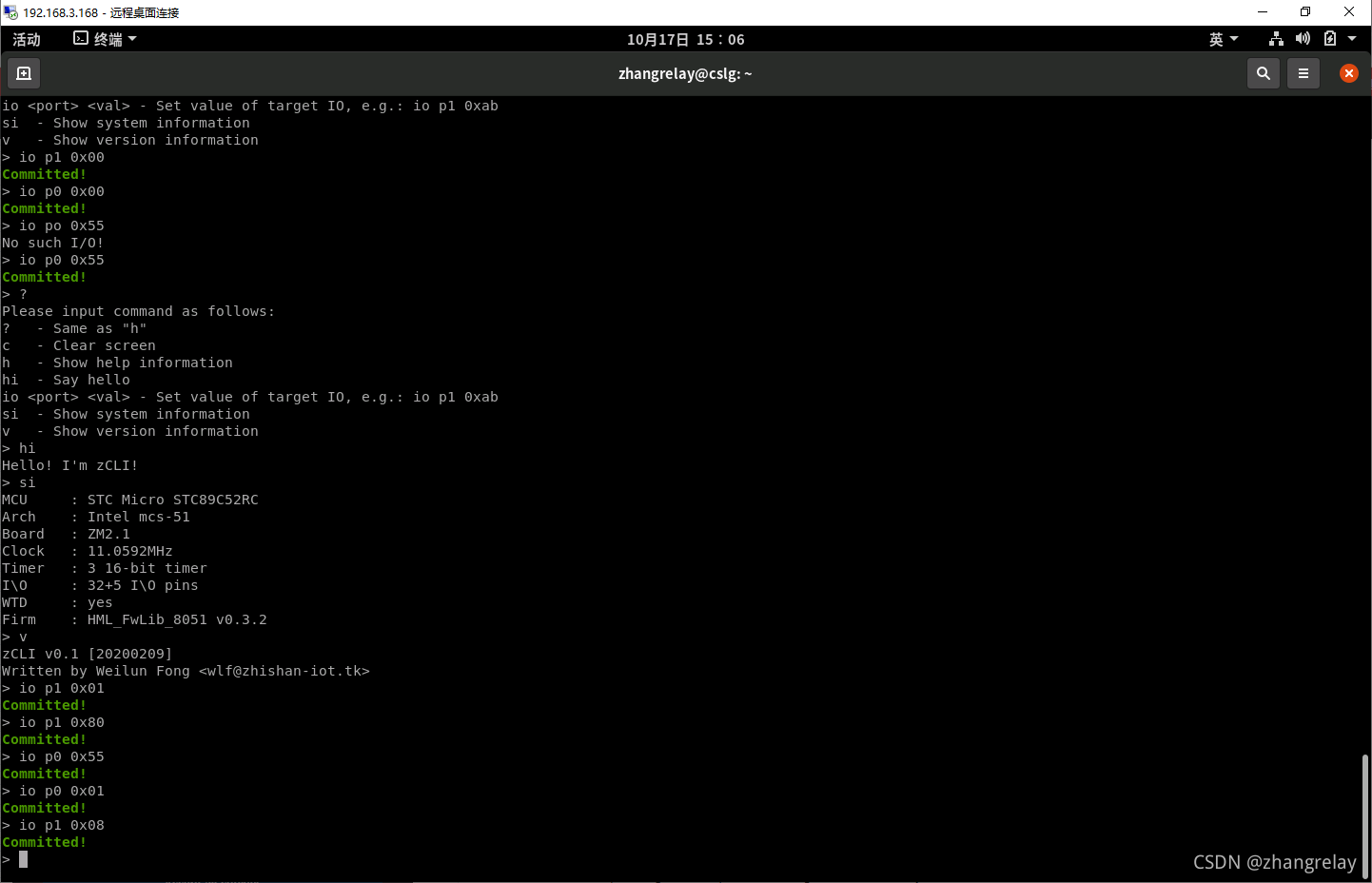
一个9600的helloworld。看一看是否ok?
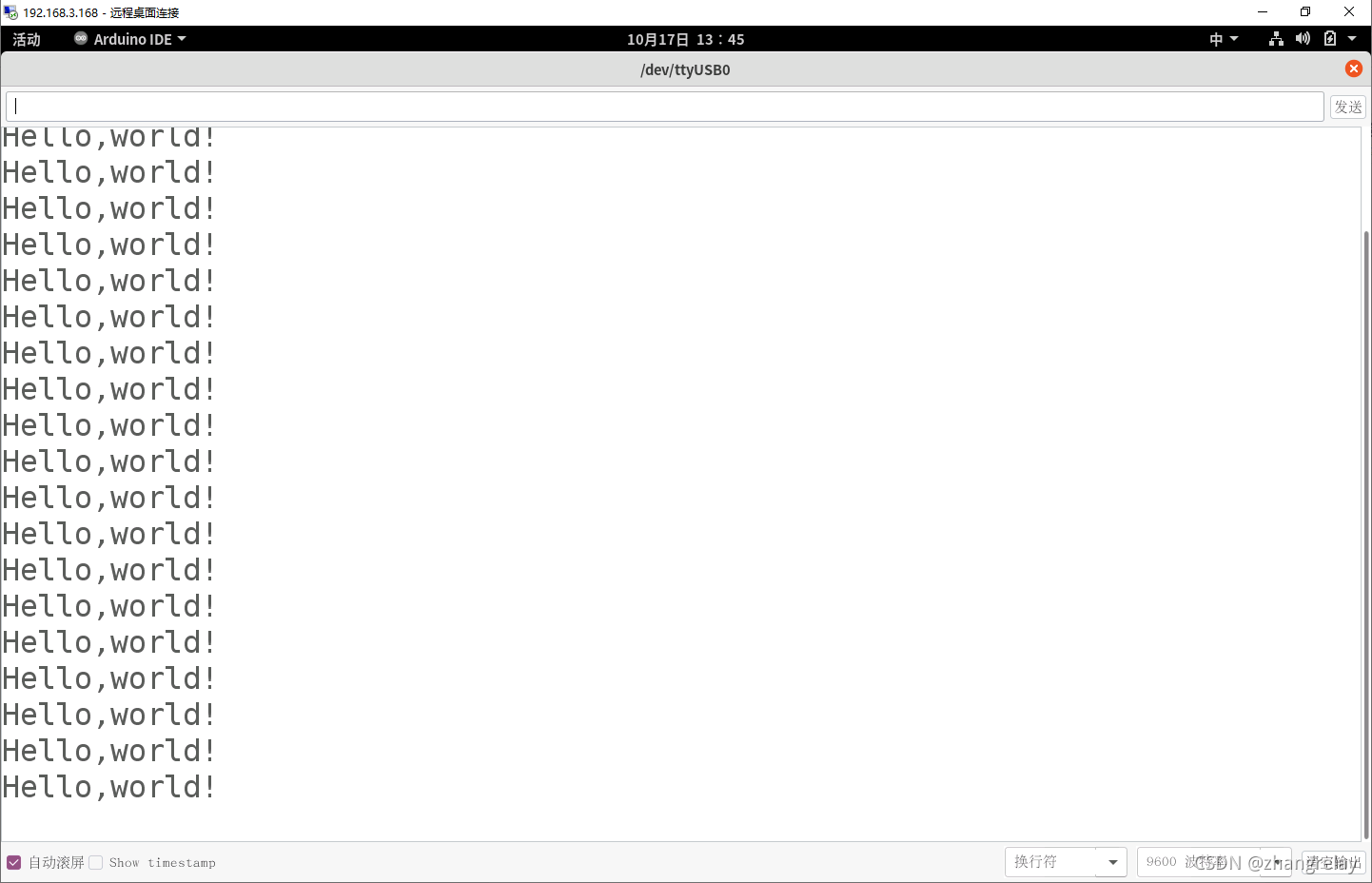
一切正常!

改一下!

使用:
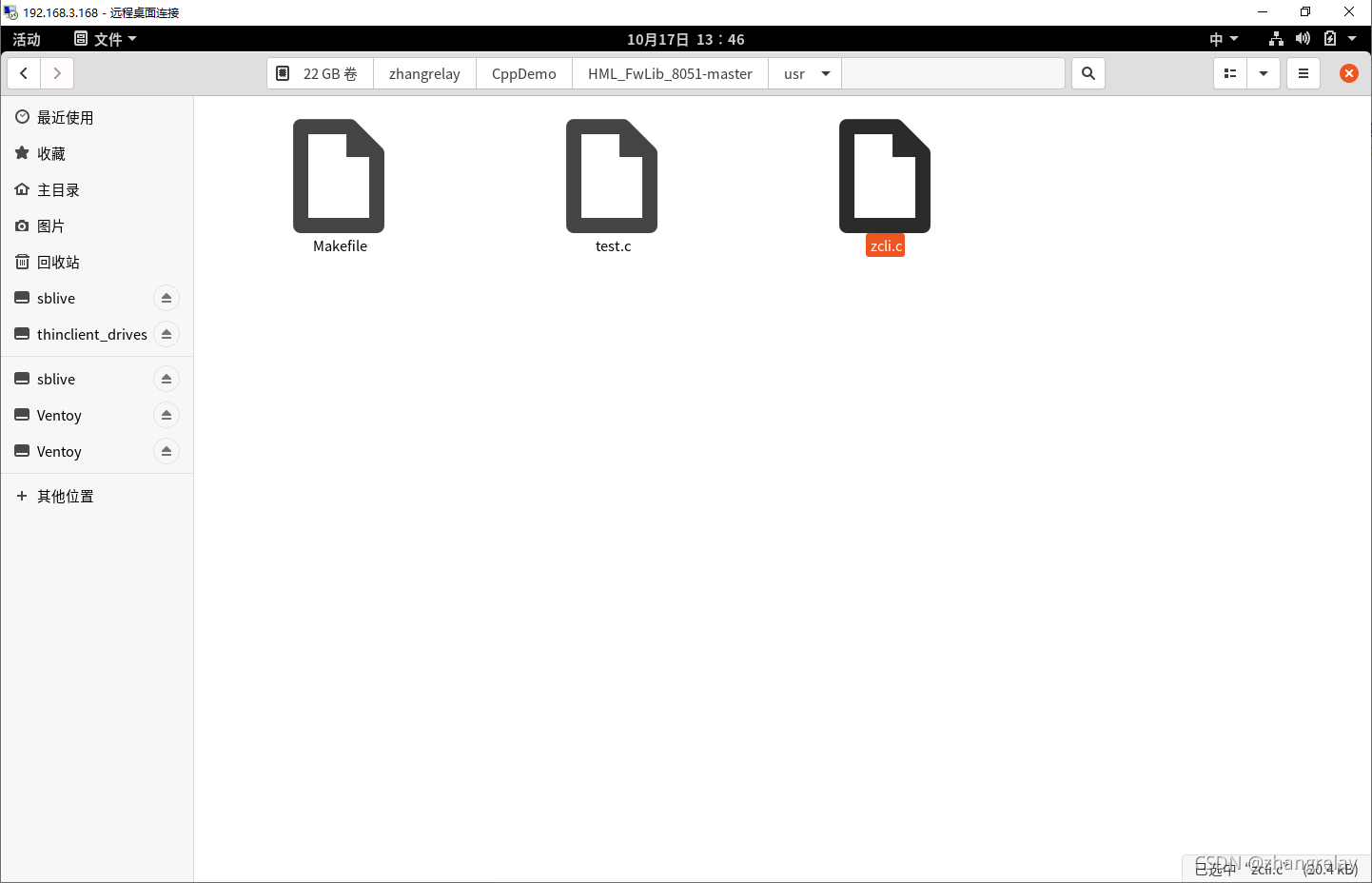
 改一下文件名:

 然后:

  • usr 文件夹下: make
  • obj 文件夹下: stcgal -P stc89 output.ihx  

再打开窗口工具看一下:

凉凉^_^
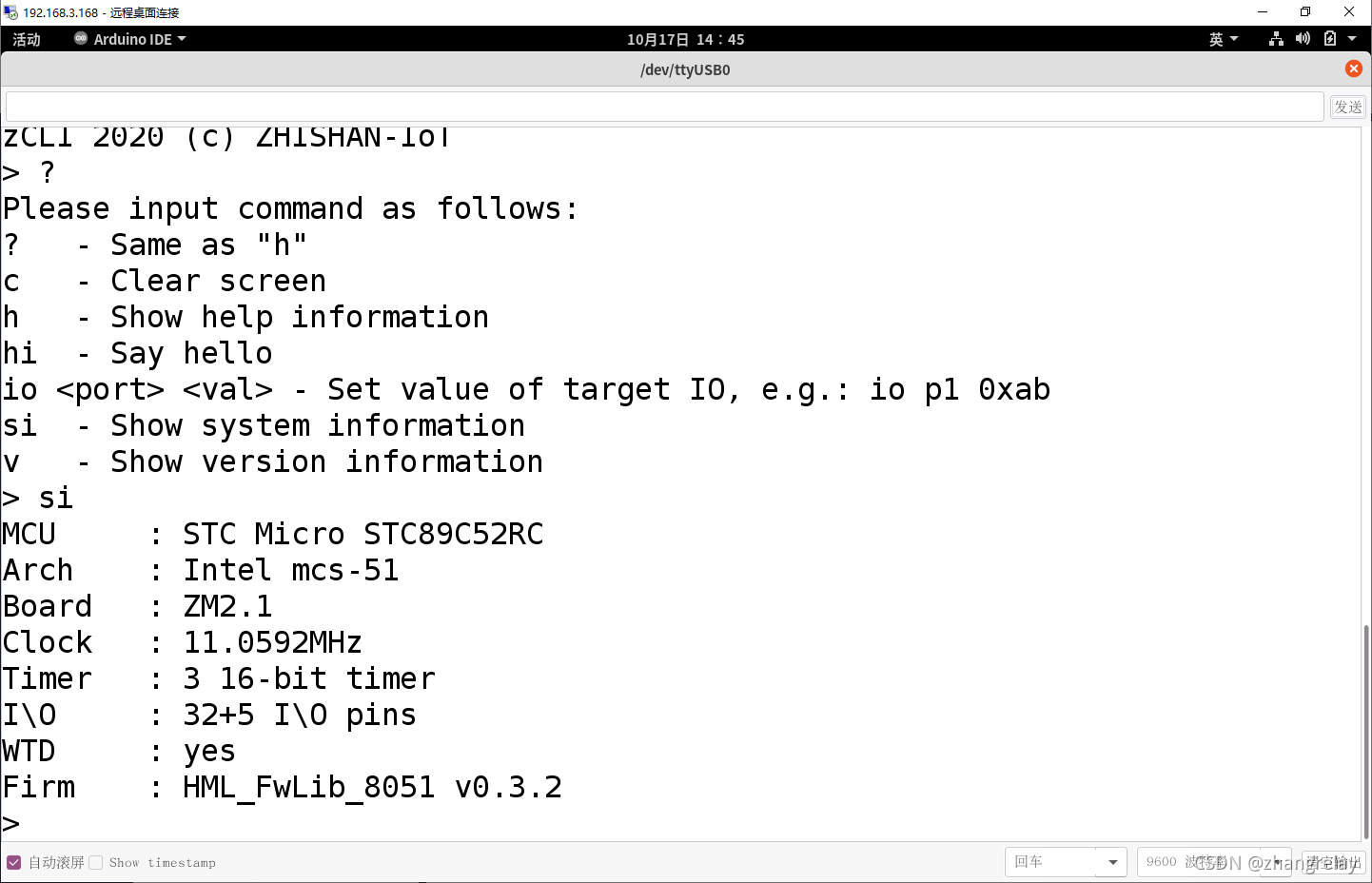

串口工具:

picocom
minicom
socat


ohos_unittest("HmlEntityTest") { defines += [ "HML_ENTITY_UNIT_TEST" ] module_out_path = module_output_path include_dirs = [ "$dsoftbus_plugin_root_path/core/broadcast/link_broadcast/include", "$dsoftbus_plugin_root_path/core/connection/wifi_direct_cpp", "$dsoftbus_plugin_root_path/core/connection/wifi_direct_cpp/utils", "$dsoftbus_plugin_root_path/test/core/connection/wifi_direct_cpp", "$dsoftbus_plugin_root_path/test/common/include", "$dsoftbus_plugin_root_path/core/connection/wifi_direct_cpp/dfx", "$dsoftbus_plugin_root_path/core/connection/wifi_direct_cpp/entity/", "$dsoftbus_plugin_root_path/core/connection/wifi_direct_cpp/adapter", "$dsoftbus_plugin_root_path/core/broadcast/auth_link_broadcast/include", ] remove_configs = [ "//build/config/compiler:no_rtti", "//build/config/compiler:no_exceptions", ] configs = [ "//build/config/compiler:rtti", "//build/config/compiler:exceptions", ] cflags = [ "-fexceptions", "-frtti", ] deps = [ "$dsoftbus_plugin_root_path/core/frame:dsoftbus_service_ext_frame", ] sources = [ "$dsoftbus_plugin_root_path/core/connection/wifi_direct_cpp/action/wifi_direct_action_manager.cpp", "$dsoftbus_plugin_root_path/core/connection/wifi_direct_cpp/adapter/hml_adapter.cpp", "$dsoftbus_plugin_root_path/core/connection/wifi_direct_cpp/channel/action_negotiate_channel.cpp", "$dsoftbus_plugin_root_path/core/connection/wifi_direct_cpp/dfx/enhance_dfx.cpp", "$dsoftbus_plugin_root_path/core/connection/wifi_direct_cpp/dfx/hml_entity_snapshot.cpp", "$dsoftbus_plugin_root_path/core/connection/wifi_direct_cpp/entity/hml_available_state.cpp", "$dsoftbus_plugin_root_path/core/connection/wifi_direct_cpp/entity/hml_connect_notify_state.cpp", "$dsoftbus_plugin_root_path/core/connection/wifi_direct_cpp/entity/hml_connect_state.cpp", "$dsoftbus_plugin_root_path/core/connection/wifi_direct_cpp/entity/hml_create_group_state.cpp", "$dsoftbus_plugin_root_path/core/connection/wifi_direct_cpp/entity/hml_destroy_group_state.cpp", "$dsoftbus_plugin_root_path/core/connection/wifi_direct_cpp/entity/hml_disable_state.cpp", "$dsoftbus_plugin_root_path/core/connection/wifi_direct_cpp/entity/hml_disconnect_state.cpp", "$dsoftbus_plugin_root_path/core/connection/wifi_direct_cpp/entity/hml_entity.cpp", "$dsoftbus_plugin_root_path/core/connection/wifi_direct_cpp/entity/hml_entity_state.cpp", "$dsoftbus_plugin_root_path/core/connection/wifi_direct_cpp/entity/hml_switch_state.cpp", "$dsoftbus_plugin_root_path/core/connection/wifi_direct_cpp/utils/random_utils.cpp", "$dsoftbus_plugin_root_path/test/core/connection/wifi_direct_cpp/net_conn_client.cpp", "$dsoftbus_plugin_root_path/test/core/connection/wifi_direct_cpp/wifi_direct_enhance_mock.cpp", "$dsoftbus_plugin_root_path/test/core/connection/wifi_direct_cpp/wifi_direct_mock.cpp", "hml_entity_test.cpp", ] external_deps = [ "bluetooth:btframework", "bounds_checking_function:libsec_shared", "cJSON:cjson", "c_utils:utils", "device_auth:deviceauth_sdk", "dsoftbus:softbus_adapter", "dsoftbus:softbus_client", "dsoftbus:softbus_dfx", "dsoftbus:softbus_utils", "dsoftbus:wifi_direct", "googletest:gmock_rtti", "googletest:gtest_rtti", "hilog:libhilog", "hitrace:libhitracechain", "init:libbegetutil", "json:nlohmann_json_static", "wifi:wifi_sdk", "wifi_enhance:wifi_enhance_sdk", ] } group("unittest") { testonly = true deps = [ ":HmlEntityTest" ] } 如何把你说的方法添加到这个GN文件中并使得其语法正确并生效
07-24
在 GN 构建系统中,可以通过在 `BUILD.gn` 文件中使用 `defines` 参数为特定目标添加编译宏定义,从而在测试执行时覆盖源文件中定义的常量值。此方法允许在不修改源代码的前提下实现测试用例指定的值替换[^1]。 ### 在 `BUILD.gn` 文件中添加编译宏定义 GN 构建配置支持在目标定义中使用 `defines` 字段,为该目标指定宏定义。这些宏定义会在编译时被插入到源文件中,从而覆盖源码中定义的常量。 例如,源文件中定义了如下常量: ```cpp // source.cc const int kMaxValue = 100; ``` 可以在 `BUILD.gn` 文件中为测试目标定义 `kMaxValue` 的值: ```gn executable("test_target") { sources = [ "source.cc" ] defines = [ "kMaxValue=200" ] } ``` 这样,在编译和执行 `test_target` 时,所有对 `kMaxValue` 的引用将被替换为 `200`,而源文件内容保持不变[^1]。 ### 确保 GN 文件语法正确并生效 GN 文件的语法必须正确,否则构建过程将失败。以下是一些关键点: - `defines` 接受一个字符串列表,每个字符串应为有效的宏定义格式,如 `"MACRO_NAME=VALUE"`。 - 若宏定义中包含空格或特殊字符,需使用引号包裹值部分,如 `"MACRO_NAME=\"value with spaces\""`。 - 宏定义作用于当前目标,不会影响其他目标或全局构建配置。 ### 使用模板定义可复用的测试配置 GN 支持通过模板定义可复用的构建配置,便于为多个测试目标统一设置宏定义。例如,定义一个模板来生成测试目标,并动态设置常量值: ```gn template("test_with_custom_value") { executable(target_name) { sources = [ "source.cc" ] defines = [ "kMaxValue={{kMaxValue}}" ] } } ``` 在使用该模板时,可以指定不同的常量值: ```gn test_with_custom_value("test_1") { kMaxValue = 300 } ``` 通过这种方式,可以灵活地为不同测试目标指定不同的常量值,同时保持 GN 文件结构清晰、可维护[^1]。 ### 示例:结合测试框架使用宏定义 如果使用 Google Test 等测试框架,可以结合宏定义实现参数化测试验证。例如,在测试源码中使用宏定义的常量: ```cpp // test_source.cc #include <gtest/gtest.h> TEST(FooTest, MaxValueTest) { EXPECT_EQ(kMaxValue, 200); } ``` 然后在 `BUILD.gn` 中为测试目标定义宏: ```gn executable("gtest_target") { sources = [ "test_source.cc" ] defines = [ "kMaxValue=200" ] } ``` 这样,测试用例将使用宏定义的值进行验证,而无需修改源文件中的原始定义。 ---
评论
添加红包

请填写红包祝福语或标题

红包个数最小为10个

红包金额最低5元

当前余额3.43前往充值 >
需支付:10.00
成就一亿技术人!
领取后你会自动成为博主和红包主的粉丝 规则
hope_wisdom
发出的红包

打赏作者

zhangrelay

你的鼓励将是我创作的最大动力

¥1 ¥2 ¥4 ¥6 ¥10 ¥20
扫码支付:¥1
获取中
扫码支付

您的余额不足,请更换扫码支付或充值

打赏作者

实付
使用余额支付
点击重新获取
扫码支付
钱包余额 0

抵扣说明:

1.余额是钱包充值的虚拟货币,按照1:1的比例进行支付金额的抵扣。
2.余额无法直接购买下载,可以购买VIP、付费专栏及课程。

余额充值