


install cmake
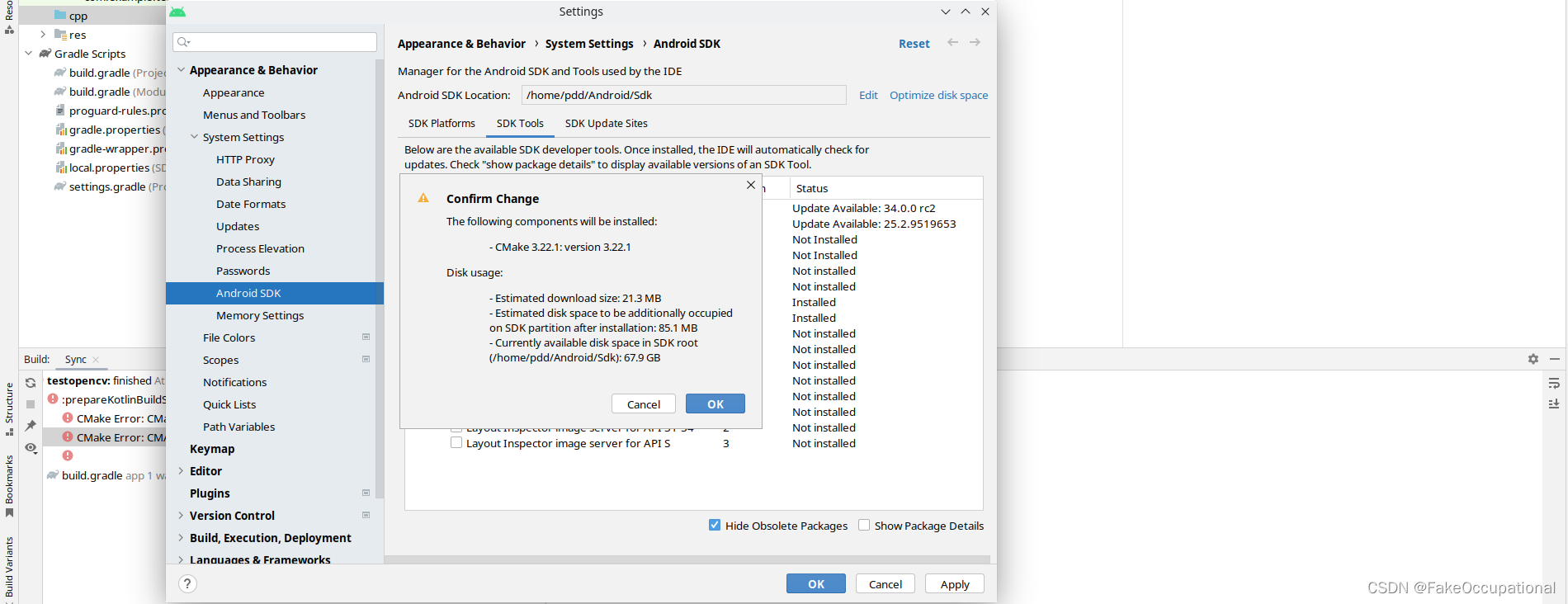
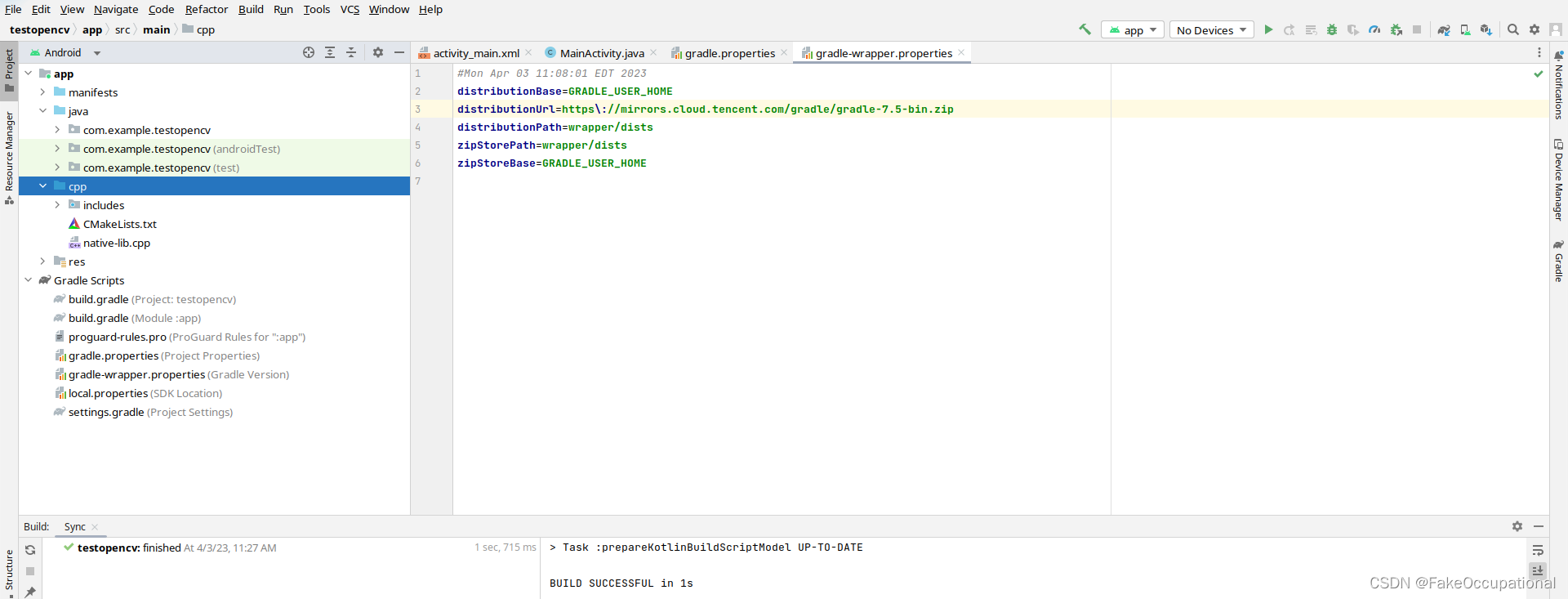
cpp folder,新建c++项目
获取 OpenCV4Android SDK O4A_SDK
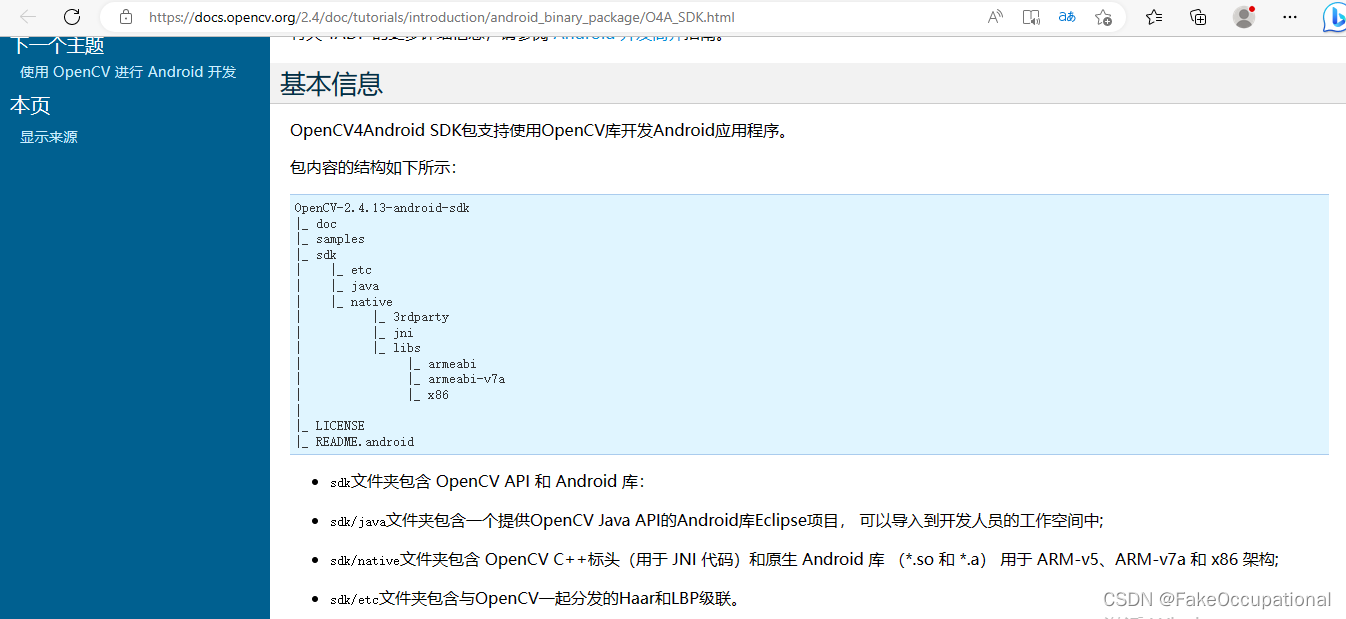
- 下载,并解压
~/Downloads/OpenCV-android-sdk$ tree -d -L 2
.
├── apk
├── samples
│   ├── 15-puzzle
│   ├── camera-calibration
│   ├── color-blob-detection
│   ├── face-detection
│   ├── image-manipulations
│   ├── tutorial-1-camerapreview
│   ├── tutorial-2-mixedprocessing
│   └── tutorial-3-cameracontrol
└── sdk
    ├── etc
    ├── java
    └── native
设置cmakelist等
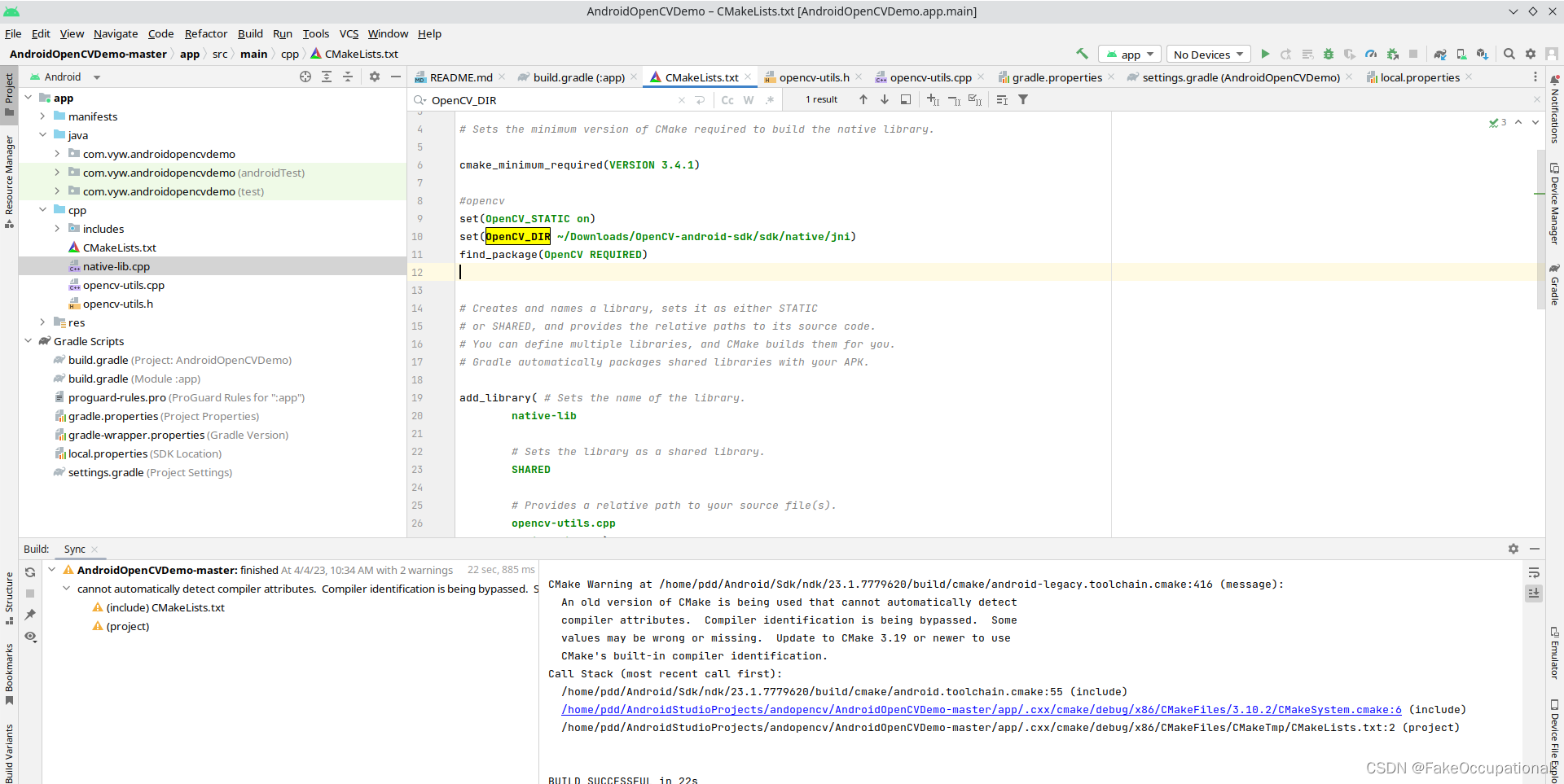
这里在windows环境运行
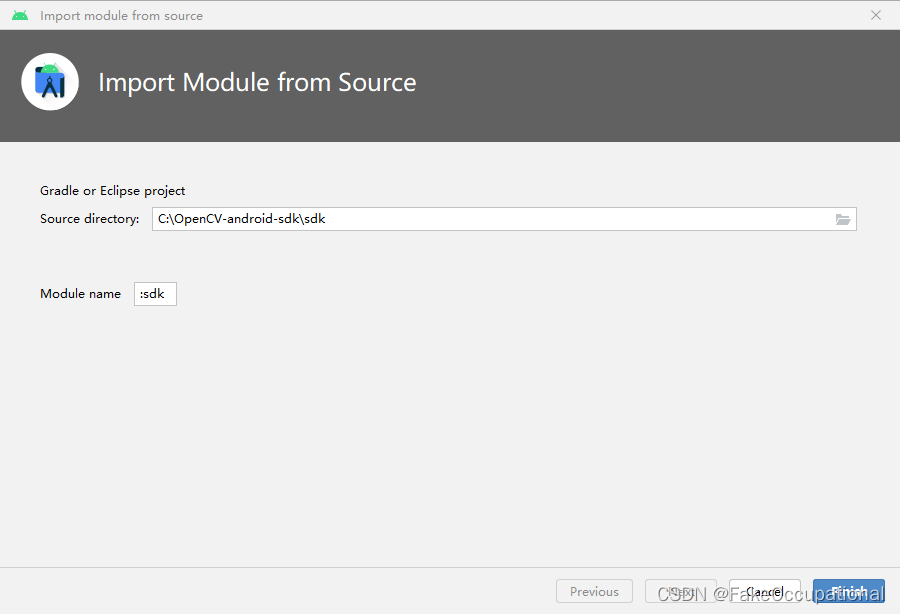
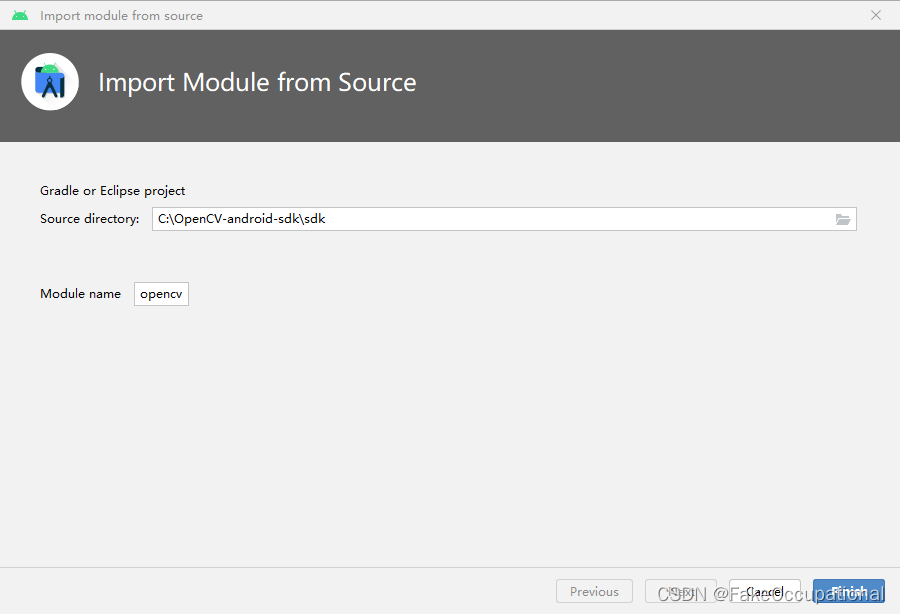
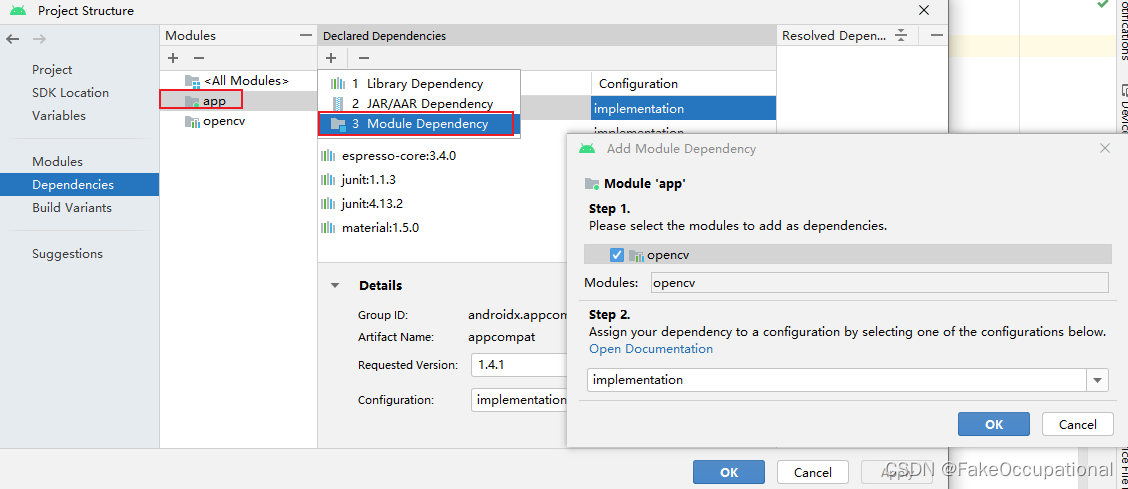
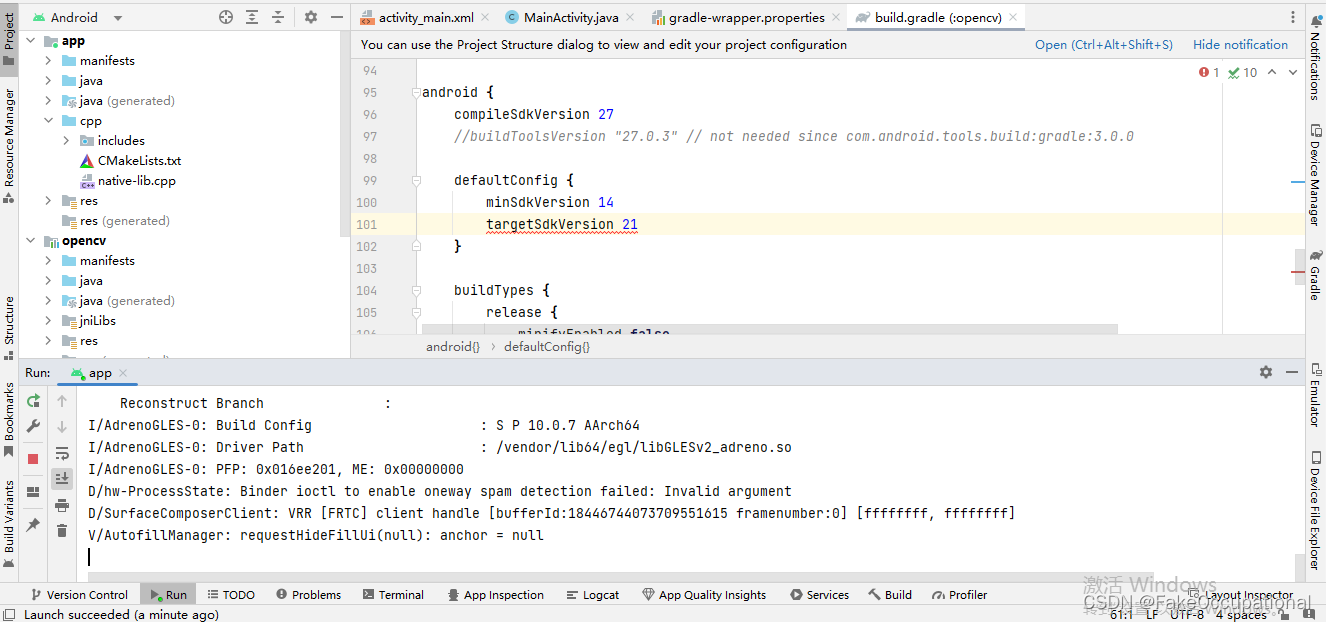
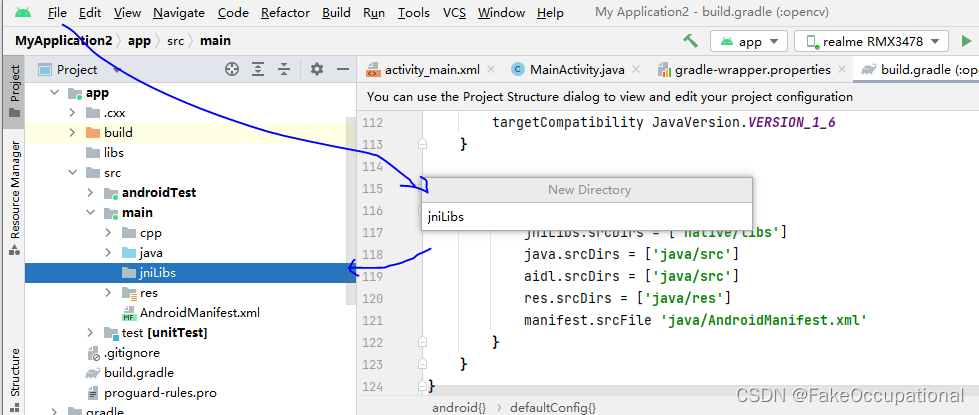

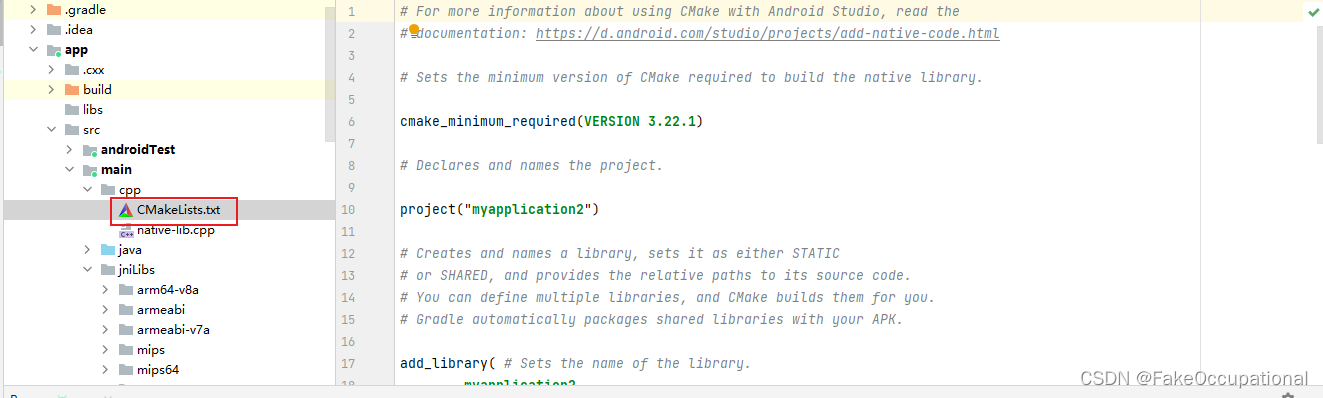
# For more information about using CMake with Android Studio, read the
# documentation: https://d.android.com/studio/projects/add-native-code.html

# Sets the minimum version of CMake required to build the native library.

cmake_minimum_required(VERSION 3.22.1)

# Declares and names the project.

project("myapplication2")

set(pathToOpenCV C:\\OpenCV-android-sdk\\sdk\\native)
include_directories(${pathToOpenCV}/jni/include)

# Creates and names a library, sets it as either STATIC
# or SHARED, and provides the relative paths to its source code.
# You can define multiple libraries, and CMake builds them for you.
# Gradle automatically packages shared libraries with your APK.
add_library( lib_opencv SHARED IMPORTED )
set_target_properties(lib_opencv PROPERTIES IMPORTED_LOCATION C:/User/admin/AndroidStudioProjects/MyApplication2/app/src/main/jniLibs/${ANDROID_ABI}/libopencv_java3.so)

add_library( # Sets the name of the library.
        myapplication2

        # Sets the library as a shared library.
        SHARED

        # Provides a relative path to your source file(s).
        native-lib.cpp)

# Searches for a specified prebuilt library and stores the path as a
# variable. Because CMake includes system libraries in the search path by
# default, you only need to specify the name of the public NDK library
# you want to add. CMake verifies that the library exists before
# completing its build.

find_library( # Sets the name of the path variable.
        log-lib

        # Specifies the name of the NDK library that
        # you want CMake to locate.
        log)

# Specifies libraries CMake should link to your target library. You
# can link multiple libraries, such as libraries you define in this
# build script, prebuilt third-party libraries, or system libraries.

target_link_libraries( # Specifies the target library.
        myapplication2

        # Links the target library to the log library
        # included in the NDK.
        ${log-lib}
        lib_opencv)
# https://blog.youkuaiyun.com/weixin_55626853/article/details/123941565
# cmake最低版本号
cmake_minimum_required(VERSION 3.4.1)

# 导入opencv头文件
include_directories(${OPENCV_HEADER_DIR})

# add_library:把一个library添加到工程
add_library(
        native-lib
        SHARED
        native-lib.cpp)

# 添加一个已构建的库,使用IMPORTED
add_library(opencv_java4 SHARED IMPORTED)
set_target_properties(opencv_java4
        PROPERTIES IMPORTED_LOCATION
        "${OPENCV_LIBS_DIR}/${ANDROID_ABI}/libopencv_java4.so")

# 首个参数是target,后面的参数是item;target必须先用add_library()创建过;
target_link_libraries(
        native-lib
        opencv_java4
        jnigraphics
        log )
# For more information about using CMake with Android Studio, read the
# documentation: https://d.android.com/studio/projects/add-native-code.html

# Sets the minimum version of CMake required to build the native library.

cmake_minimum_required(VERSION 3.22.1)

# Declares and names the project.

project("myapplication3")

set(pathToOpenCV C:\\OpenCV-android-sdk\\sdk\\native)
include_directories(${pathToOpenCV}/jni/include)
# Creates and names a library, sets it as either STATIC
# or SHARED, and provides the relative paths to its source code.
# You can define multiple libraries, and CMake builds them for you.
# Gradle automatically packages shared libraries with your APK.
add_library( lib_opencv SHARED IMPORTED )
set_target_properties(lib_opencv PROPERTIES IMPORTED_LOCATION C:/User/admin/AndroidStudioProjects/MyApplication3/app/src/main/jniLibs/${ANDROID_ABI}/libopencv_java3.so)


add_library( # Sets the name of the library.
        myapplication3

        # Sets the library as a shared library.
        SHARED

        # Provides a relative path to your source file(s).
        native-lib.cpp)

# Searches for a specified prebuilt library and stores the path as a
# variable. Because CMake includes system libraries in the search path by
# default, you only need to specify the name of the public NDK library
# you want to add. CMake verifies that the library exists before
# completing its build.

find_library( # Sets the name of the path variable.
        log-lib

        # Specifies the name of the NDK library that
        # you want CMake to locate.
        log)

# Specifies libraries CMake should link to your target library. You
# can link multiple libraries, such as libraries you define in this
# build script, prebuilt third-party libraries, or system libraries.

target_link_libraries( # Specifies the target library.
        myapplication3

        # Links the target library to the log library
        # included in the NDK.
        ${log-lib}
        ${lib_opencv}) # https://blog.csdn.net/gxhea/article/details/115616602
-
https://sriraghublog.wordpress.com/2017/03/11/opencv-in-android-an-introduction-part-1/
-
简单的尝试: https://github.com/r4ghu/OpenCVAndroid-AnIntroduction
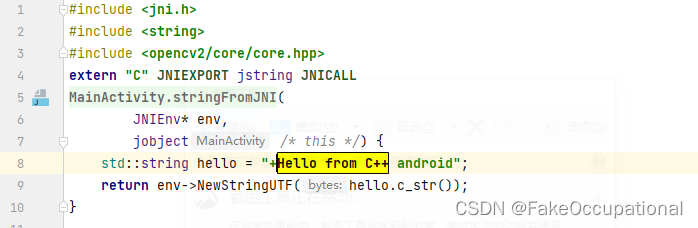
errors
error - CMake ‘3.22.1’ found in SDK did not match requested version ‘3.10.2’.


// https://www.thecodingnotebook.com/2020/04/image-processing-with-opencv-in-android.html
externalNativeBuild {
    cmake {
        path "src/main/cpp/CMakeLists.txt"
        version "3.10.2" # <<-- REMOVE THIS LINE
    }
}
nullpointer
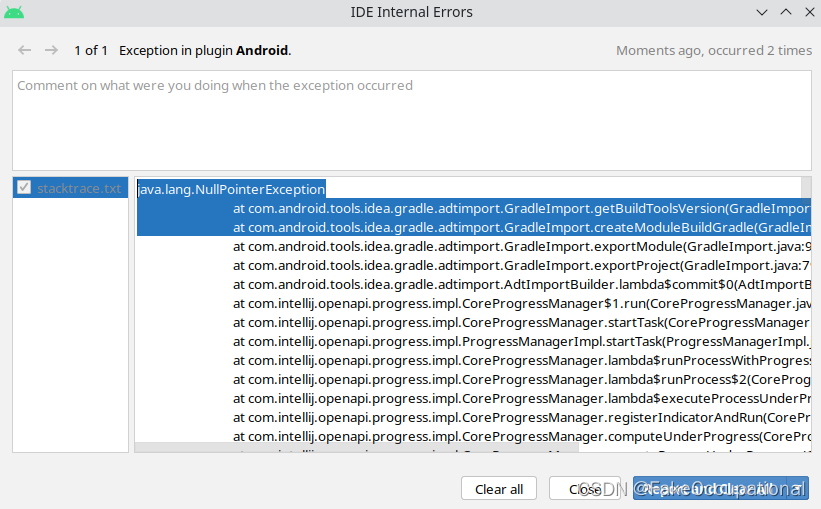
Hope that helps! The steps below helped me get out of this situation:
File -> Invalidate Caches / Restart -> Invalidate and Restart
Build -> Clean Project






 扫一扫
扫一扫


 6
6

 被折叠的 条评论
为什么被折叠?
被折叠的 条评论
为什么被折叠?
 到【灌水乐园】发言





