



1. 实战概述
- 本实战通过 Selenium 自动遍历游民星空网站 24 页动态图页面,结合 Requests 下载所有 class 为
picact的 GIF 图片,使用时间戳和页码生成唯一文件名,并保存至本地downloaded_images目录,实现了批量、自动化网页图片抓取与存储。
2. 实战步骤
2.1 查看24页动态图网址
-
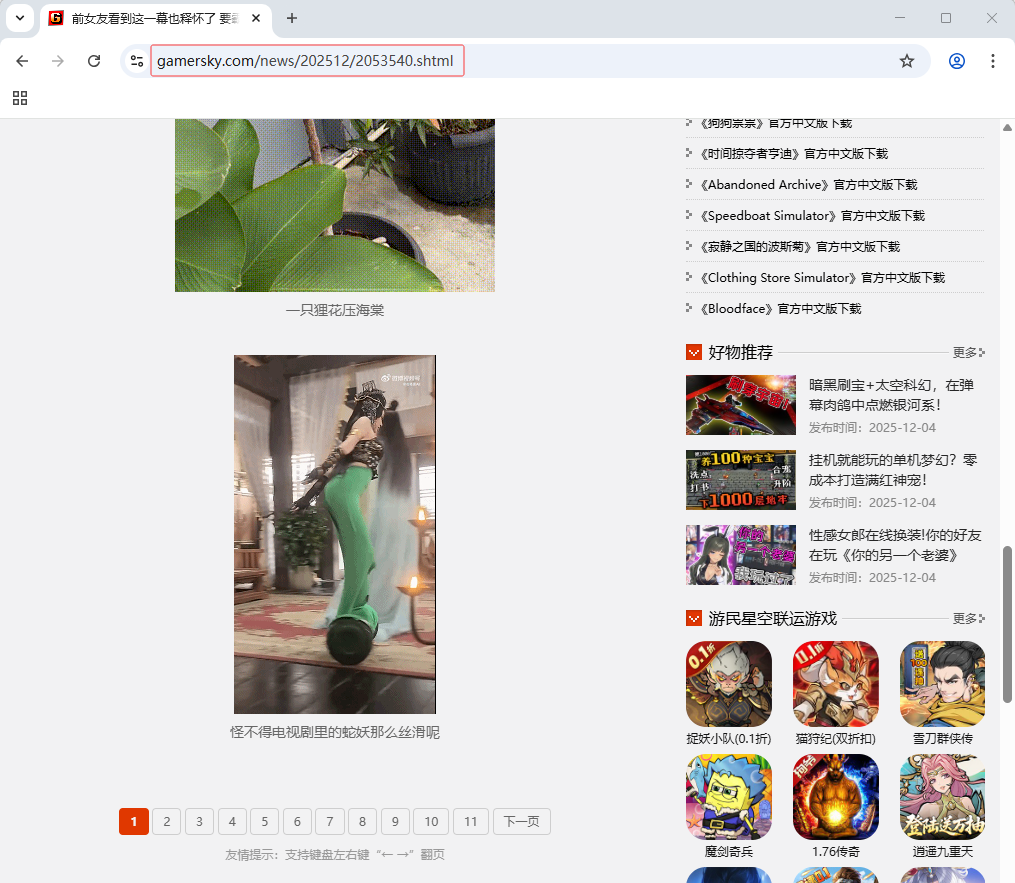
首页 -
https://www.gamersky.com/news/202512/2053540.shtml
-
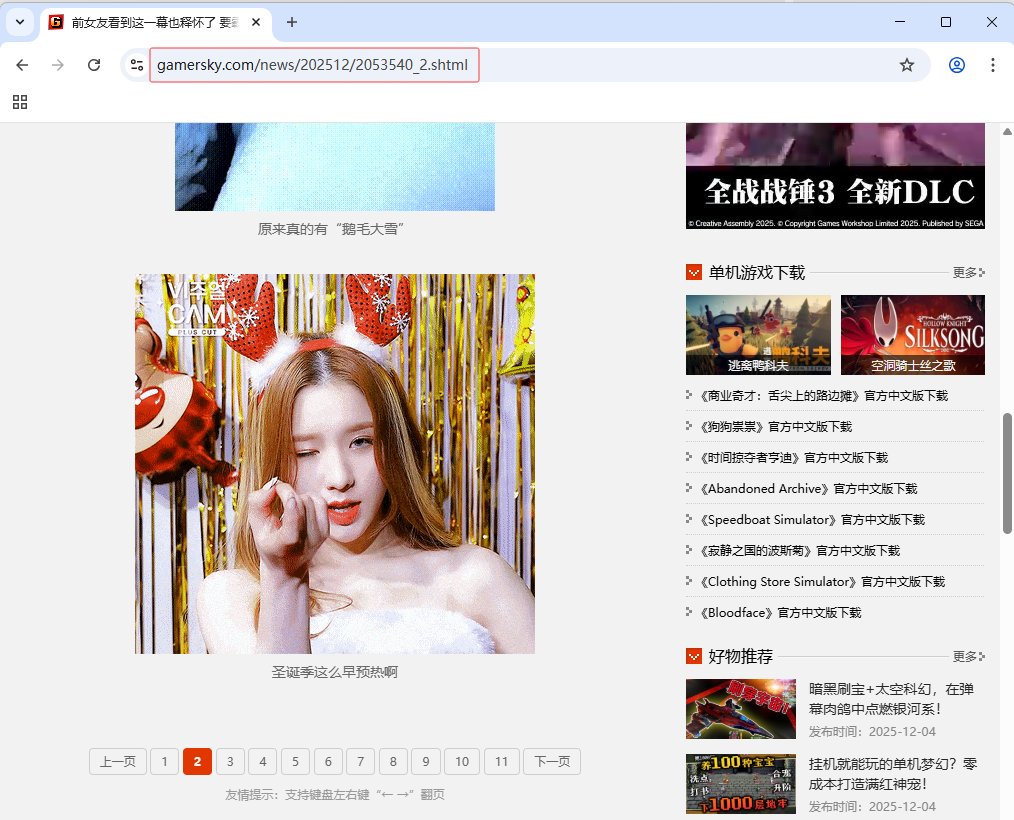
第2页 -
https://www.gamersky.com/news/202512/2053540_2.shtml
-
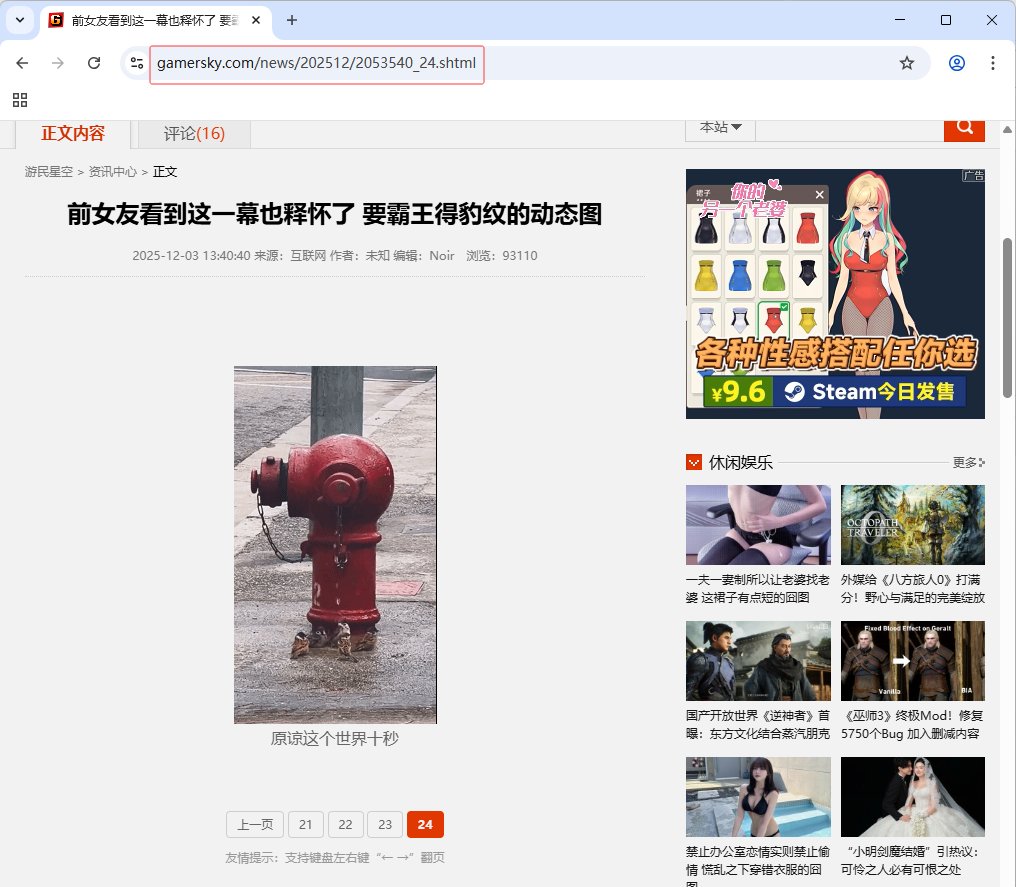
第24页 -
https://www.gamersky.com/news/202512/2053540_24.shtml
-
大家可以看到24张网页网址的规律,除了首页网址是
https://www.gamersky.com/news/202512/2053540.shtml,从第2页到24页,网址都是https://www.gamersky.com/news/202512/2053540_页码.shtml。
2.2 查看首页图片元素
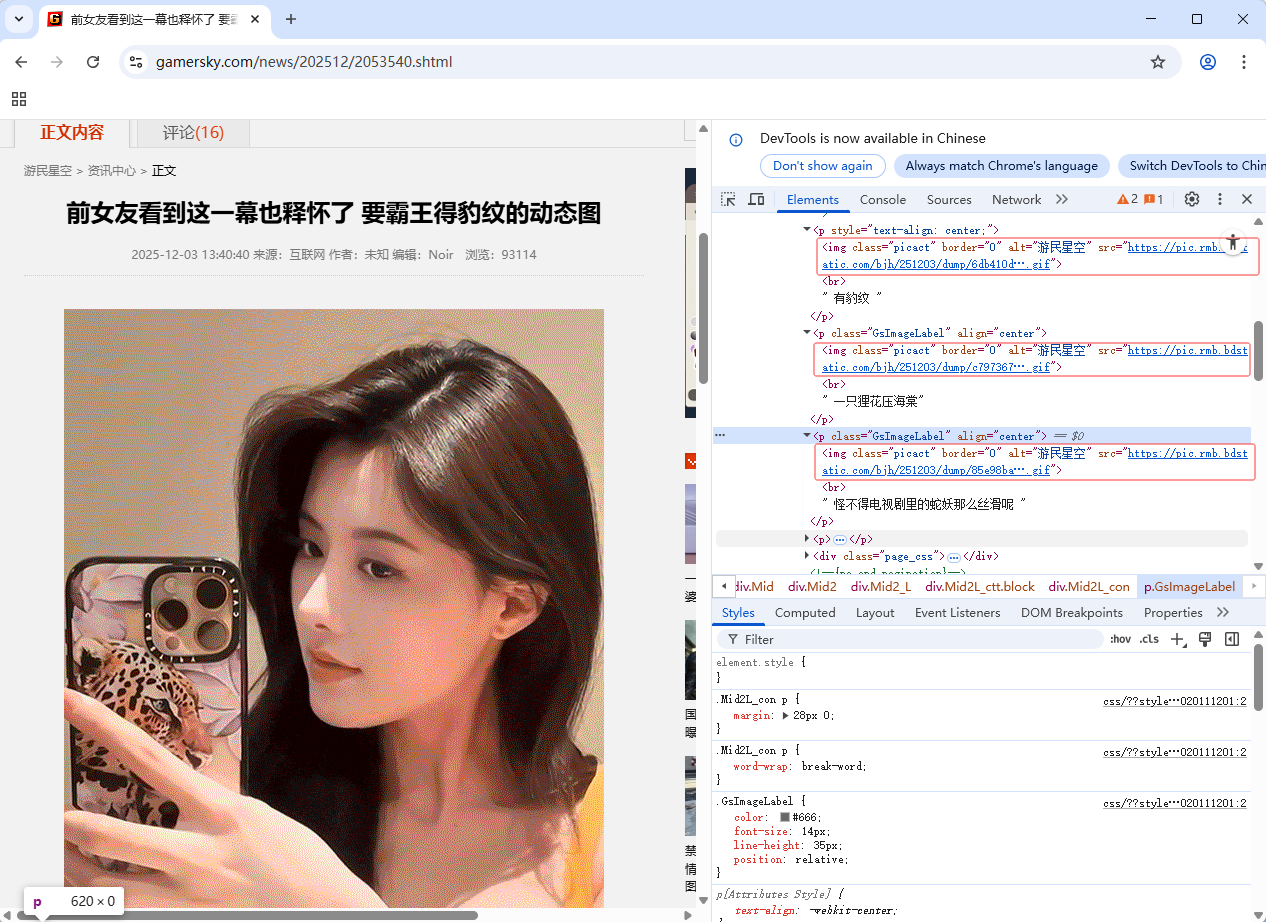
- 三张图片,img标签的
class属性是picact,图片网址是src属性值
2.3 创建图片下载程序
-
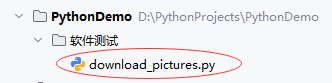
创建
download_pictures.py文件
""" 功能:测试网页图片下载 作者:华卫 日期:2025年12月05日 """ import requests from selenium import webdriver from selenium.webdriver.chrome.options import Options from selenium.webdriver.common.by import By import time import os # 设置Chrome浏览器无头模式 fireOptions = Options() fireOptions.add_argument("--headless") # 启动浏览器并访问目标页面 browser = webdriver.Chrome(options=fireOptions) # 遍历24张网页 for page in range(1, 25): # 获取24张网页的网址 if page == 1: url = 'https://www.gamersky.com/news/202512/2053540.shtml' else: url = f'https://www.gamersky.com/news/202512/2053540_{page}.shtml' # 打开指定网页 browser.get(url) # 等待页面加载 browser.implicitly_wait(2) # 查找所有class为'picact'的元素(图片) elements = browser.find_elements(By.CLASS_NAME, value='picact') # 获取当前时间戳,并格式化为适合文件名的字符串 timestamp = time.strftime("%Y%m%d-%H%M%S", time.localtime()) # 格式化时间戳 # 遍历每个元素,下载图片 for index, x in enumerate(elements): res = requests.get(x.get_attribute('src')) filename = f"page {page}-{timestamp}-{index + 1}.gif" # 使用时间戳和索引作为文件名 filepath = os.path.join("downloaded_images", filename) # 指定保存目录 # 创建图片保存目录 if not os.path.exists("downloaded_images"): os.makedirs("downloaded_images") # 保存图片文件 with open(filepath, 'wb') as f: f.write(res.content) print(f"{filename}文件已经下载成功~") # 关闭浏览器 browser.quit() -
代码说明:该代码使用 Selenium 控制 Chrome 无头浏览器,自动遍历游民星空24个分页,通过
class="picact"定位 GIF 图片元素,结合 Requests 下载图片,并以页码、时间戳和序号命名保存至本地downloaded_images目录,实现批量自动化抓取。
2.4 运行程序,查看结果
-
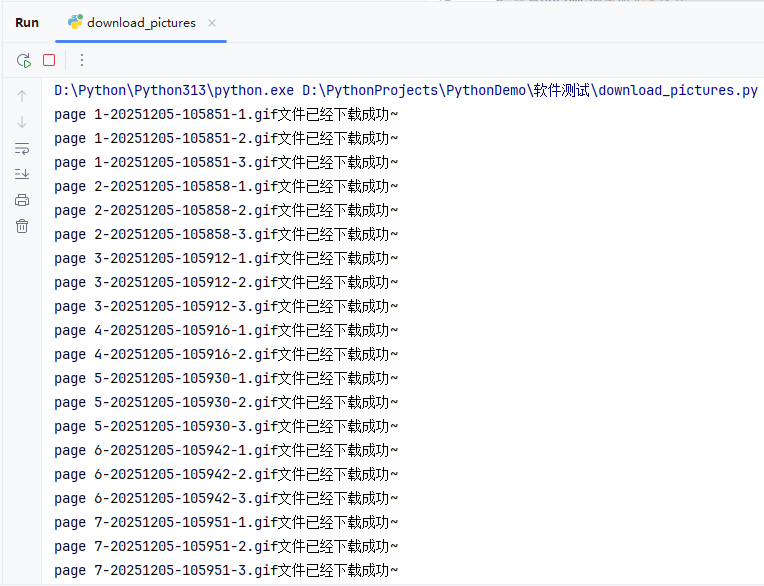
运行
download_pictures.py程序,查看控制台输出
-
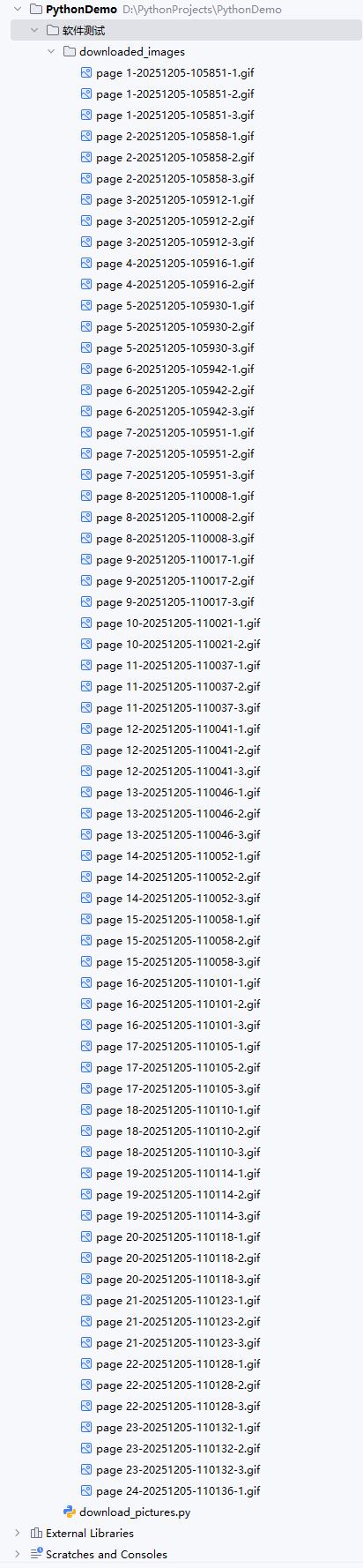
查看下载的图片,在
downloaded_images目录里
-
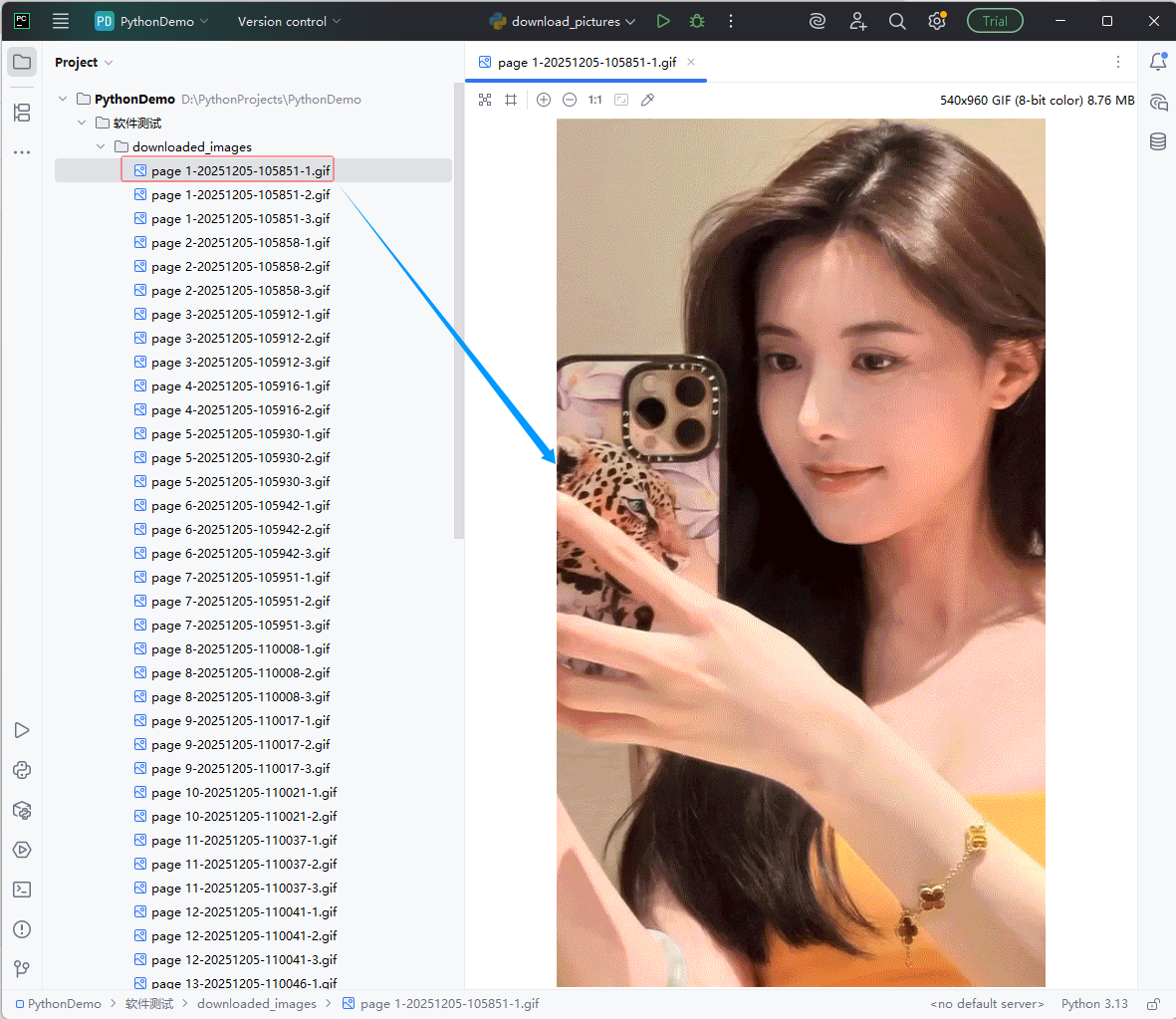
查看下载的第1张图片
3. 实战总结
- 本次实战成功实现了对游民星空网站24页动态图的自动化批量下载。通过分析页面结构,发现分页URL规律及图片元素统一使用
class="picact"标识,据此编写Python脚本:利用 Selenium 控制 Chrome 无头浏览器加载每一页,确保动态内容完整渲染;再通过find_elements(By.CLASS_NAME, 'picact')精准定位所有目标图片;结合 Requests 高效下载图片资源,并以“页码-时间戳-序号”命名文件,避免重名冲突,保存至本地downloaded_images目录。程序运行稳定,控制台实时反馈下载进度,最终成功获取全部GIF动图。该方案展示了Selenium与Requests协同处理动态网页数据抓取的典型流程,具备良好的可复用性和扩展性,适用于类似媒体资源批量采集场景。





 扫一扫
扫一扫


 1287
1287

 被折叠的 条评论
为什么被折叠?
被折叠的 条评论
为什么被折叠?
 到【灌水乐园】发言





