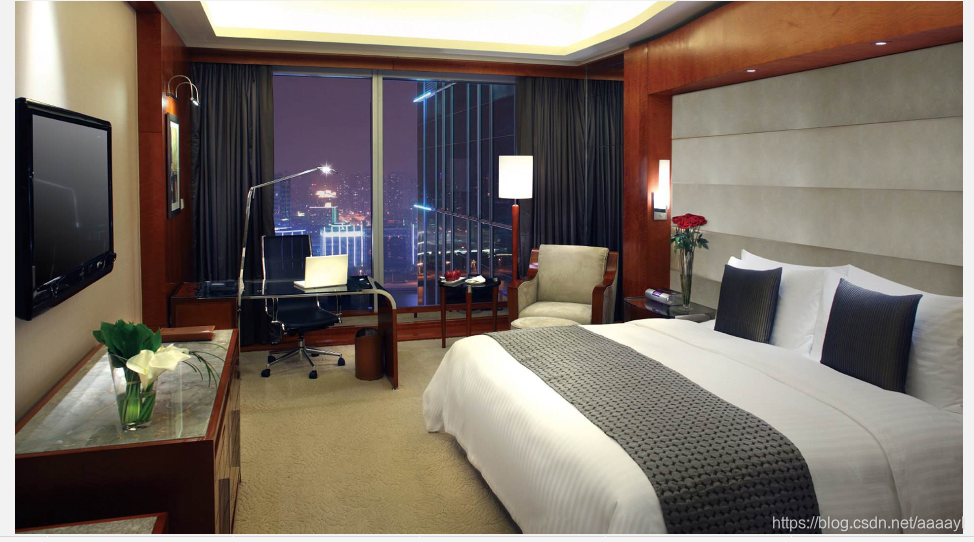
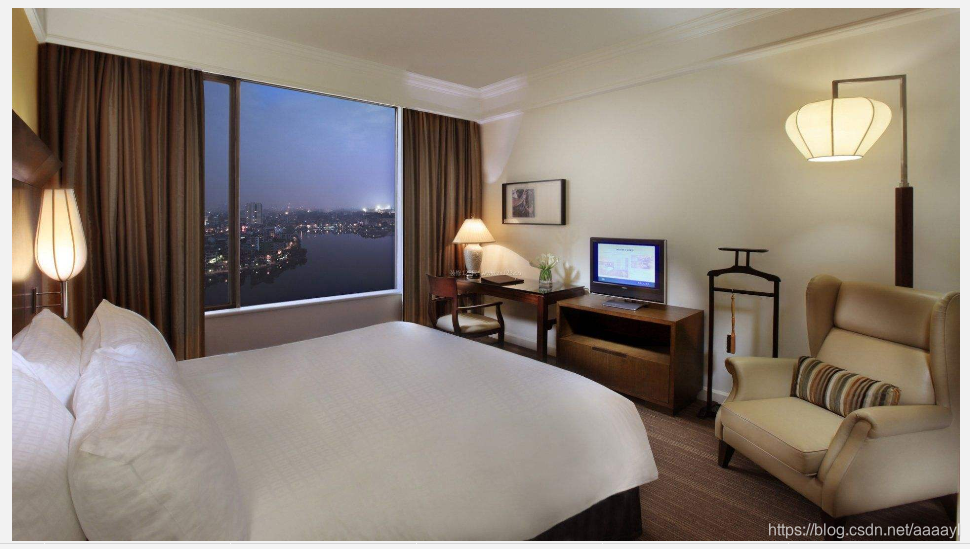
两张等大的背景图叠加

<style>
    .wrapper {
        width: 200px;
        height: 150px;
        position: relative;
    }
    .mask {
        position: absolute;
        top: 0;
        left: 0;
        width: 100%;
        height: 100%;
    }
    .mask::before{
        content: '';
        position: absolute;
        top: 0;
        left: 0;
        width: 100%;
        height: 100%;
        background-image: url("../images/index2.jpeg");
        background-position: center;
        background-size: 100% 100%;
        opacity: 0.8;
    }
    .content {
        display: flex;
        flex-direction: column;
        align-items: center;
        justify-content: space-evenly;
        z-index: 1;
    }
    img {
        width: 100%;
        height: 100%;
    }
    .name {
        font-size: 16px;
        color: white;
    }
</style>
<body>
    <div class="wrapper">
        <img src="../images/index1.jpeg" alt="">
        <div class="mask">
            <div class="content mask">
                <div class="name">onezero</div>
                <div class="name">onezero</div>
                <div class="name">onezero</div>
            </div>
        </div>
    </div>
</body>

实现效果:
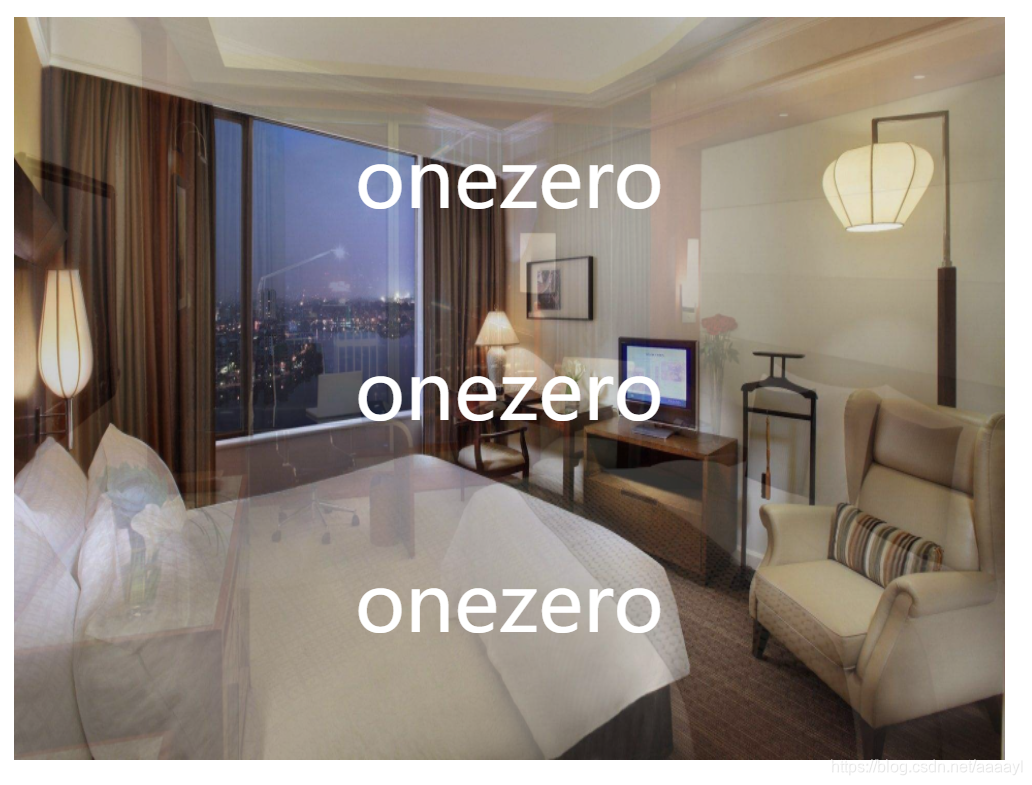
在这里插入图片描述
这是最底下的图片index1:
在这里插入图片描述
index2:
在这里插入图片描述
通过使用伪元素,给底层的图片加了个图片蒙层,设置伪元素的透明度,而不会影响文字的显示。

CSS实现两张背景图叠加有以下两种常见方法: ### 方法一:通过分别设置div与页面边缘的距离 可以通过分别设置div与页面左边缘的距离和div与页面上边缘的距离来实现。需要注意的是,两张片都应该设置`position:absolute`属性。不过这种方法更适用于img标签元素,若用于背景图,也可将背景图分别置于两个绝对定位的div中进行叠加操作 [^1]。 ### 方法二:直接使用background属性 在CSS中,可以在一个元素的`background`属性里同时设置多个背景图像,多个背景图像用逗号分隔。例如: ```css .container { width: 240px; height: 240px; background: url("image1.jpg") center center no-repeat, url("image2.jpg") center center no-repeat; background-size: cover; } ``` 在上述代码中,`container`类的元素有两个背景图,`image1.jpg`会在`image2.jpg`之上显示,因为它在代码中先被定义。`background-size: cover`表示背景图像将被缩放以覆盖整个元素的背景区域。 ### 方法三:结合z-index设置叠加顺序 若将背景图分别放在不同的div中,可通过设置`position`和`z-index`属性来实现叠加效果。以下是完整示例代码: ```html <!DOCTYPE html> <html lang="en"> <head> <meta charset="UTF-8"> <meta name="viewport" content="width=device-width, initial-scale=1.0"> <title>Document</title> <style> .a { z-index: 1; position: absolute; left: 120px; top: 120px; width: 200px; height: 200px; background: url("image1.jpg") center center no-repeat; background-size: cover; } .b { z-index: 2; position: absolute; width: 200px; height: 200px; background: url("image2.jpg") center center no-repeat; background-size: cover; } </style> </head> <body> <div class="a"></div> <div class="b"></div> </body> </html> ``` 在上述代码中,`.a`和`.b`两个div分别设置了不同的背景图,通过`z-index`设置了叠加顺序,`.b`的背景图会显示在`.a`的背景图之上 [^2]。
评论
添加红包

请填写红包祝福语或标题

红包个数最小为10个

红包金额最低5元

当前余额3.43前往充值 >
需支付:10.00
成就一亿技术人!
领取后你会自动成为博主和红包主的粉丝 规则
hope_wisdom
发出的红包
实付
使用余额支付
点击重新获取
扫码支付
钱包余额 0

抵扣说明:

1.余额是钱包充值的虚拟货币,按照1:1的比例进行支付金额的抵扣。
2.余额无法直接购买下载,可以购买VIP、付费专栏及课程。

余额充值