


 本文指导读者如何在ArduinoESP32上安装必要的软件依赖,解决网络问题,并提供了一个基础的LED闪烁代码示例,包括设置硬件和编写简单的程序。
安装
- 根据文章arduino ESP32 001 从零开始点亮小灯,安装相关软件依赖。
串口驱动

arduino安装
- 安装完arduino,需要安装esp32相关的开发依赖
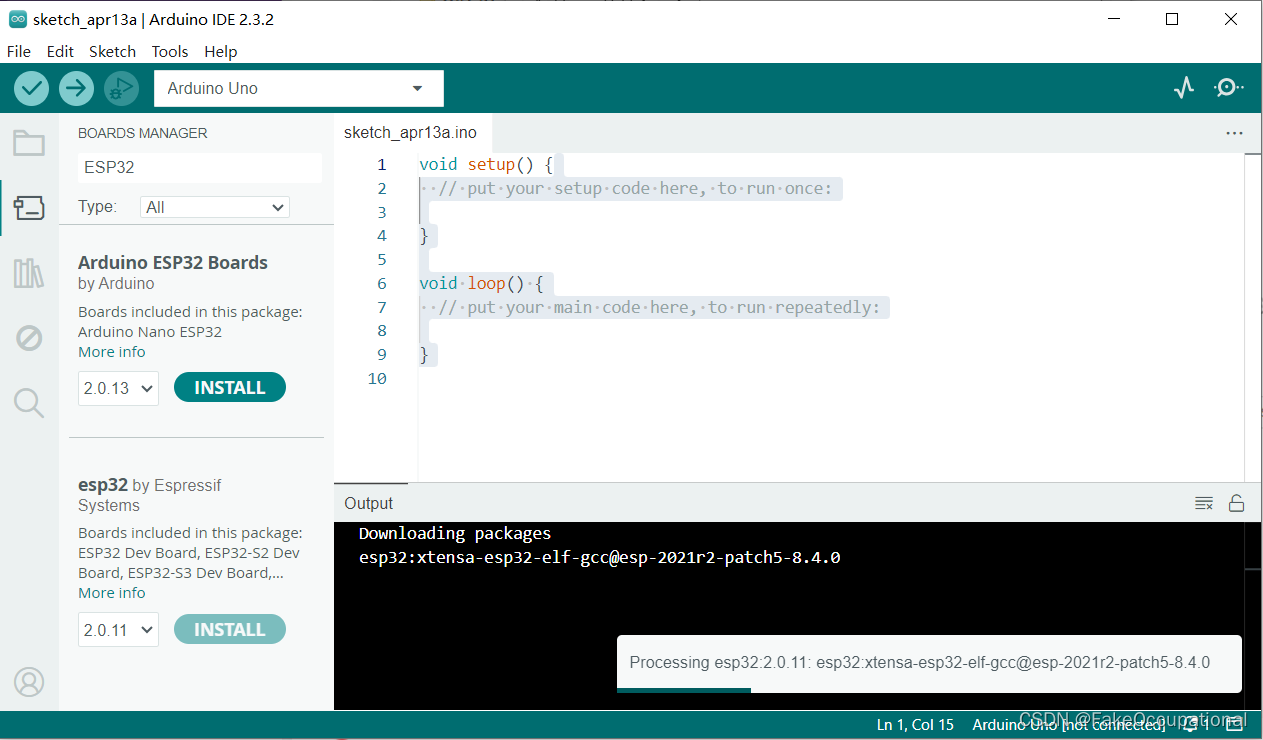
- 不要选Arduino ESP32 Boards(选下边那个),它对应的是背景图片里的板子
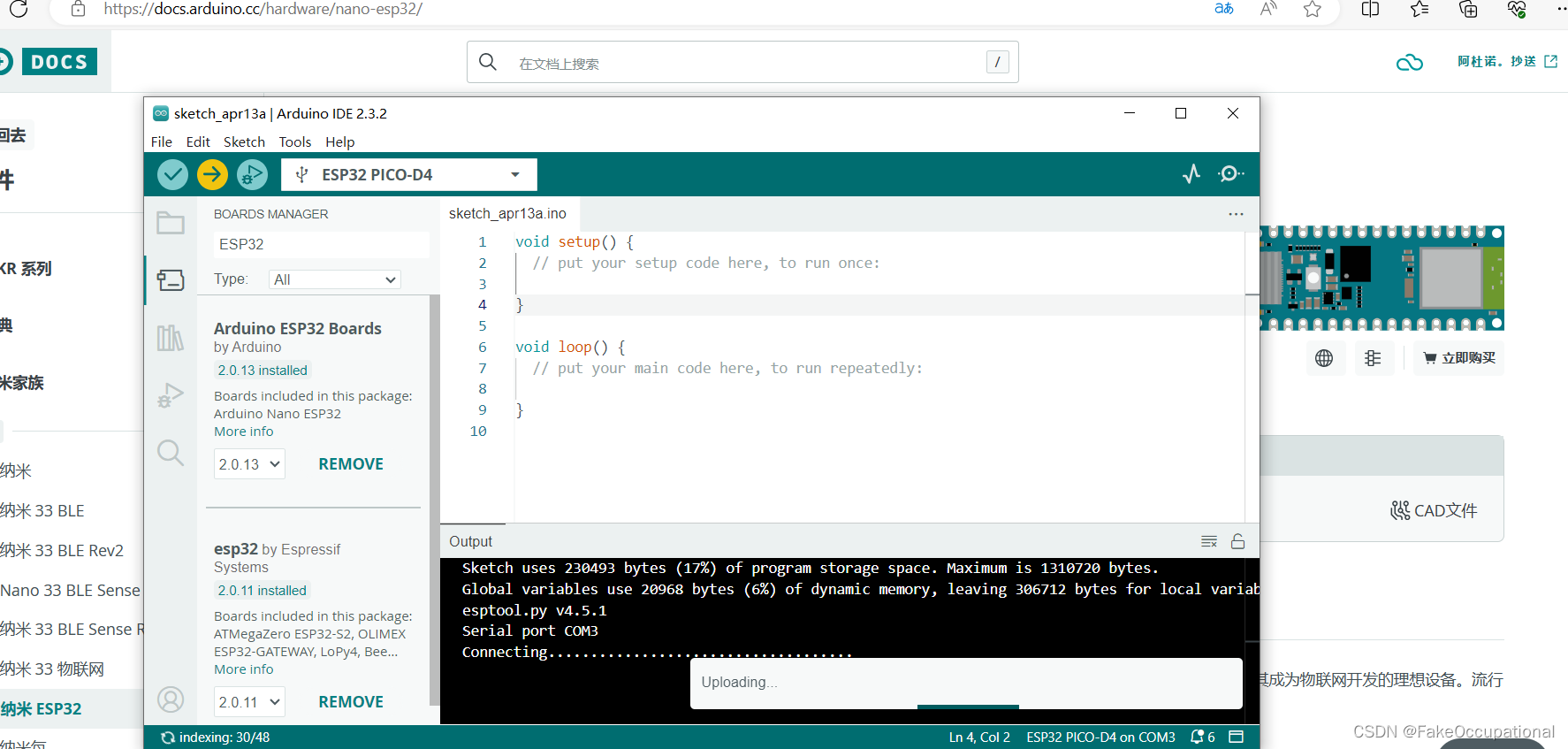
网络问题
- 关闭本地路由即可
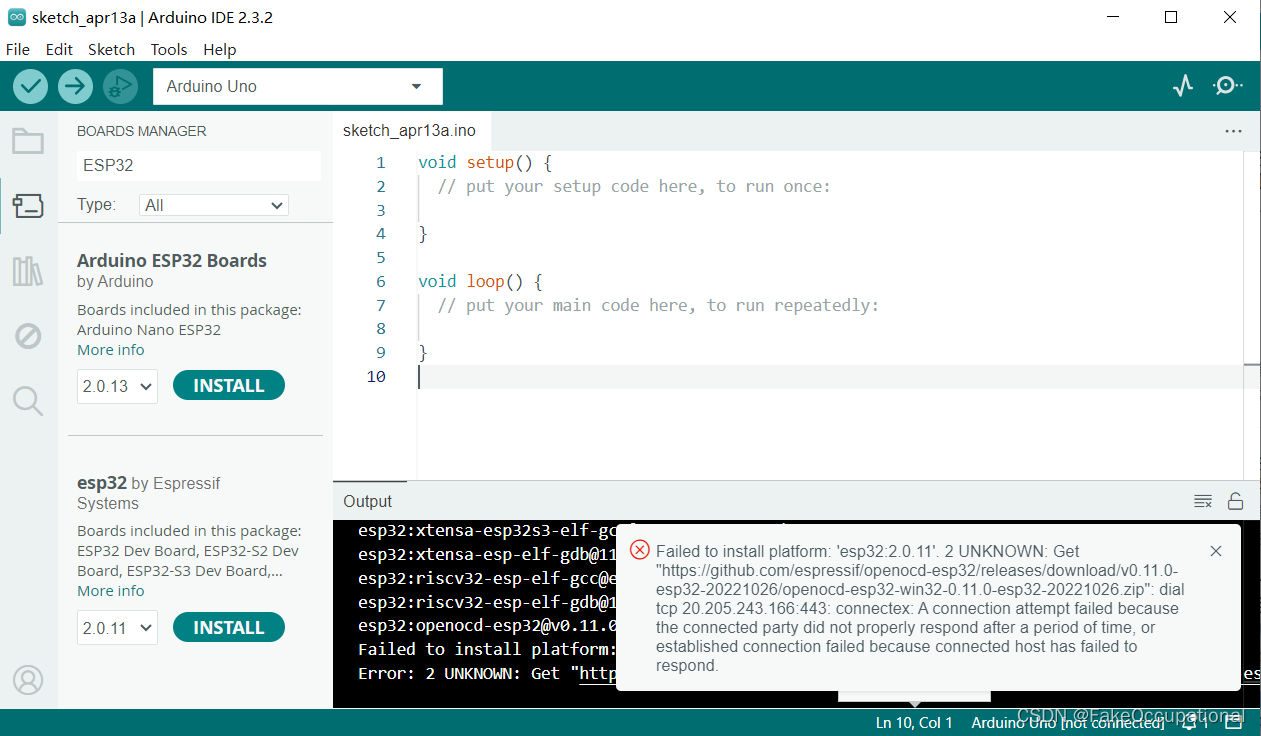
- Failed to install platform: ‘Arduino ESP32 Boards:2.0.13’. 2 UNKNOWN: Get “https://github.com/igrr/mkspiffs/releases/download/0.2.3/mkspiffs-0.2.3-arduino-esp32-win32.zip”: read tcp 192.168.31.28:54231->20.205.243.166:443: wsarecv: A connection attempt failed because the connected party did not properly respond after a period of time, or established connection failed because connected host has failed to respond.
选择芯片与上传代码
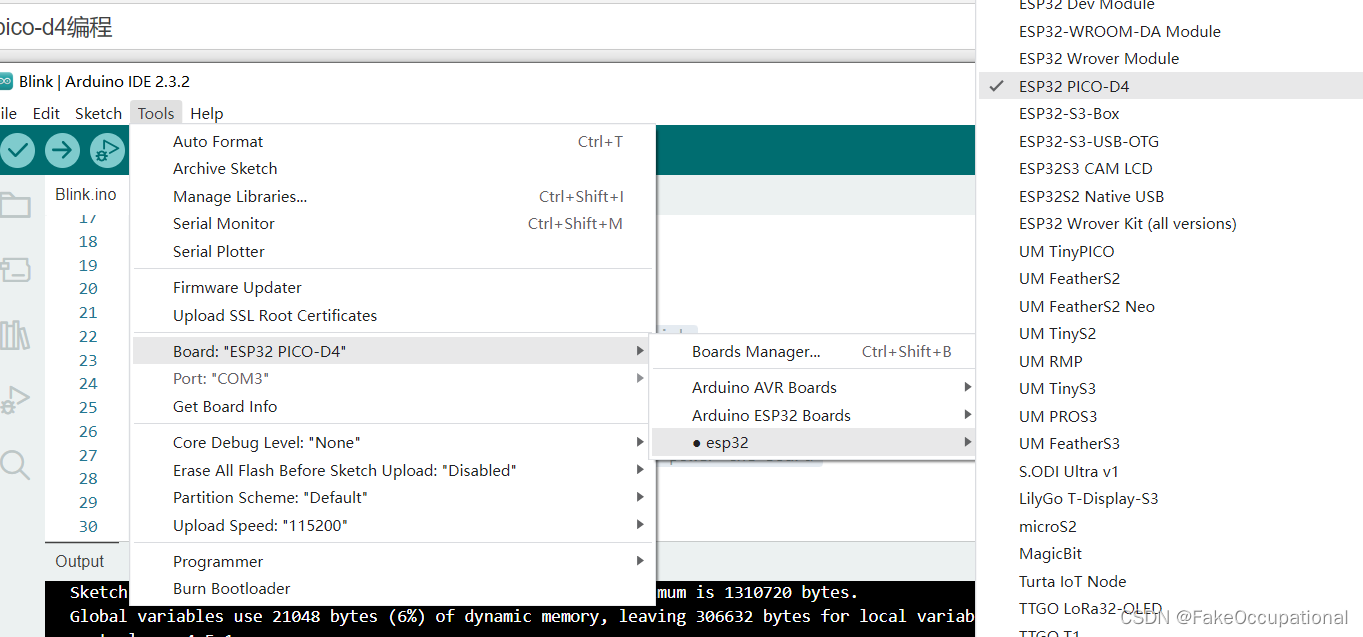
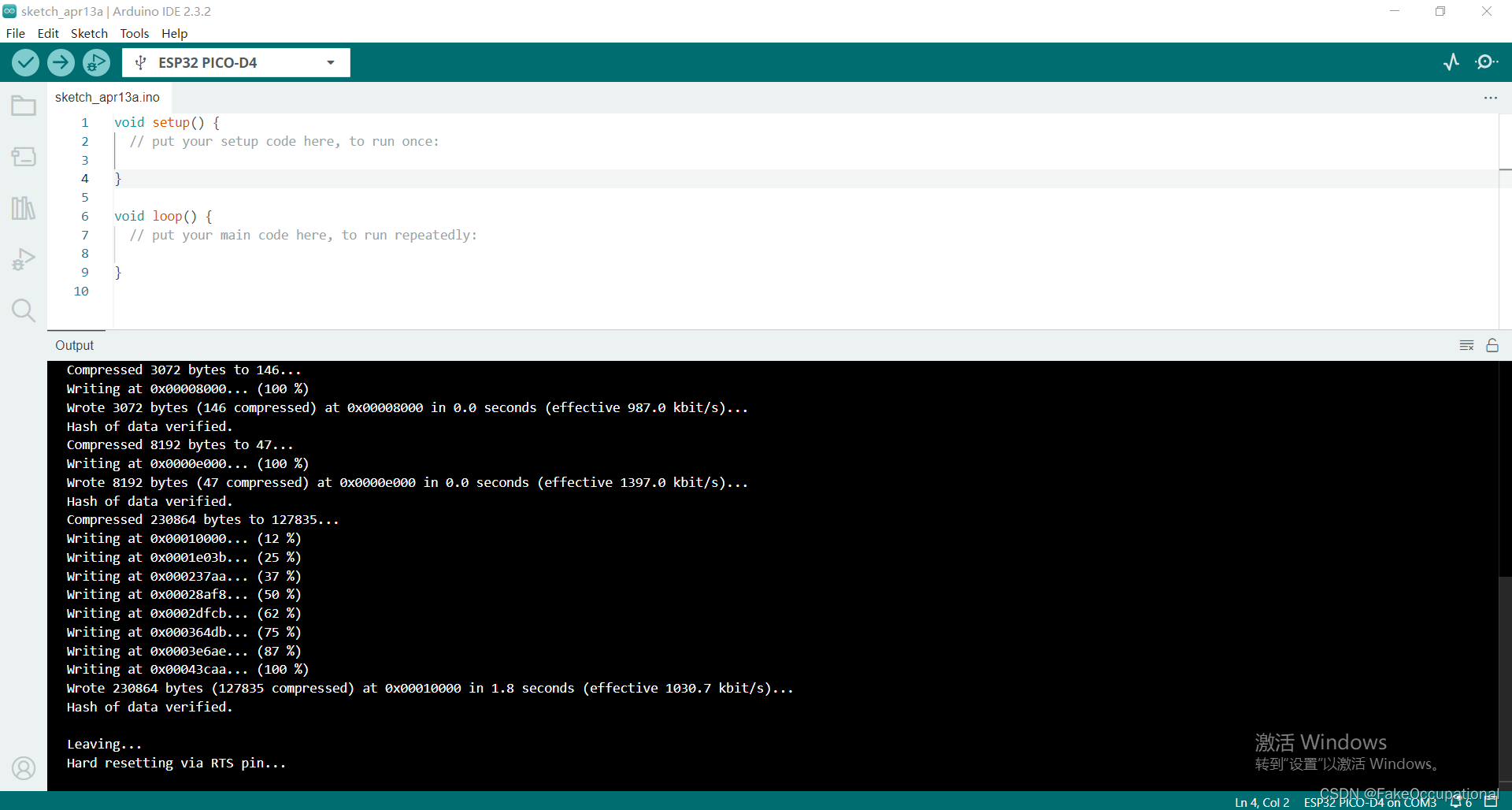
代码
- 运行效果
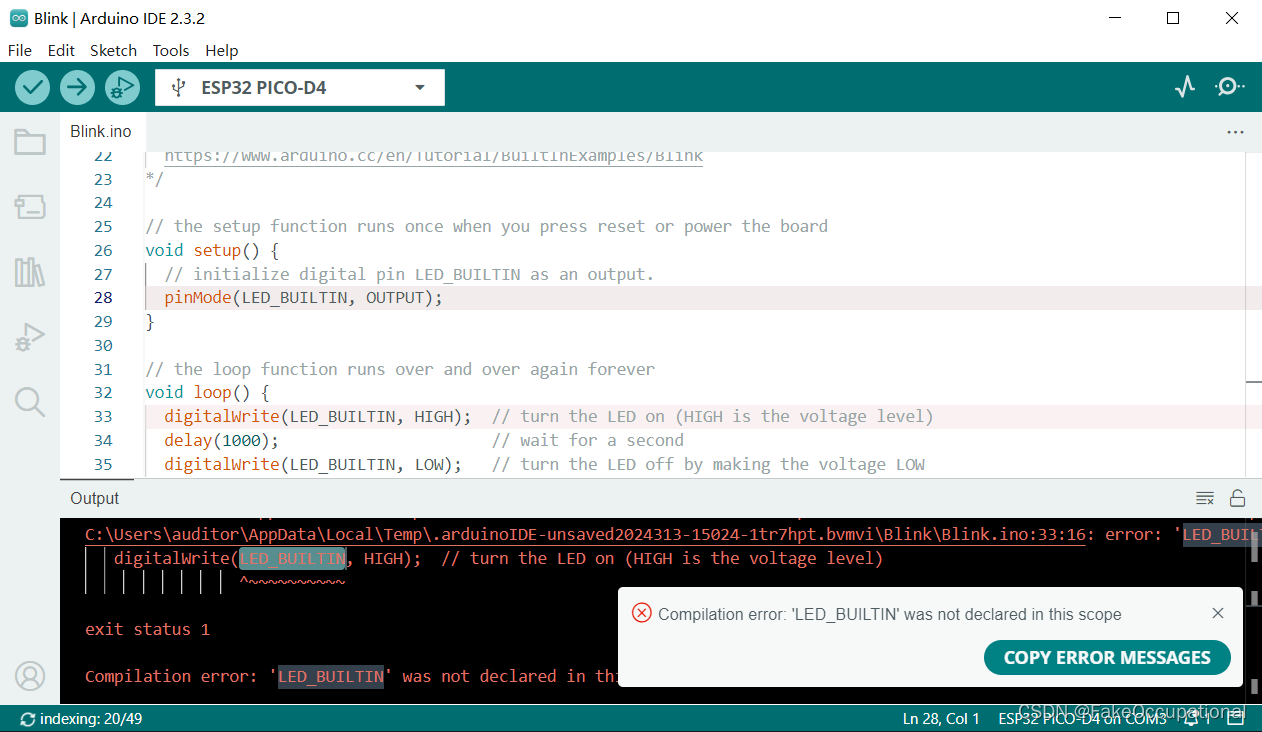
- 没有定义引脚,修改为以下代码
/*
  Blink

  Turns an LED on for one second, then off for one second, repeatedly.

  Most Arduinos have an on-board LED you can control. On the UNO, MEGA and ZERO
  it is attached to digital pin 13, on MKR1000 on pin 6. LED_BUILTIN is set to
  the correct LED pin independent of which board is used.
  If you want to know what pin the on-board LED is connected to on your Arduino
  model, check the Technical Specs of your board at:
  https://www.arduino.cc/en/Main/Products

  modified 8 May 2014
  by Scott Fitzgerald
  modified 2 Sep 2016
  by Arturo Guadalupi
  modified 8 Sep 2016
  by Colby Newman

  This example code is in the public domain.

  https://www.arduino.cc/en/Tutorial/BuiltInExamples/Blink
*/
#define LED_BUILTIN 2


// the setup function runs once when you press reset or power the board
void setup() {
  // initialize digital pin LED_BUILTIN as an output.
  pinMode(LED_BUILTIN, OUTPUT);
}

// the loop function runs over and over again forever
void loop() {
  digitalWrite(LED_BUILTIN, HIGH);  // turn the LED on (HIGH is the voltage level)
  delay(1000);                      // wait for a second
  digitalWrite(LED_BUILTIN, LOW);   // turn the LED off by making the voltage LOW
  delay(1000);                      // wait for a second
}






 扫一扫
扫一扫


 482
482

 被折叠的 条评论
为什么被折叠?
被折叠的 条评论
为什么被折叠?
 到【灌水乐园】发言





