



 本文详细介绍如何下载并安装Boost1.59.0版本,包括解压、运行bootstrap及bjam文件完成初始安装,以及在VS2013中创建工程、添加源文件和配置Boost库的具体步骤。
首先,在官网下载boost的最新版本Boost 1.59.0 ,或者在我的github下载。
(1)首先,将下载的压缩包解压:

(2)打开文件夹,找到bootstrap.bat文件,双击运行,等待自动运行完毕
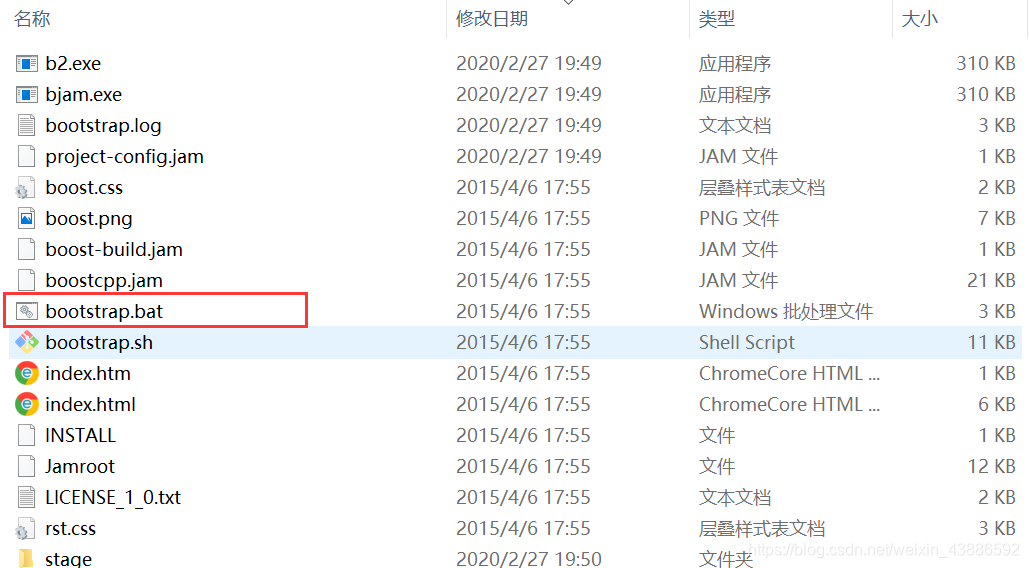
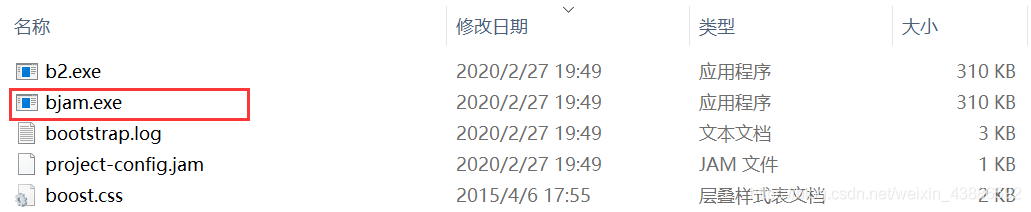
(3)运行完毕后,会新增一个bjam.exe文件,双击运行,等待执行完毕(这个过程会比较长),boost库初期安装完毕。
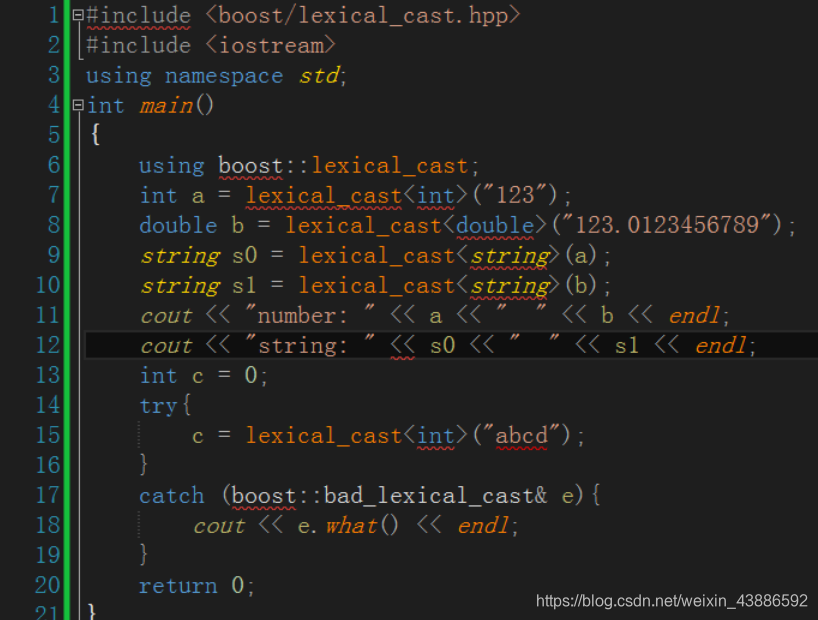
(4)打开VS2013,创建一个工程,添加源文件main.cpp,写入下列代码:
#include <boost/lexical_cast.hpp>
#include <iostream>
using namespace std;
int main()
{
    using boost::lexical_cast;
    int a = lexical_cast<int>("123");
    double b = lexical_cast<double>("123.0123456789");
    string s0 = lexical_cast<string>(a);
    string s1 = lexical_cast<string>(b);
    cout << "number: " << a << "  " << b << endl;
    cout << "string: " << s0 << "  " << s1 << endl;
    int c = 0;
    try{
        c = lexical_cast<int>("abcd");
    }
    catch (boost::bad_lexical_cast& e){
        cout << e.what() << endl;
    }
    system("pause");
    return 0;
}
此时,VS还不识别boost库,我们还需要一步操作:
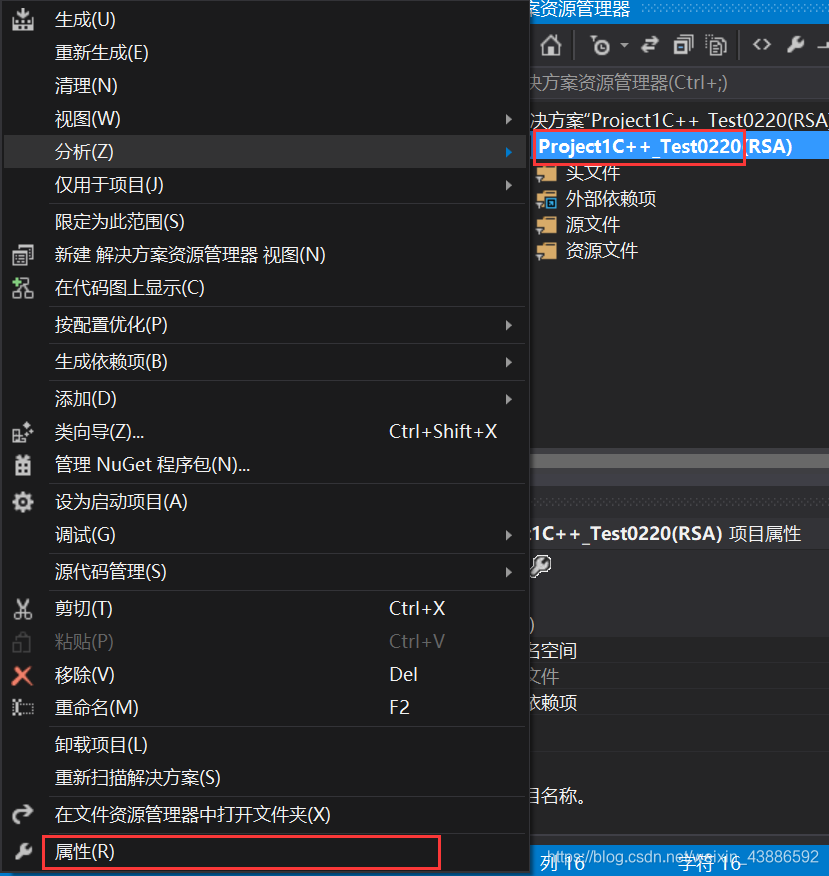
(5)右击工程—>属性—>C/C+±—>所有选项—>附加包目录,填入boost开始解压的文件路径
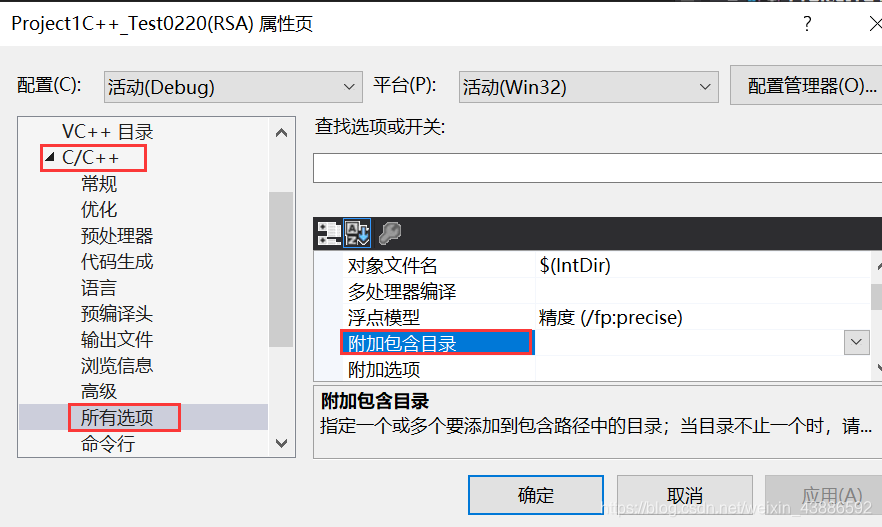
添加库文件路径:

到此为止,VS环境中的Boost配置就完成了。





 扫一扫
扫一扫


 412
412

 被折叠的 条评论
为什么被折叠?
被折叠的 条评论
为什么被折叠?
 到【灌水乐园】发言





