






Anaconda
下载
https://www.anaconda.com/download
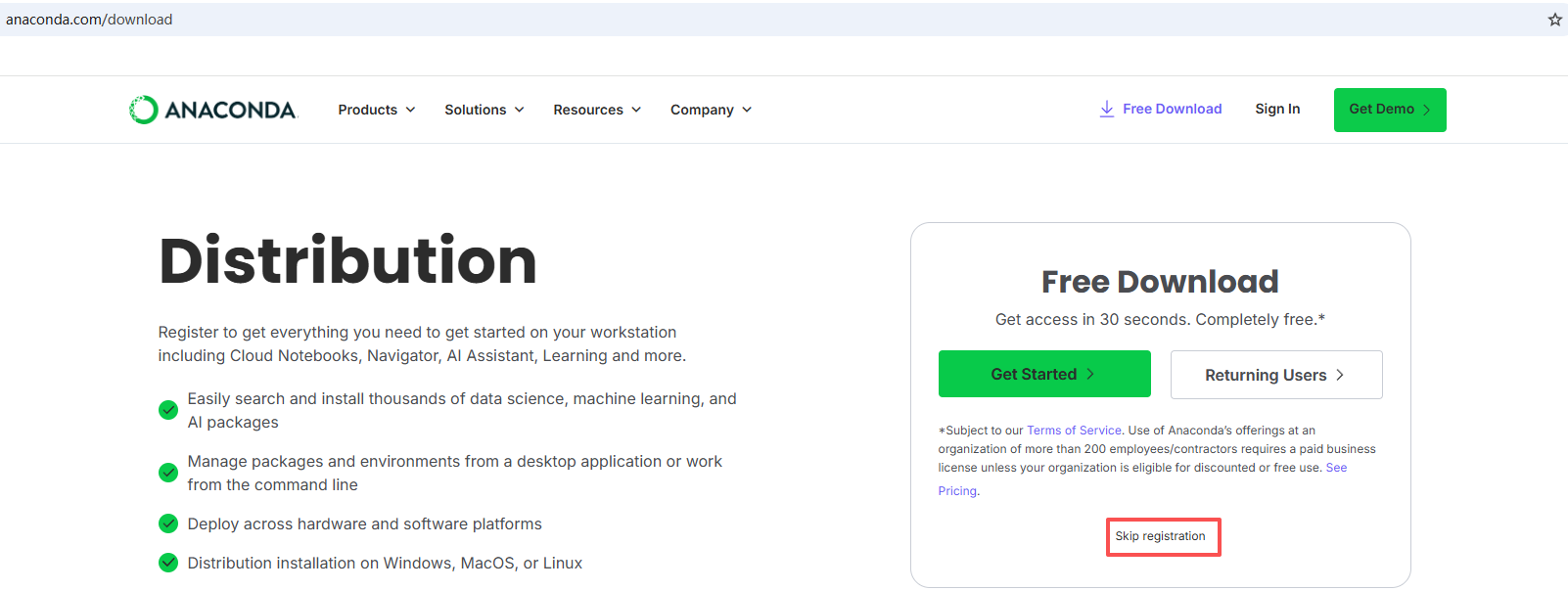
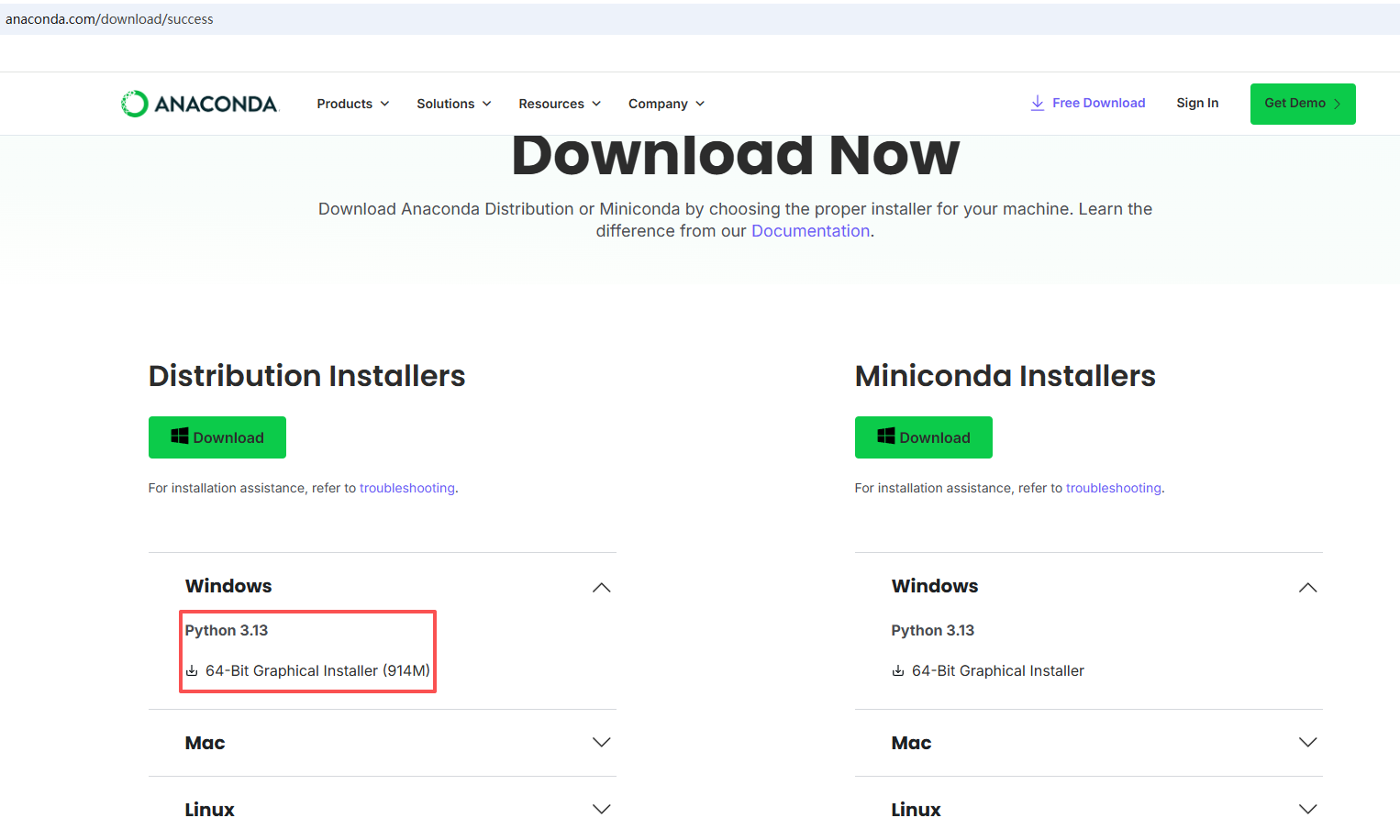
安装
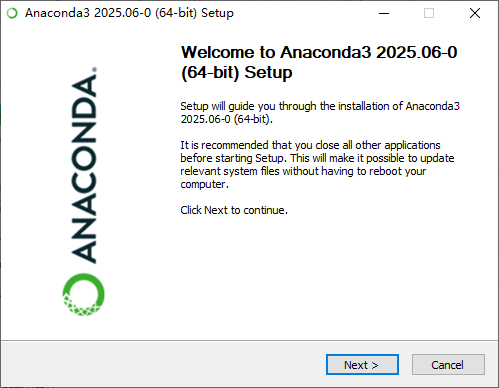
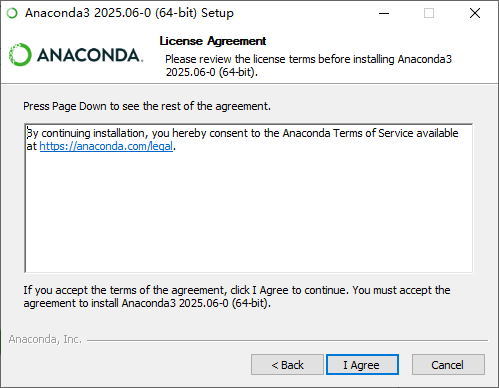
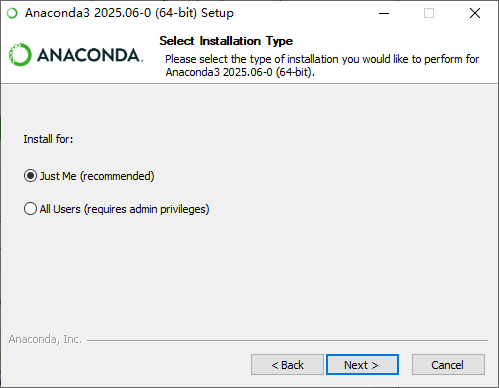

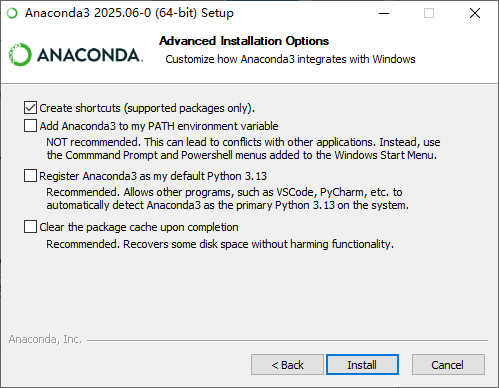
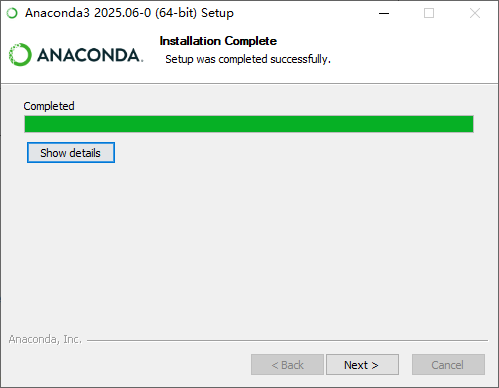
Jupyter Notebook
Jupyter Notebook 是一个开源的 Web 应用程序,允许用户创建和共享包含实时代码、方程、可视化和叙述性文本的文档。它广泛应用于数据清理和转换、数值模拟、统计建模、机器学习等领域
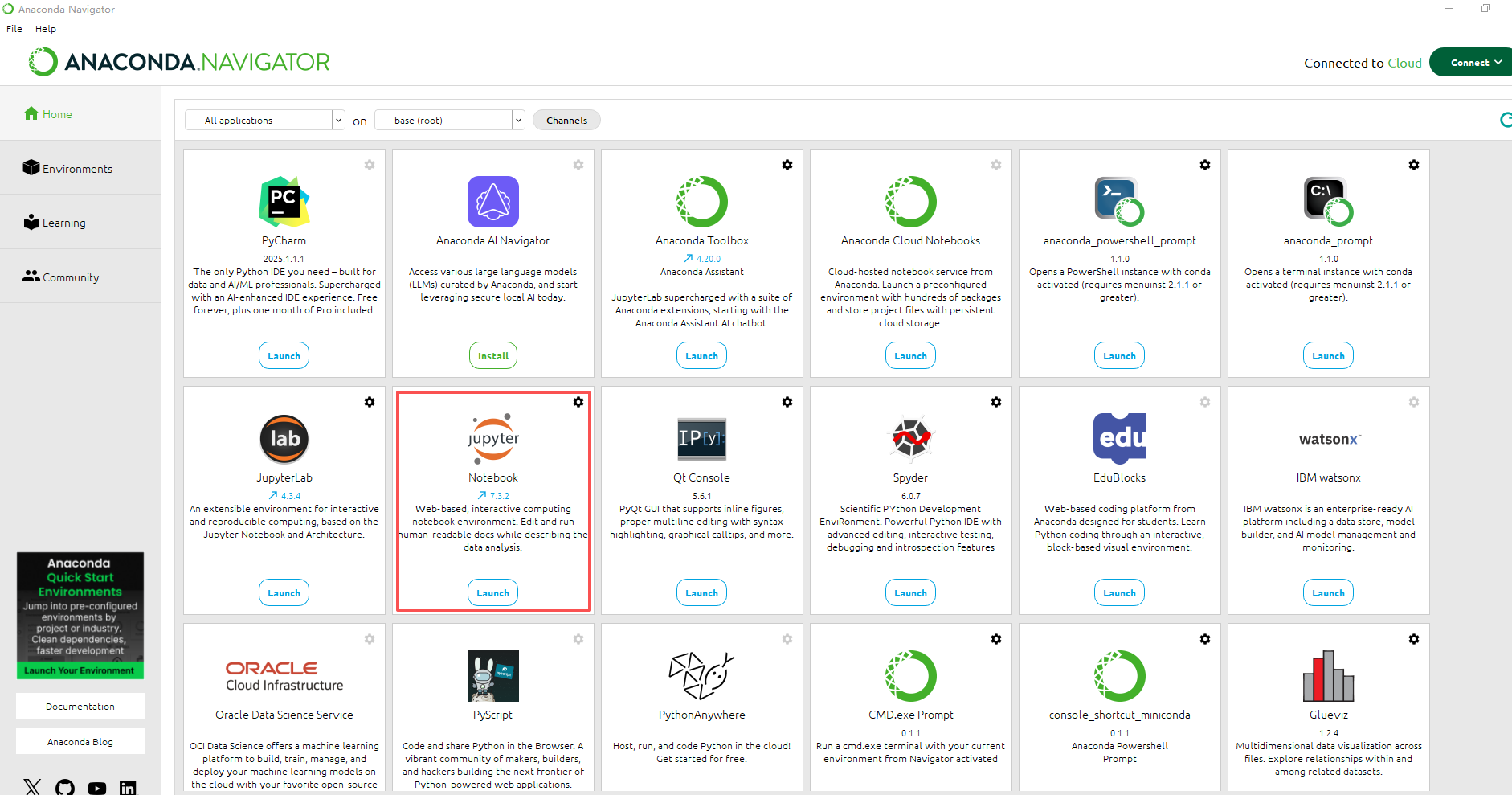
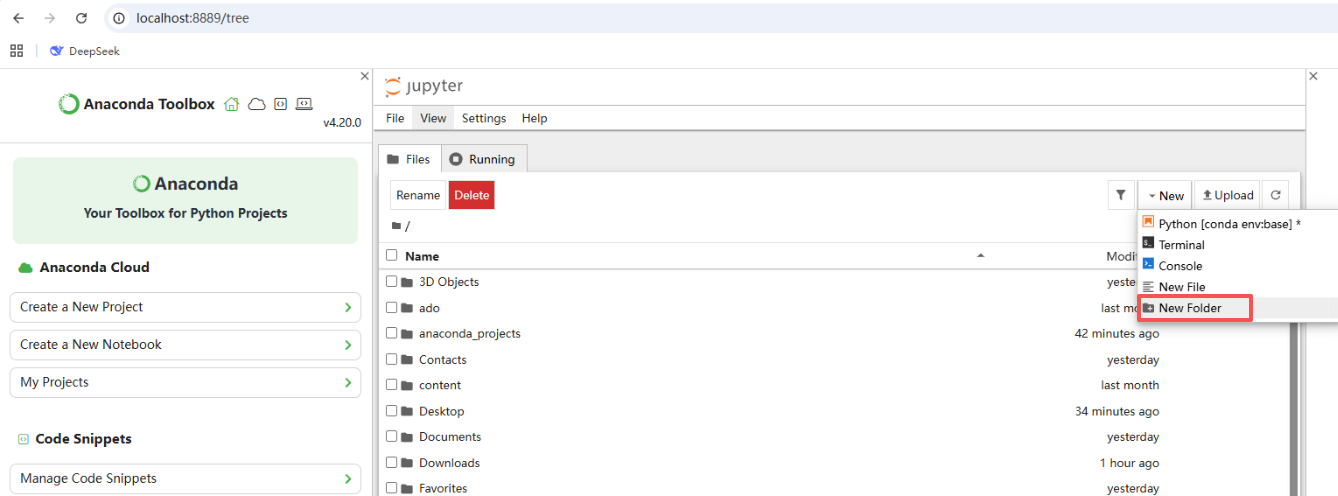
新建
文件夹
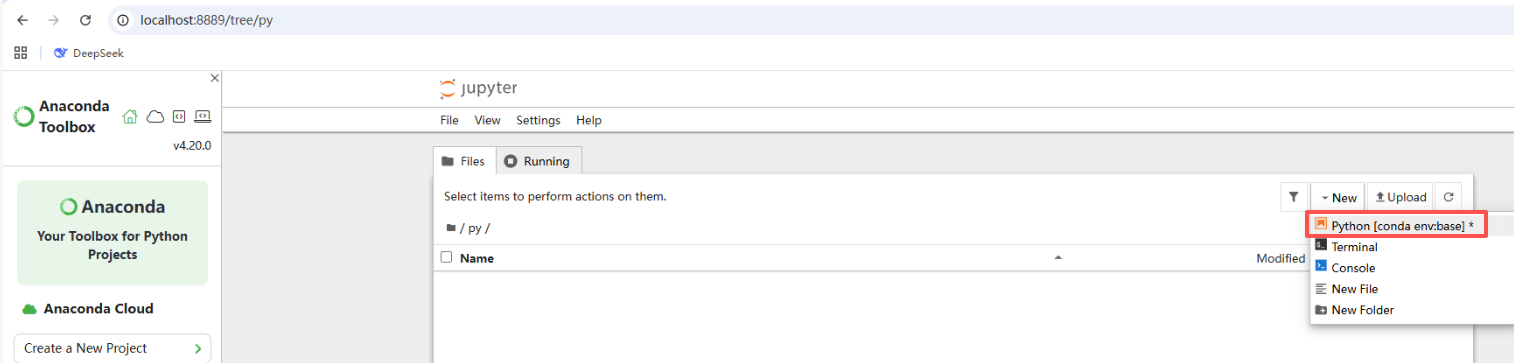
python代码
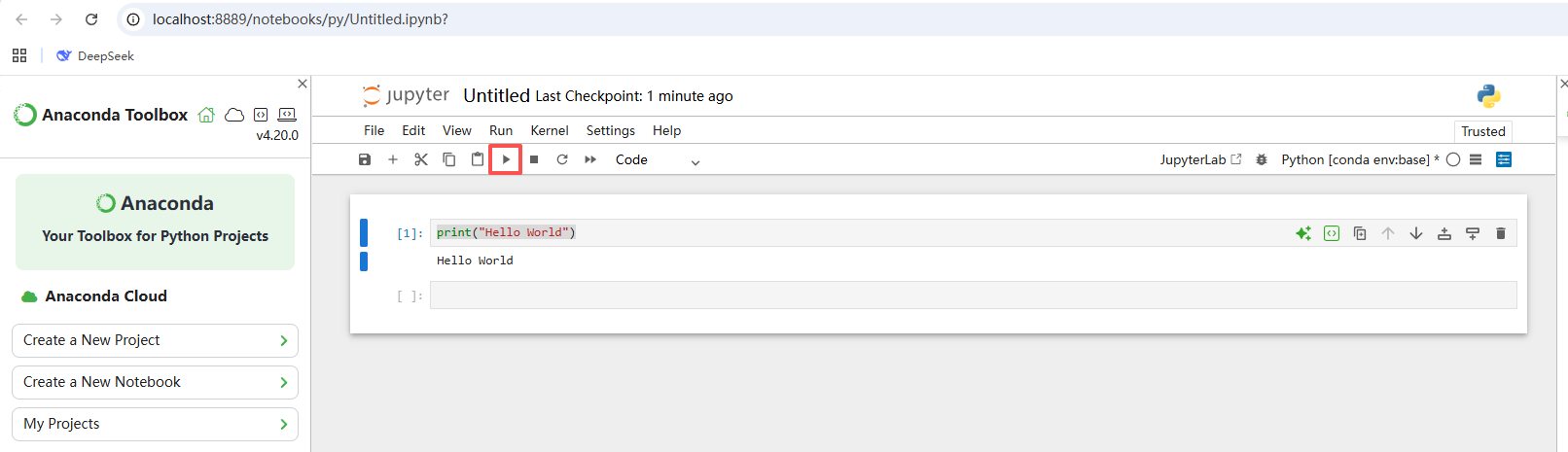
执行
print("Hello World")
PyMySQL
安装并连接mysql
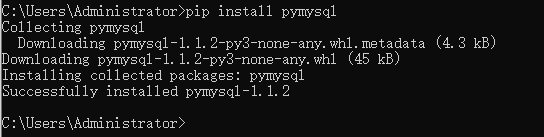
- 命令行
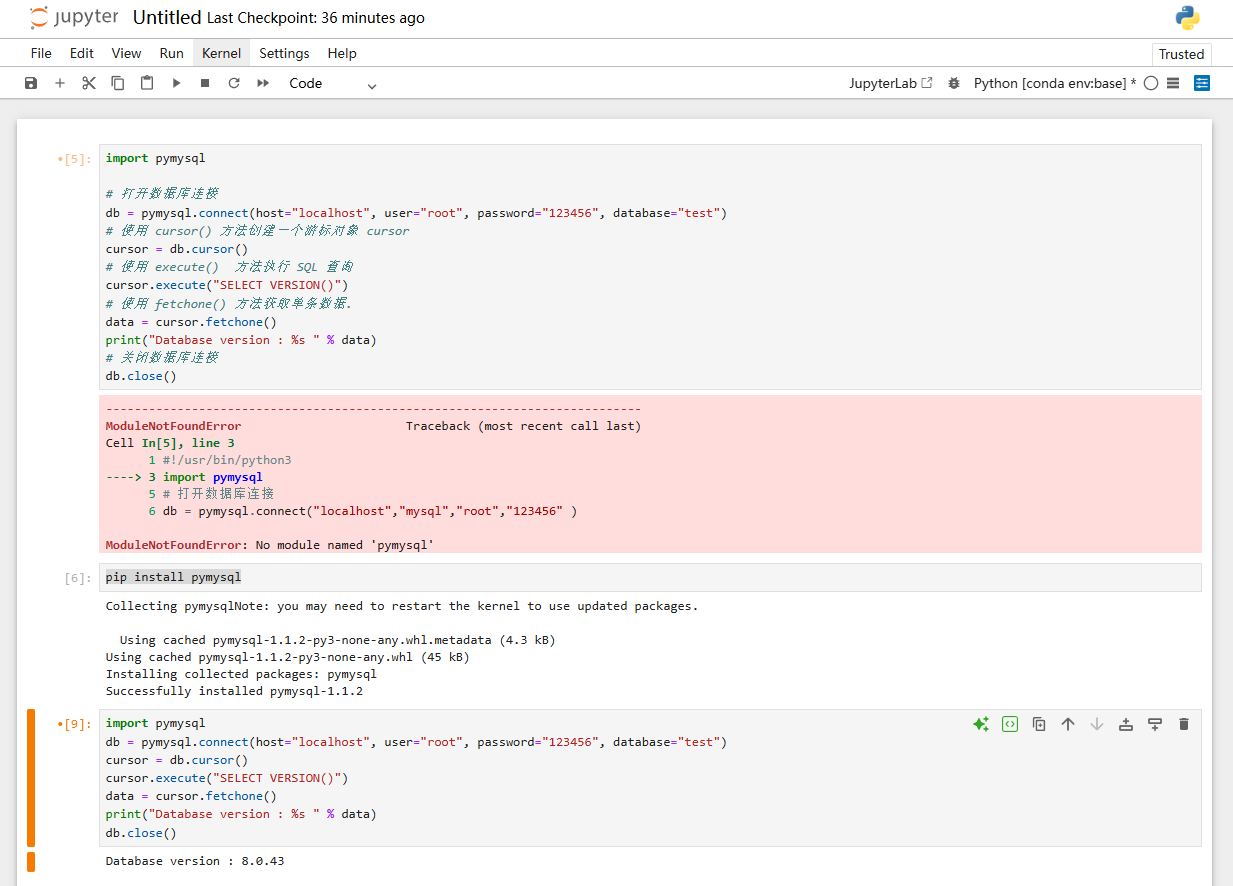
pip install pymysql
- Jupyter
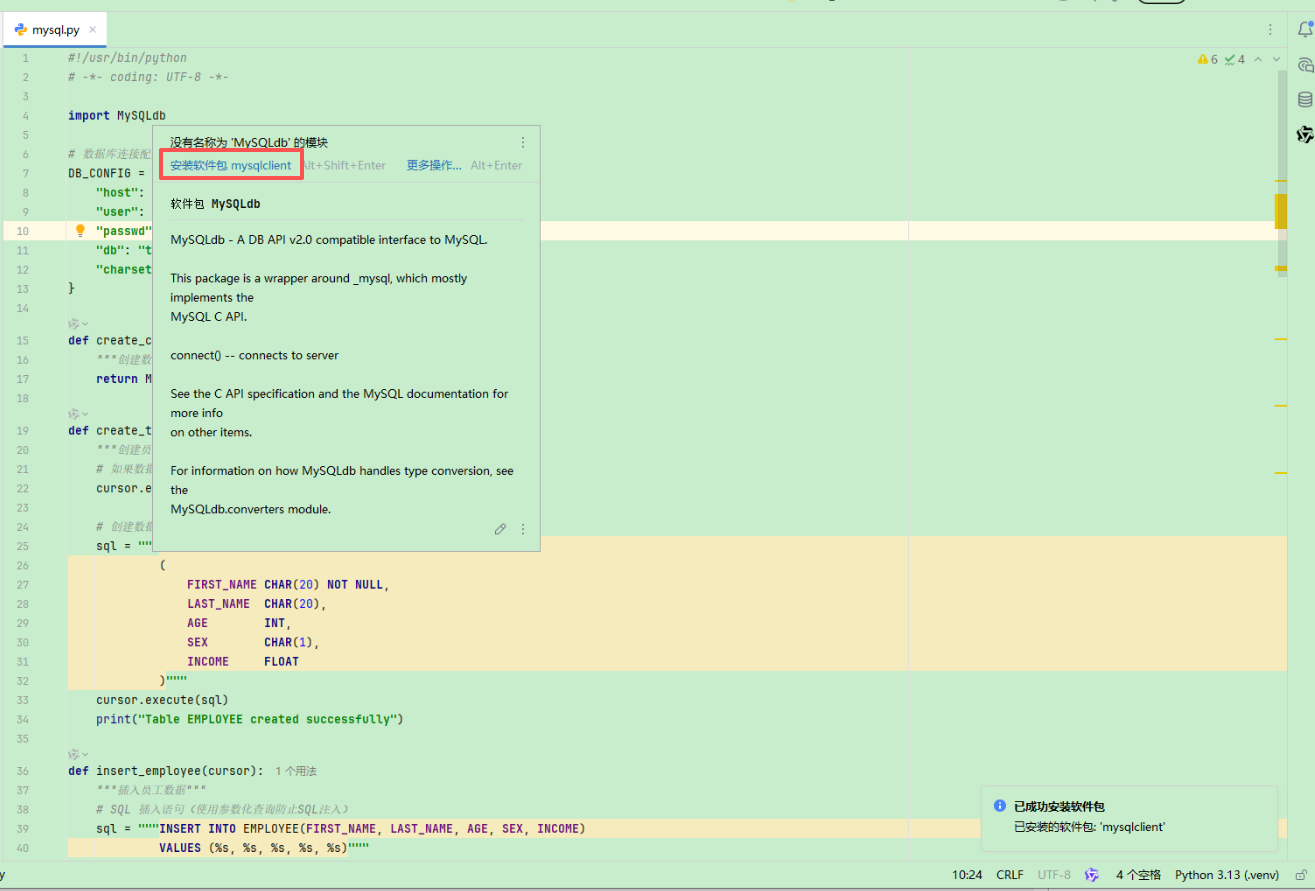
- PyCharm
import pymysql

# 打开数据库连接
db = pymysql.connect(host="localhost", user="root", password="123456", database="test")
# 使用 cursor() 方法创建一个游标对象 cursor
cursor = db.cursor()
# 使用 execute()  方法执行 SQL 查询
cursor.execute("SELECT VERSION()")
# 使用 fetchone() 方法获取单条数据.
data = cursor.fetchone()
print("Database version : %s " % data)
# 关闭数据库连接
db.close()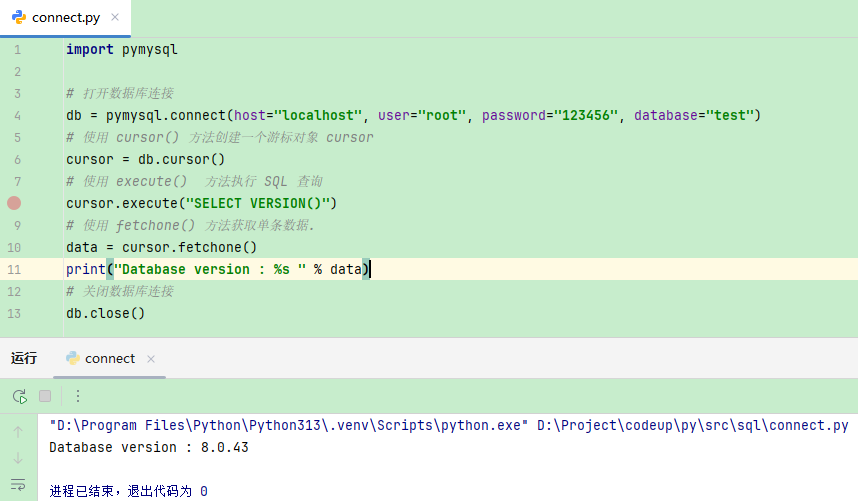
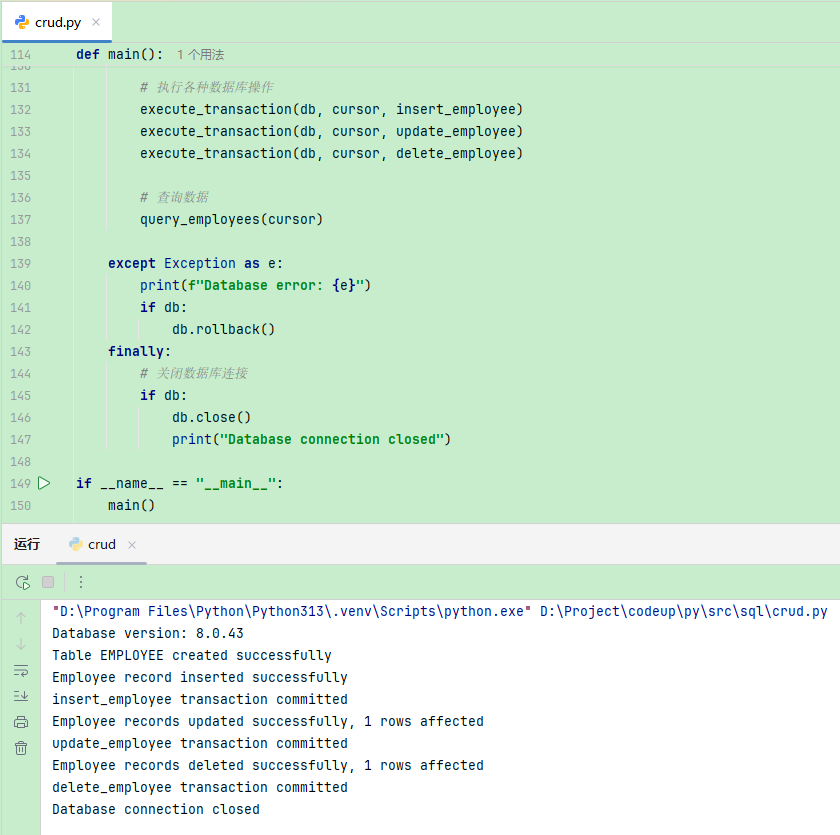
增删改查完整代码
#!/usr/bin/python
# -*- coding: UTF-8 -*-

import MySQLdb

# 数据库连接配置
DB_CONFIG = {
    "host": "localhost",
    "user": "root",
    "passwd": "123456",
    "db": "test",
    "charset": "utf8"
}

def create_connection():
    """创建数据库连接"""
    return MySQLdb.connect(**DB_CONFIG)

def create_table(cursor):
    """创建员工表"""
    # 如果数据表已经存在使用 execute() 方法删除表。
    cursor.execute("DROP TABLE IF EXISTS EMPLOYEE")

    # 创建数据表SQL语句
    sql = """CREATE TABLE EMPLOYEE
             (
                 FIRST_NAME CHAR(20) NOT NULL,
                 LAST_NAME  CHAR(20),
                 AGE        INT,
                 SEX        CHAR(1),
                 INCOME     FLOAT
             )"""
    cursor.execute(sql)
    print("Table EMPLOYEE created successfully")

def insert_employee(cursor):
    """插入员工数据"""
    # SQL 插入语句(使用参数化查询防止SQL注入)
    sql = """INSERT INTO EMPLOYEE(FIRST_NAME, LAST_NAME, AGE, SEX, INCOME)
             VALUES (%s, %s, %s, %s, %s)"""
    try:
        # 执行sql语句
        cursor.execute(sql, ('Mac', 'Mohan', 20, 'M', 2000))
        print("Employee record inserted successfully")
        return True
    except Exception as e:
        print(f"Error inserting record: {e}")
        return False

def update_employee(cursor):
    """更新员工数据"""
    # SQL 更新语句(使用参数化查询防止SQL注入)
    sql = "UPDATE EMPLOYEE SET AGE = AGE + 1 WHERE SEX = %s"
    try:
        # 执行sql语句
        cursor.execute(sql, ('M',))
        print(f"Employee records updated successfully, {cursor.rowcount} rows affected")
        return True
    except Exception as e:
        print(f"Error updating record: {e}")
        return False

def delete_employee(cursor):
    """删除员工数据"""
    # SQL 删除语句(使用参数化查询防止SQL注入)
    sql = "DELETE FROM EMPLOYEE WHERE AGE > %s"
    try:
        # 执行sql语句
        cursor.execute(sql, (20,))
        print(f"Employee records deleted successfully, {cursor.rowcount} rows affected")
        return True
    except Exception as e:
        print(f"Error deleting record: {e}")
        return False

def query_employees(cursor, min_income=1000):
    """查询高收入员工"""
    # SQL 查询语句(使用参数化查询防止SQL注入)
    sql = "SELECT * FROM EMPLOYEE WHERE INCOME > %s"
    try:
        # 执行SQL语句
        cursor.execute(sql, (min_income,))
        # 获取所有记录列表
        results = cursor.fetchall()
        for row in results:
            fname = row[0]
            lname = row[1]
            age = row[2]
            sex = row[3]
            income = row[4]
            # 打印结果
            print(f"fname={fname}, lname={lname}, age={age}, sex={sex}, income={income}")
        return results
    except Exception as e:
        print(f"Error: unable to fetch data - {e}")
        return []

def execute_transaction(db, cursor, operation_func, *args):
    """执行事务操作的通用函数"""
    try:
        result = operation_func(cursor, *args)
        if result:
            db.commit()
            print(f"{operation_func.__name__} transaction committed")
        else:
            db.rollback()
            print(f"{operation_func.__name__} transaction rolled back")
        return result
    except Exception as e:
        db.rollback()
        print(f"Transaction error in {operation_func.__name__}: {e}")
        return False

def main():
    """主函数"""
    db = None
    try:
        # 打开数据库连接
        db = create_connection()
        # 使用cursor()方法获取操作游标
        cursor = db.cursor()

        # 获取数据库版本
        cursor.execute("SELECT VERSION()")
        data = cursor.fetchone()
        print(f"Database version: {data[0]}")

        # 创建表
        create_table(cursor)

        # 执行各种数据库操作
        execute_transaction(db, cursor, insert_employee)
        execute_transaction(db, cursor, update_employee)
        execute_transaction(db, cursor, delete_employee)

        # 查询数据
        query_employees(cursor)

    except Exception as e:
        print(f"Database error: {e}")
        if db:
            db.rollback()
    finally:
        # 关闭数据库连接
        if db:
            db.close()
            print("Database connection closed")

if __name__ == "__main__":
    main()






 扫一扫
扫一扫


 1188
1188

 被折叠的 条评论
为什么被折叠?
被折叠的 条评论
为什么被折叠?
 到【灌水乐园】发言





