


下载GitLab镜像
docker pull gitlab/gitlab-ce
导出为tar文件
docker save -o gitlab-ce-latest.tar gitlab/gitlab-ce:latest
将GitLab镜像文件gitlab-ce.tar复制到目标服务器
加载镜像
docker load -i gitlab-ce.tar
运行容器
docker run--d etach--p ublish 9019 : 80--n ame gitlab--r estart always gitlab/gitlab-ce : latest

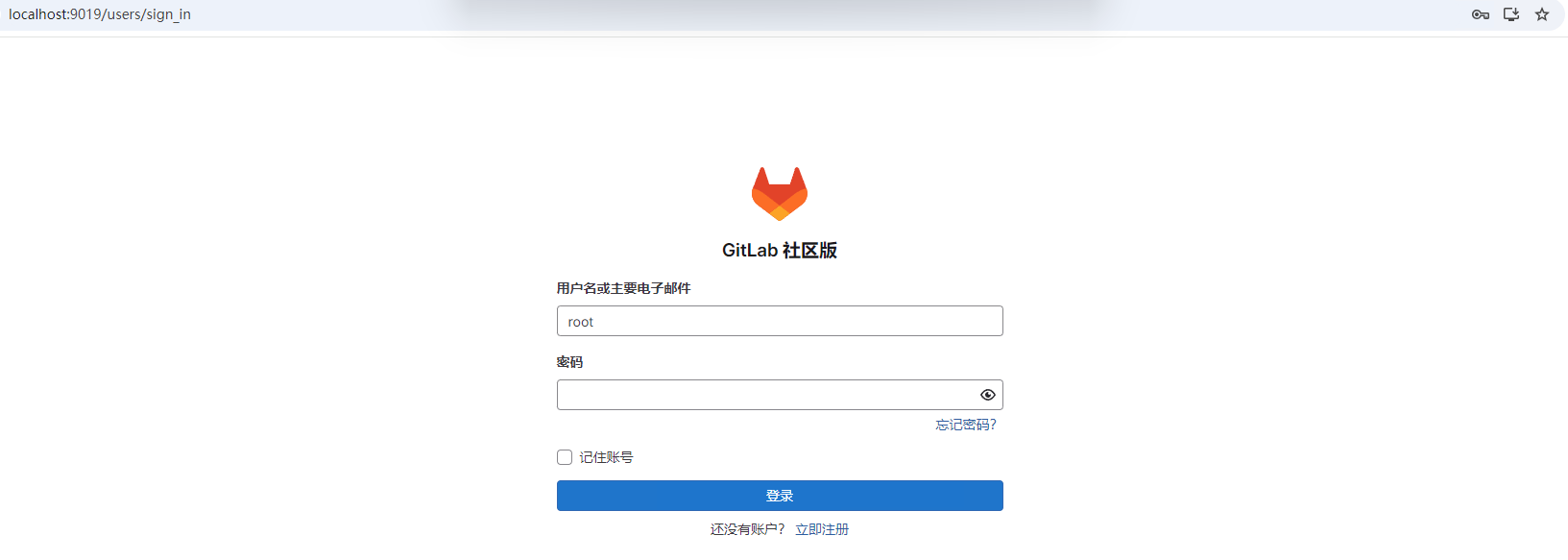
登录
http://localhost:9019/users/sign_in
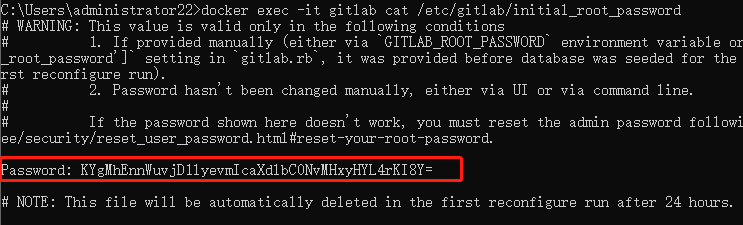
查看密码
docker exec-it gitlab cat/etc/gitlab/initial_root_password
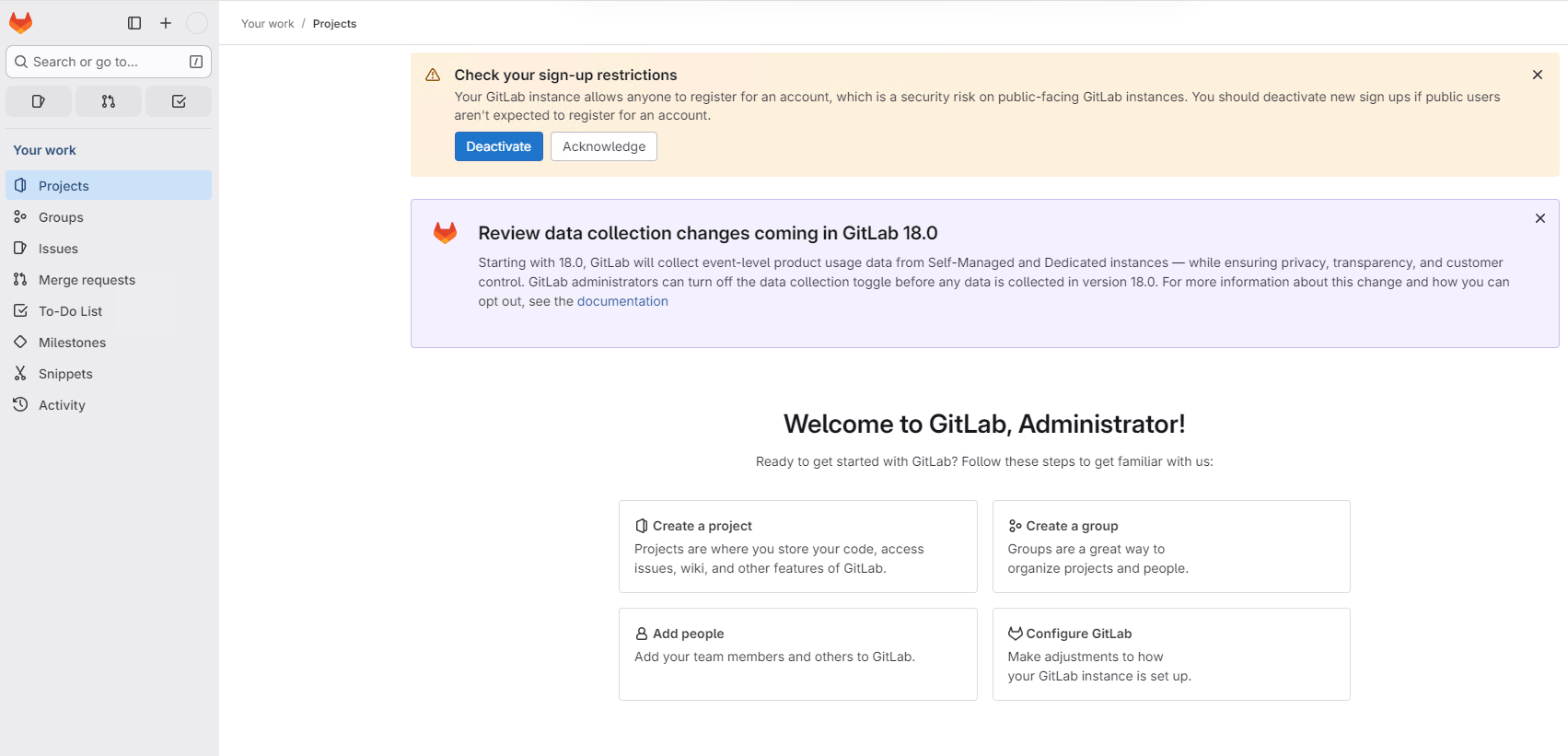
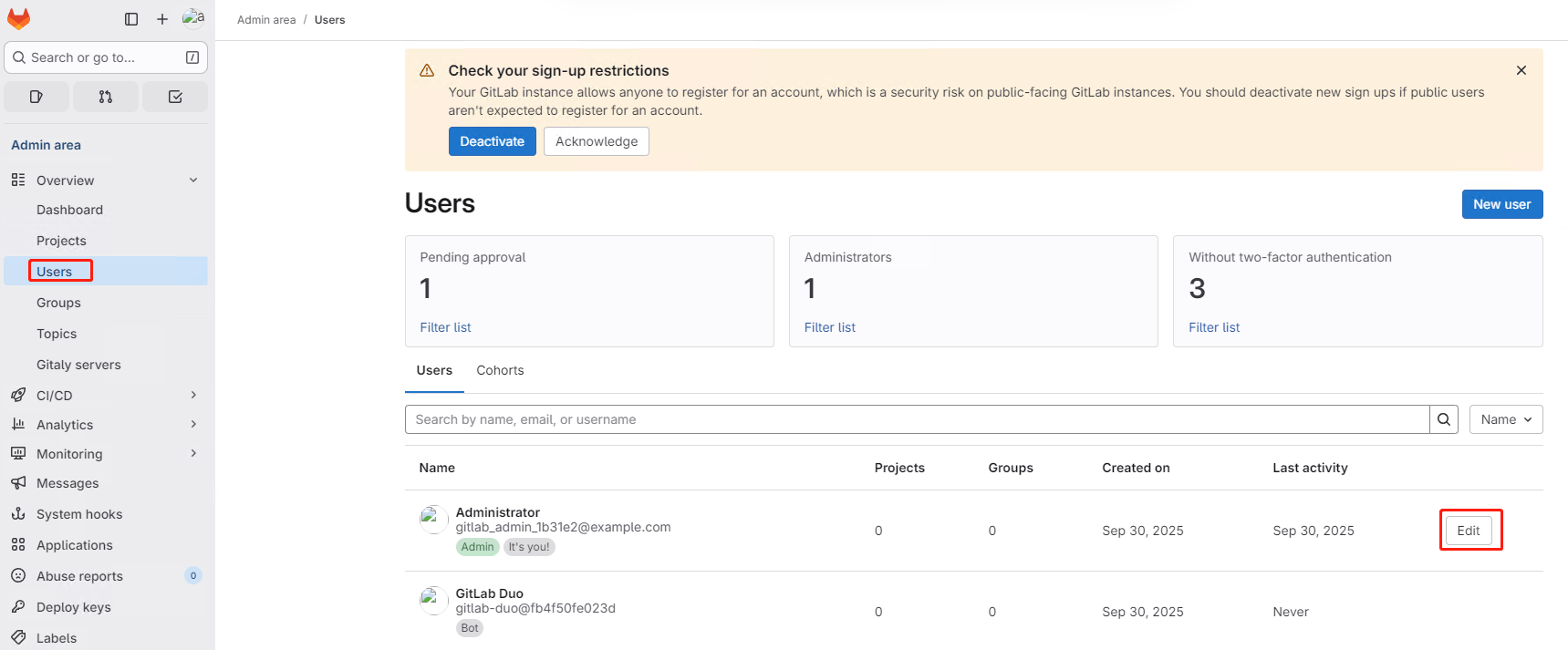
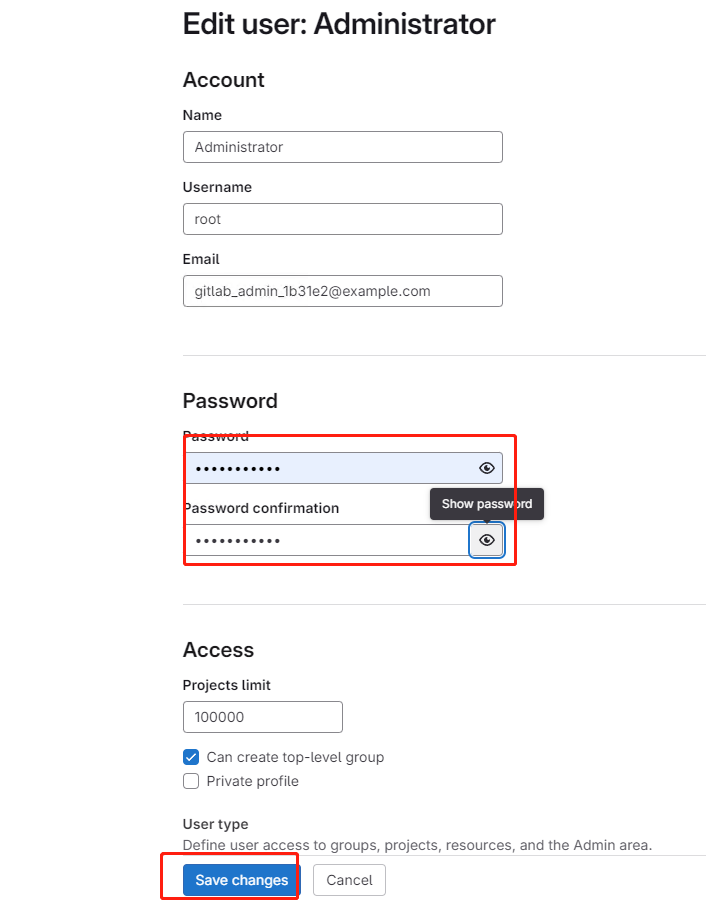
修改密码
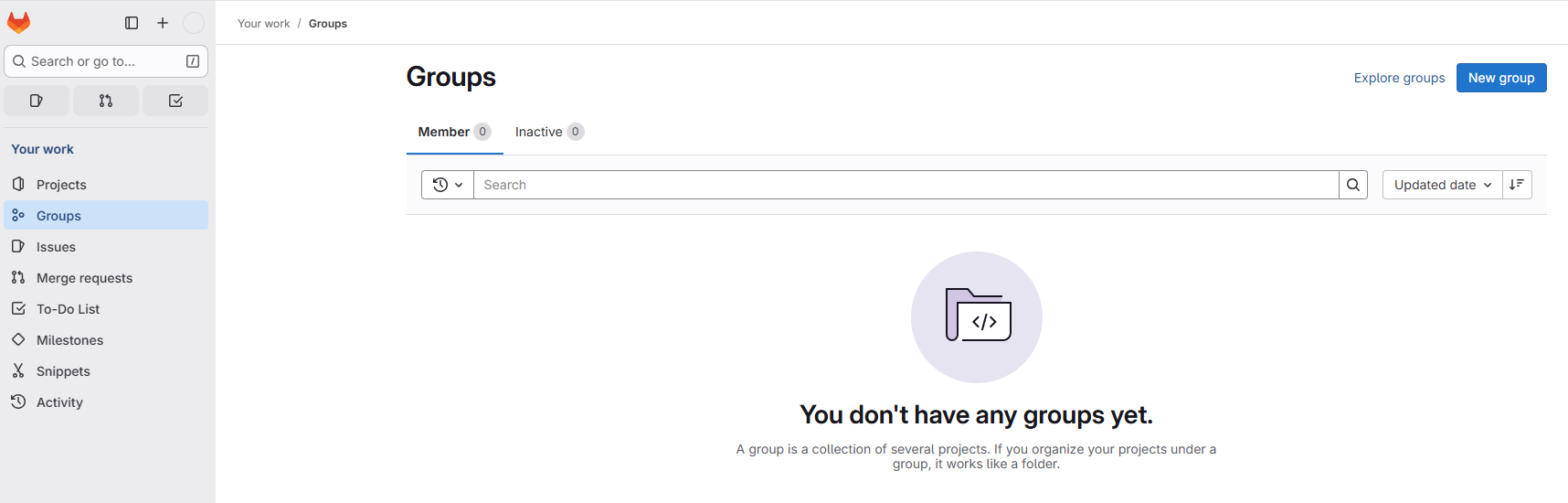
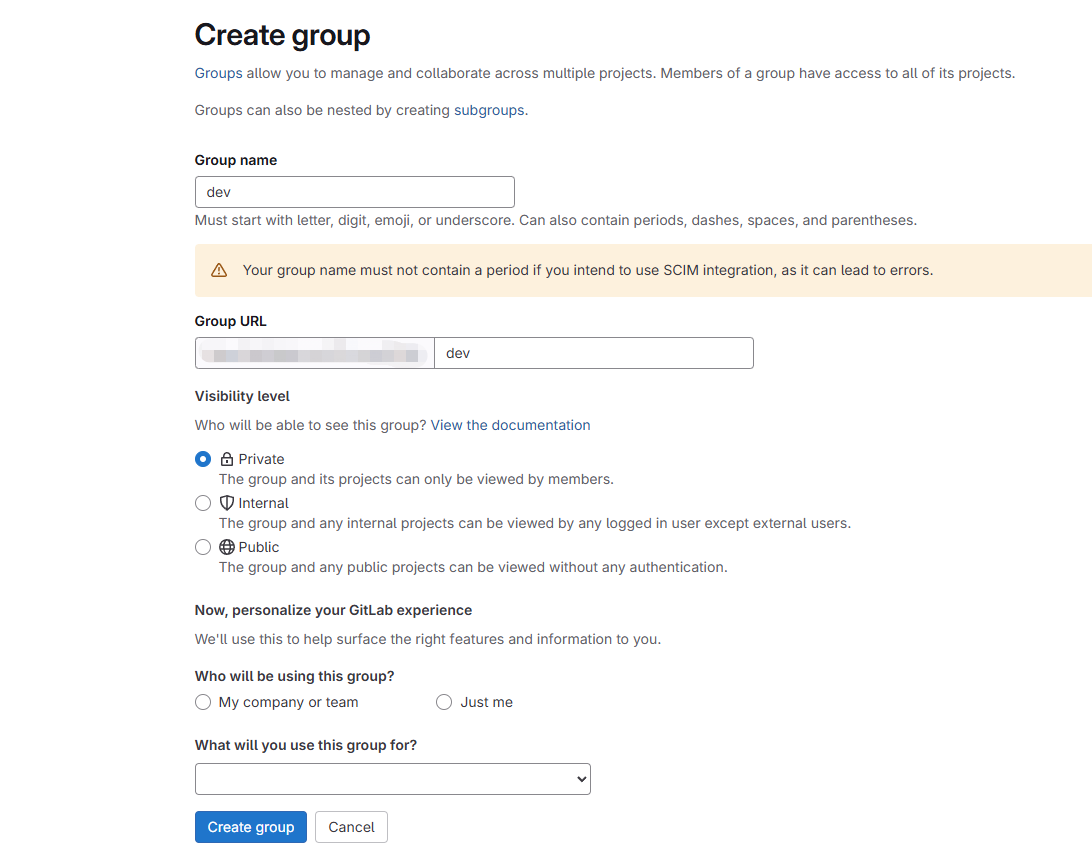
创建分组
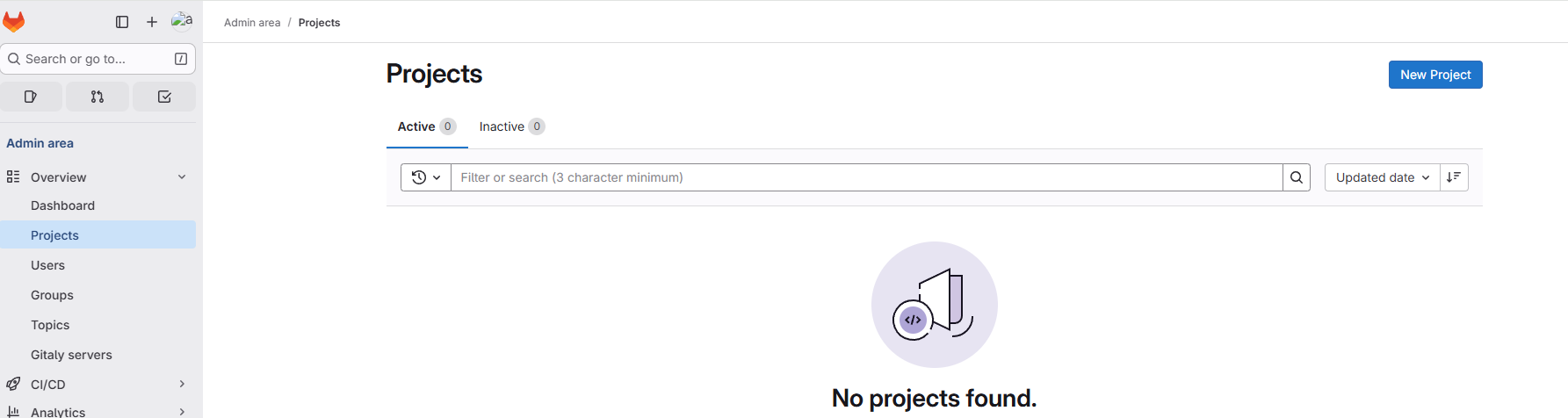
创建项目
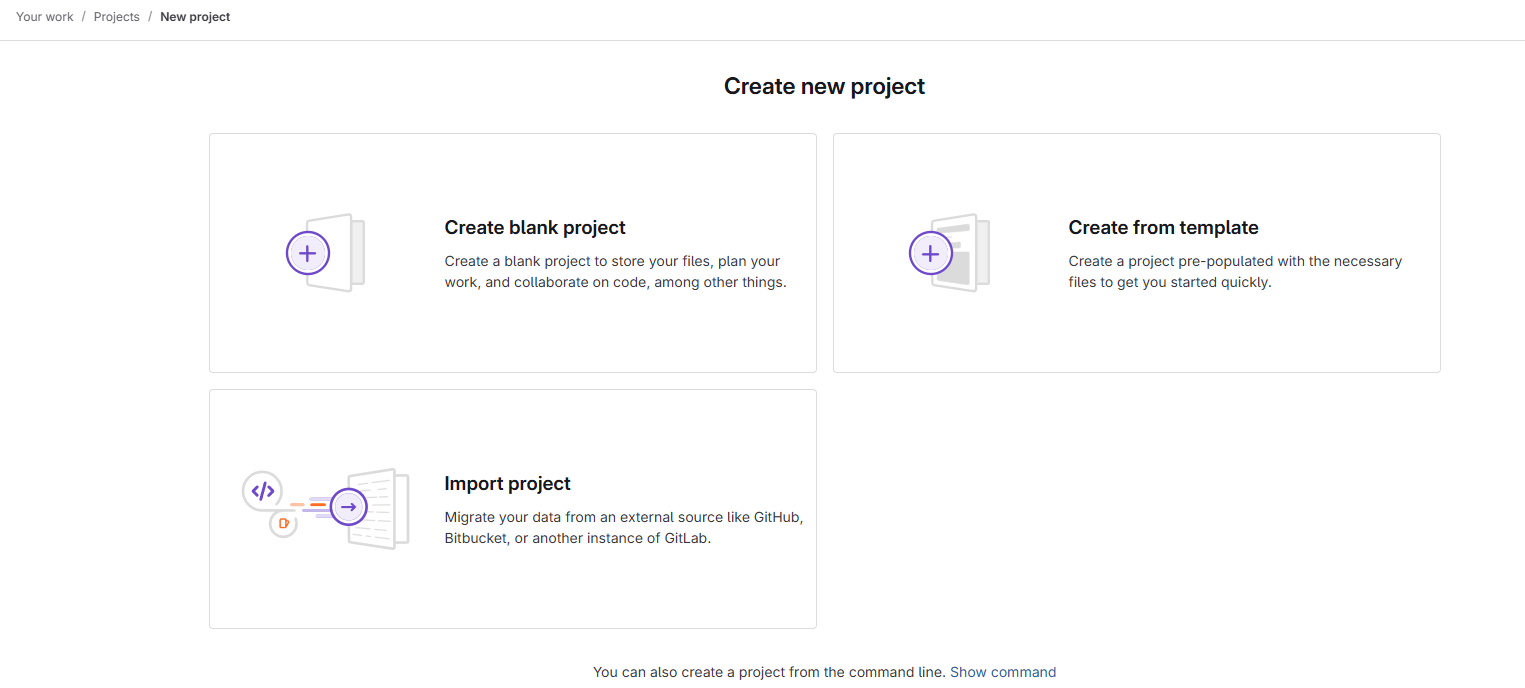
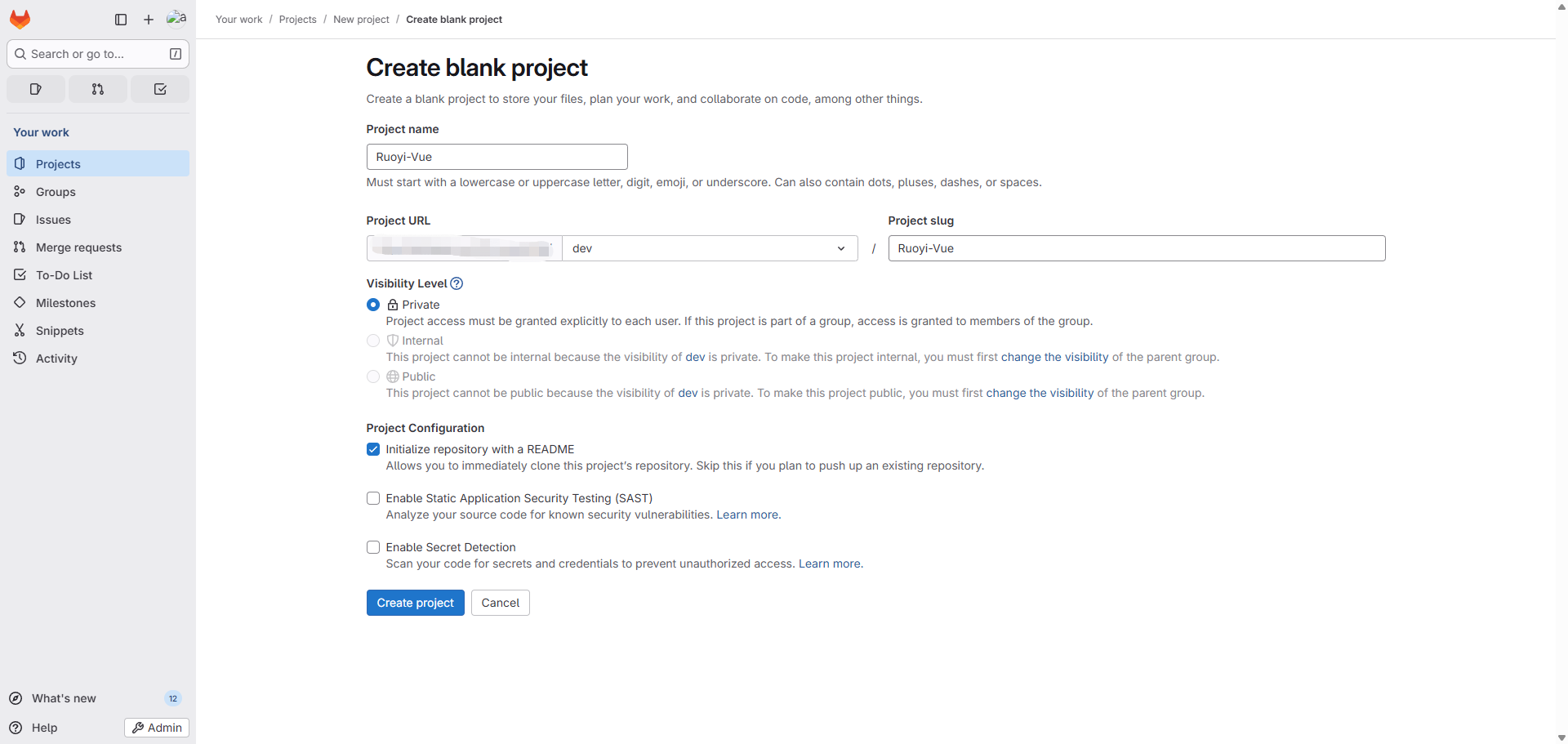
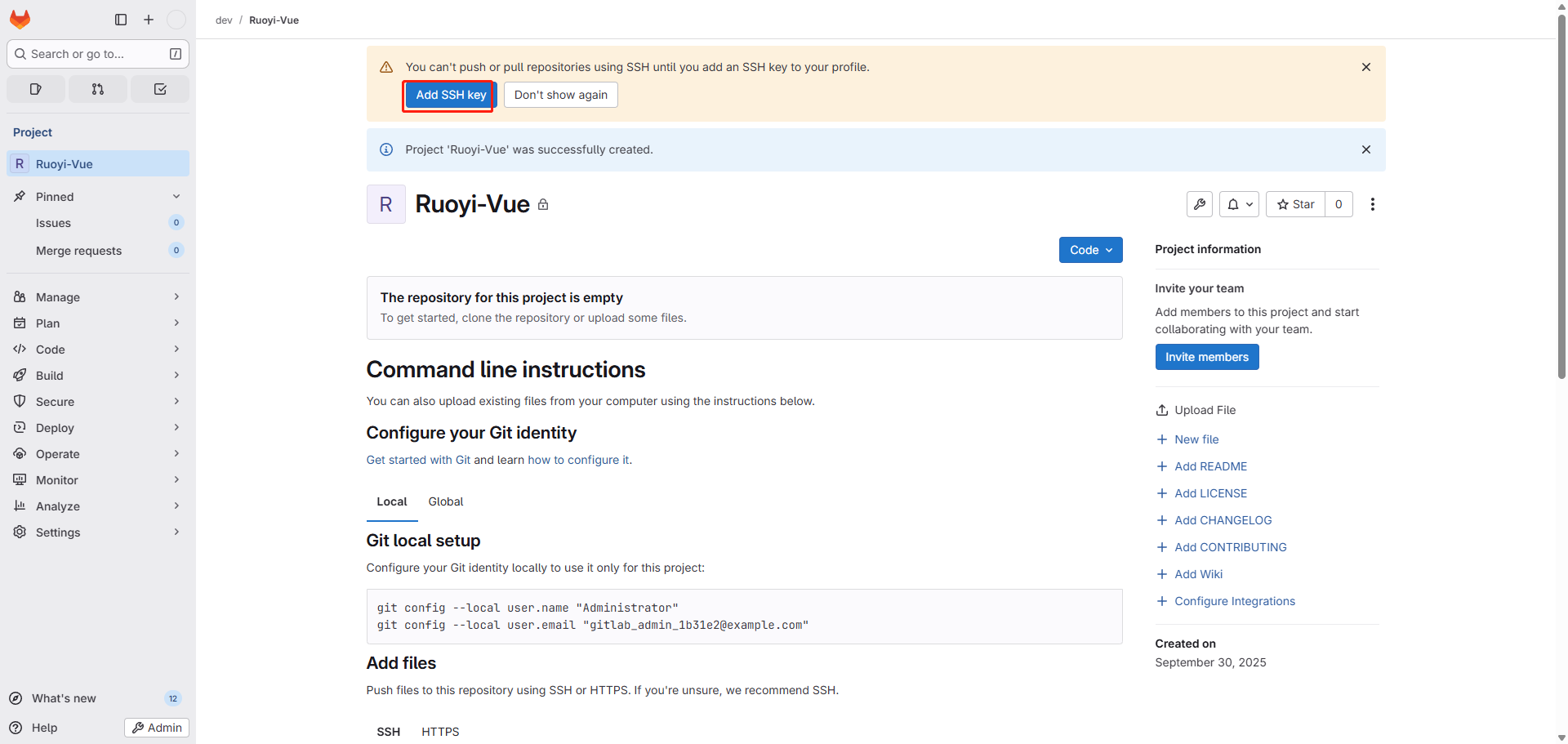
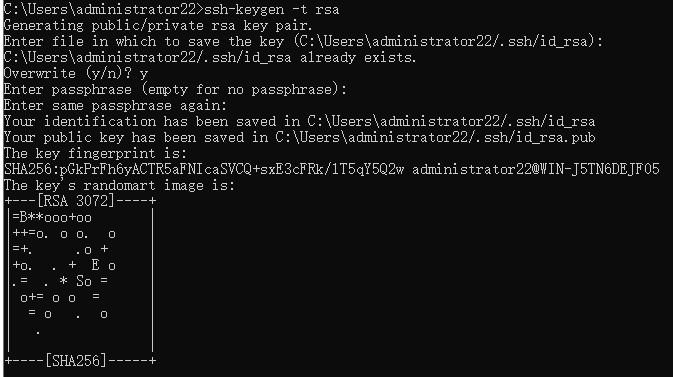
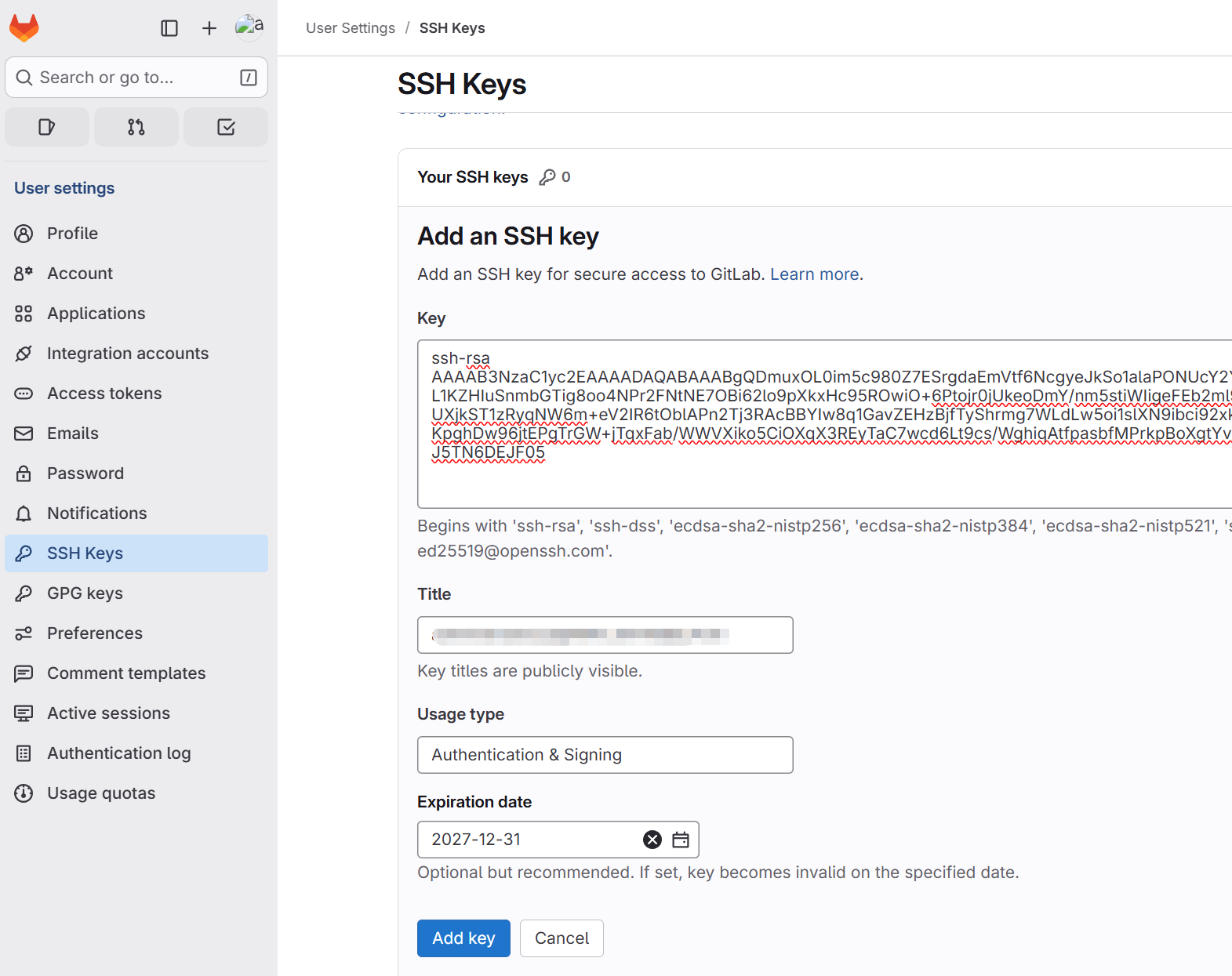
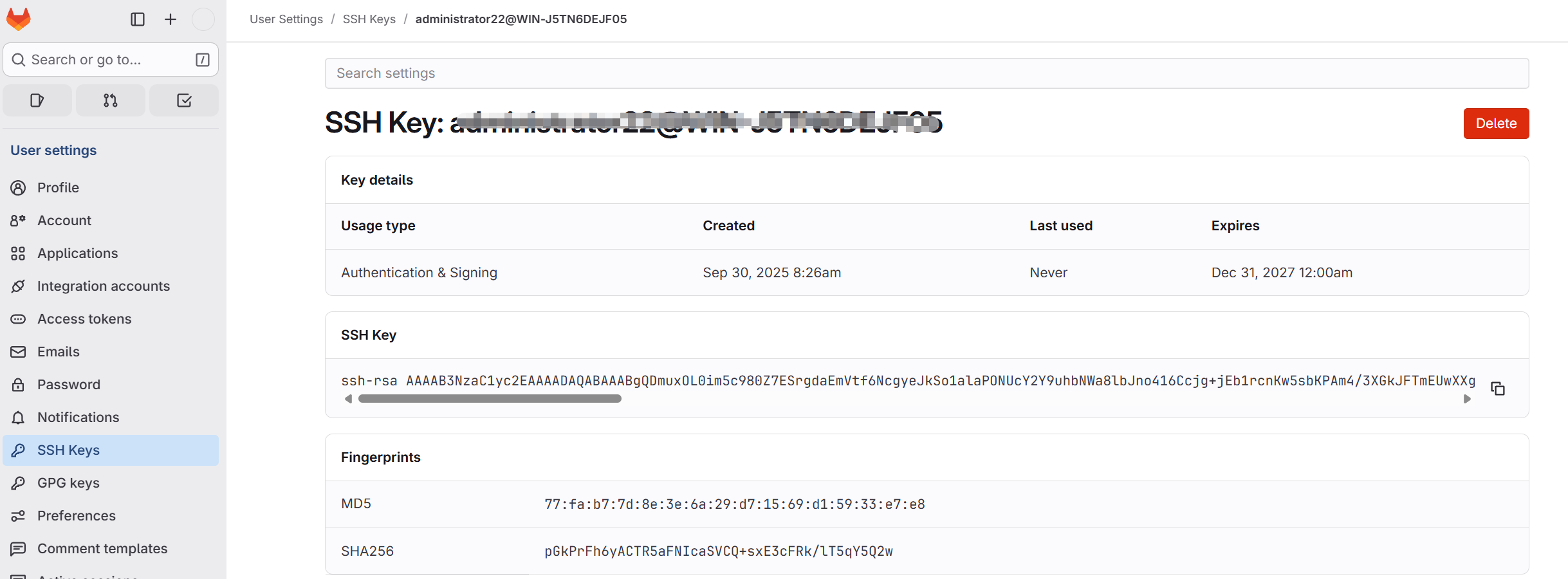
添加SSH 密钥
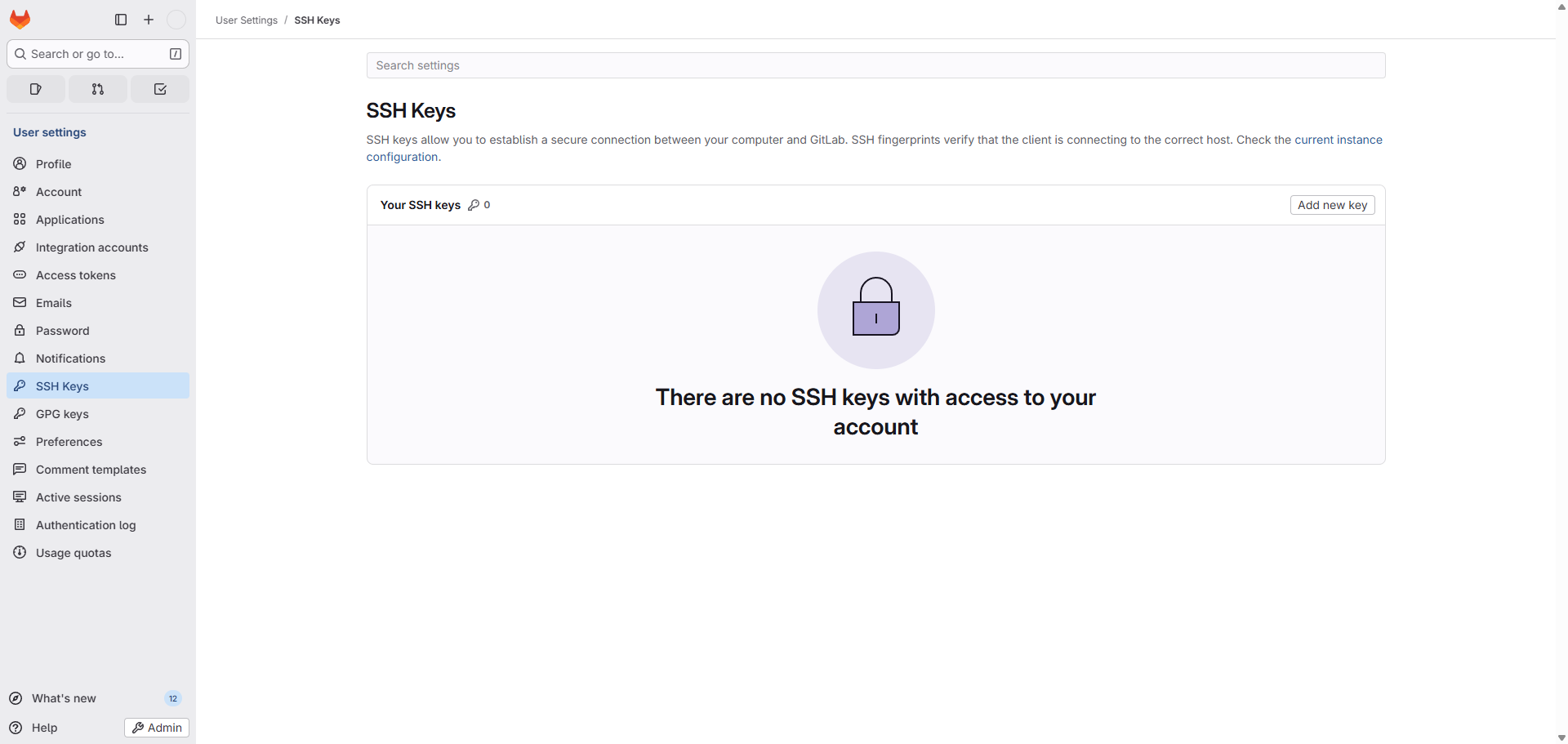
查看是否有现有的 SSH 密钥对
转到子目录.ssh。如果以前没有使用过,您需要生成一个 SSH 密钥对
ssh-keygen -t rsa
添加用户
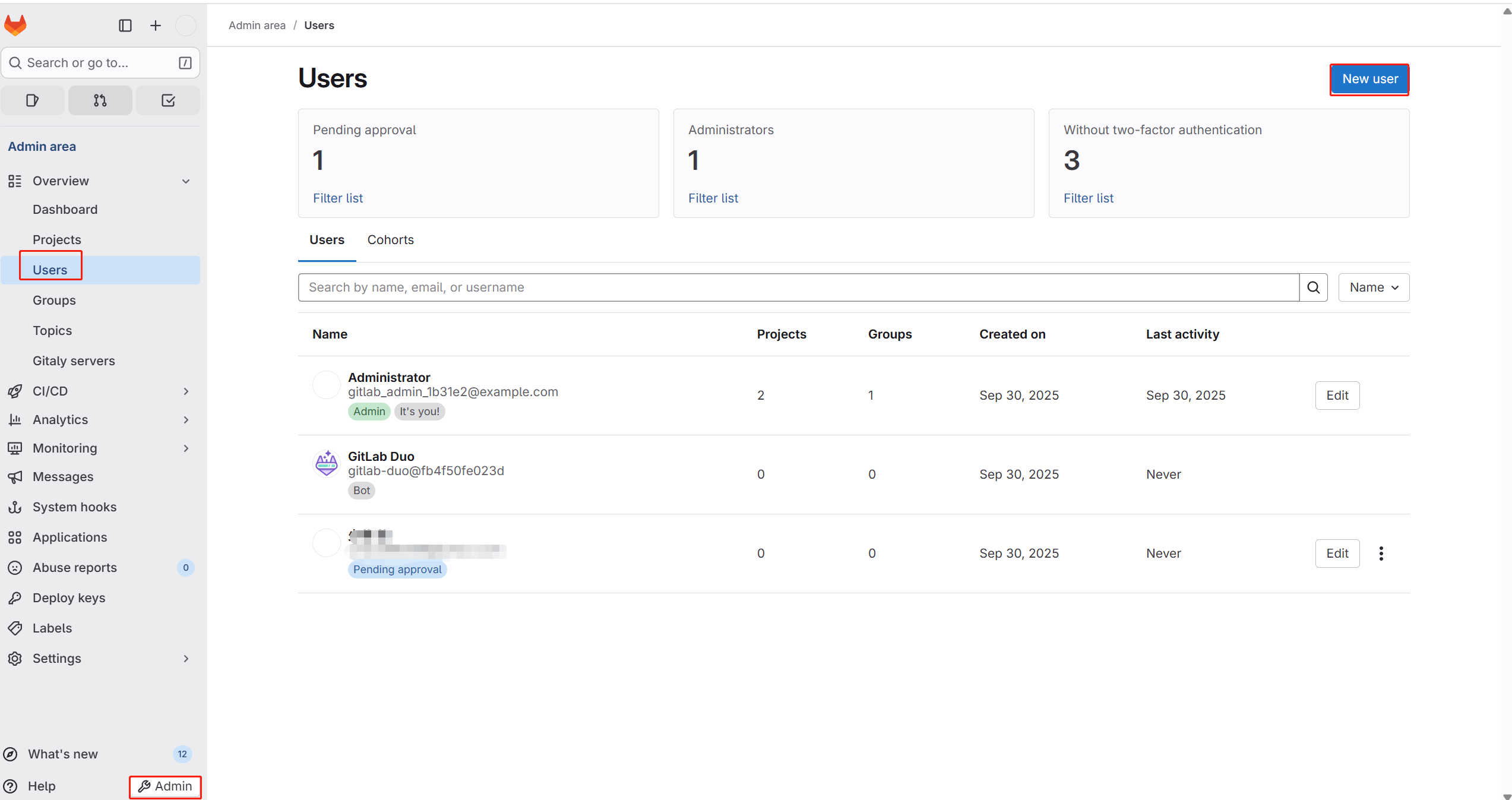
用户授权
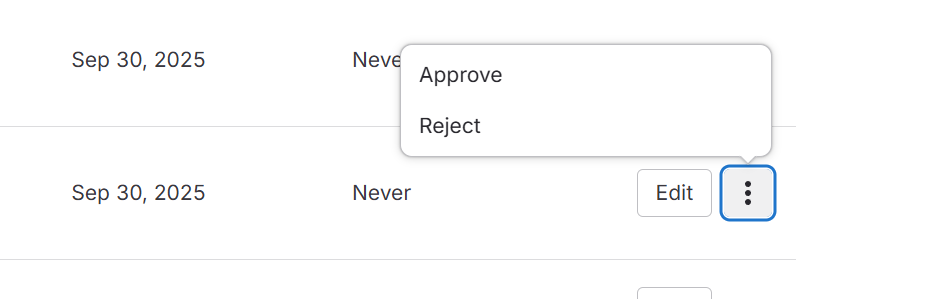
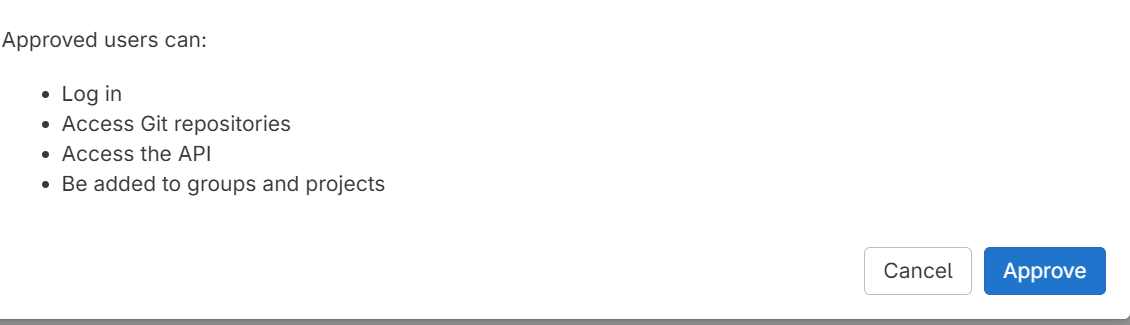
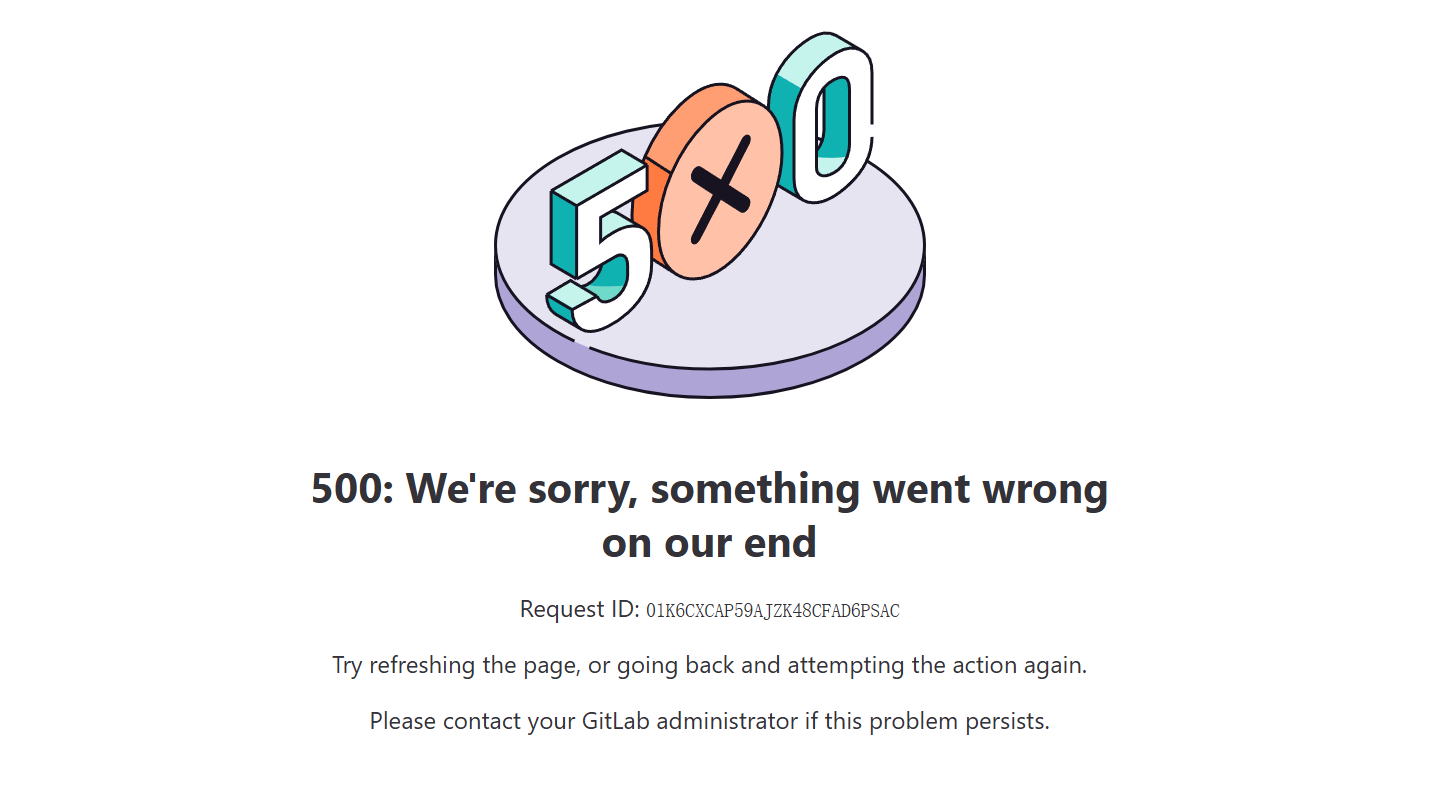
每一步修改都会出现这个,太难用了,先就这吧





 扫一扫
扫一扫


 4036
4036

 被折叠的 条评论
为什么被折叠?
被折叠的 条评论
为什么被折叠?
 到【灌水乐园】发言





