


Camel介绍
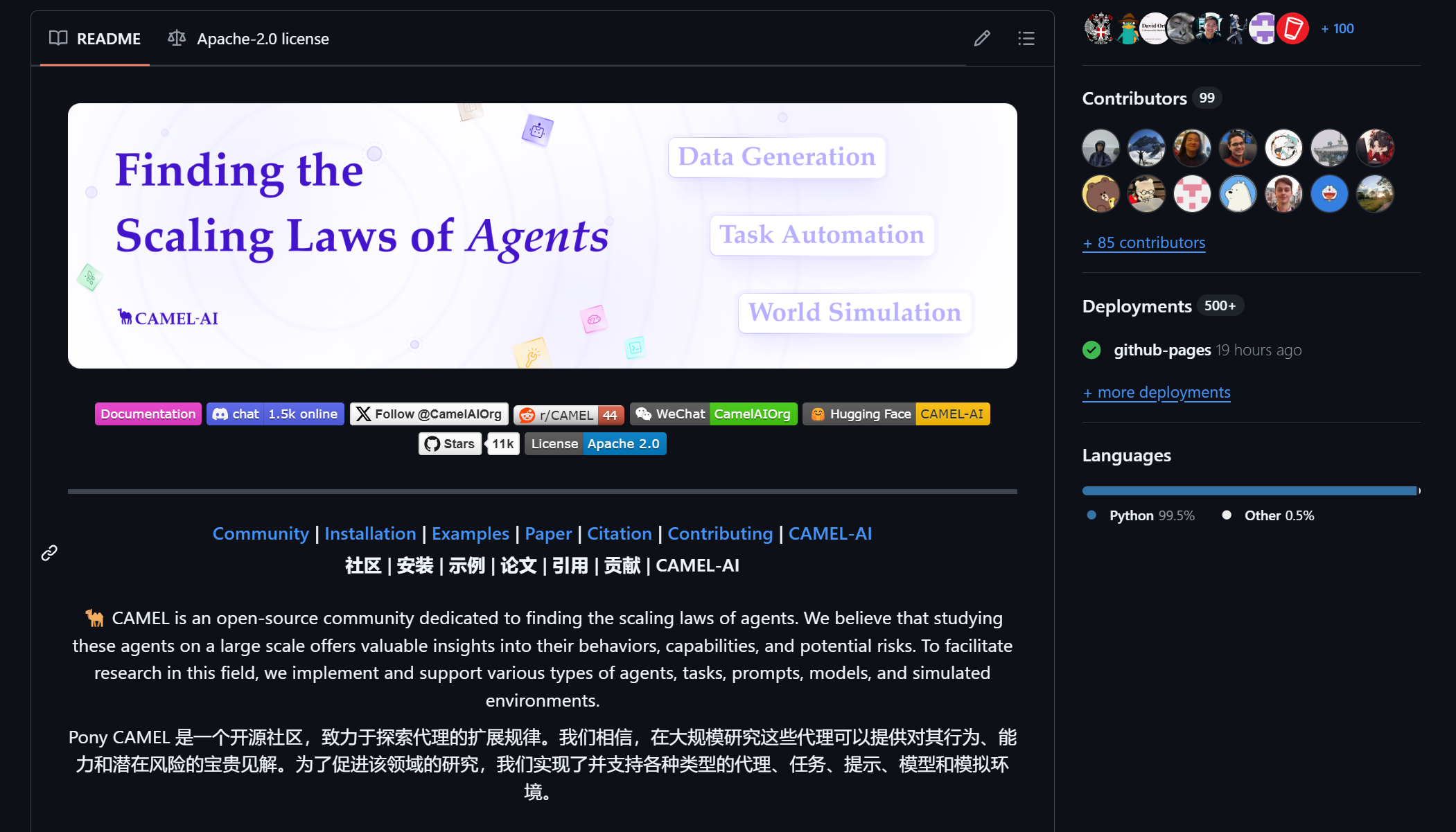
CAMEL 是一个开源社区,致力于探索代理的扩展规律。我们相信,在大规模研究这些代理可以提供对其行为、能力和潜在风险的宝贵见解。为了促进该领域的研究,我们实现了并支持各种类型的代理、任务、提示、模型和模拟环境。
CAMEL :找到智能体的扩展规律。第一个也是最好的多智能体框架。
CAMEL 框架设计原则
可演化性
该框架通过生成数据并与环境交互,使多智能体系统能够持续进化。这种进化可以由可验证奖励驱动的强化学习或监督学习驱动。
规模性
该框架旨在支持百万级代理的系统,确保在大规模情况下实现高效的协调、通信和资源管理。
有状态性
代理保持状态记忆,使它们能够进行多步与环境的交互,并高效地应对复杂的任务。
代码即提示
每一行代码和注释都作为代理的提示。代码应编写得清晰易读,确保人类和代理都能有效解读。
GitHub地址:https://github.com/camel-ai/camel。
Camel初探
我使用从源代码中使用 uv 这种方式进行安装。
git clone https://github.com/camel-ai/camel.git
cd camel
如果没安装uv需要安装。
pip install uv
创建一个虚拟环境。
uv venv .venv --python=3.10
激活虚拟环境。
.venv\Scripts\activate
安装CAMEL及其依赖。
uv pip install -e ".[all, dev, docs]"
开发者可以安装pre-commit hooks 与 mypy。
uv pip install pre-commit mypy
pre-commit install
现在先随便跑个例子看看。
我想要使用硅基流动的模型,就可以在.env文件中这样写:
Silicon_Model_ID="Qwen/Qwen2.5-72B-Instruct"
SiliconCloud_API_KEY="你的api_key"
SiliconCloud_Base_URL="https://api.siliconflow.cn/v1"
我跑的例子是这个:camel\examples\ai_society\role_playing_multi_lingual.py
将代码修改为如下的形式即可:
# ========= Copyright 2023-2024 @ CAMEL-AI.org. All Rights Reserved. =========
# Licensed under the Apache License, Version 2.0 (the "License");
# you may not use this file except in compliance with the License.
# You may obtain a copy of the License at
#
# http://www.apache.org/licenses/LICENSE-2.0
#
# Unless required by applicable law or agreed to in writing, software
# distributed under the License is distributed on an "AS IS" BASIS,
# WITHOUT WARRANTIES OR CONDITIONS OF ANY KIND, either express or implied.
# See the License for the specific language governing permissions and
# limitations under the License.
# ========= Copyright 2023-2024 @ CAMEL-AI.org. All Rights Reserved. =========
from colorama import Fore
from camel. 最低0.47元/天 解锁文章






 扫一扫
扫一扫


 758
758

 被折叠的 条评论
为什么被折叠?
被折叠的 条评论
为什么被折叠?
 到【灌水乐园】发言





