ubuntu编译redis-6.2.5并安装

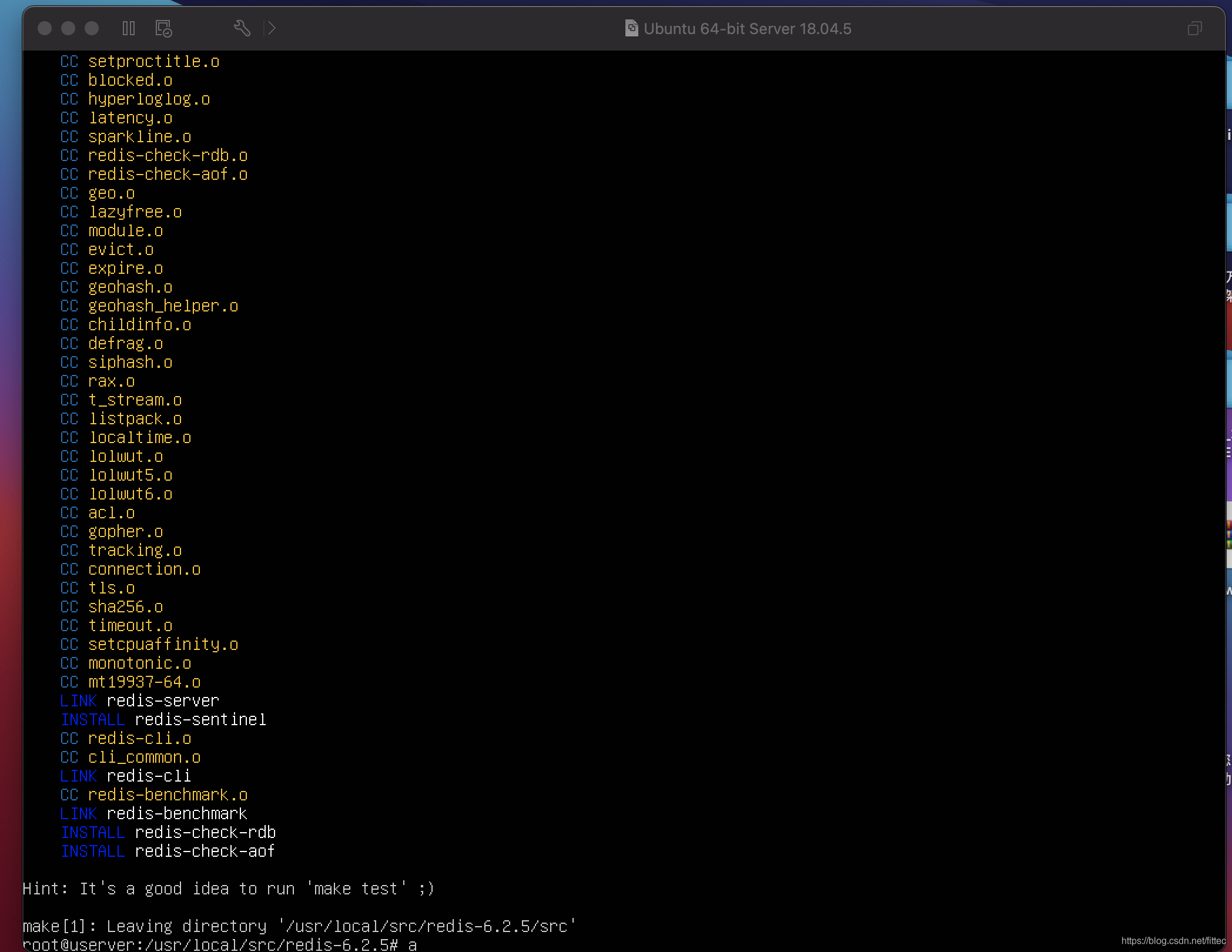
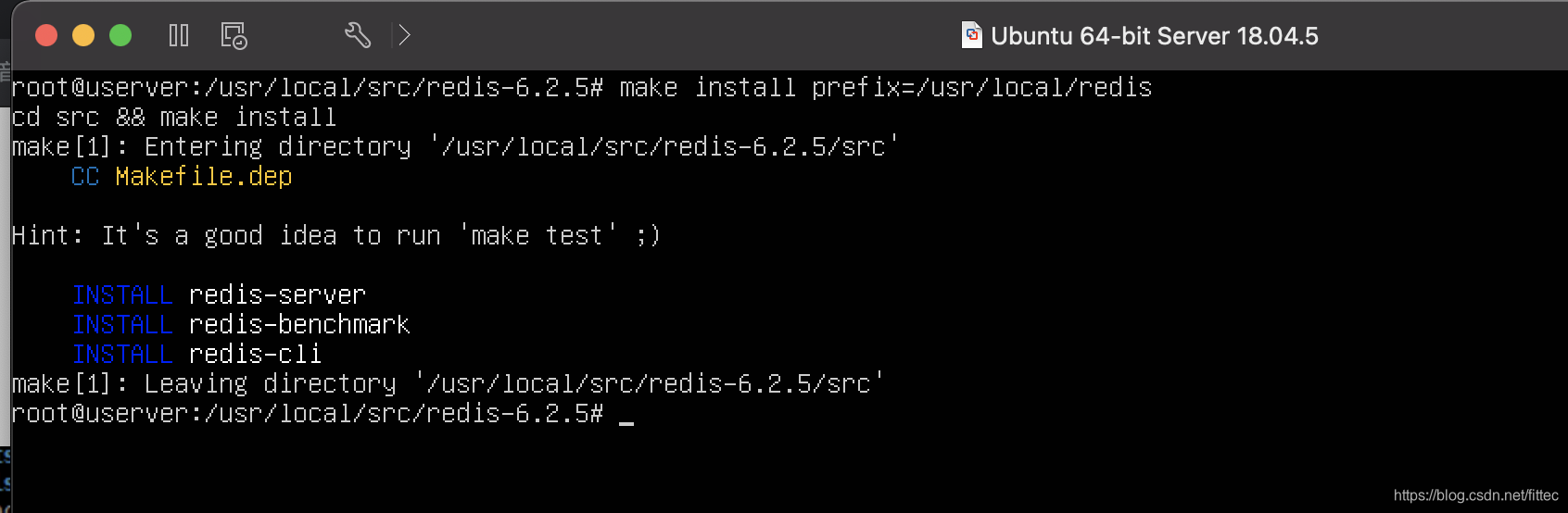
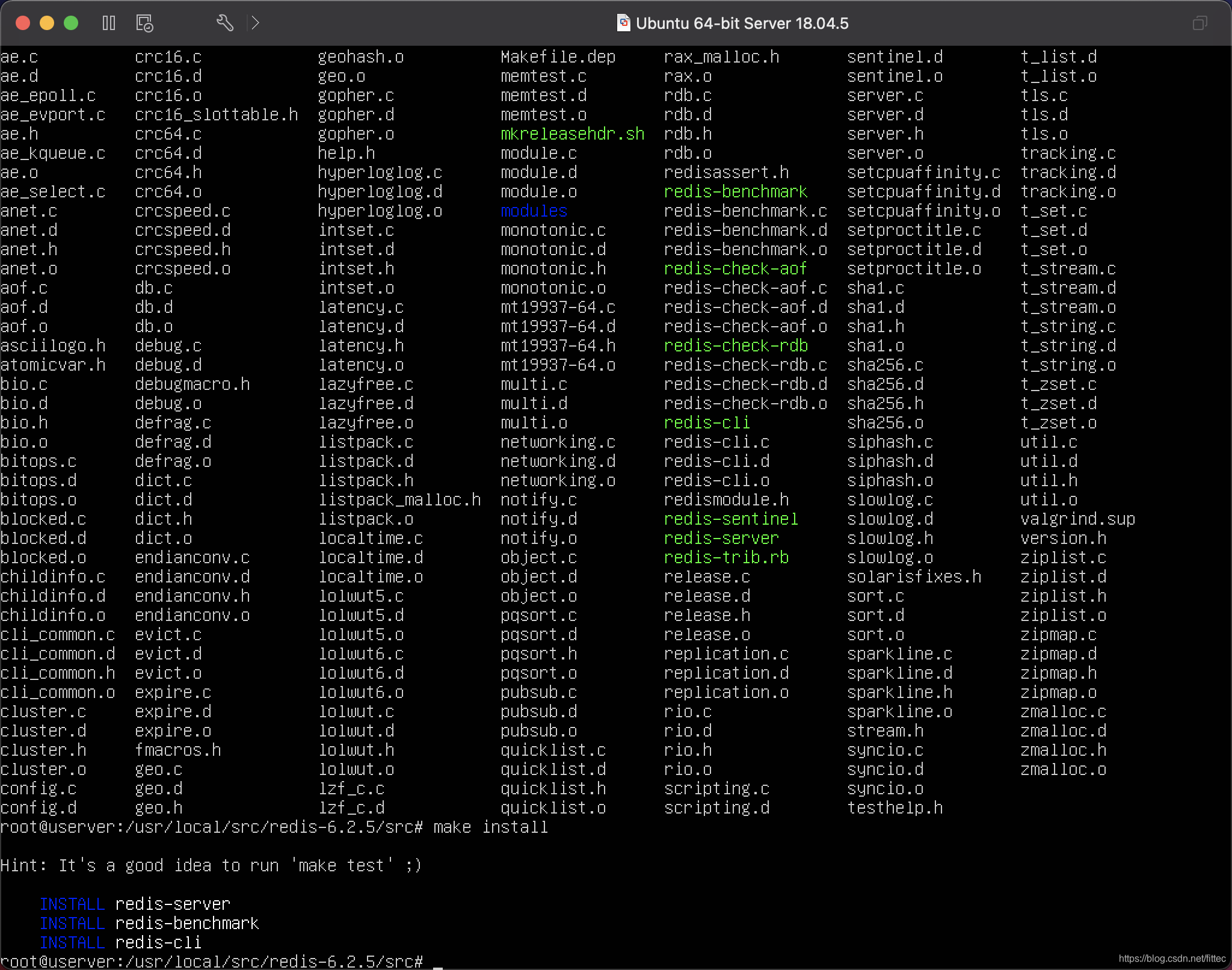
本文档介绍了如何在Ubuntu系统上下载Redis 6.2.5的源码,通过wget获取tar.gz文件,将其解压到/usr/local/src目录,然后进入解压后的源码目录,使用make进行编译,最后通过make install完成安装过程。
1. 环境准备 确保服务器已安装必要的开发工具和依赖项。例如,在 CentOS 或 Ubuntu 系统上,可以通过以下命令安装所需工具3: Bash sudo yum groupinstall "Development Tools" -y # 对于 CentOS sudo apt-get update && sudo apt-get install build-essential tcl -y # 对于 Ubuntu 2. 下载与编译 Redis 源码 从官方下载最新稳定版本的 Redis 源码包,完成编译安装: Bash wget http://download.redis.io/releases/redis-6.2.5.tar.gz tar -xf redis-6.2.5.tar.gz cd redis-6.2.5 make sudo make install 3. 配置 Redis 服务 将 Redis 初始化脚本复制到系统服务目录,设置为开机自启: Bash sudo cp utils/redis_init_script /etc/init.d/redisd sudo chmod +x /etc/init.d/redisd sudo chkconfig --add redisd sudo chkconfig redisd on 4. 修改配置文件 编辑 redis.conf 文件以适配业务需求。例如,启用持久化、设置密码保护等: Bash bind 0.0.0.0 protected-mode no requirepass your_password appendonly yes 5. 启动 Redis 服务 通过以下命令启动 Redis 服务验证其状态: Bash sudo service redisd start redis-cli ping # 如果返回 PONG,则说明服务正常运行 6. 部署哨兵模式(可选) 为了实现高可用性,可以部署 Redis 哨兵集群。创建哨兵配置文件 sentinel.conf,添加主节点信息: Bash port 26379 daemonize yes pidfile "/var/run/redis-sentinel.pid" logfile "/var/log/redis-sentinel.log" dir "/tmp" sentinel monitor mymaster 127.0.0.1 6379 2 sentinel down-after-milliseconds mymaster 5000 sentinel failover-timeout mymaster 60000 sentinel parallel-syncs mymaster 1 启动哨兵服务: Bash redis-sentinel /path/to/sentinel.conf 哨兵模式有什么功能,这里以代码模式部署与平台部署最终结果resids有什么区别,以Ubuntu系统安装为例详细讲解部署步骤
最新发布
06-24
评论
添加红包

请填写红包祝福语或标题

红包个数最小为10个

红包金额最低5元

当前余额3.43前往充值 >
需支付:10.00
成就一亿技术人!
领取后你会自动成为博主和红包主的粉丝 规则
hope_wisdom
发出的红包

打赏作者

宏权实验室

有你的鼓励,我会更加努力。

¥1 ¥2 ¥4 ¥6 ¥10 ¥20
扫码支付:¥1
获取中
扫码支付

您的余额不足,请更换扫码支付或充值

打赏作者

实付
使用余额支付
点击重新获取
扫码支付
钱包余额 0

抵扣说明:

1.余额是钱包充值的虚拟货币,按照1:1的比例进行支付金额的抵扣。
2.余额无法直接购买下载,可以购买VIP、付费专栏及课程。

余额充值