



开源项目网址:ASCII-generator-master
csdn下载网址:ASCII-generator-main.zip
参阅:手把手教你使用ASCII-Generator
where python
D:\Python37\python.exe
依赖库:
cv2
Pillow
numpy
pip show Pillow
Name: Pillow
Version: 9.3.0
Summary: Python Imaging Library (Fork)
zip包中有五个 python 脚本:
img2txt.py 图片生成文本
img2img.py 图片生成图片(黑白)
img2img_color.py 图片生成图片(彩色)
video2video.py 视频生成视频(黑白)
video2video_color.py 视频生成视频(彩色)
cd D:\test\ASCII-generator-master
D:\test\ASCII-generator-master> python img2txt.py -h
usage: Image to ASCII [-h] [--input INPUT] [--output OUTPUT]
                      [--mode {simple,complex}] [--num_cols NUM_COLS]

optional arguments:
  -h, --help            show this help message and exit
  --input INPUT         Path to input image
  --output OUTPUT       Path to output text file
  --mode {simple,complex}
                        10 or 70 different characters
  --num_cols NUM_COLS   number of character for output's width
--input 指输入文件。
--output 指输出文件。
--language 指生成ASCII的语言。
--background 指背景颜色,可设置为黑色或白色。
--num_cols 输出文件宽度
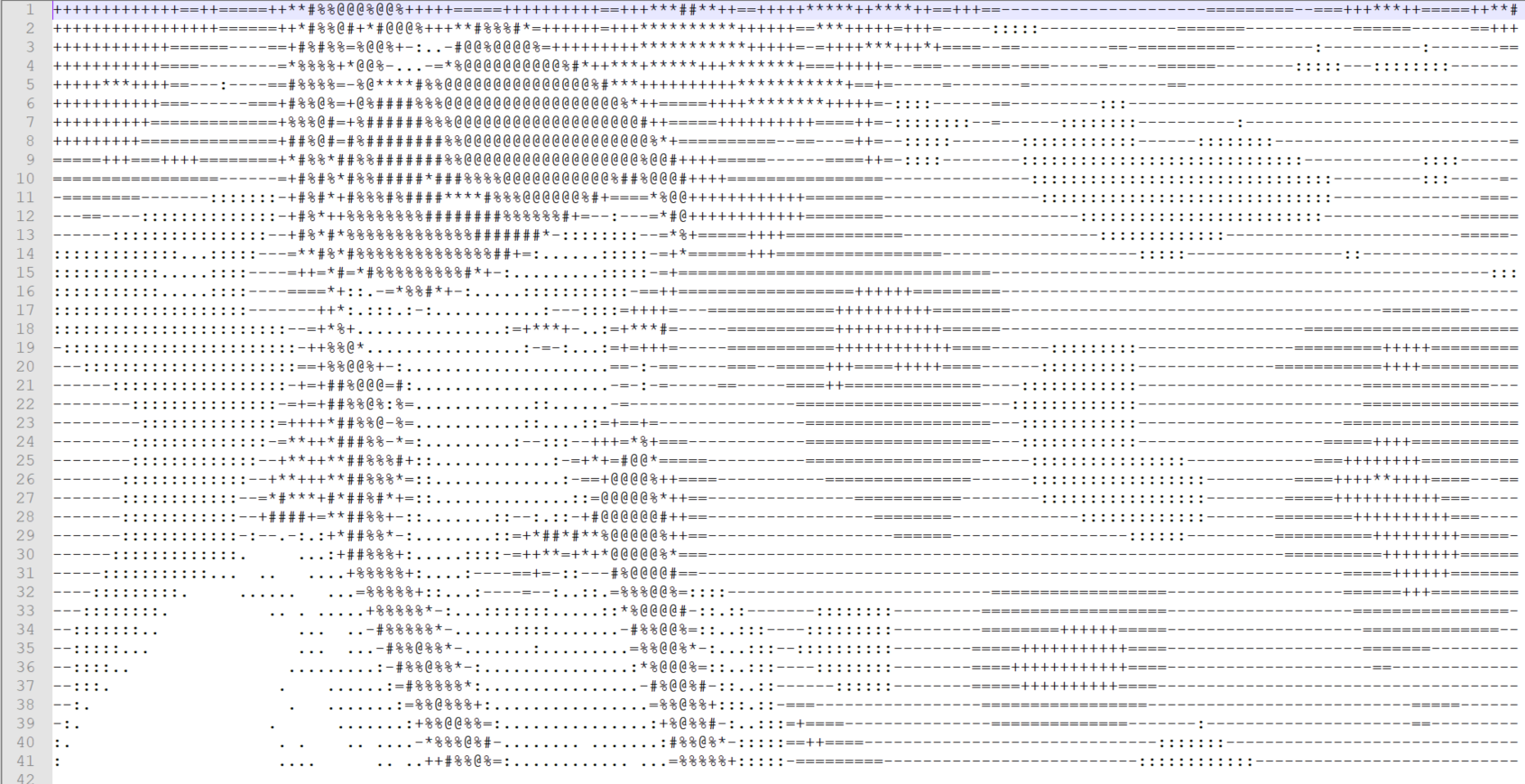
运行 python img2txt.py --input input.jpg --output test1.txt --mode simple
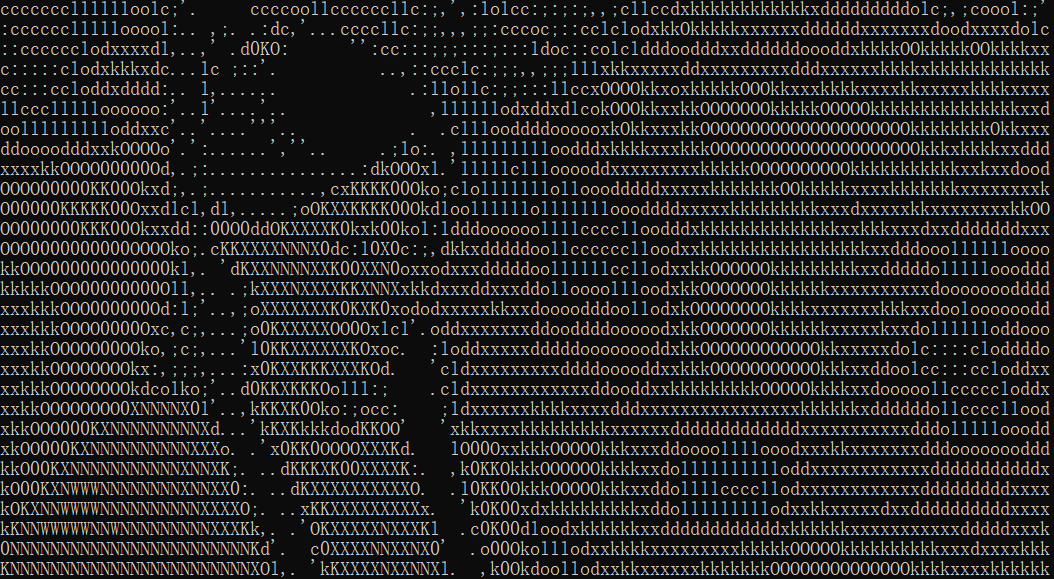
下图为 jp2a 图像转换效果:
python img2img.py -h
python img2img.py --input input.jpg --output test1.jpg
img2img.py:44: DeprecationWarning: getsize is deprecated and will be removed in Pillow 10 (2023-07-01). Use getbbox or getlength instead.
  char_width, char_height = font.getsize(sample_character)
python img2img_color.py -h
D:\test\ASCII-generator-master> python img2img_color.py -h
usage: Image to ASCII [-h] [--input INPUT] [--output OUTPUT]
                      [--language LANGUAGE] [--mode MODE]
                      [--background {black,white}] [--num_cols NUM_COLS]
                      [--scale SCALE]

optional arguments:
  -h, --help            show this help message and exit
  --input INPUT         Path to input image
  --output OUTPUT       Path to output text file
  --language LANGUAGE
  --mode MODE
  --background {black,white}
                        background's color
  --num_cols NUM_COLS   number of character for output's width
  --scale SCALE         upsize output
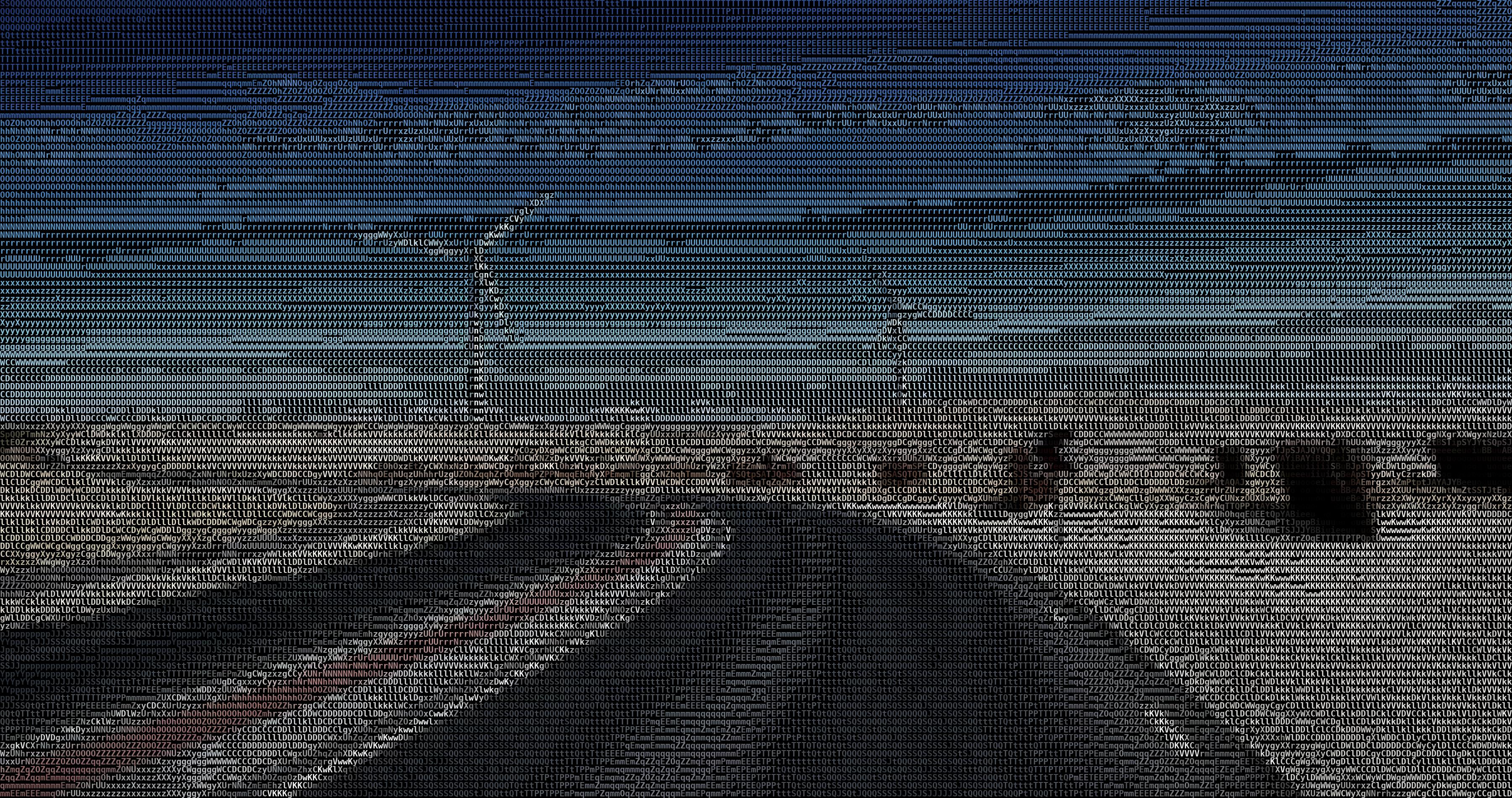
运行 python img2img_color.py --input input.jpg --output test2.jpg
python img2img_color.py --input 182_600x400.jpg --output color_182.jpg
python video2video.py -h
D:\test\ASCII-generator-master> python video2video.py -h
usage: Image to ASCII [-h] [--input INPUT] [--output OUTPUT]
                      [--mode {simple,complex}] [--background {black,white}]
                      [--num_cols NUM_COLS] [--scale SCALE] [--fps FPS]
                      [--overlay_ratio OVERLAY_RATIO]

optional arguments:
  -h, --help            show this help message and exit
  --input INPUT         Path to input video
  --output OUTPUT       Path to output video
  --mode {simple,complex}
                        10 or 70 different characters
  --background {black,white}
                        background's color
  --num_cols NUM_COLS   number of character for output's width
  --scale SCALE         upsize output
  --fps FPS             frame per second
  --overlay_ratio OVERLAY_RATIO
                        Overlay width ratio
python video2video.py --input input2.mp4 --output test2.gif --mode simple
python video2video_color.py -h
D:\test\ASCII-generator-master> python video2video_color.py -h
usage: Image to ASCII [-h] [--input INPUT] [--output OUTPUT]
                      [--mode {simple,complex}] [--background {black,white}]
                      [--num_cols NUM_COLS] [--scale SCALE] [--fps FPS]
                      [--overlay_ratio OVERLAY_RATIO]

optional arguments:
  -h, --help            show this help message and exit
  --input INPUT         Path to input video
  --output OUTPUT       Path to output video
  --mode {simple,complex}
                        10 or 70 different characters
  --background {black,white}
                        background's color
  --num_cols NUM_COLS   number of character for output's width
  --scale SCALE         upsize output
  --fps FPS             frame per second
  --overlay_ratio OVERLAY_RATIO
                        Overlay width ratio
python img2img.py --input input.jpg --output test1.jpg
Traceback (most recent call last):
File "D:\test\ASCII-generator-master\img2img.py", line 67, in <module>
main(opt)
File "D:\test\ASCII-generator-master\img2img.py", line 29, in main
char_list, font, sample_character, scale = get_data(opt.language, opt.mode)
File "D:\test\ASCII-generator-master\utils.py", line 117, in get_data
char_list = sort_chars(char_list, font, language)
File "D:\test\ASCII-generator-master\utils.py", line 13, in sort_chars
char_width, char_height = font.getsize("A")
AttributeError: 'FreeTypeFont' object has no attribute 'getsize'
这个问题怎么处理?
出现该错误是因为新版Pillow库(≥10.0.0)移除了`getsize()`方法。你需要将代码中所有`font.getsize()`替换为`getbbox()`计算尺寸。以下是具体修复步骤:
---
**1. 修改img2img.py中的代码:**
找到这行代码:
```python
char_width, char_height = font.getsize(sample_character)
```
替换为:
```python
bbox = font.getbbox(sample_character)
char_width = bbox[2] - bbox[0]
char_height = bbox[3] - bbox[1]
```
---
**2. 修改utils.py中的代码:**
找到这行代码(约在utils.py第13行):
```python
char_width, char_height = font.getsize("A")
```
替换为:
```python
bbox = font.getbbox("A")
char_width = bbox[2] - bbox[0]
char_height = bbox[3] - bbox[1]
```
---
**3. 检查其他潜在调用:**
确保代码中没有其他`font.getsize()`的调用,若有则按相同方式替换。
---
**4. (可选)降级Pillow版本(临时方案):**
若不想修改代码,可执行:
```bash
pip install Pillow==9.3.0
```
---
完成上述修改后,重新运行程序即可解决`AttributeError`错误。建议优先采用代码修改方案以兼容新版库。






 扫一扫
扫一扫


 727
727

 被折叠的 条评论
为什么被折叠?
被折叠的 条评论
为什么被折叠?
 到【灌水乐园】发言





