


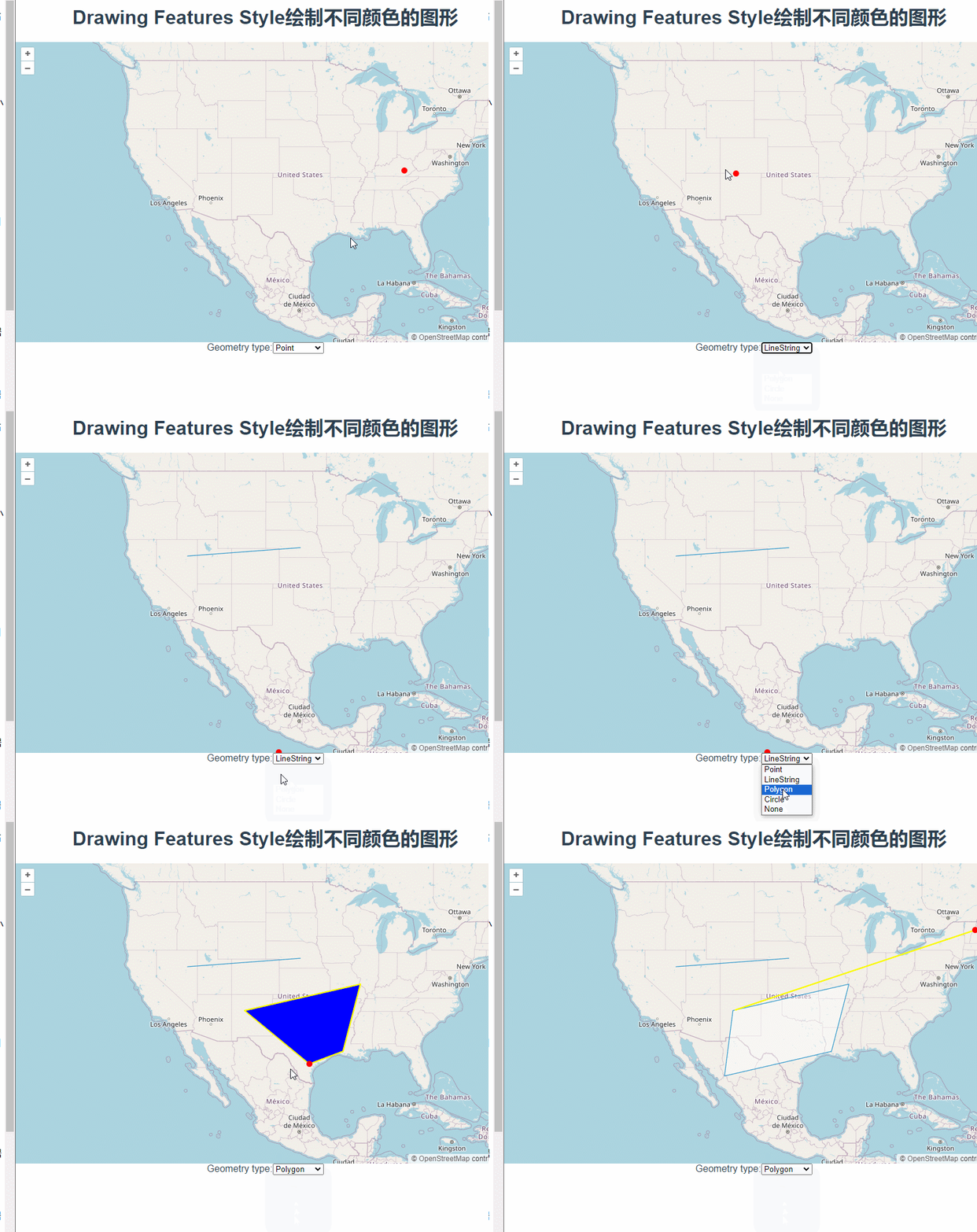
这篇讲的是使用Draw绘制图形时根据绘制形状设置不同颜色。
根据下拉框中的值在styles对象中取对应的颜色对象,new Draw的时候将其设置为style参数。
const styles = {
Point: {
"circle-radius": 5,
"circle-fill-color": "red",
},
LineString: {
"circle-radius": 5,
"circle-fill-color": "red",
"stroke-color": "yellow",
"stroke-width": 2,
},
Polygon: {
"circle-radius": 5,
"circle-fill-color": "red",
"stroke-color": "yellow",
"stroke-width": 2,
"fill-color": "blue",
},
Circle: {
"circle-radius": 5,
"circle-fill-color": "red",
"stroke-color": "blue",
"stroke-width": 2,
"fill-color": "yellow",
},
};
const typeSelect = document.getElementById("type");
let draw;
function addInteraction() {
const val 最低0.47元/天 解锁文章






 扫一扫
扫一扫


 2693
2693

 被折叠的 条评论
为什么被折叠?
被折叠的 条评论
为什么被折叠?
 到【灌水乐园】发言





