


LangChain
官方文档:https://python.langchain.com/docs/get_started/introduction.html
github: https://github.com/langchain-ai/langchain
优质入门文章:https://blog.youkuaiyun.com/v_JULY_v/article/details/131552592
LangChain 是一个用于开发由语言模型驱动的应用程序的框架。
可以做什么?
可以将 LLM 模型(大规模语言模型)与外部数据源进行连接
可以与 LLM 模型进行交互
ollama
https://blog.youkuaiyun.com/YXWik/article/details/143871588
chroma
github地址:https://github.com/chroma-core/chroma
向量数据库,轻量级且支持windows,不需要wsl,不需要docker
安装
pip install chromadb
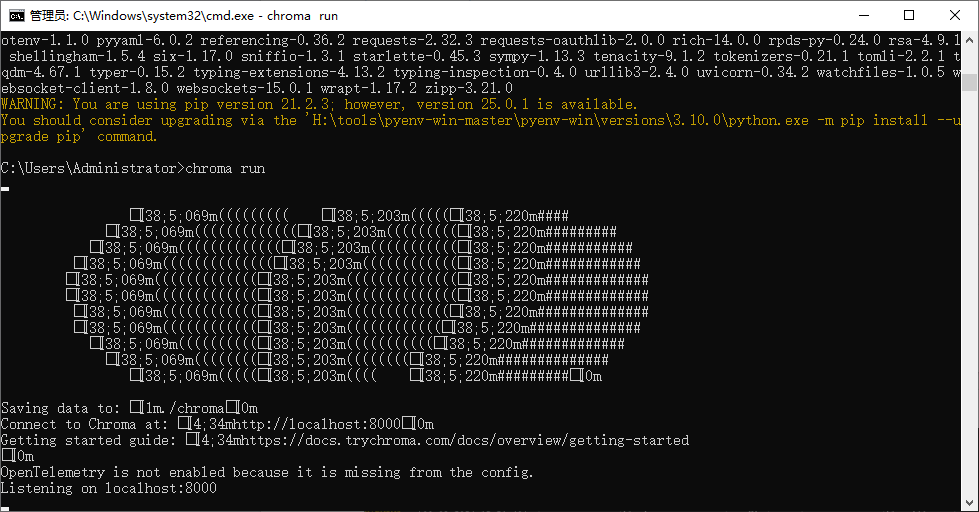
运行
chroma run
embedding模型
选择 BAAI/bge-small-zh-v1.5作为embedding模型,因为它是开源的模型,而且体积较小,性能也不错。
项目
虚拟环境
conda create -n llmrag python=3.10
激活
activate llmrag
torch安装
conda install pytorch==2.3.1 torchvision==0.18.1 torchaudio==2.3.1 pytorchcuda=12.1 -c pytorch -c nvidia
安装依赖(以下依赖自行选择一个,我这边是ollama本地的选第二个)
#用openai的模型
pip install openai
#如果是本地部署ollama,langchain 对ollama的支持
pip install -U langchain-ollama
#通义千问线上版
pip install -U langchain_openai
支持chroma
pip install langchain_chroma
pip install -U langchain-community
bs4依赖
pip install beautifulsoup4
安装 sentence-transformers
pip install sentence-transformers
准备数据
这里拿百度百科的检索增强生成数据做测试
https://baike.baidu.com/item/RAG?fromModule=lemma_search-box
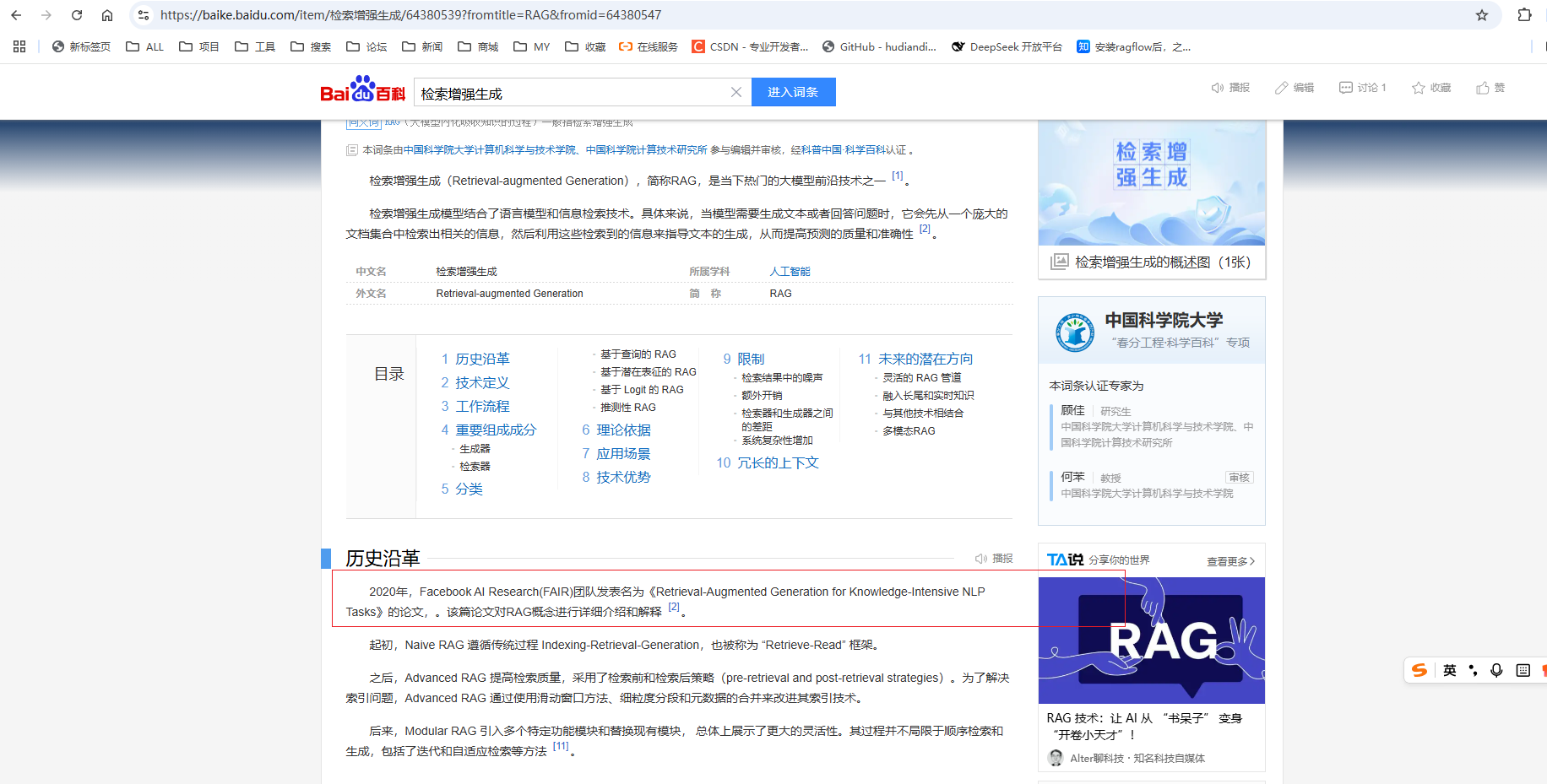
保存到本地
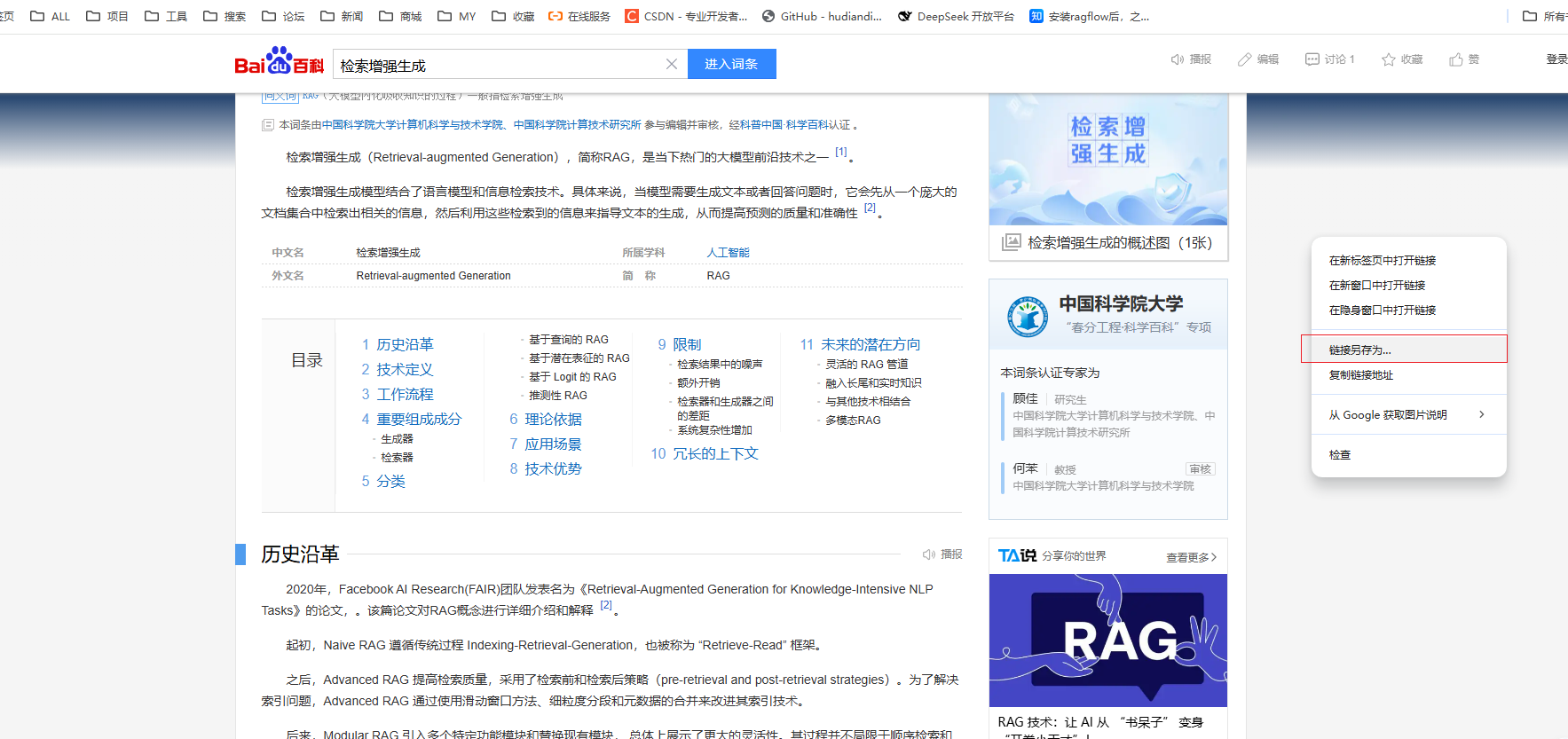
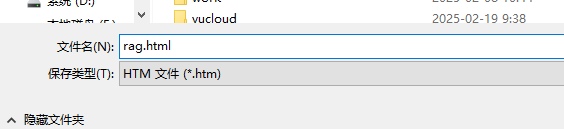
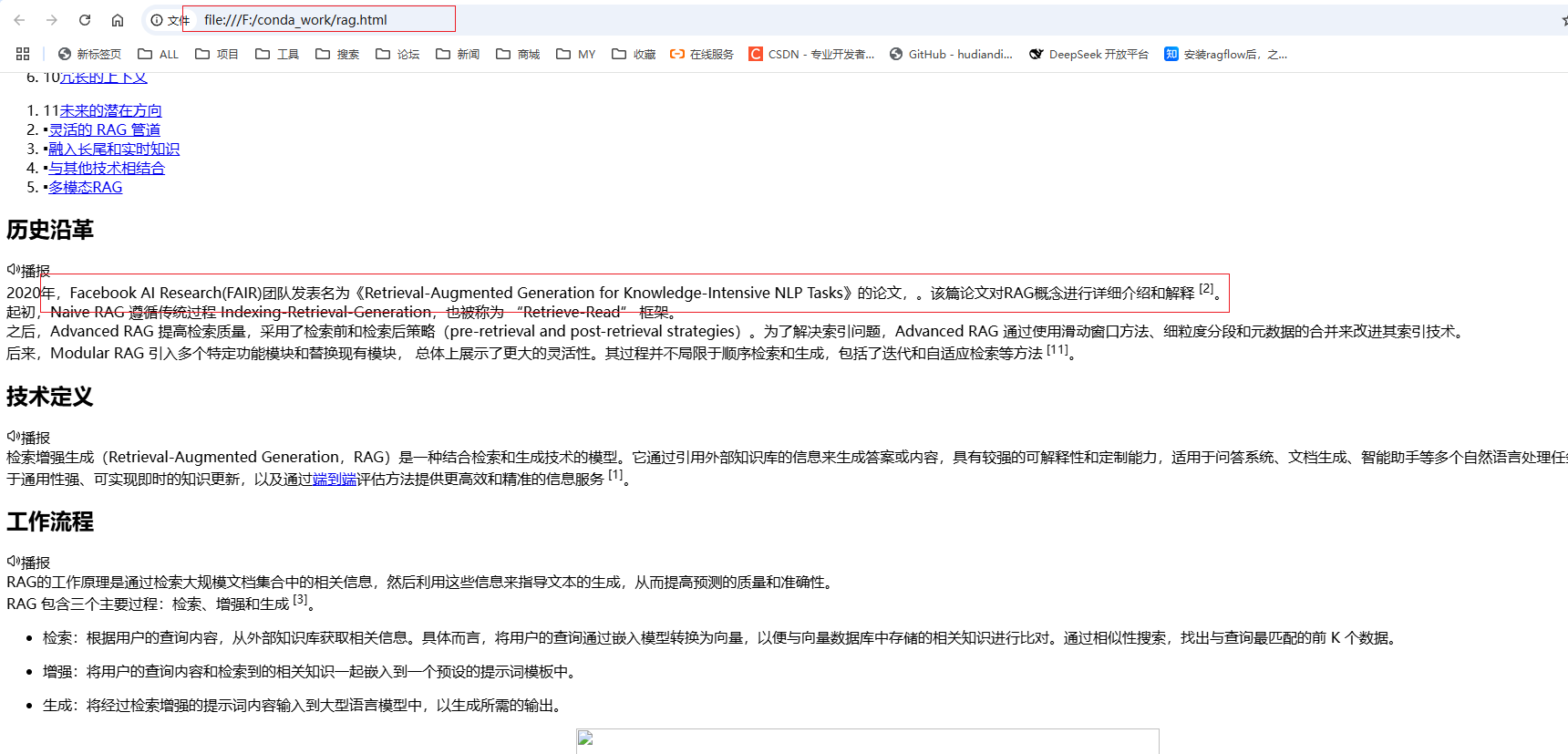
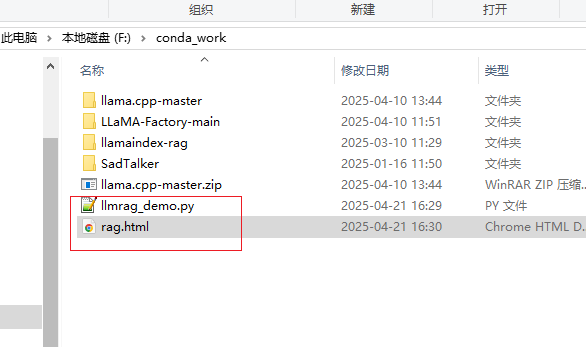
加载本地HTML文件代码
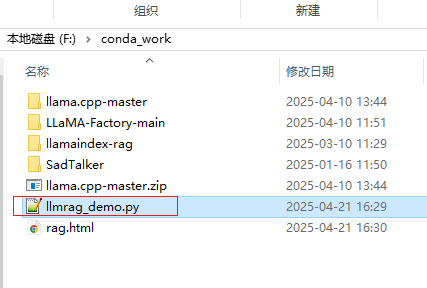
import os
import time
from bs4 import BeautifulSoup
from langchain.text_splitter import RecursiveCharacterTextSplitter
from langchain.prompts import ChatPromptTemplate
from langchain.schema.runnable import RunnablePassthrough
from langchain.schema 最低0.47元/天 解锁文章






 扫一扫
扫一扫


 26
26

 被折叠的 条评论
为什么被折叠?
被折叠的 条评论
为什么被折叠?
 到【灌水乐园】发言





