



 文章指出在重构过程中常见的错误,如无测试更改、将重构混淆为重组、大块重构以及不使用合适的工具。建议始终从测试开始,进行小型、可控的重构,如重命名函数或提取功能,并在当前任务中集成重构。同时,推荐使用强大的IDE,如JetBrains产品,利用其内置的重构工具提高效率。
Over the years, I’ve found many people either complaining the atmosphere they’re living in is not ideal for applying to refactoring or they don’t believe refactoring looks all good in the book but is not practical when you try to make it work in their codebase — because it’s too complicated.
However, I would say you might be doing something wrong when you say refactoring. I understand these challenges, to be honest, it’s not easy to make changes in any setup. And if you avoid the mistakes I’ll put in the article, you should be able to see the benefits of refactoring quickly.
1. Make changes without tests
This is the most common mistake I’ve seen programmers keep making. Maybe it is because you’re making “small” changes which don’t worth testing, or maybe the test setup is difficult, and you’re taking shortcuts to skip the tests.
But the problem is that without it, even tiny changes could lead to some unexpected effects on other parts of the software.
I always start with tests. If there are existing tests, I will read them through to understand how to use the public API of the code I’m going to change, how to prepare the data, what to expect, and so on. If there aren’t any, I’ll add a few to the area I’m going to touch, so I’ll know if anything goes wrong.
2. Restructure instead of refactoring
Just like many terms in software development, refactoring becomes a word that could have many different meanings. People use refactoring when they mean something else, like restructuring, replacing underlying libraries etc.
But if you’ve read Refactoring: Improving the Design of Existing Code, you’ll probably be surprised by how small each refactoring is. For example, Rename Variable, Rename Function or Extract Function may be something you’ve done on a daily basis.
//before export const convert = (str) => { return str .split("") .map((c) => { const index = letters.indexOf(c.toUpperCase()); return index === -1 ? c : getCharByIndex(index); }) .join(""); };One possible action here is to extract a function to do the mapping and then call it in map:
//after const translate = (c) => { const index = letters.indexOf(c.toUpperCase()); return index === -1 ? c : getCharByIndex(index); } export const convert = (str) => { return str .split("") .map(translate) .join(""); };The critical point here is SMALL. Only when it’s small enough, you’re unlikely to make serious mistakes by doing it, and it also means you keep the software in the broken state as short as possible.
Even in the worst case that things are out of control, you can easily revert your changes and back to the working state without too much effort.
3. Dedicated Refactoring Tasks
It’s not uncommon to see something like “Clean up async code for product API” or “Refactor business logic of estimated delivery time” on your story wall or kanban board. And to me, it is not a good sign, I consider it bad because:
-
It could mean you’re under an unhealthy delivery pressure
-
It could mean there is some tech debt that keeps adding to the backlog
-
It could also mean (in the worst case) refactoring the whole amount of code is super risky and can be extremely challenging (without breaking the existing functions)
So instead of having these dedicated refactoring, I suggest you should do it in the task on hand. You can make small refactoring like Rename Function or Extract Function without distracting too much in a task. Because you’re doing it regularly, in the long run, the code will be much easier to modify and add new features.
4. Not using the right tools
I used to try different editors, IDEs and anything in between, and ten years ago, when I started to use IntelliJ (and get familiar with its keymap and so on), I never look back. Before that, I was a big fan of vim, and I have 20+ plugins installed and configured. Whenever I set up a developer environment, I use visual code for causal projects and demos.
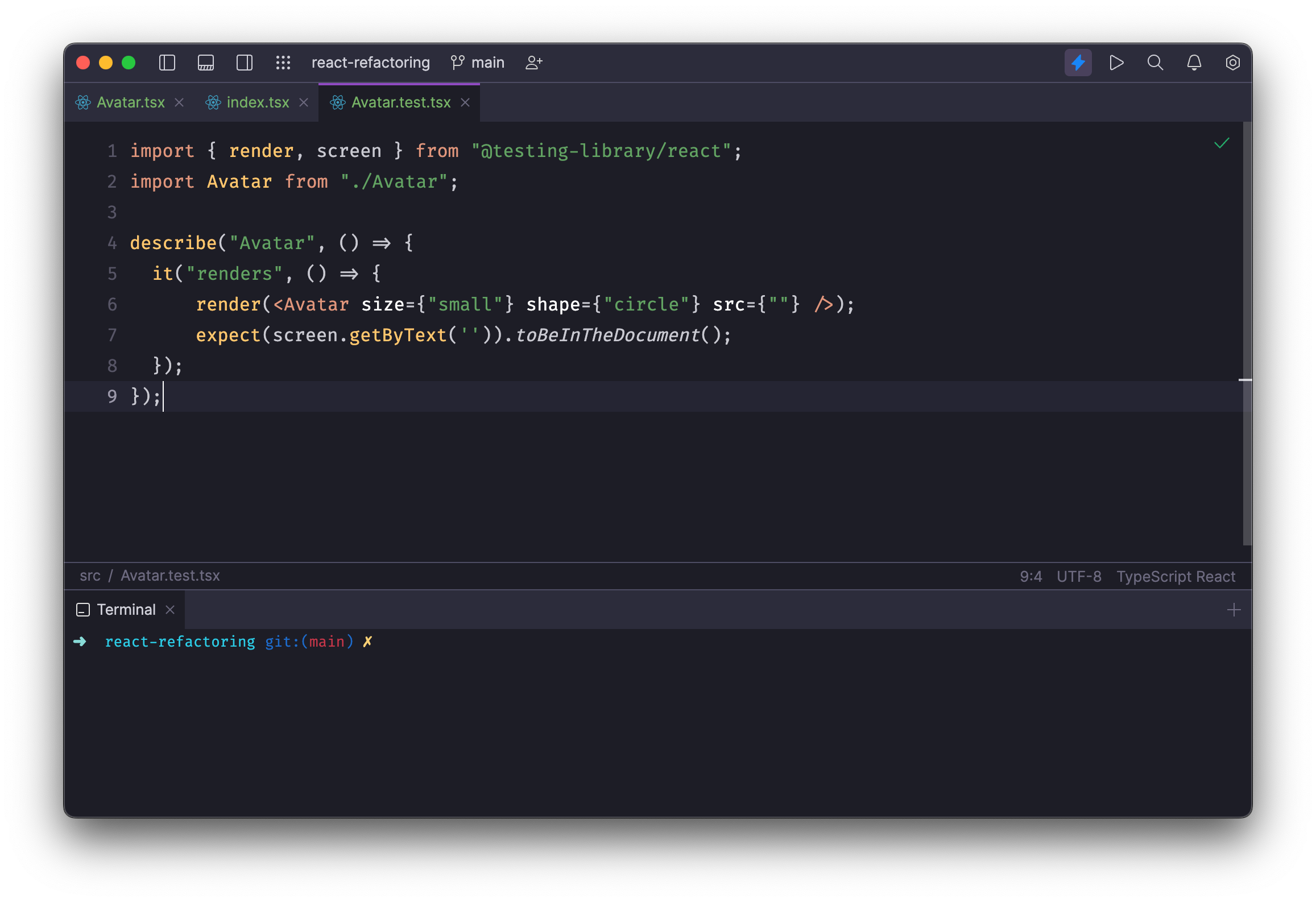
But when it comes to serious work, I always choose JetBrains products, whether Interlij, WebStorm or Pycharm, and they are the best. It’s not cheap, but it's worth every cent if you use it correctly (keyboard shortcuts and all the automation). The built-in refactoring tool is smart enough to understand what you want to do and will do that for you. 99% of the time without any issue: it updates all the references in the project/workspace, sync files in the file system, and you just focus on what is important to you as a developer: think!
 |
To make the most of it, you may also want to remember the keymap so applying these well-known refactorings will be effortless. After a few years of practice, I do many refactorings without thinking, and they’re literally on my figure tips.
Summary
So instead of having dedicated time for refactoring, do them when you write normal code, and make it a normal routine. Start from small and try to establish your pace, and run your tests.





 扫一扫
扫一扫


 1万+
1万+

 被折叠的 条评论
为什么被折叠?
被折叠的 条评论
为什么被折叠?
 到【灌水乐园】发言





