


前传
本文笔者使用的goLand做开发
至于go环境的搭建和beego的安装 在这里就不介绍了
配置
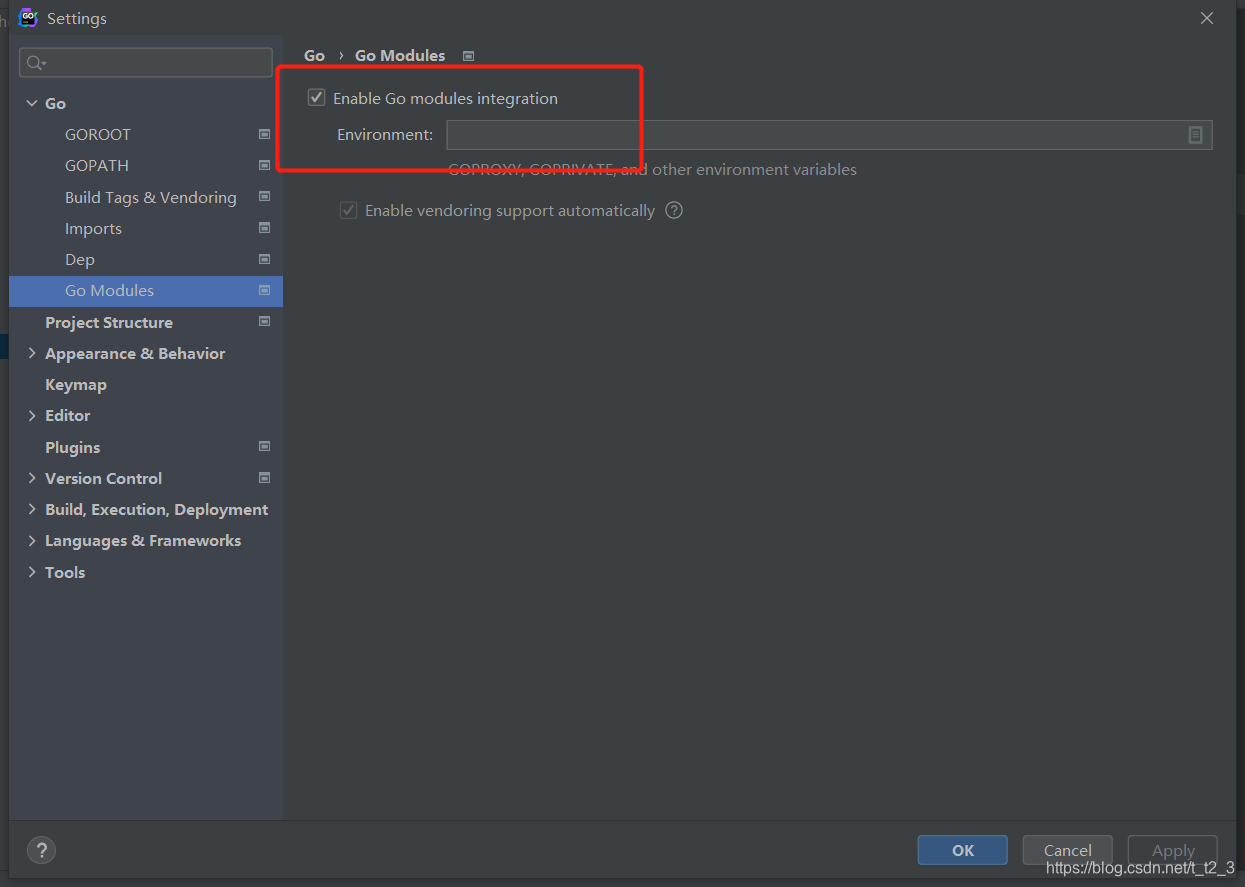
打开goLand 首先把这个勾上
终端执行Bee new beego-hello
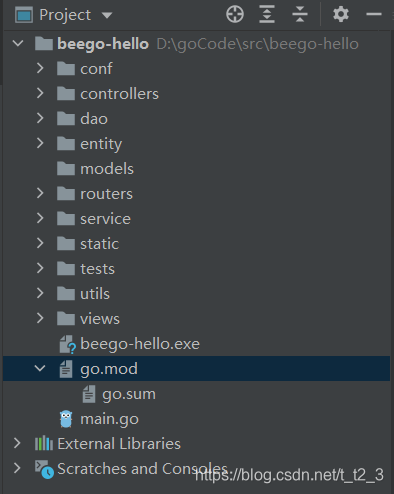
完活后可以拿到一个beego生成的架子
大概这样
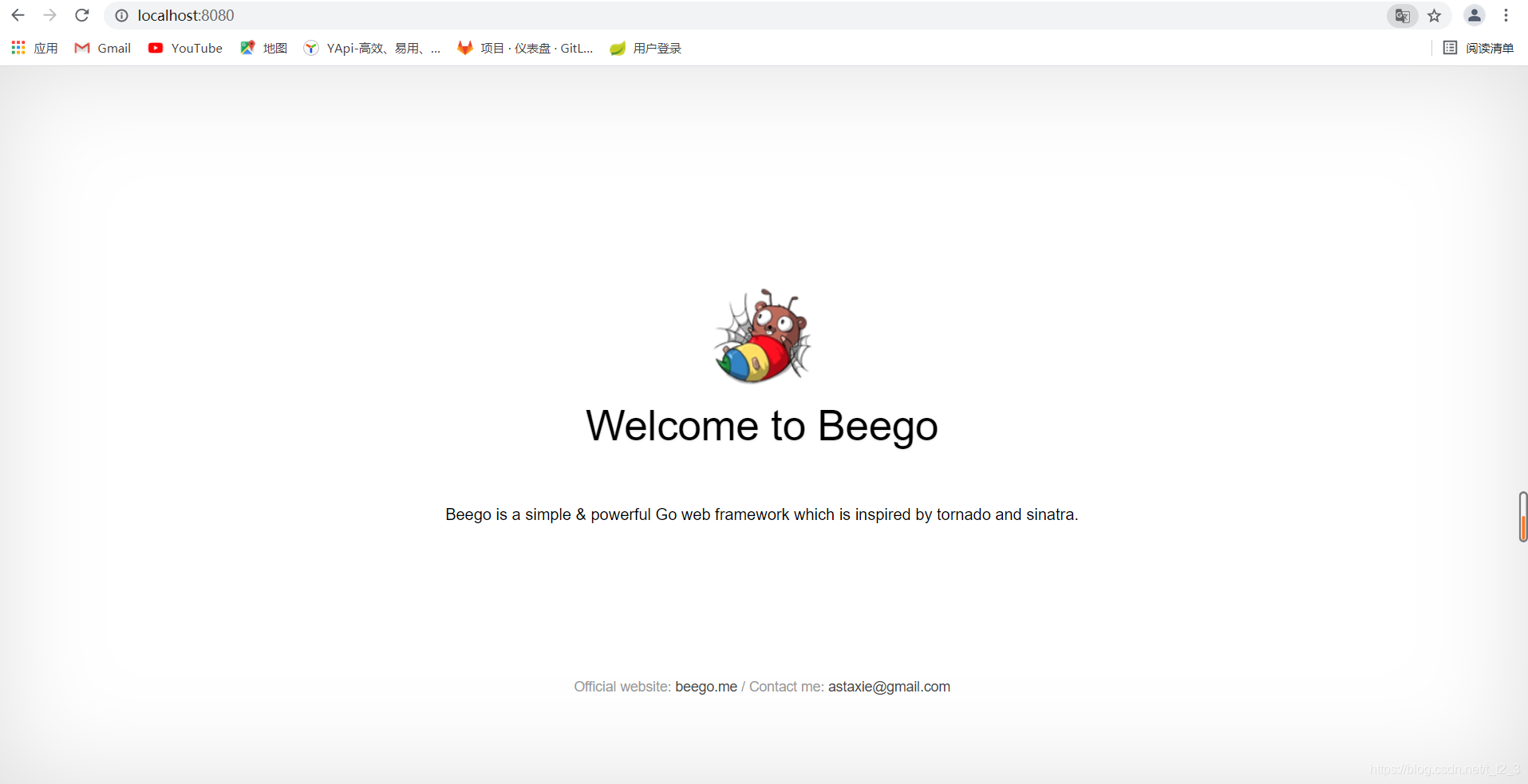
废话不多收直接 go build 或者main.go点进去debug,编译完浏览器打开http://localhost:8080
我们Beego的欢迎界面就出现了
Controller
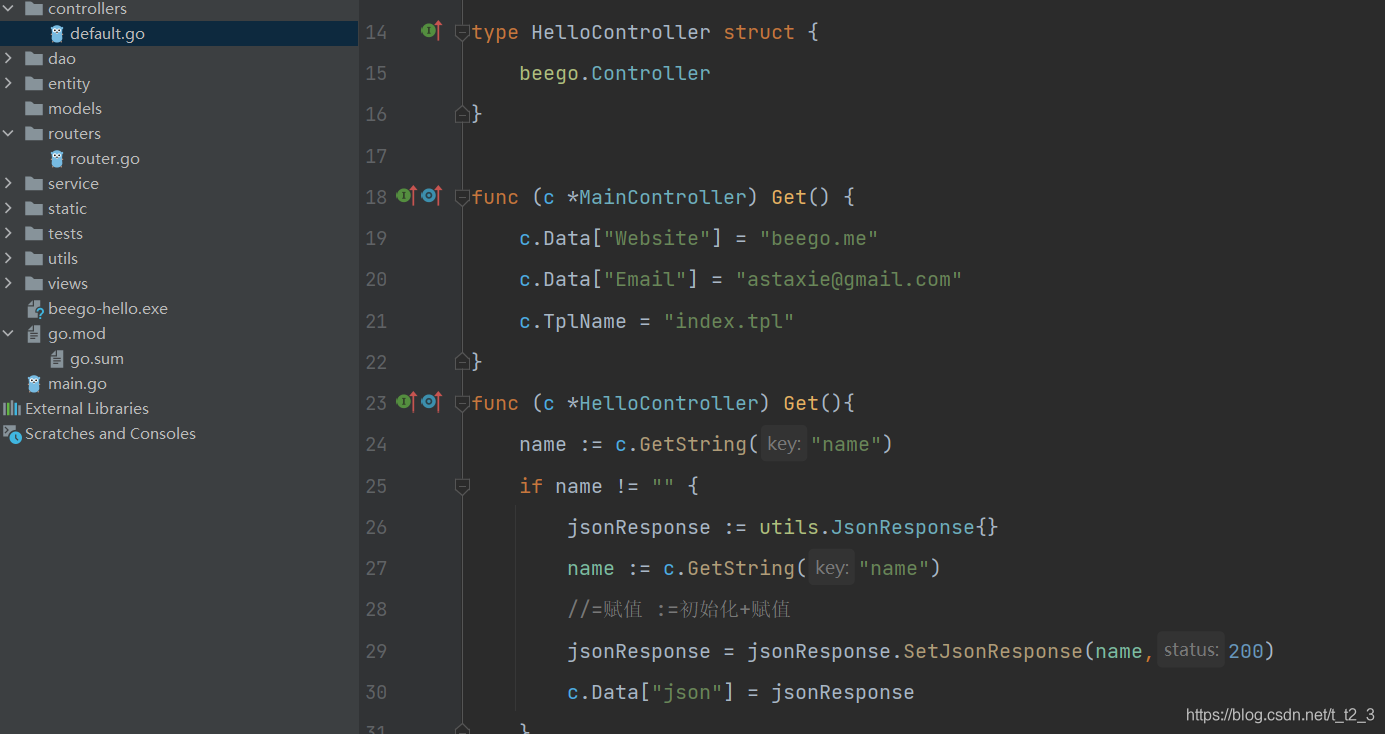
和SpringBoot不同的是没有@RequestMapping()这种东西,他的路由配置在路由表里也就是Router.go这个文件,给你们看看怎么搞的
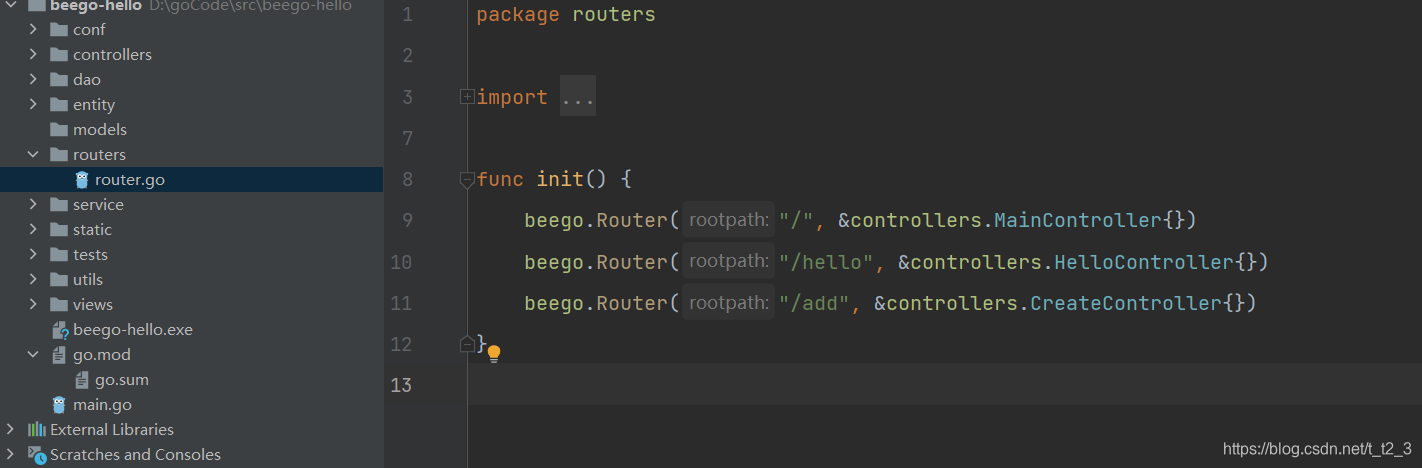
路由表对应到Controllers中的函数 像这样
响应
那么Json对象的响应格式我们得自己写一下 比如这样
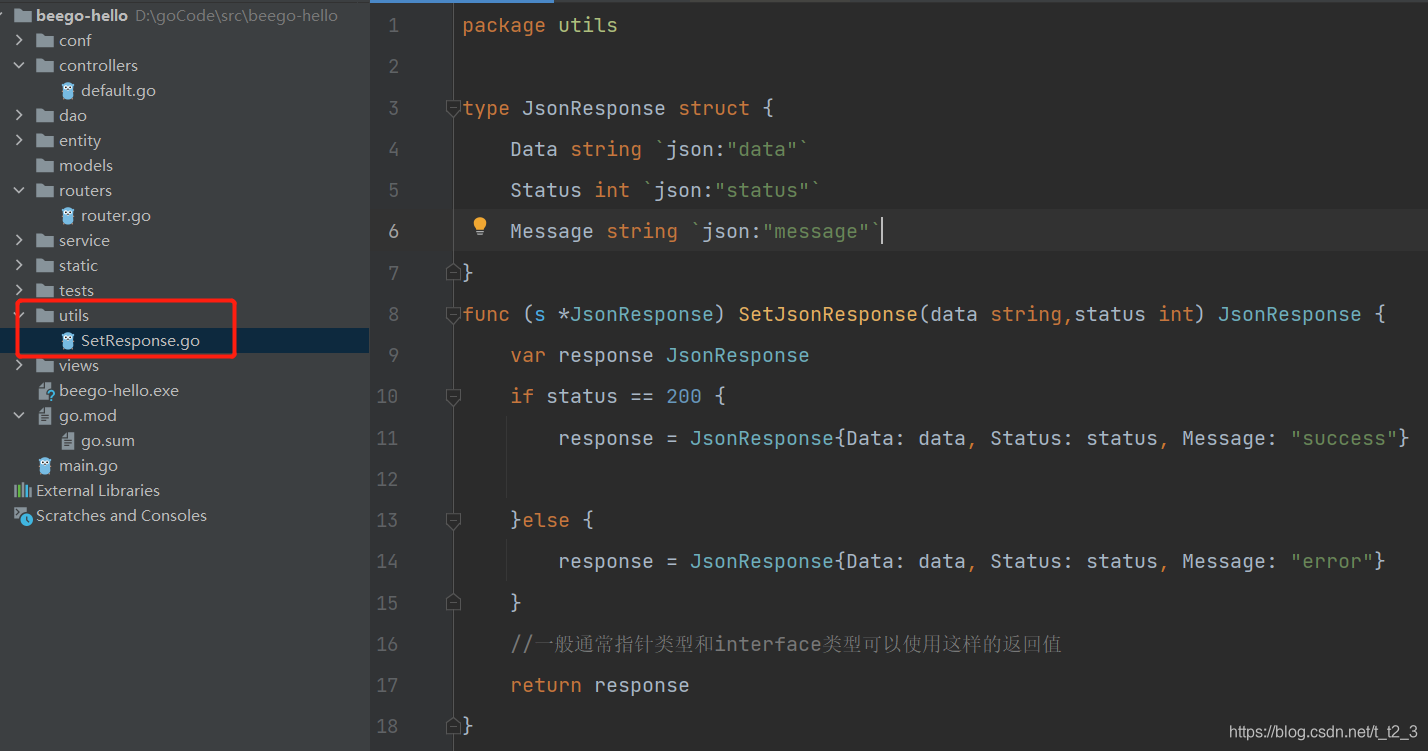
代码如下
package utils

type JsonResponse struct {


	Data string `json:"data"`
	Status int `json:"status"`
	Message string `json:"message"`
}
func (s *JsonResponse) SetJsonResponse(data string,status int) JsonResponse {


	var response JsonResponse
	if status == 200 {


		response = JsonResponse{

   Data: data, Status: status, Message: "success"}

	}else {


		response = JsonResponse{

   Data: data, Status: status, Message: "error"}
	}
	//一般通常指针类型和interface类型可以使用这样的返回值
	return response
}
我写个controller 给大家看看怎么用,大概像下面这样
func (c *HelloController) Get(){
name := c.GetString("name" 最低0.47元/天 解锁文章






 扫一扫
扫一扫


 2355
2355

 被折叠的 条评论
为什么被折叠?
被折叠的 条评论
为什么被折叠?
 到【灌水乐园】发言





