



阿里云自建服务器esp8266和mqtt客户端成功对接
阿里云服务器部分参考esp8266嵌入式大神资料:大神博客
最近组建了一个小群,感兴趣的可以加入一起玩:476840321
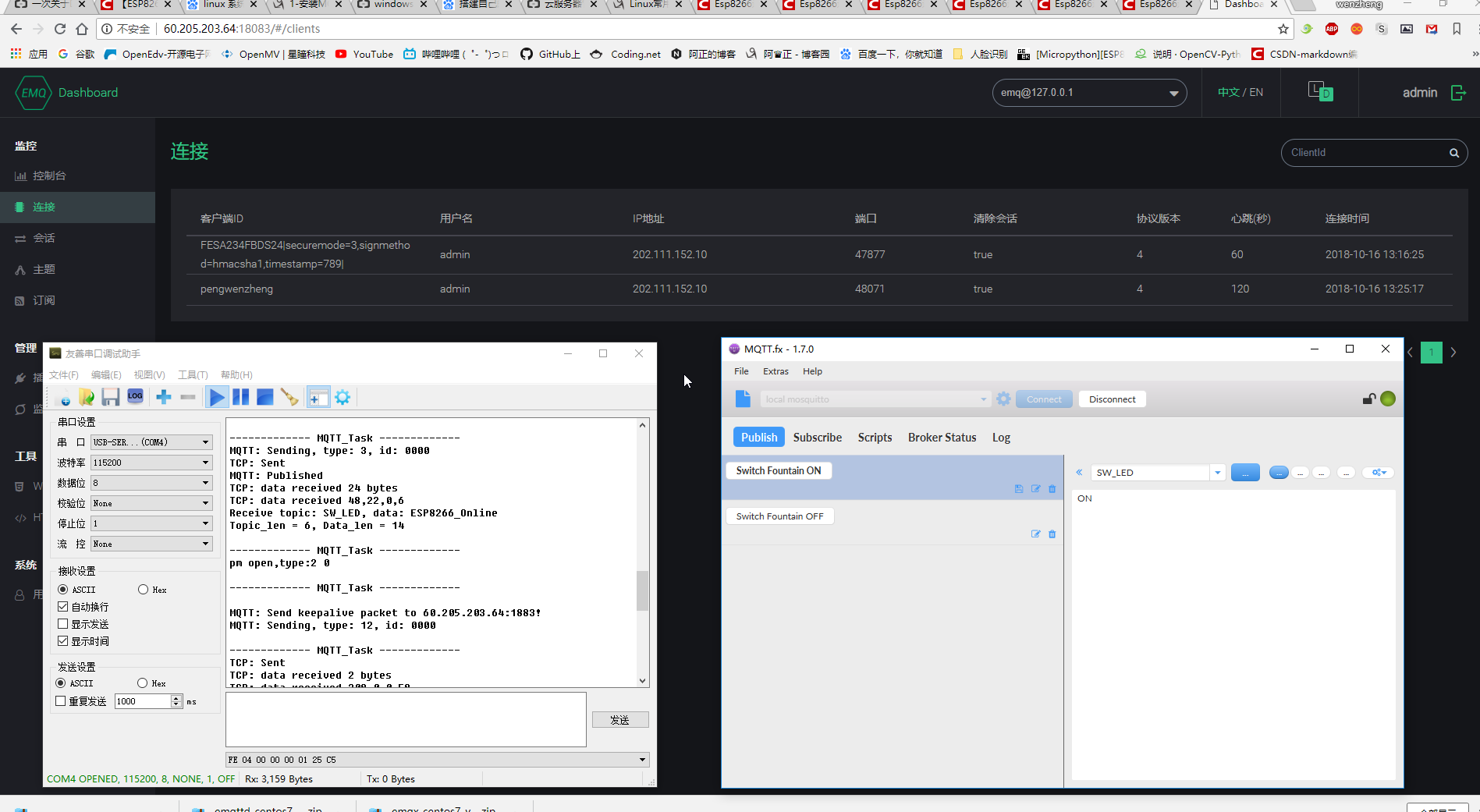
单片机也是很简单的,用的esp8266最小系统。
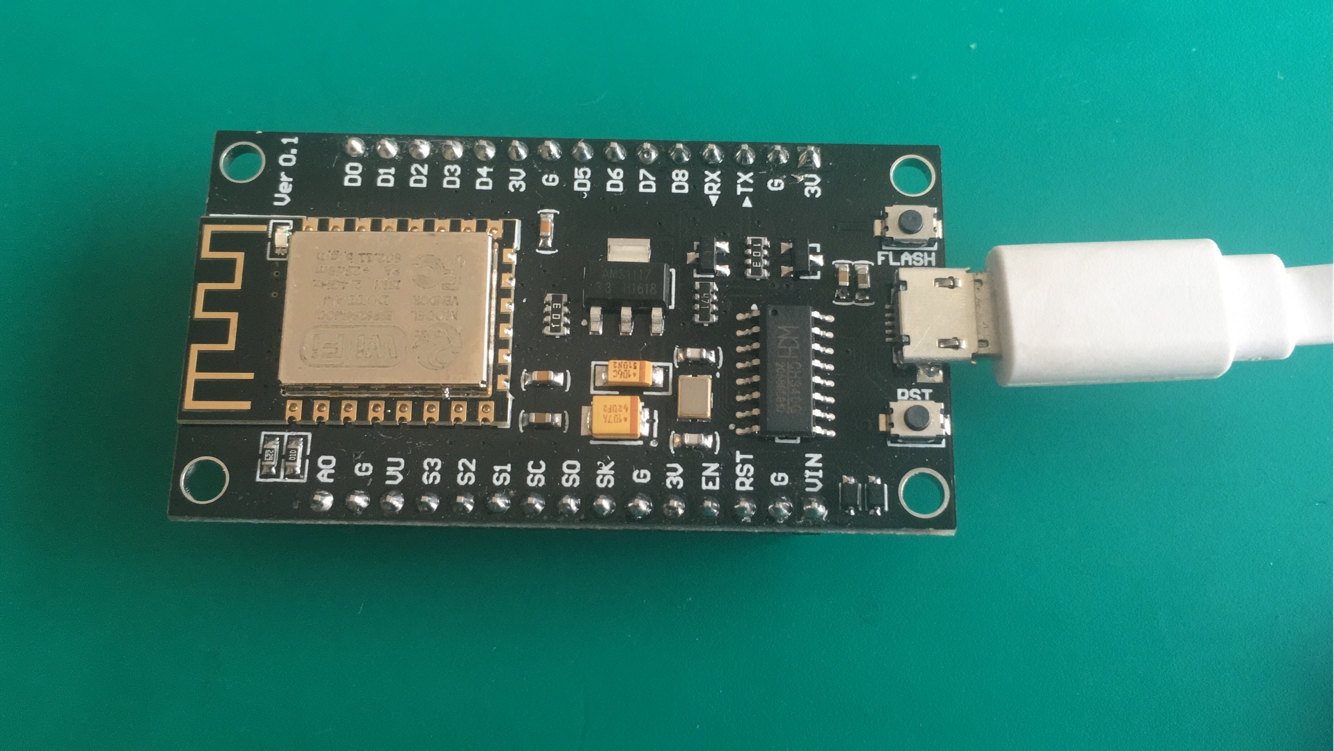
过程中间遇到了很多问题,还好都一步步解决了,
首先是linux的一些常用命令,因为服务器买的是阿里云的空间,跑的是linux的系统,按照网上的资料和教程,总算搞定了。
linux常用命令集:https://www.cnblogs.com/pengwenzheng/p/9795909.html
其次是硬件端的编程,esp8266的固件的编写。以及mqtt通讯SDK的修改(参考安信可和技新的资料)
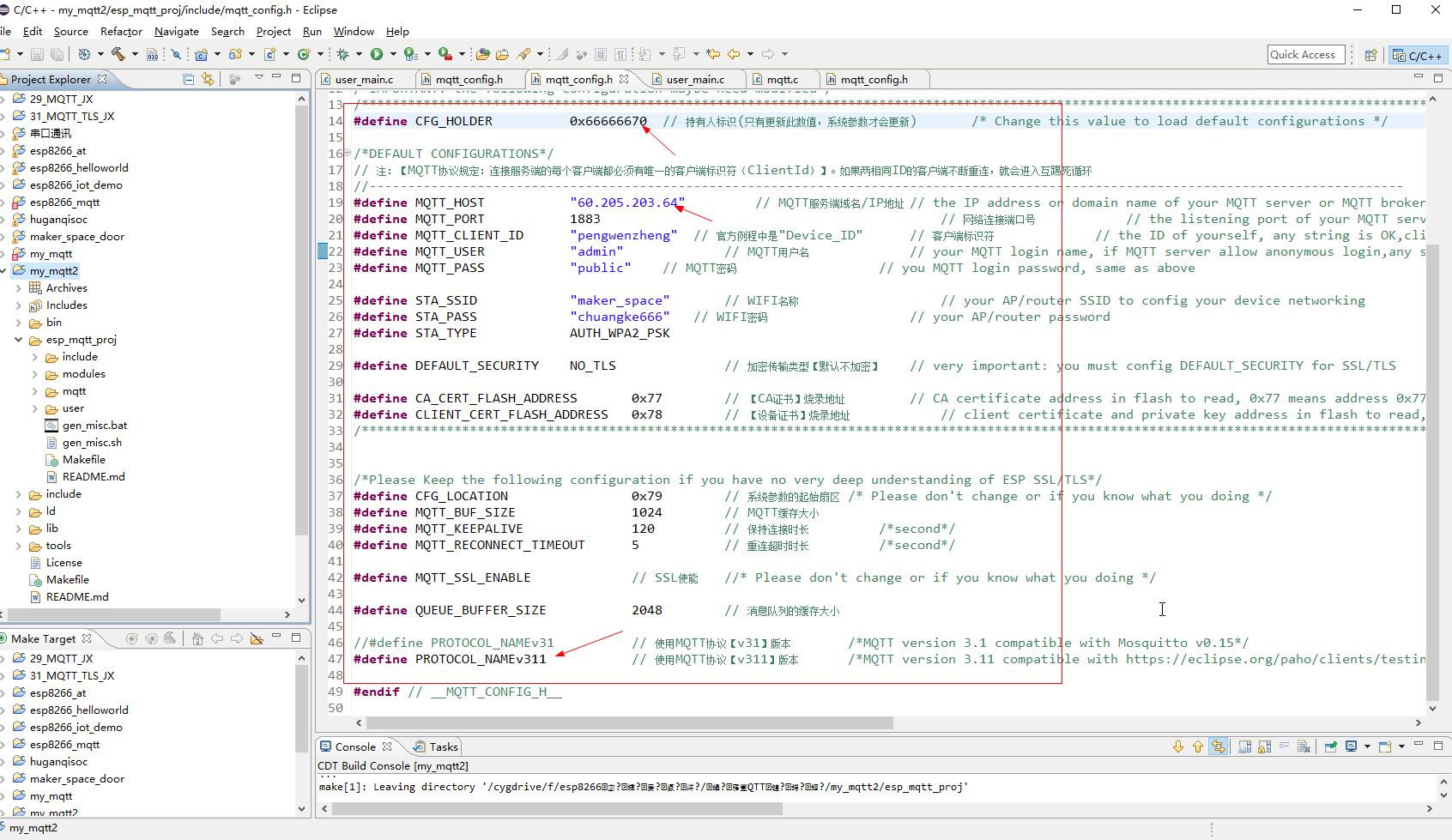
代码备份如下:mqtt_config.h
/*IMPORTANT: the following configuration maybe need modified*/
/***********************************************************************************************************************************************************************************************************************************************************/
#define CFG_HOLDER    		0x66666670	// 持有人标识(只有更新此数值,系统参数才会更新)		/* Change this value to load default configurations */

/*DEFAULT CONFIGURATIONS*/
// 注:【MQTT协议规定:连接服务端的每个客户端都必须有唯一的客户端标识符(ClientId)】。如果两相同ID的客户端不断重连,就会进入互踢死循环
//--------------------------------------------------------------------------------------------------------------------------------------
#define MQTT_HOST			"购买的ip" 		// MQTT服务端域名/IP地址	// the IP address or domain name of your MQTT server or MQTT broker ,such as "mqtt.yourdomain.com"
#define MQTT_PORT       	1883    										// 网络连接端口号			// the listening port of your MQTT server or MQTT broker
#define MQTT_CLIENT_ID   	"pengwenzheng"	// 官方例程中是"Device_ID"		// 客户端标识符				// the ID of yourself, any string is OK,client would use this ID register itself to MQTT server
#define MQTT_USER        	"admin" 			// MQTT用户名				// your MQTT login name, if MQTT server allow anonymous login,any string is OK, otherwise, please input valid login name which you had registered
#define MQTT_PASS        	"public" 	// MQTT密码					// you MQTT login password, same as above

#define STA_SSID 			"maker_space"    	// WIFI名称					// your AP/router SSID to config your device networking
#define STA_PASS 			"chuangke666" 	// WIFI密码					// your AP/router password
#define STA_TYPE			AUTH_WPA2_PSK

#define DEFAULT_SECURITY	NO_TLS      		// 加密传输类型【默认不加密】	// very important: you must config DEFAULT_SECURITY for SSL/TLS

#define CA_CERT_FLASH_ADDRESS 		0x77   		// 【CA证书】烧录地址			// CA certificate address in flash to read, 0x77 means address 0x77000
#define CLIENT_CERT_FLASH_ADDRESS 	0x78 		// 【设备证书】烧录地址			// client certificate and private key address in flash to read, 0x78 means address 0x78000
/*********************************************************************************************************************************************************************************************************************************************************************************/


/*Please Keep the following configuration if you have no very deep understanding of ESP SSL/TLS*/
#define CFG_LOCATION    			0x79		// 系统参数的起始扇区	/* Please don't change or if you know what you doing */
#define MQTT_BUF_SIZE       		1024		// MQTT缓存大小
#define MQTT_KEEPALIVE        		120     	// 保持连接时长			/*second*/
#define MQTT_RECONNECT_TIMEOUT    	5    		// 重连超时时长			/*second*/

#define MQTT_SSL_ENABLE				// SSL使能	//* Please don't change or if you know what you doing */

#define QUEUE_BUFFER_SIZE      		2048		// 消息队列的缓存大小

//#define PROTOCOL_NAMEv31    		// 使用MQTT协议【v31】版本		/*MQTT version 3.1 compatible with Mosquitto v0.15*/
#define PROTOCOL_NAMEv311      		// 使用MQTT协议【v311】版本		/*MQTT version 3.11 compatible with https://eclipse.org/paho/clients/testing/*/

#endif // __MQTT_CONFIG_H__
接下来的思路:准备写安卓端的控制程序,和硬件和网络进行对接,
方案1: 利用java编写(这个还是比较难的)
方案2: 利用apicloud编写,JavaScript编写(需要购买资料)发工资了再买。
方案3: 利用E4A易安卓进行编写,这个应该很简单,准备试一下。





 扫一扫
扫一扫


 1万+
1万+


 到【灌水乐园】发言



