



 本文主要讲述了在Android应用中如何设置按钮的英文文本默认为大写,以及如何添加点击和长按事件,还提及了ImageView的使用。
1.按钮
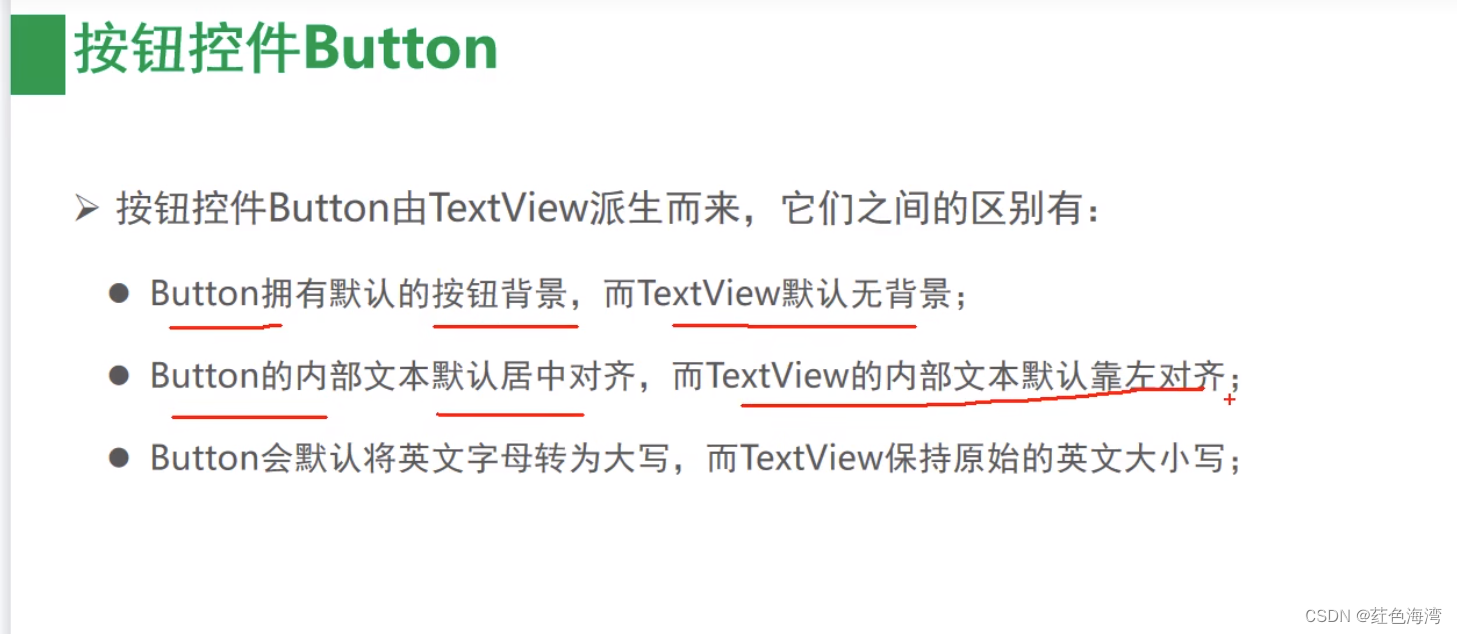
现在默认是正常了 ,英文
<?xml version="1.0" encoding="utf-8"?>
<LinearLayout xmlns:android="http://schemas.android.com/apk/res/android"
    android:layout_width="match_parent"
    android:layout_height="match_parent"
    android:orientation="vertical"
    android:padding="5dp">

    <TextView
        android:layout_width="match_parent"
        android:layout_height="wrap_content"
        android:text="下面的按钮英文默认大写"
        android:textColor="@color/black"
        android:gravity="center"
        android:textSize="17sp"/>


    <Button
        android:layout_width="match_parent"
        android:layout_height="wrap_content"
        android:text="Hello Word"/>


</LinearLayout>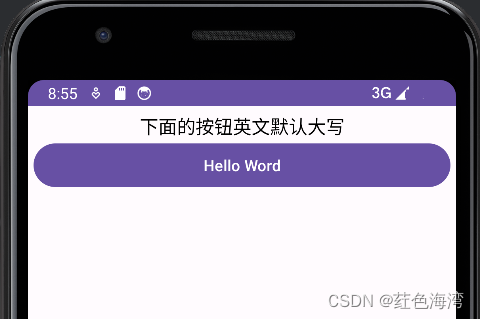
<?xml version="1.0" encoding="utf-8"?>
<LinearLayout xmlns:android="http://schemas.android.com/apk/res/android"
    android:layout_width="match_parent"
    android:layout_height="match_parent"
    android:orientation="vertical"
    android:padding="5dp">

    <TextView
        android:layout_width="match_parent"
        android:layout_height="wrap_content"
        android:text="下面的按钮英文默认大写"
        android:textColor="@color/black"
        android:gravity="center"
        android:textSize="17sp"/>
    <TextView
        android:id="@+id/tv_result"
        android:layout_width="match_parent"
        android:layout_height="wrap_content"
        android:text="点击按钮查看结果"
        android:textColor="@color/black"
        android:textSize="17sp"/>


    <Button
        android:layout_width="match_parent"
        android:layout_height="wrap_content"
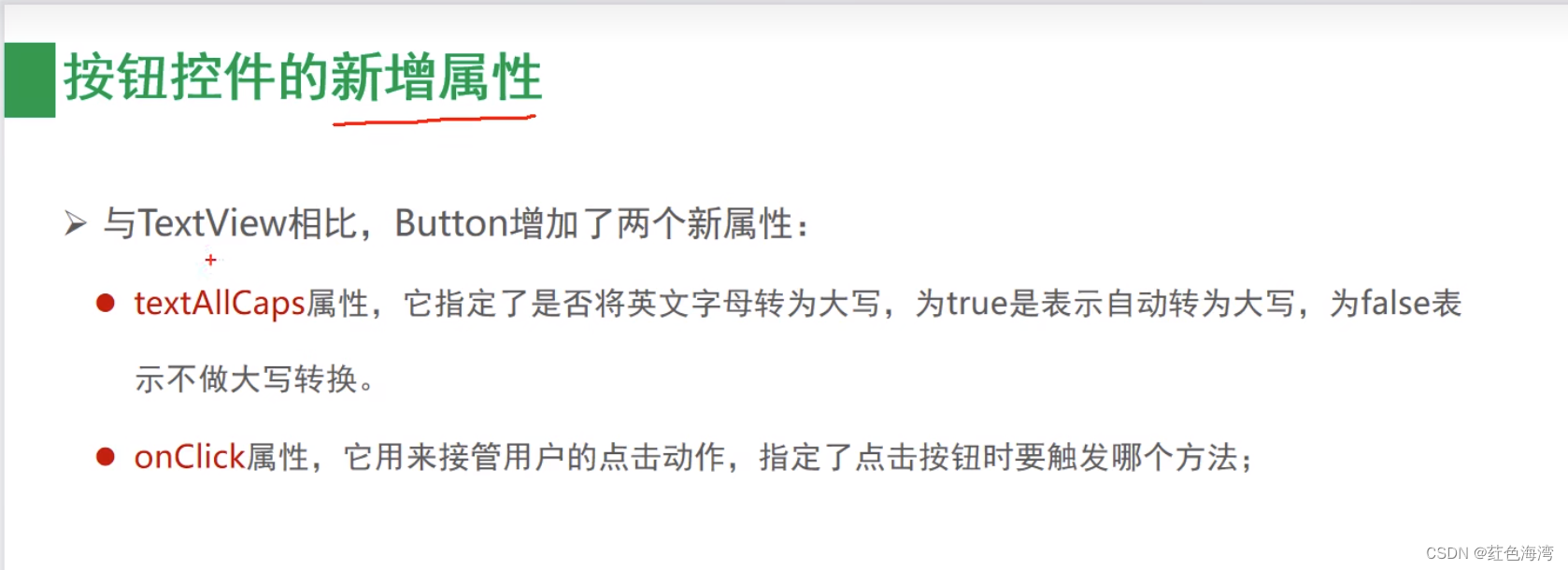
        android:textAllCaps="true"
        android:textColor="@color/black"
        android:textSize="17sp"
        android:text="Hello Word"
     />
    <Button
        android:layout_width="match_parent"
        android:layout_height="wrap_content"
        android:textAllCaps="true"
        android:textColor="@color/black"
        android:textSize="17sp"
        android:text="直接指定点击方法"
        android:onClick="doClick"
        />


</LinearLayout>
package com.tiger.chapter03;
import android.os.Bundle;
import android.view.View;
import android.widget.Button;
import android.widget.TextView;
import androidx.annotation.Nullable;
import androidx.appcompat.app.AppCompatActivity;
import java.util.Date;
public class GridLayoutActivity extends AppCompatActivity {
private TextView tv_result;
@Override
protected void onCreate(@Nullable Bundle savedInstanceState) {
super.onCreate(savedInstanceState);
setContentView(R.layout.activity_scroll_view);
tv_result = findViewById(R.id.tv_result);
}
public void doClick(View view){
Button button = (Button) view;
tv_result.setText(button.getText()+"点击了按钮:"+new Date().toString());
}
}
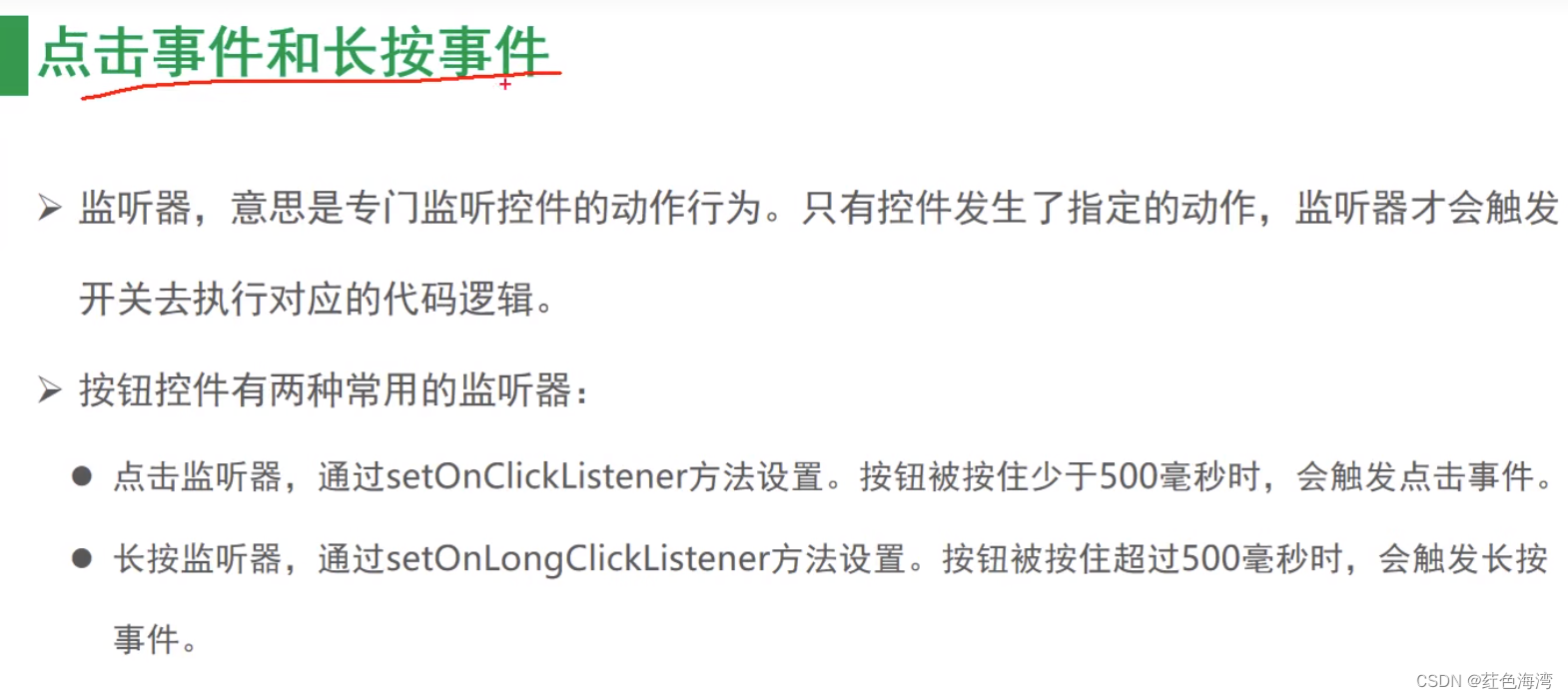
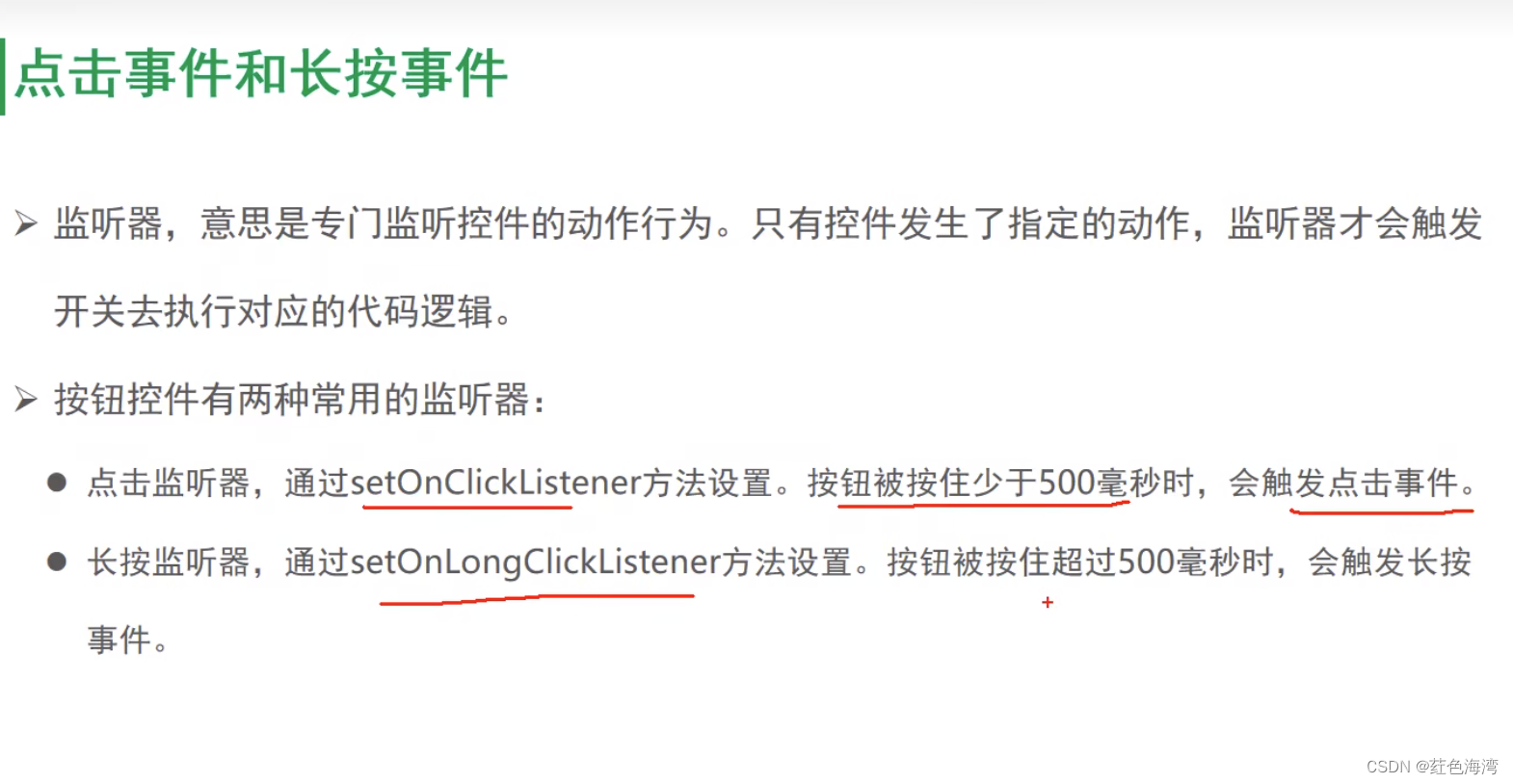
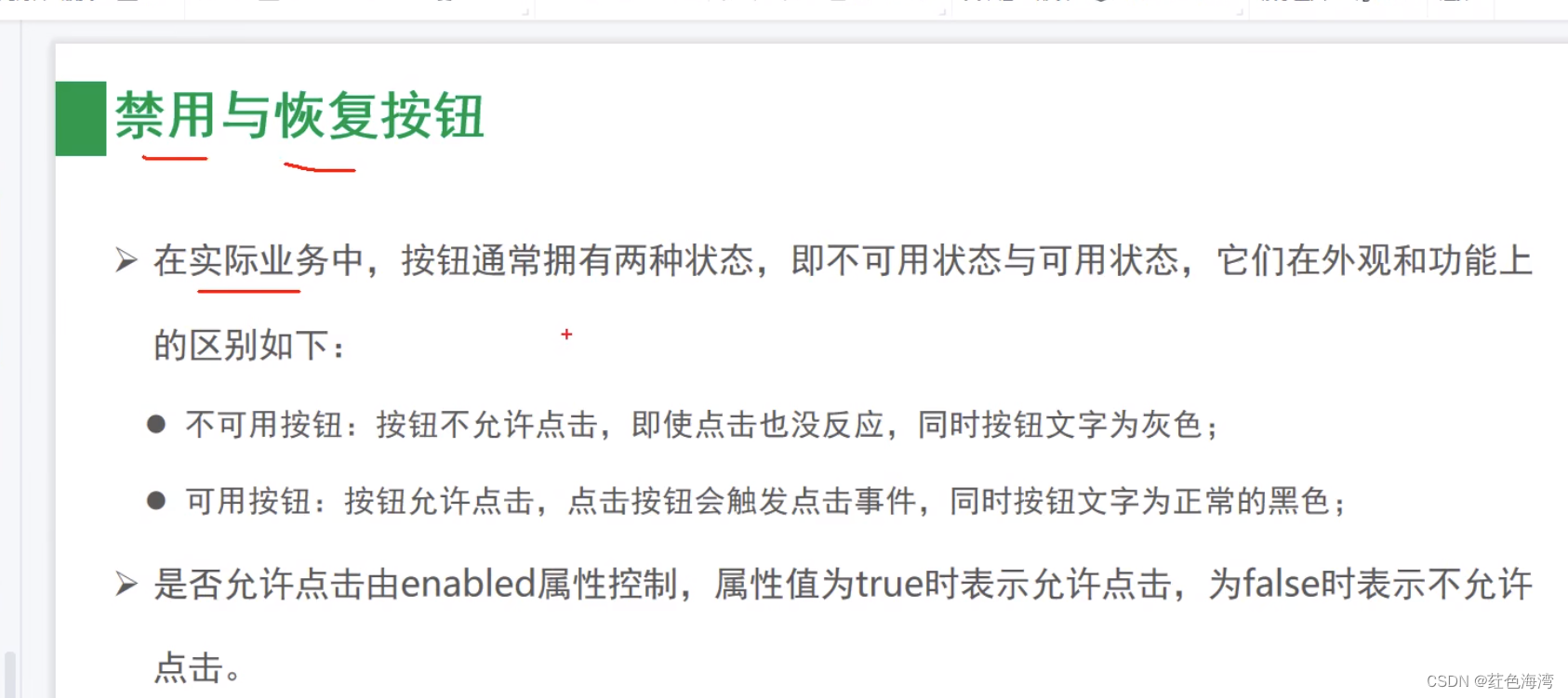
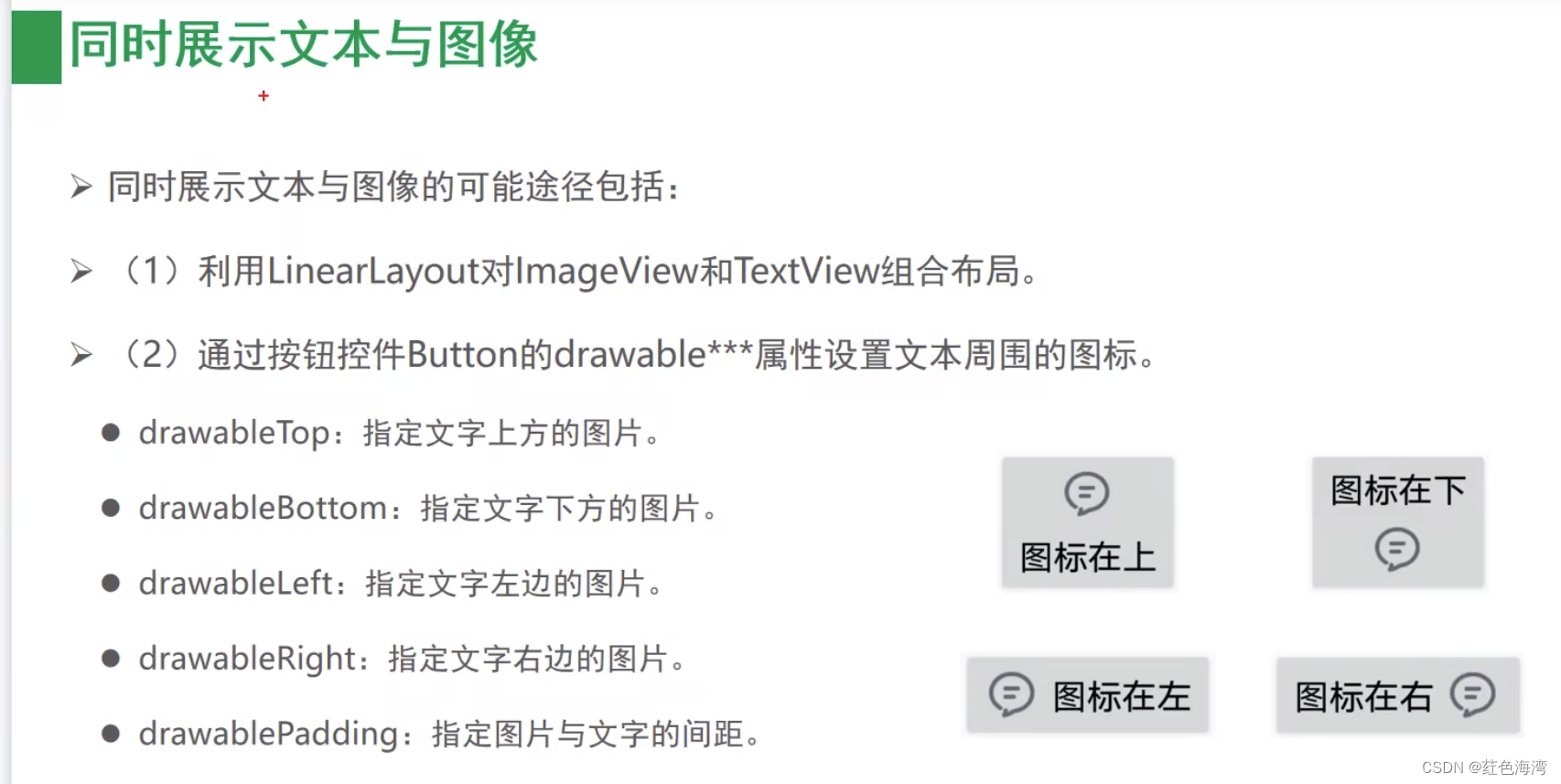
2.点击事件和长按事件
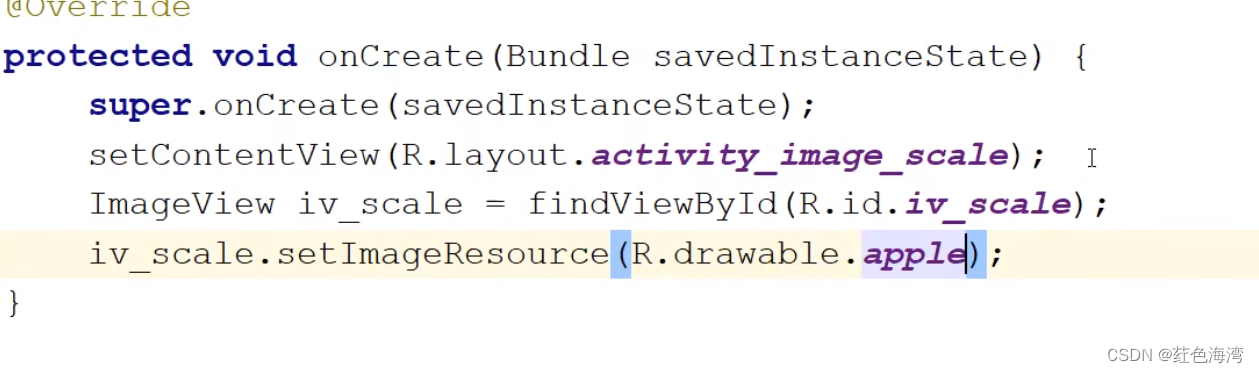
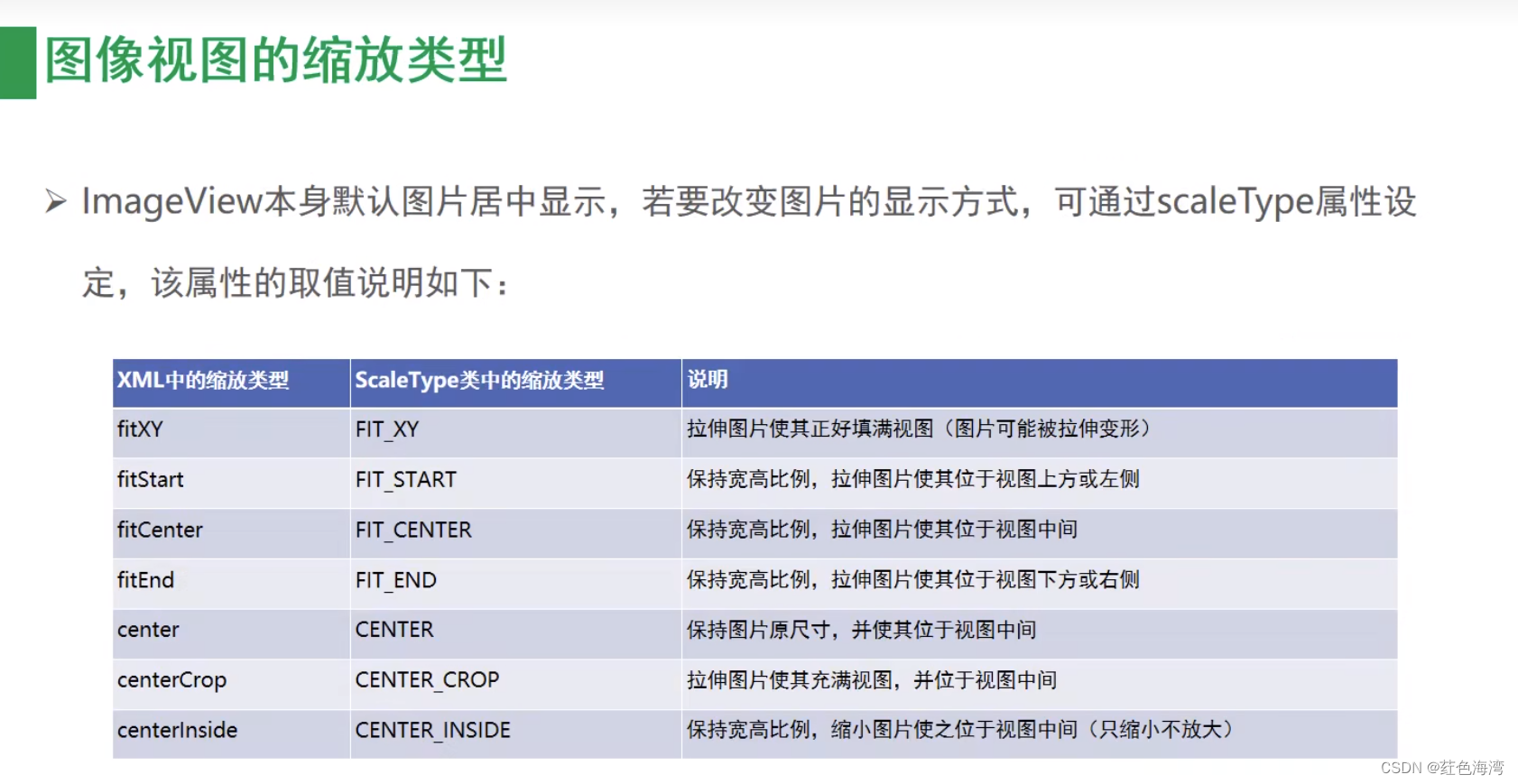
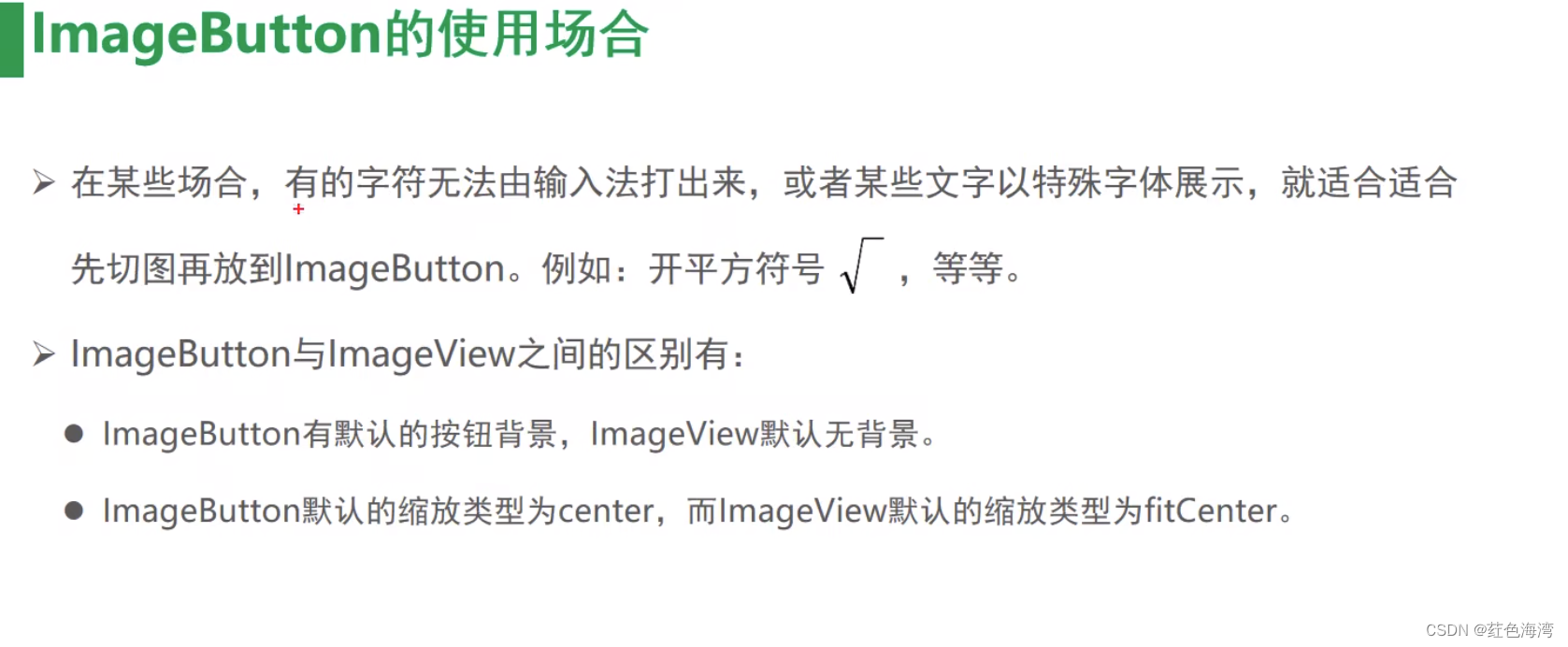
 3.图像ImageView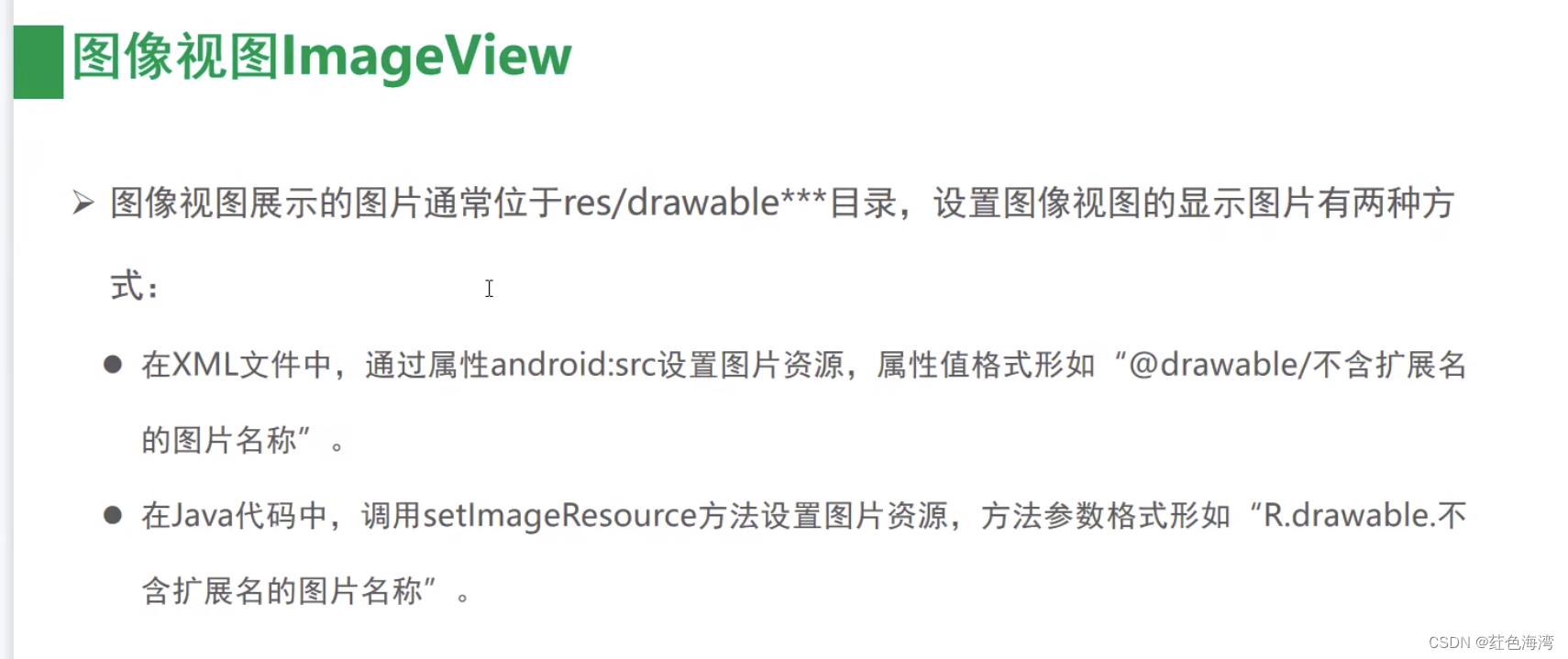






 扫一扫
扫一扫


 5487
5487

 被折叠的 条评论
为什么被折叠?
被折叠的 条评论
为什么被折叠?
 到【灌水乐园】发言





