


开始上手
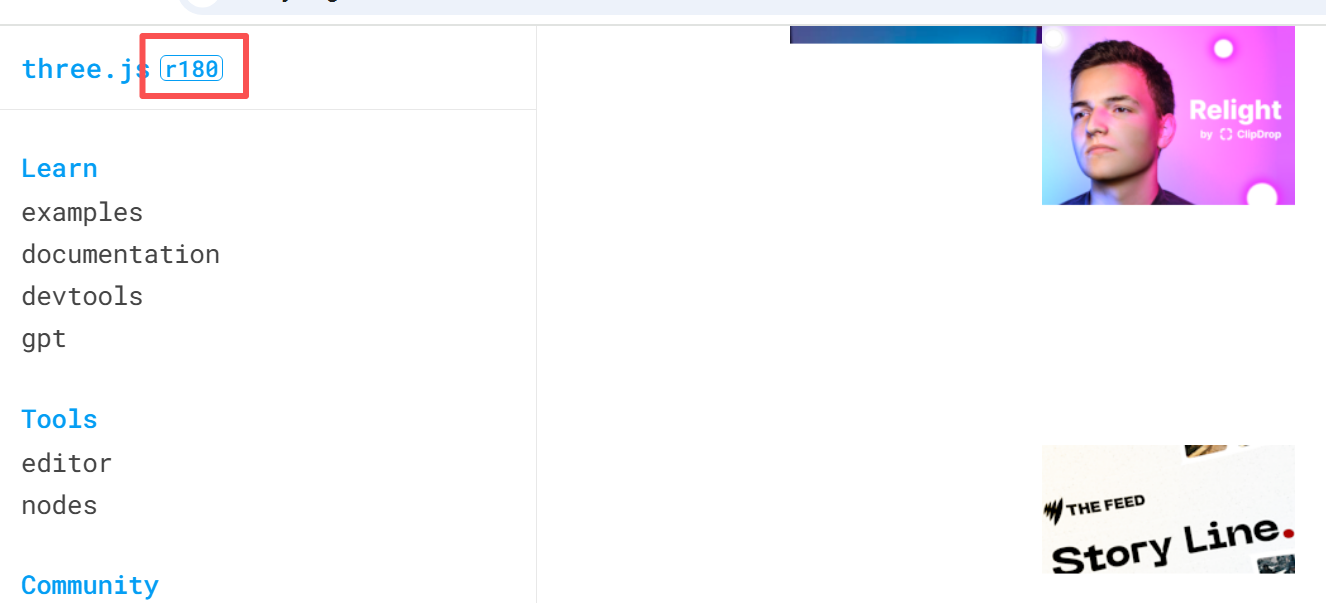
threeJs官网: https://threejs.org/examples/#webgl_animation_keyframes
可以本地化部署,速度更快。方式:
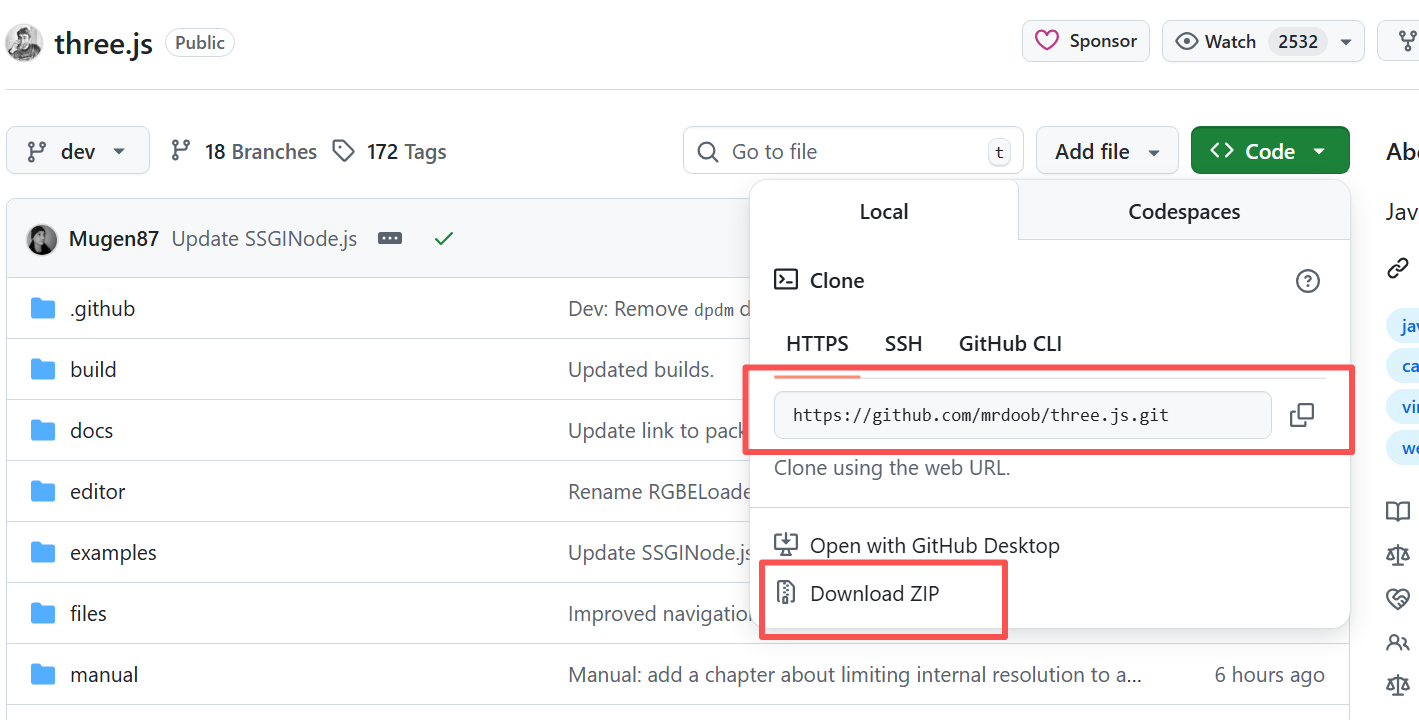
点击进入github官网:
- git拉取本地:https://github.com/mrdoob/three.js.git
- 下载压缩包:我用科技环境下下来了,自己拿
链接:https://pan.quark.cn/s/054191a00b4a 提取码:WpVj
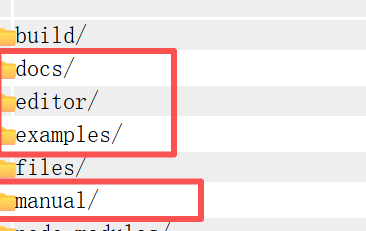
然后在vsCode启动npm install ,运行npm run start。
打开浏览器主要看的这三个文件。
新建项目
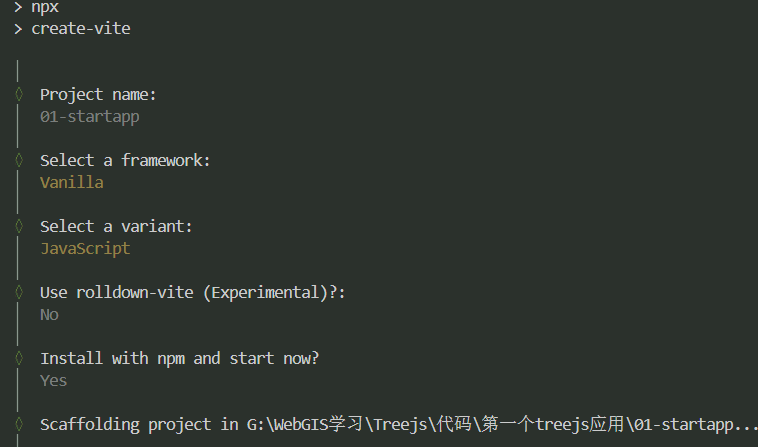
终端输入npm init vite@latest 创建项目
先做js的就行
创建第一个组件
//main.js


import './style.css'
// 导入threejs
import * as THREE from 'three';


//!创建场景
const scene = new THREE.Scene();
//! 创建相机
const camera = new THREE.PerspectiveCamera(
    75,//! 视角,倾斜角度,视角越大越远,看到的越多
    window.innerWidth / window.innerHeight,//!宽高比,默认2
    0.1, //! 近平面
    1000 //!远平面
)

//! 创建渲染器
const renderer = new THREE.WebGLRenderer();
//* 设置渲染器大小
renderer.setSize(window.innerWidth, window.innerHeight);
//* 将渲染器添加到body中
document.body.appendChild(renderer.domElement);


//*创建几何体  宽 高 深度
const geometry = new THREE.BoxGeometry(1, 1, 1);

//*创建材质
const material = new THREE.MeshBasicMaterial({color: 0x00ff00});

//* 创建网格,将几何体和材质传入
const cube = new THREE.Mesh(geometry, material);

//*将网格添加到场景中
scene.add(cube);

//*设置相机的z轴位置
camera.position.z = 5;
camera.lookAt(0,0,0);//* 相机默认看向哪里?默认原点


//*定义渲染函数
const animate = function(){
    requestAnimationFrame(animate);

    //* 旋转
    cube.rotation.x += 0.01;
    cube.rotation.y += 0.01;

    //* 渲染
    renderer.render(scene, camera);
}

animate();
css清除内容替换
*{
  margin: 0;
  padding: 0;
}
canvas{
  display: block;
  position: fixed;
  left: 0;
  top: 0;
  width: 100vw;
  height: 100vh;
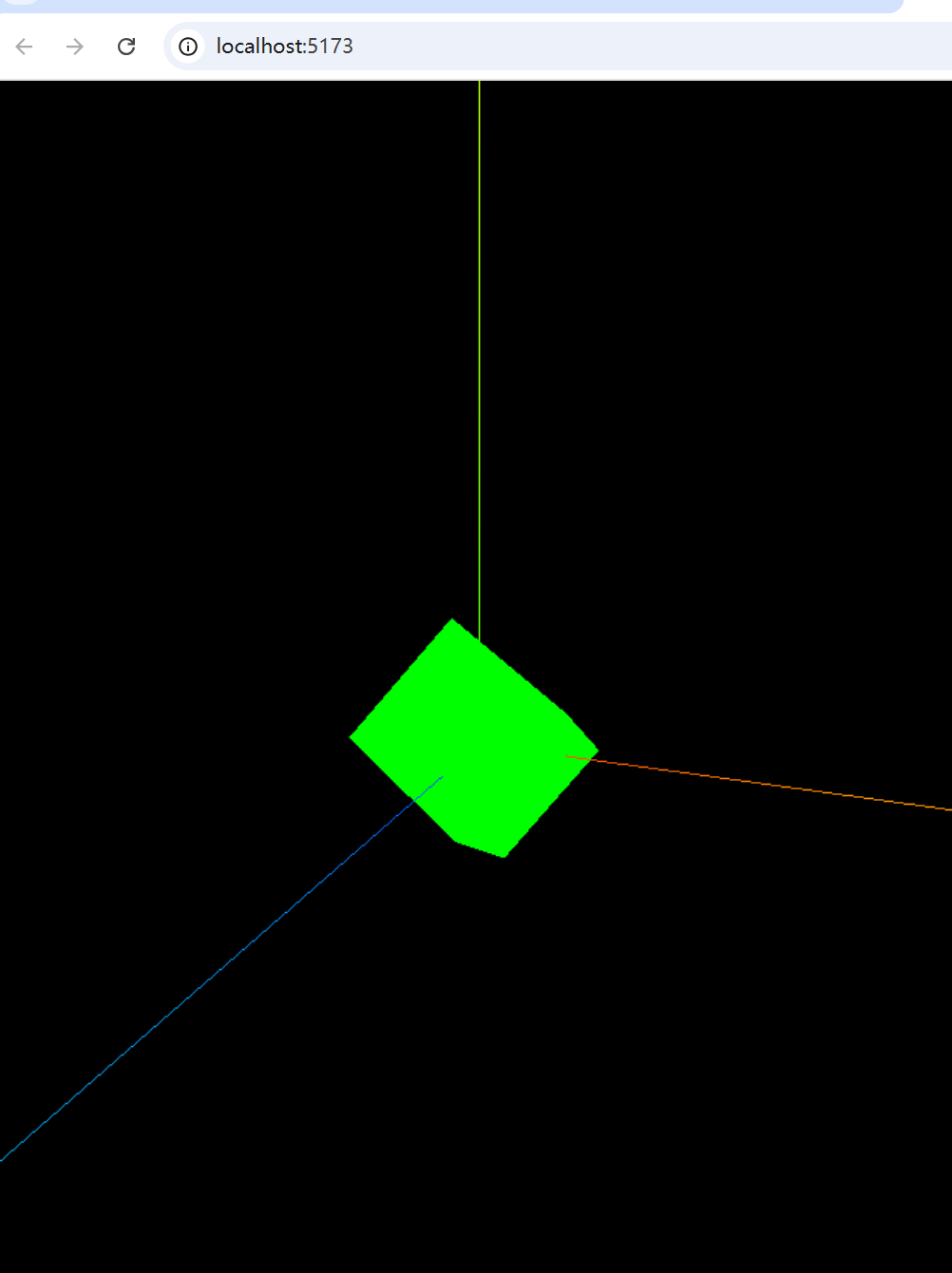
}
vue2同理,react同理





 扫一扫
扫一扫


 355
355

 被折叠的 条评论
为什么被折叠?
被折叠的 条评论
为什么被折叠?
 到【灌水乐园】发言





