


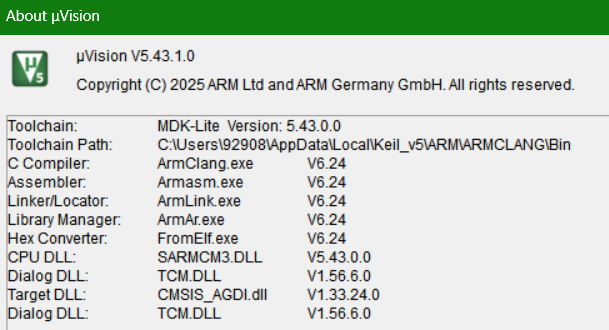
其实这里不限GD, ST的, AT的都行. 因为很多例程都是基于V10版的freertos和arm compiler V5.
而我想用最新的freertos V11 + compiler V6, 所以只能自己新建和移植.
V6据说编译会快很多.
1. 首先安装 相应MCU的keil驱动, 器件库, 一般各大MCU的官网都有, 耐心找找.
注意最新版的keil, 器件库的安装目录不再在C盘的根目录, 而是在user/appdata里面, 安装错了, keil里面新建工程找不到厂家和器件.
2. 安装 freertos的ARM.CMSIS-FreeRTOS.11.2.0.pack
https://github.com/ARM-software/CMSIS-FreeRTOS/releases
3.新建工程, 选mcu厂家和型号
4.在keil里面点RTE, 配置启动文件, cms, 外设驱动lib, freertos等:
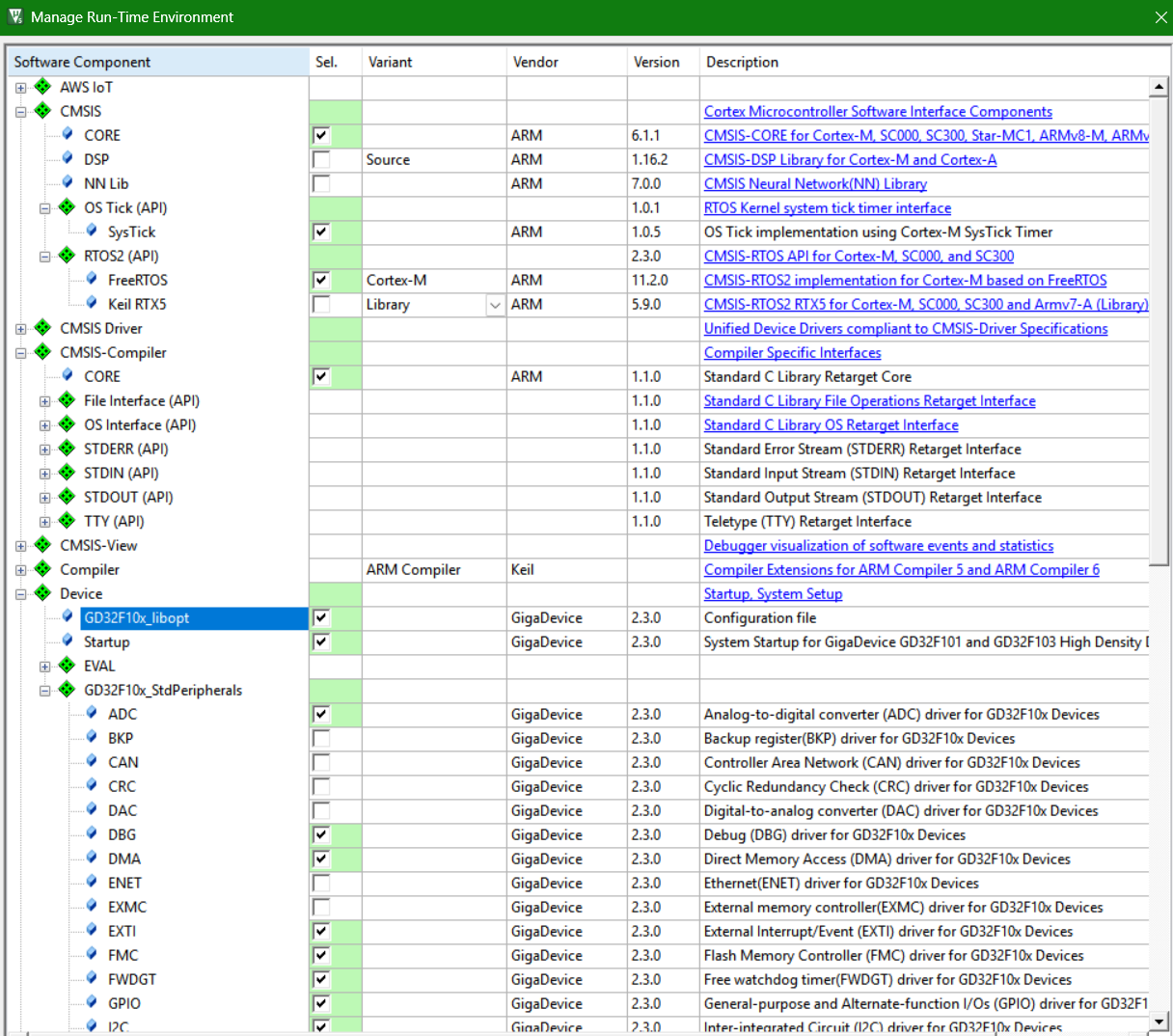

然后要新建一个main.c和gd32f10x_it.c, 加入到工程, 点编译看能否通过.
需要修改 FreeRTOSConfig.h
把MPU的选项注释
//  <o>Preemption interrupt priority
//  <i> Maximum priority of interrupts that are safe to call FreeRTOS API.
//  <i> Default: 128
#define configMAX_SYSCALL_INTERRUPT_PRIORITY      5	//128

#define configUSE_TIME_SLICING                    0
#define configCPU_CLOCK_HZ                        (SystemCoreClock)
#define configUSE_PREEMPTION                      0

//  <o>Total heap size [bytes] <0-0xFFFFFFFF>
//  <i> Heap memory size in bytes.
//  <i> Default: 8192
#define configTOTAL_HEAP_SIZE                     ((size_t)8192)

//  <o>Queue registry size
//  <i> Define maximum number of queue objects registered for debug purposes.
//  <i> The queue registry is used by kernel aware debuggers to locate queue and semaphore structures and display associated text names.
//  <i> Default: 0
#define configQUEUE_REGISTRY_SIZE                 8	//0

//vTaskList and vTaskGetRunTimeStats APIs take a buffer as a parameter and assume
//that the length of the buffer is configSTATS BUFFER MAX LENGTH. Defaults to*.0xFFFF if left undefined.
//New applications are recommended to use vTaskListTasks and vTaskGetRunTimeStatistics A
//pIs instead and supply the length of the buffer, explicitly to avoid memory corruption.
#define configSTATS_BUFFER_MAX_LENGTH 1024 





 扫一扫
扫一扫


 7218
7218

 被折叠的 条评论
为什么被折叠?
被折叠的 条评论
为什么被折叠?
 到【灌水乐园】发言





