


要通过鼠标控制并模拟人物移动和转换视角,将会使用射线检测、鼠标点击和鼠标水平移动,配合物体旋转和移动方法共同实现。
首先搭建个由一个Plane地板和若干cube组成的简单场景:
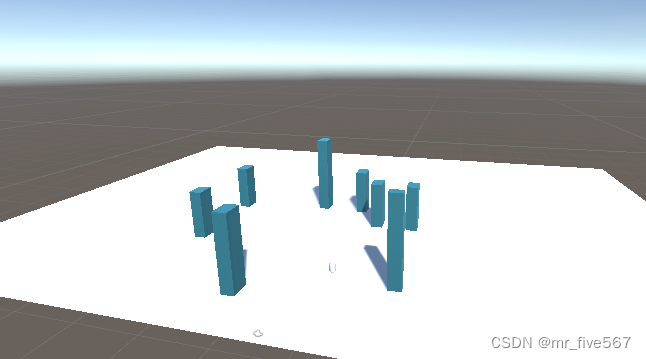
其次创建一个Capsule作为移动物体,并把摄像头拉到该物体中。
创建以下脚本:
using System.Collections;
using System.Collections.Generic;
using UnityEngine;
public class CameraController : MonoBehaviour
{
private Vector3 targetPosition; // 目标位置
private float moveSpeed = 5f; // 摄像头移动速度
private bool isMoving = false; // 标记物体是否正在移动
public float rotateSpeed = 3f; // 摄像头旋转速度
public void Update()
{
if (Input.GetMouseButton(0))
{
//视角旋转
transform.Rotate(Vector3.up, Input.GetAxis("Mouse X") * rotateSpeed);
//检测射线获取目标点
Ray ray = Camera.main.ScreenPointToRay(Input.mousePosition);
RaycastHit hitInfo = new RaycastHit();
if (Phys 最低0.47元/天 解锁文章






 扫一扫
扫一扫


 5288
5288

 被折叠的 条评论
为什么被折叠?
被折叠的 条评论
为什么被折叠?
 到【灌水乐园】发言





