





 本文详细记录了在Linux服务器上下载、安装及配置Percona Toolkit的过程,包括解决遇到的错误信息,确保工具正常运行所需的依赖包安装步骤。
今天下午,趁工作不忙之际,研究了下percona-toolkit 这个工具,从安装到使用遇到了些问题,特此记下。
1. Downlaod the percona-toolkit rpm package from https://www.percona.com/software/database-tools/percona-toolkit
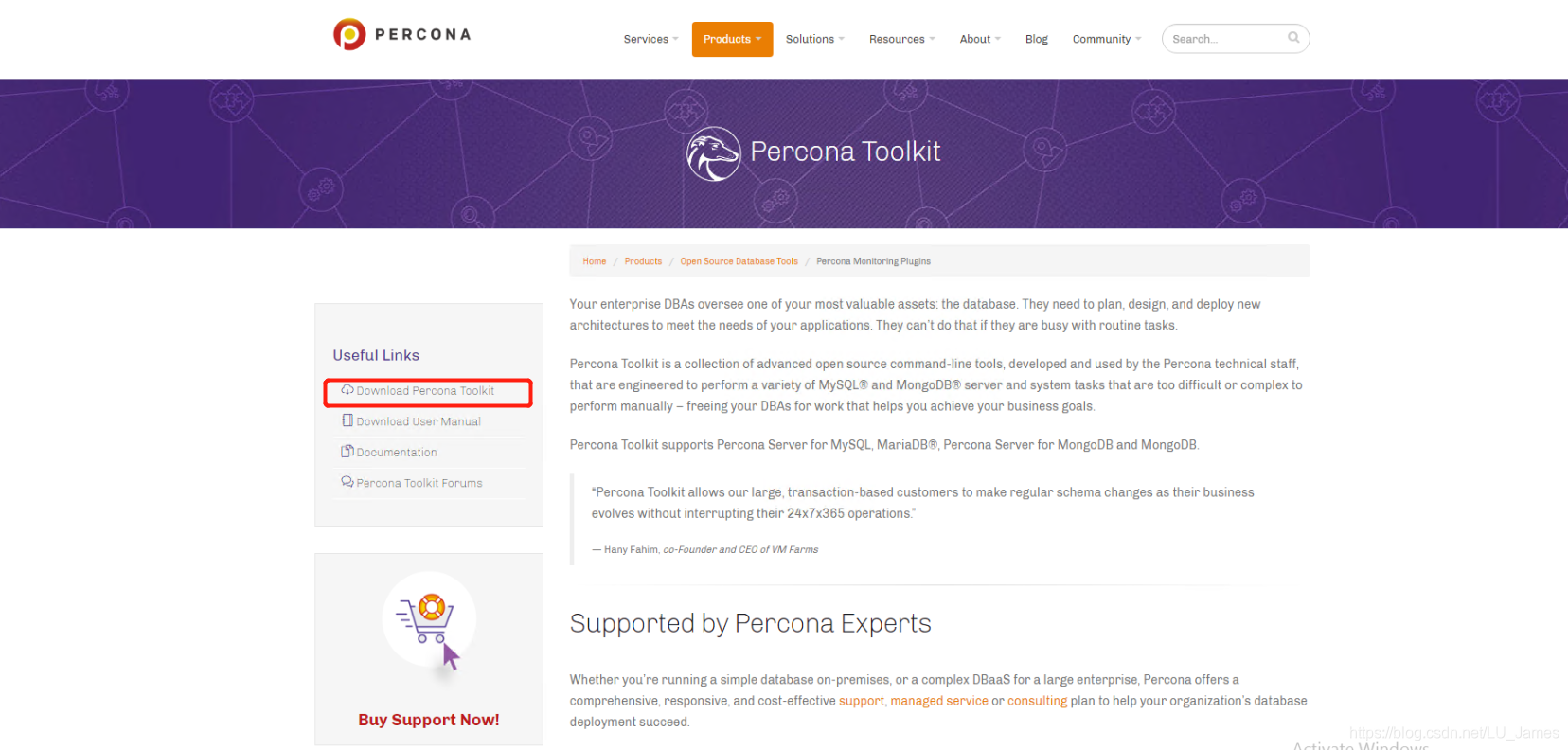 2. Select the version and the platform for the rpm package.
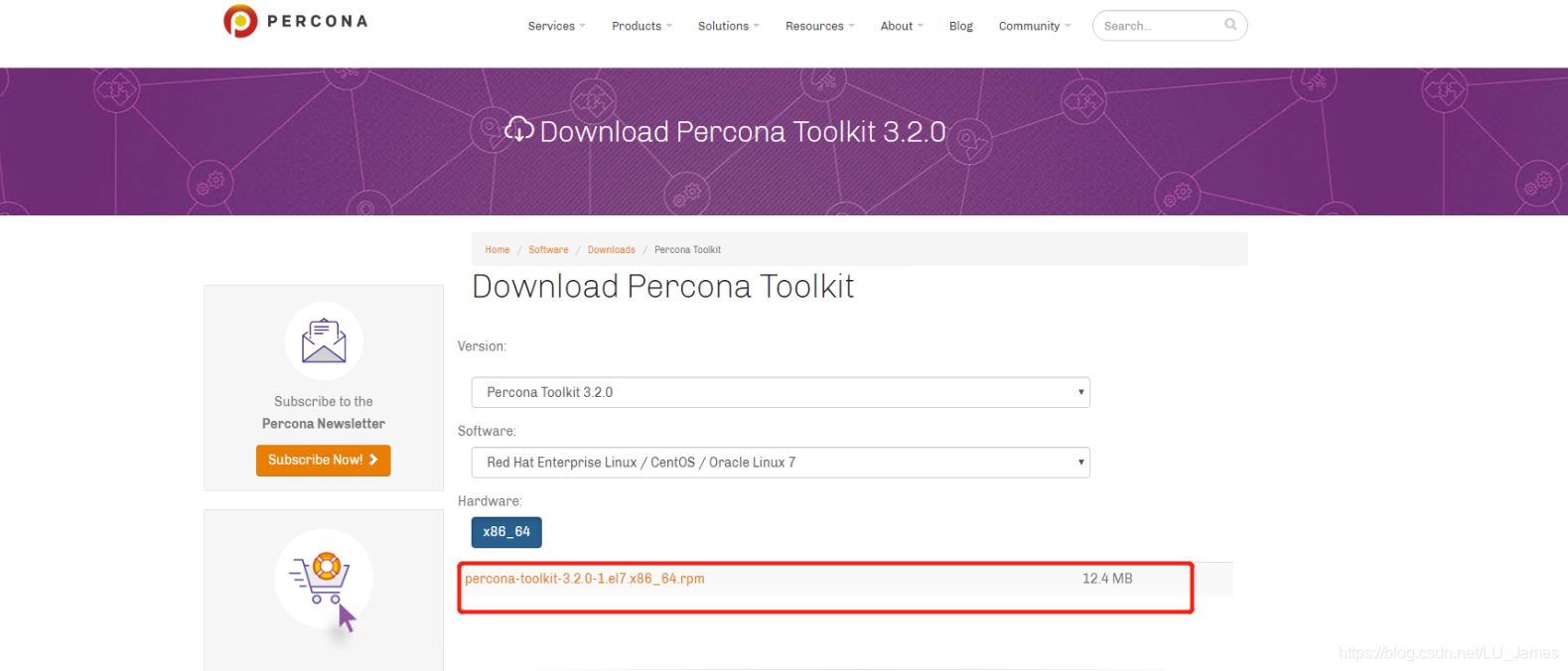
3. Click the name of rpm to downlaod.
4. Upload the rpm to your Linux server use scp tool.
5. After you upload completed, To install the rpm with rpm -ivh percona-toolkit-3.2.0-1.el7.x86_64.rpm.
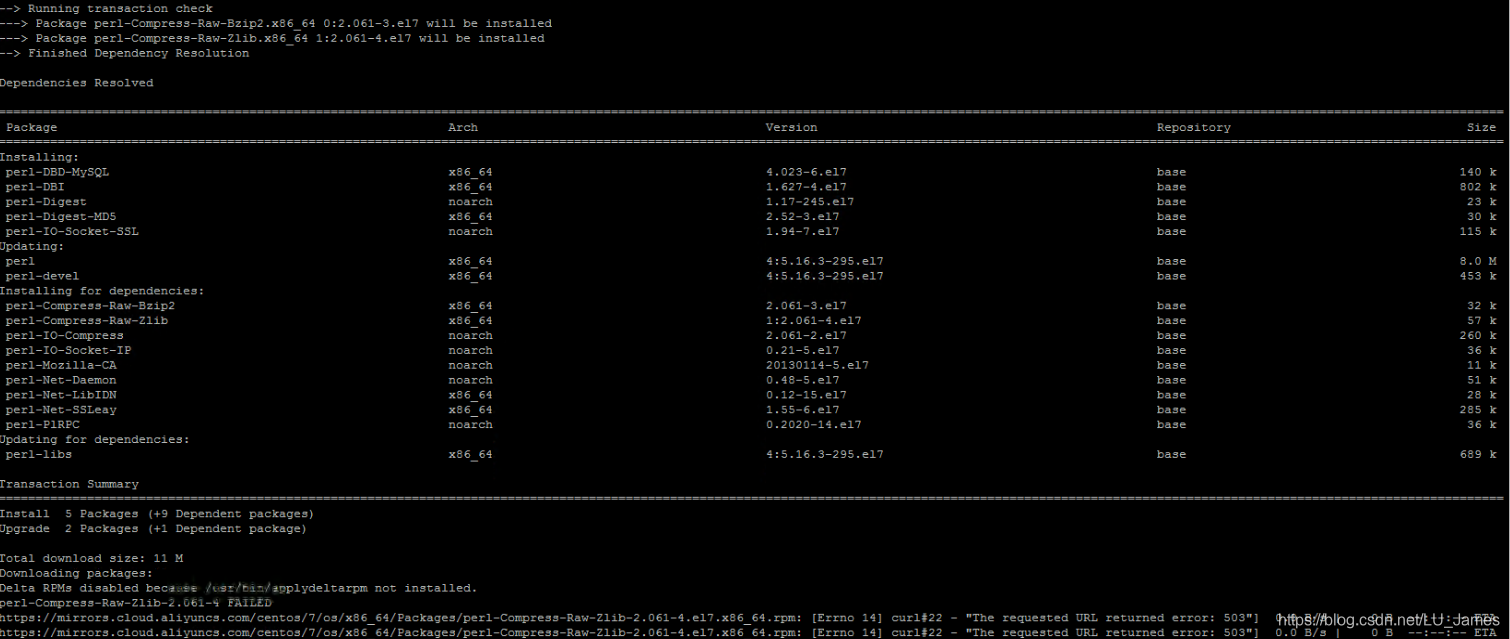
6. if you meet the following error message, you need install releated package.

7. install the releated package with the following command. (please make sure your yum repo is worked)
yum install perl-IO perl-Digest perl perl-devel perl-Time-HiRes perl-DBI perl-DBD-MySQL perl-IO-Socket-SSL perl-TermReadKey perl-Digest-MD5
8. install the percona-toolkit with rpm -ivh percona-toolkit-3.2.0-1.el7.x86_64.rpm again

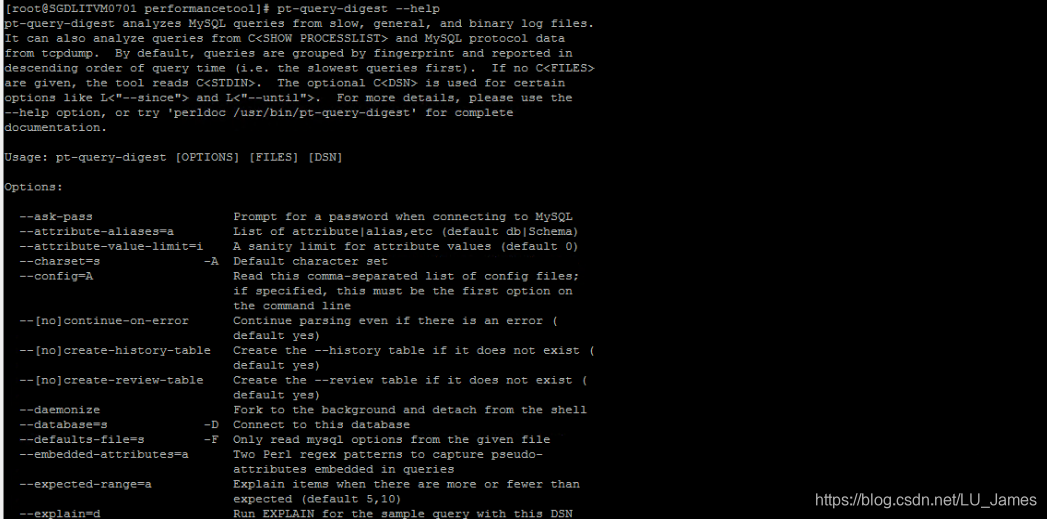
9. After install finished, check the percona-toolkit.
========================================================End=====================================
enjoy happy time





 扫一扫
扫一扫


 388
388

 被折叠的 条评论
为什么被折叠?
被折叠的 条评论
为什么被折叠?
 到【灌水乐园】发言





