


import QtQuick 2.12
import QtQuick.Window 2.12
import QtQuick.Controls 2.5
import QtQuick.Layouts 1.5
import QtQuick.Controls 1.4 as Ctr1
import QtQuick.Layouts 1.2
import './Text.js' as Jie

Window{
    id:window
    width:640
    height:480
    visible: true
   title:"Hello world"

   Item{
        id:jieItem
       anchors.fill:parent
       //颜色随机生成器
       property  var colorBuilder:Jie.getColorFactory(Qt.rgba)
       Row{
           id:header
           Button{
               text:"home"
               onClicked: layout.currentIndex = 0
           }
           Button{
               text:"Help"
               onClicked: layout.currentIndex = 1
           }
       }
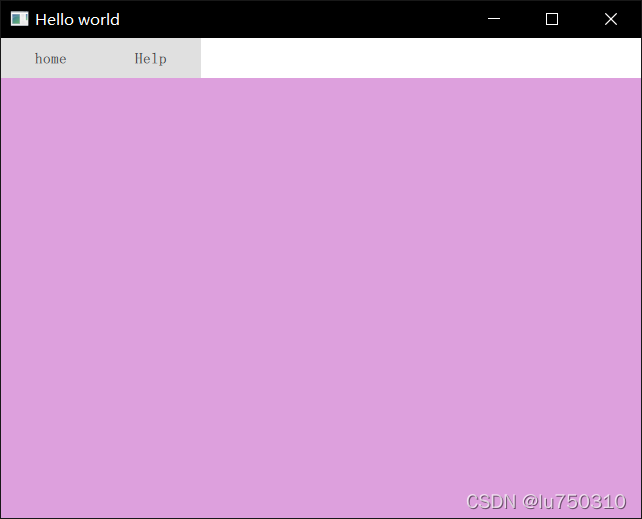
       StackLayout{
           id:layout
           anchors.top: header.bottom
           anchors.bottom: parent.bottom
           anchors.left:parent.left
           anchors.right: parent.right
           currentIndex: 1
           Rectangle{
               color:'teal'
               implicitWidth: 200
               implicitHeight: 200
           }
           Rectangle{
               color:'plum'
               implicitWidth: 200
               implicitHeight: 200
           }
       }
   }

}
还有个封装,用的时候再说





 扫一扫
扫一扫


 546
546

 被折叠的 条评论
为什么被折叠?
被折叠的 条评论
为什么被折叠?
 到【灌水乐园】发言





