


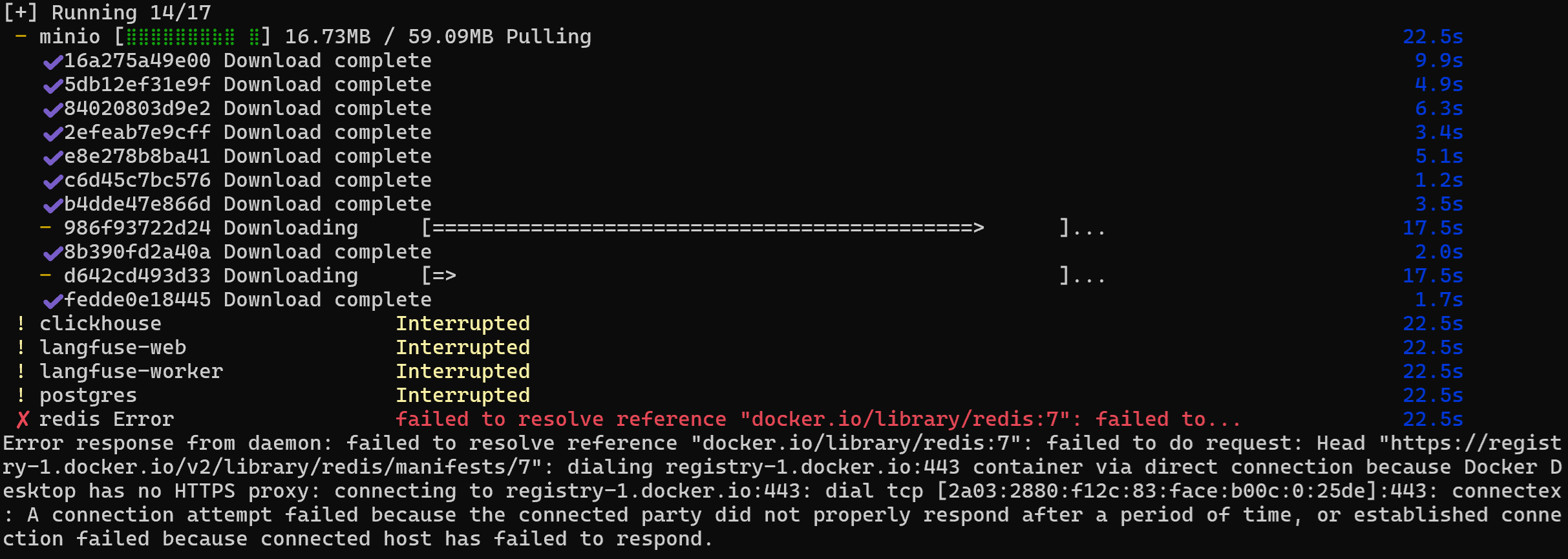
在安装langfuse的过程中,遇到错误如下:
“Error response from daemon: failed to resolve reference "docker.io/library/redis:7": failed to do request: Head "https://registry-1.docker.io/v2/library/redis/manifests/7": dialing registry-1.docker.io:443 container via direct connection because Docker Desktop has no HTTPS proxy: connecting to registry-1.docker.io:443: dial tcp [2a03:2880:f12c:83:face:b00c:0:25de]:443: connectex: A connection attempt failed because the connected party did not properly respond after a period of time, or established connection failed because connected host has failed to respond.”
截图如下:
执行ping命令:
ping registry-1.docker.io
结果显示:

向DeepSeek提问,提供的答复也基本上没有什么能够解决问题的,部分解决方案如下:
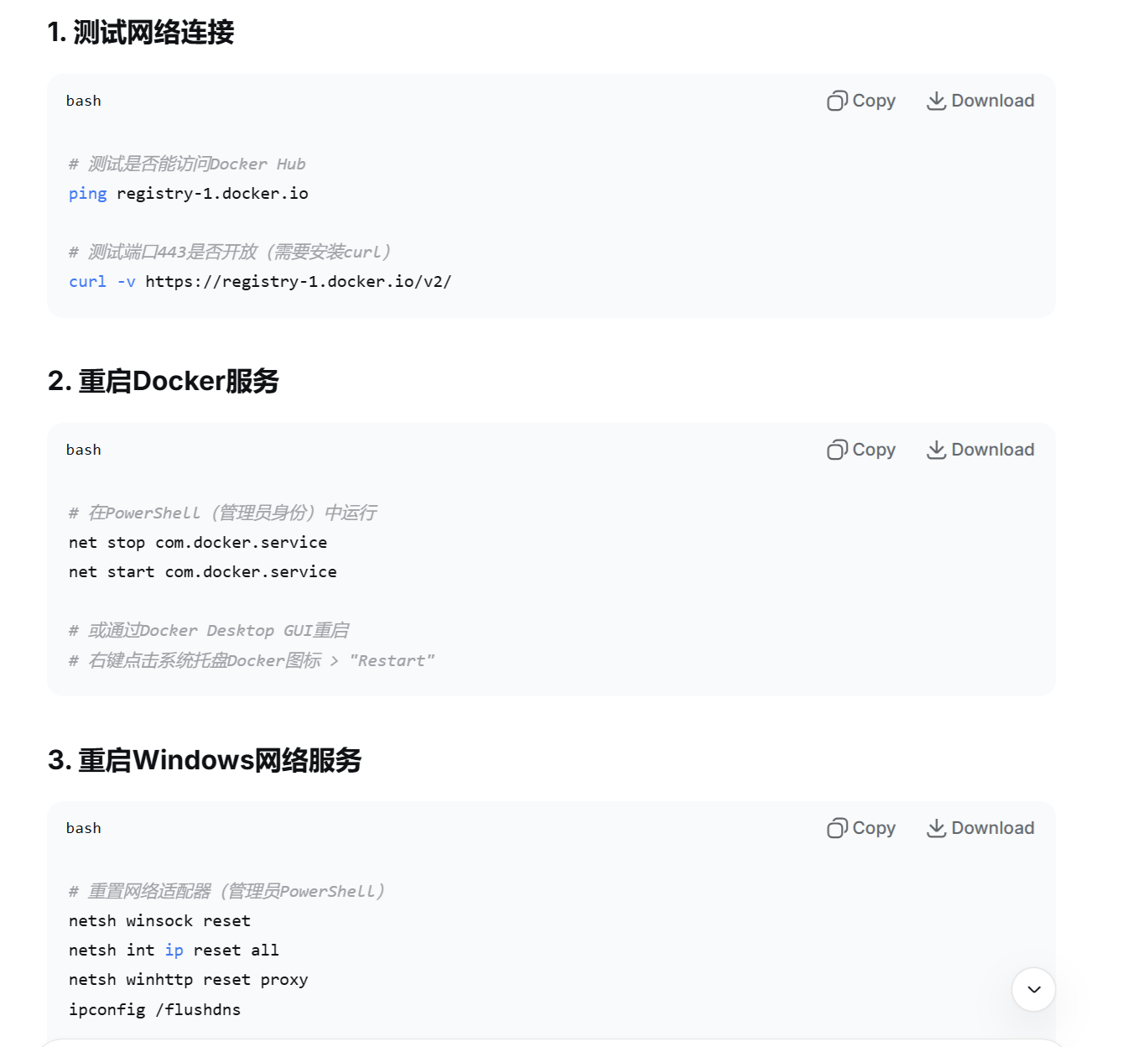
最后找到了解决方案,如下:
打开Docker的UI,在Setting-> Docker Engine,将输入框的内容改为如下:
 {
  "builder": {
    "gc": {
      "defaultKeepStorage": "20GB",
      "enabled": true
    }
  },

  "features": {
    "buildkit": true
  },
  "registry-mirrors": [
    "https://dockerpull.pw",
    "https://dockerhub.icu",
    "https://hub.rat.dev",
    "https://register.librax.org",
    "https://docker-0.unsee.tech",
    "https://docker-cf.registry.cyou",
    "https://docker.1panel.live"
  ],
  "dns":[
     "8.8.8.8",
     "114.114.114.114"
  ]

}
如图所示:
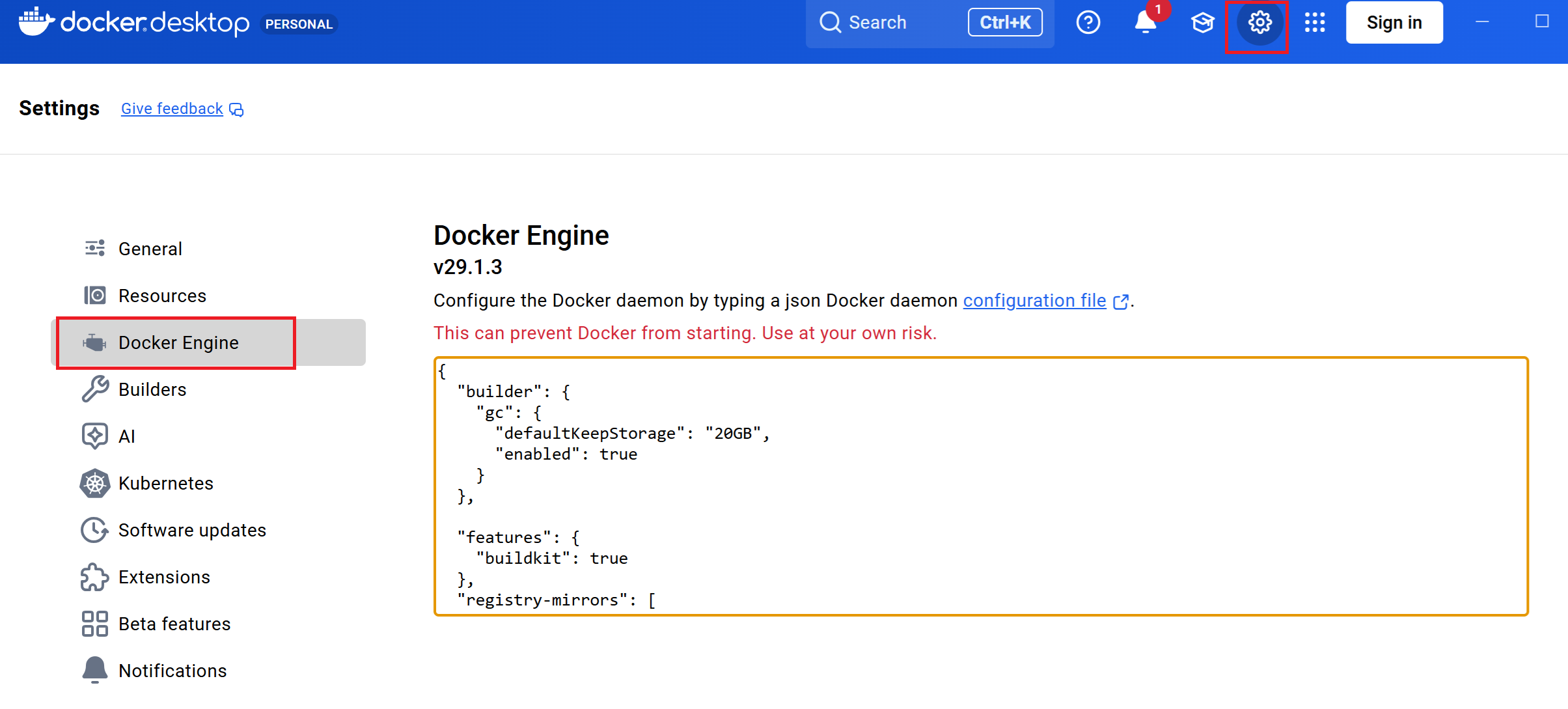
修改之后,点击【 】
】
然后再执行docker compose up命令:
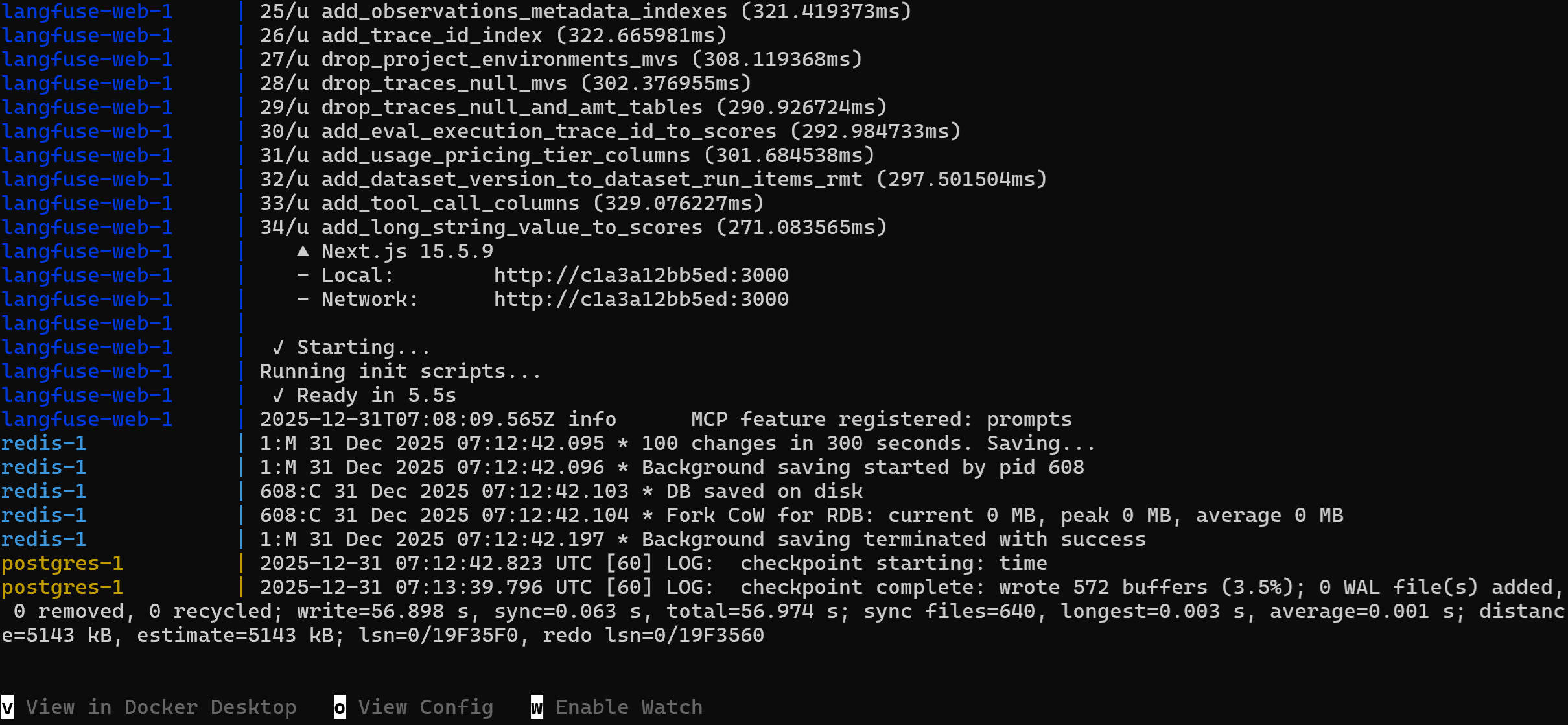
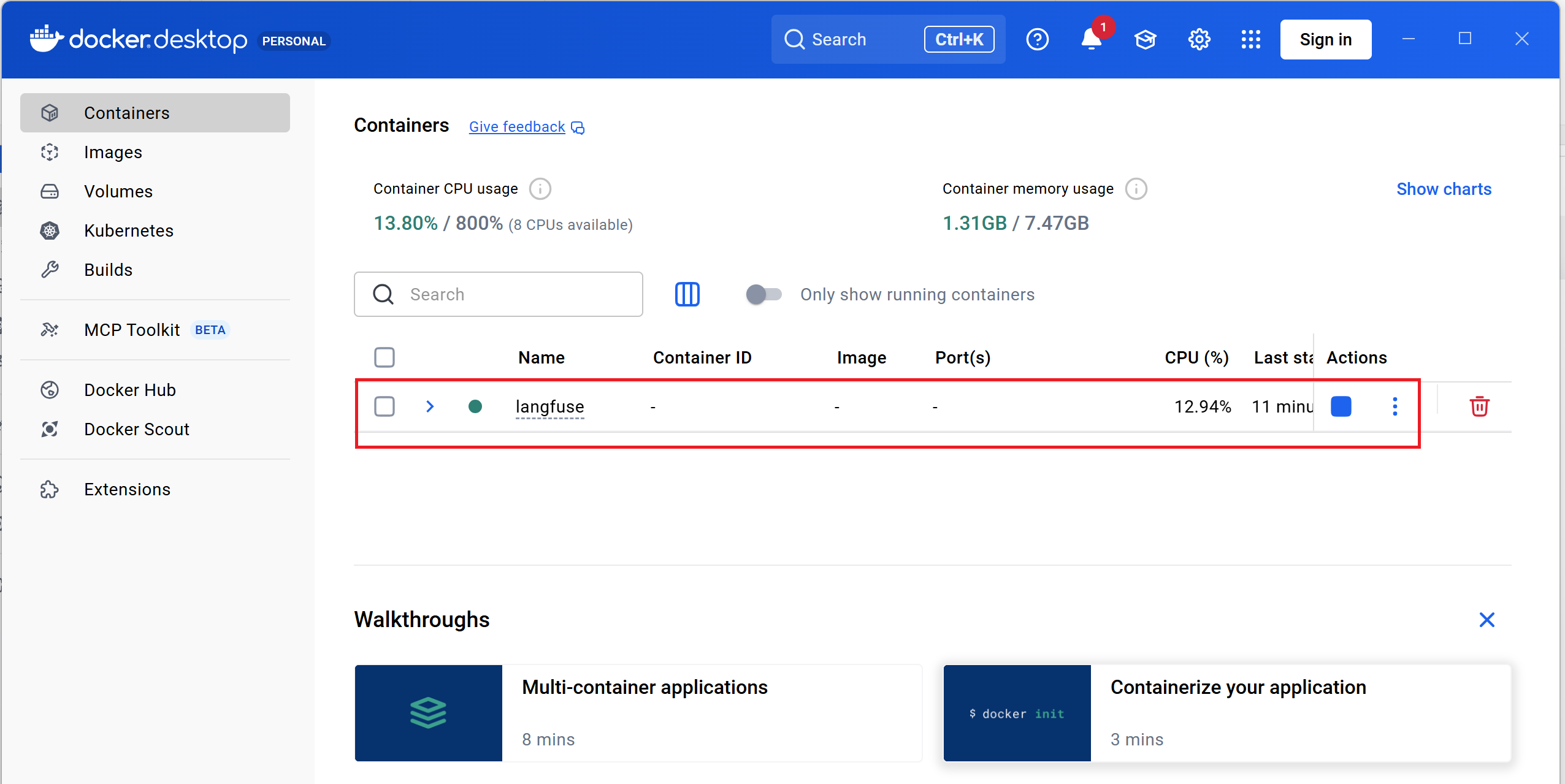
再去docker的界面查看,已经安装成功:





 扫一扫
扫一扫


 788
788

 被折叠的 条评论
为什么被折叠?
被折叠的 条评论
为什么被折叠?
 到【灌水乐园】发言





