


 博客介绍了基于模板创建安卓应用的相关步骤,包括导入图片和背景,打开字符串资源文件、主布局资源文件并改为线性布局且增加图像控件,打开主界面类添加元素,还给出了具体代码和运行效果。
基于Empty Activity模板创建安卓应用 - ZoomMickeyByTouch
导入图片和背景

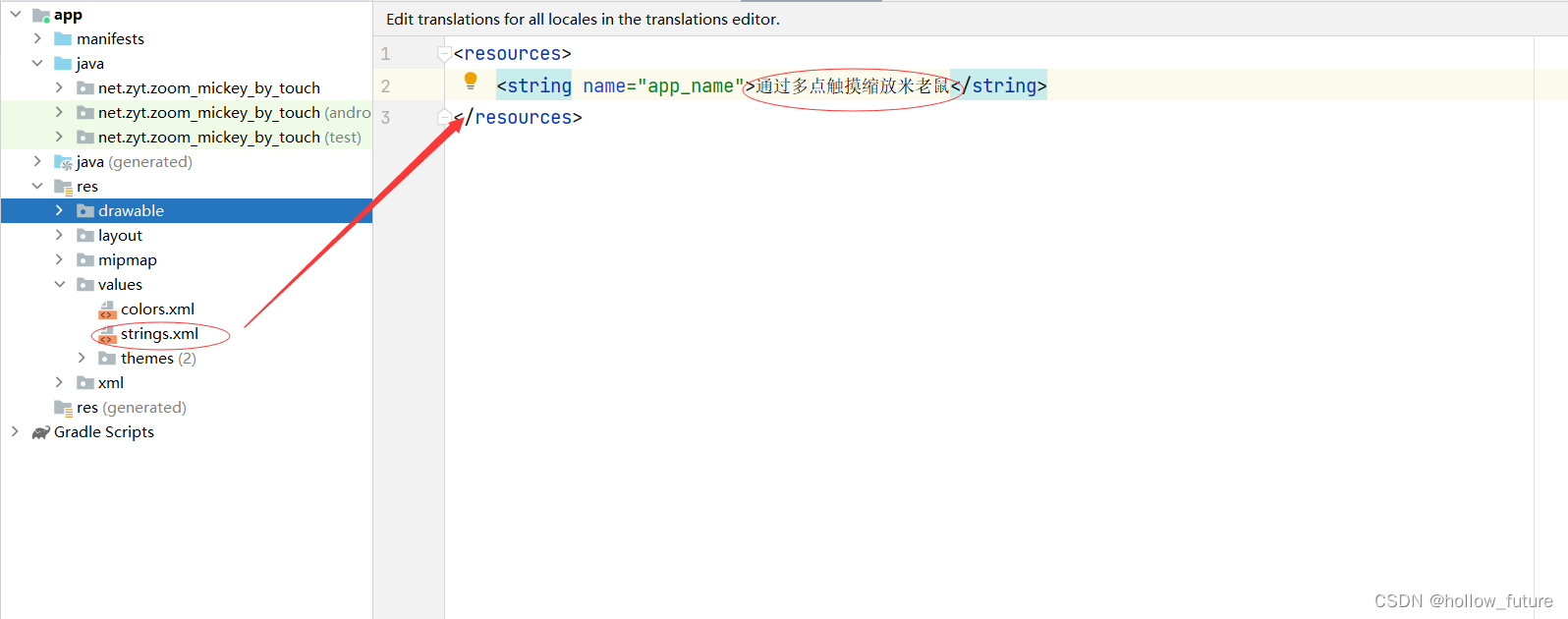
打开字符串资源文件 strings.xml更改标题
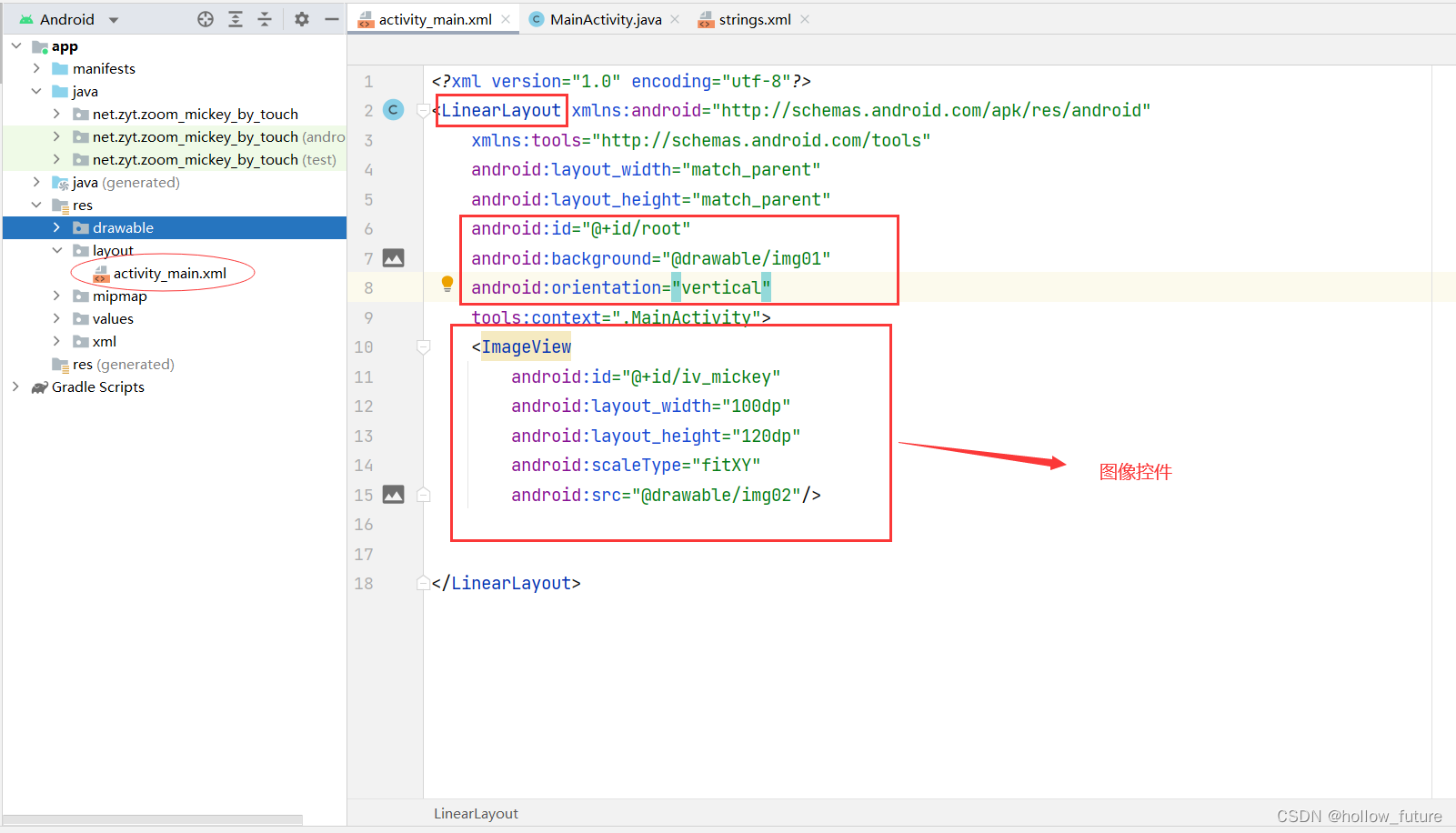
打开主布局资源文件 - activity_main.xml改为线性布局并增加图像控件
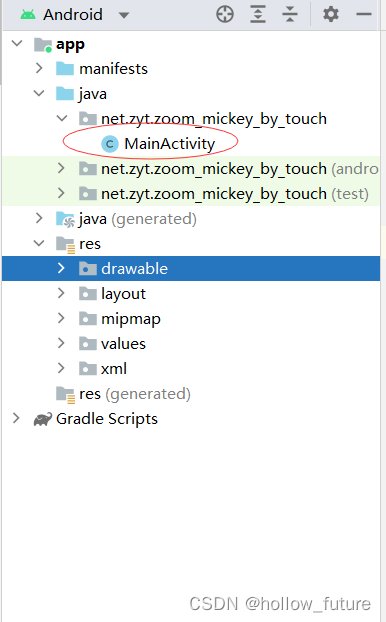
打开主界面类 - MainActivity
添加元素:
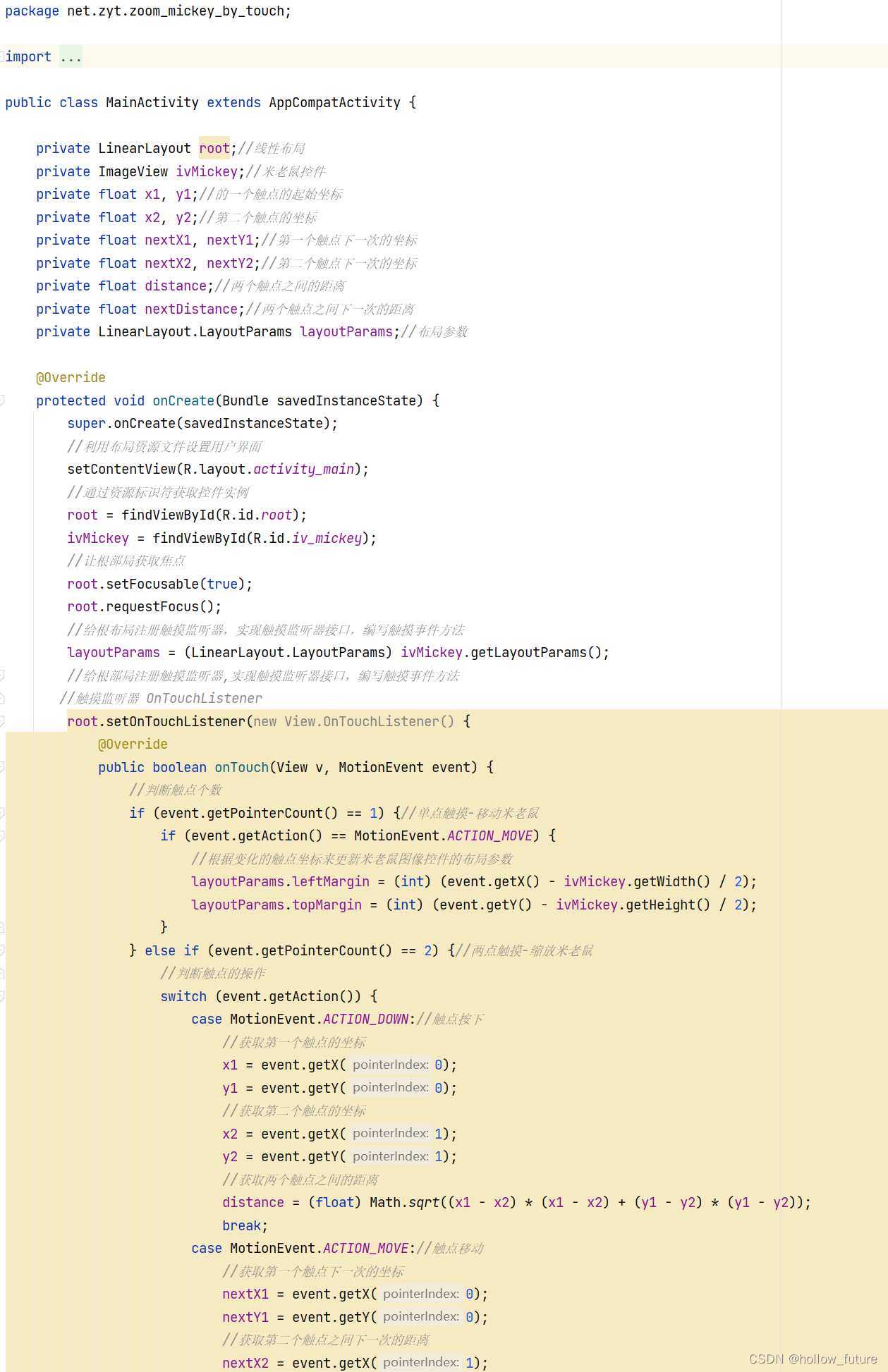

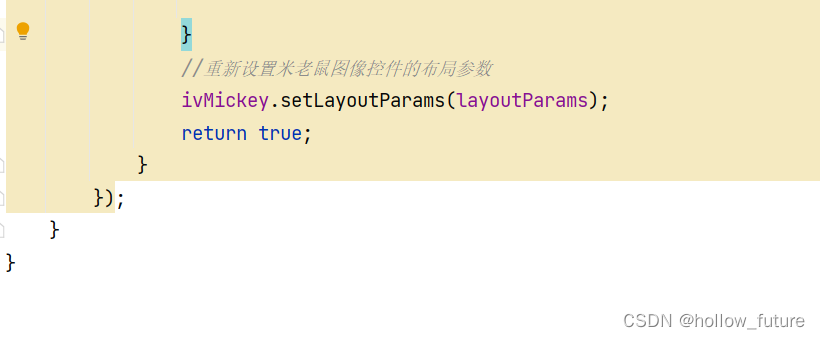
具体代码:
package net.zyt.zoom_mickey_by_touch;

import androidx.appcompat.app.AppCompatActivity;

import android.os.Bundle;
import android.view.MotionEvent;
import android.view.View;
import android.widget.ImageView;
import android.widget.LinearLayout;

public class MainActivity extends AppCompatActivity {

    private LinearLayout root;//线性布局
    private ImageView ivMickey;//米老鼠控件
    private float x1, y1;//的一个触点的起始坐标
    private float x2, y2;//第二个触点的坐标
    private float nextX1, nextY1;//第一个触点下一次的坐标
    private float nextX2, nextY2;//第二个触点下一次的坐标
    private float distance;//两个触点之间的距离
    private float nextDistance;//两个触点之间下一次的距离
    private LinearLayout.LayoutParams layoutParams;//布局参数

    @Override
    protected void onCreate(Bundle savedInstanceState) {
        super.onCreate(savedInstanceState);
        //利用布局资源文件设置用户界面
        setContentView(R.layout.activity_main);
        //通过资源标识符获取控件实例
        root = findViewById(R.id.root);
        ivMickey = findViewById(R.id.iv_mickey);
        //让根部局获取焦点
        root.setFocusable(true);
        root.requestFocus();
        //给根布局注册触摸监听器,实现触摸监听器接口,编写触摸事件方法
        layoutParams = (LinearLayout.LayoutParams) ivMickey.getLayoutParams();
        //给根部局注册触摸监听器,实现触摸监听器接口,编写触摸事件方法
       //触摸监听器 OnTouchListener
        root.setOnTouchListener(new View.OnTouchListener() {
            @Override
            public boolean onTouch(View v, MotionEvent event) {
                //判断触点个数
                if (event.getPointerCount() == 1) {//单点触摸-移动米老鼠
                    if (event.getAction() == MotionEvent.ACTION_MOVE) {
                        //根据变化的触点坐标来更新米老鼠图像控件的布局参数
                        layoutParams.leftMargin = (int) (event.getX() - ivMickey.getWidth() / 2);
                        layoutParams.topMargin = (int) (event.getY() - ivMickey.getHeight() / 2);
                    }
                } else if (event.getPointerCount() == 2) {//两点触摸-缩放米老鼠
                    //判断触点的操作
                    switch (event.getAction()) {
                        case MotionEvent.ACTION_DOWN://触点按下
                            //获取第一个触点的坐标
                            x1 = event.getX(0);
                            y1 = event.getY(0);
                            //获取第二个触点的坐标
                            x2 = event.getX(1);
                            y2 = event.getY(1);
                            //获取两个触点之间的距离
                            distance = (float) Math.sqrt((x1 - x2) * (x1 - x2) + (y1 - y2) * (y1 - y2));
                            break;
                        case MotionEvent.ACTION_MOVE://触点移动
                            //获取第一个触点下一次的坐标
                            nextX1 = event.getX(0);
                            nextY1 = event.getY(0);
                            //获取第二个触点之间下一次的距离
                            nextX2 = event.getX(1);
                            nextY2 = event.getY(1);
                            //计算两个触点之间的距离
                            nextDistance = (float) Math.sqrt((nextX1 - nextX2) * (nextX1 - nextX2) + (nextY1 - nextY2) * (nextY1 - nextY2));
                            break;

                        case MotionEvent.ACTION_UP://触点放开
                            break;
                    }
                    if (nextDistance > distance) {
                        //放大图片
                        if (layoutParams.width < 1200) {//控制最大尺寸
                            layoutParams.width = (int) (layoutParams.width * 1.05);
                            layoutParams.height = (int) (layoutParams.height * 1.05);
                        }
                    } else {//缩小图片
                        if (layoutParams.width > 10) {//控制最小尺寸
                            layoutParams.width = (int) (layoutParams.width / 1.05);
                            layoutParams.height = (int) (layoutParams.height / 1.05);
                        }
                    }
                    //第一个触点坐标进行迭代
                    x1 = nextX1;
                    y1 = nextY1;
                    //第二个触点坐标进行迭代
                    x2 = nextX2;
                    y2 = nextY2;
                    //获取两个触点之间的距离
                    // math.sqrt(x) 方法返回 x 的平方根。数字必须大于等于 0
                    //(float)转化为浮点型数据
                    distance = (float) Math.sqrt((x1 - x2) * (x1 - x2) + (y1 - y2) * (y1 - y2));


                }
                //重新设置米老鼠图像控件的布局参数
                ivMickey.setLayoutParams(layoutParams);
                return true;
            }
        });
    }
}
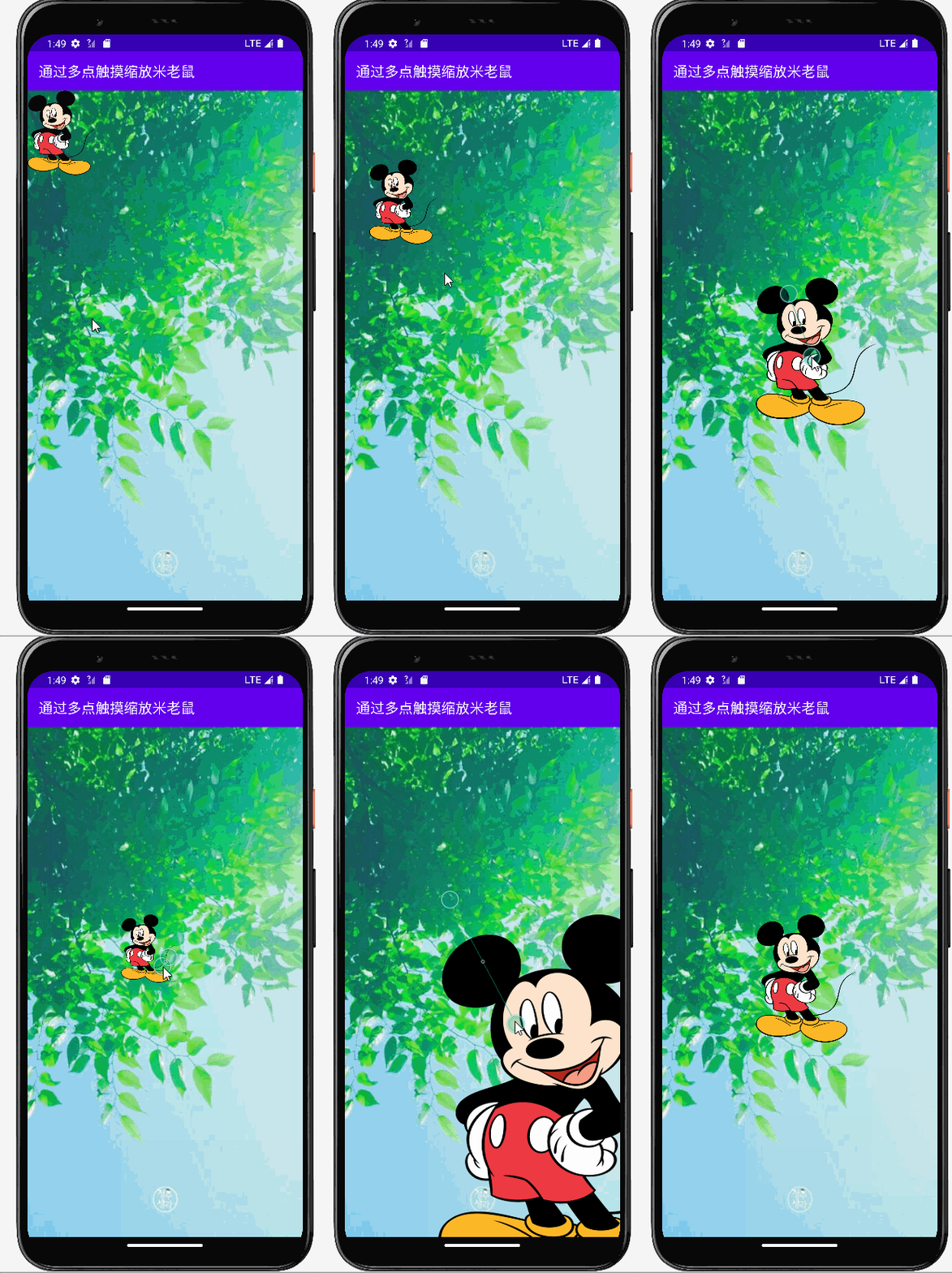
运行效果:





 扫一扫
扫一扫


 2289
2289

 被折叠的 条评论
为什么被折叠?
被折叠的 条评论
为什么被折叠?
 到【灌水乐园】发言





