


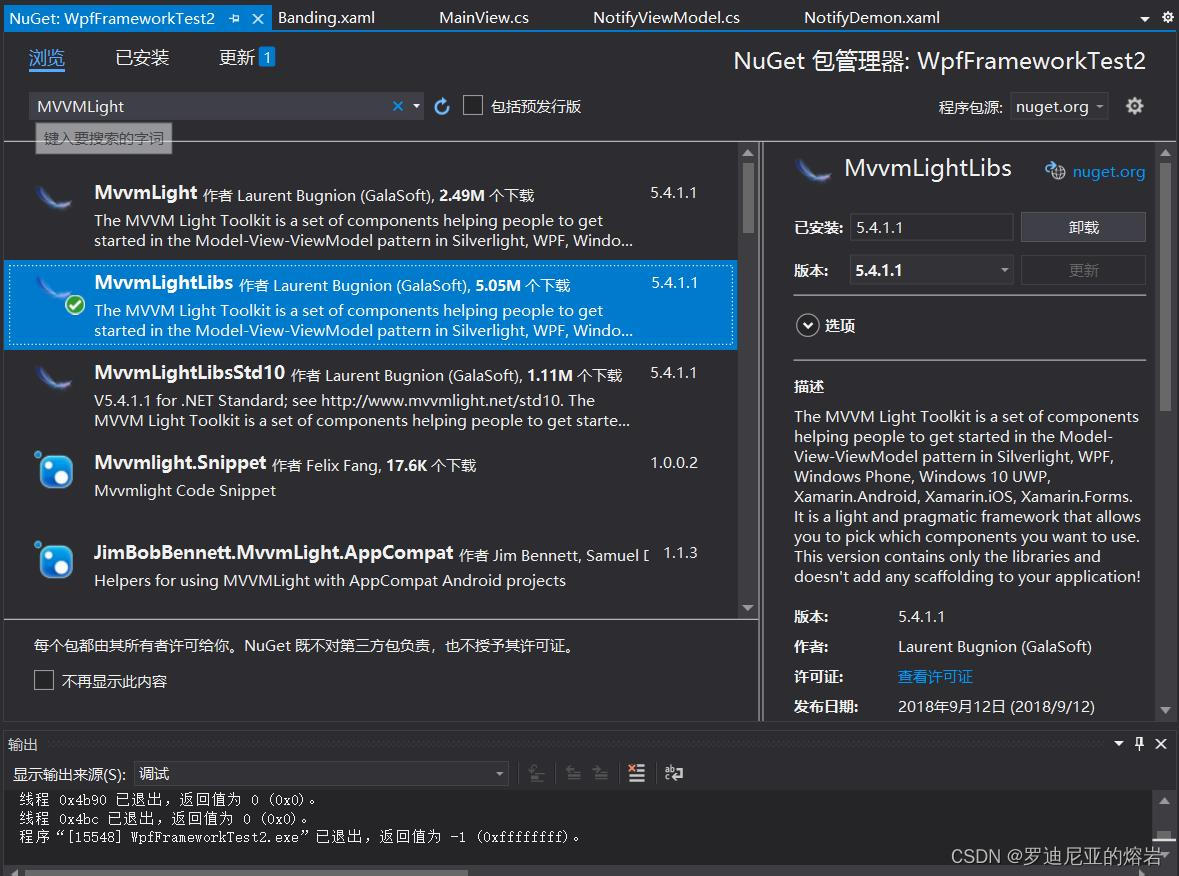
首先,在Nuget上下载MvvMLightLibs,这个包是一个类,需要自己建实例
前端代码
<Window x:Class="WpfFrameworkTest2.Banding"
        xmlns="http://schemas.microsoft.com/winfx/2006/xaml/presentation"
        xmlns:x="http://schemas.microsoft.com/winfx/2006/xaml"
        xmlns:d="http://schemas.microsoft.com/expression/blend/2008"
        xmlns:mc="http://schemas.openxmlformats.org/markup-compatibility/2006"
        xmlns:local="clr-namespace:WpfFrameworkTest2"
        mc:Ignorable="d"
        Title="Banding" Height="450" Width="800" WindowStartupLocation="CenterScreen">
    <Grid>
        <StackPanel>
            <TextBox Text="{Binding Name}" Height="50" Margin="5"/>
            <TextBox Text="{Binding Title}" Height="50" Margin="5"/>
            <Button Content="{Binding Title}" Command="{Binding ShowCommand}" Height="50" Margin="5"/>
        </StackPanel>
    </Grid>
</Window>
后台代码,可以看到TextBox的 Text, Button中的Content 与Command 利用MvvMLight轻易实现了前后端分离,代码只在构造函数部分进行了初始化
this.DataContext = new MainView();
完全摆脱了Winform以事件驱动的机制
using System;
using System.Collections.Generic;
using System.Linq;
using System.Text;
using System.Threading.Tasks;
using System.Windows;
using System.Windows.Controls;
using System.Windows.Data;
using System.Windows.Documents;
using System.Windows.Input;
using System.Windows.Media;
using System.Windows.Media.Imaging;
using System.Windows.Shapes;

namespace WpfFrameworkTest2
{
    /// <summary>
    /// Banding.xaml 的交互逻辑
    /// </summary>
    public partial class Banding : Window
    {
        public Banding()
        {
            InitializeComponent();
            this.DataContext = new MainView();
        }
    }
}
MainView 类的定义。
using GalaSoft.MvvmLight.Command;
using GalaSoft.MvvmLight;
using System;
using System.Collections.Generic;
using System.Linq;
using System.Text;
using System.Threading.Tasks;
using System.Windows;

namespace WpfFrameworkTest2
{
    public class MainView : ViewModelBase
    {
        public MainView()//ctos
        {
            this.Name = "我是姓名";
            this.Title = "我是标题";
            this.ShowCommand = new RelayCommand(Show);
        }

        private string _name;

        private string _title;


        public RelayCommand ShowCommand { get; set; }
        public string Name
        {
            get { return _name; }
            set
            {
                _name = value;
                RaisePropertyChanged();
            }
        }

        public string Title
        {
            get { return _title; }
            set
            {
                _title = value;
                RaisePropertyChanged();
            }
        }

        public void Show()
        {
            Name = "我是通过框架点击了按钮!";
            Title = "我是通过框架修改了标题!";
            MessageBox.Show(Name);
        }
    }
}
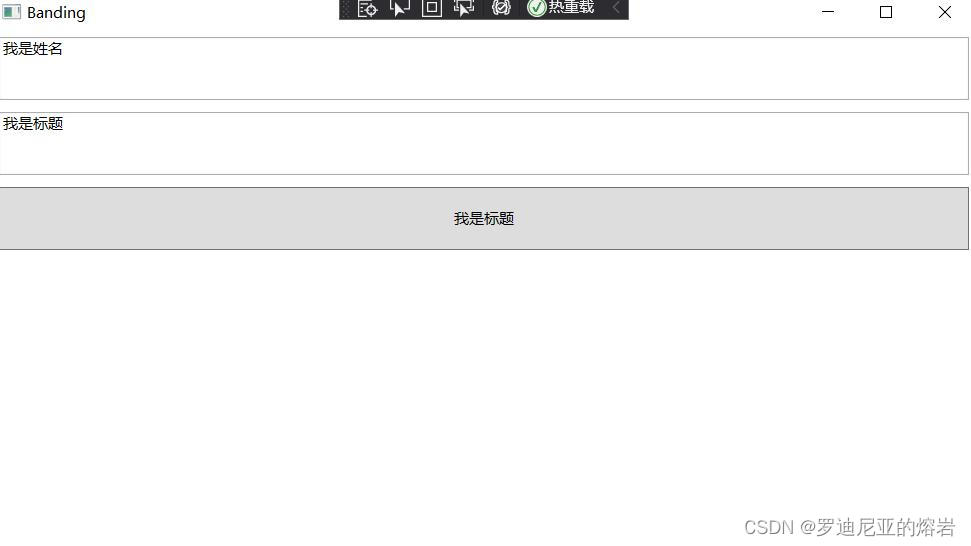
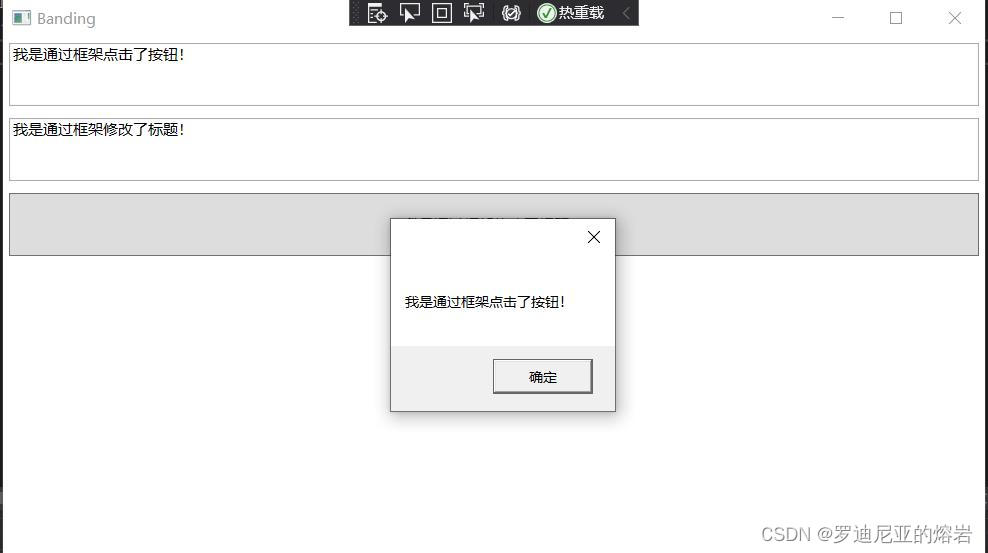
效果





 扫一扫
扫一扫


 8347
8347

 被折叠的 条评论
为什么被折叠?
被折叠的 条评论
为什么被折叠?
 到【灌水乐园】发言





