



看了go的一些介绍,尝试写一个入门示例:
- hello world
进入我的工作空间:
$ cd /Users/ben/code/go
$ mkdir hello
$ cd hello
创建hello目录后,准备编码
$ vim hello.go
键入代码:
package main

import "fmt"

func main() {
	fmt.Println("Hello, 世界")
}
保存,在目录下有hello.go文件,执行命令:go run hello.go
$ go run hello.go
hello, world.
$ ls
go.mod		hello.go
- web demo
在工作空间创建目录 webdemo
$ mkdir webdemo
$ cd webdemo
$ vim webdemo.go
输入代码:
package main

import (
    "net/http"
)

func main() {
    http.Handle("/", http.FileServer(http.Dir(".")))
    http.ListenAndServe(":8080", nil)
}
保存后有webdemo.go文件,执行命令运行:go run webdemo.go
$ go run webdemo.go
允许接入网络:
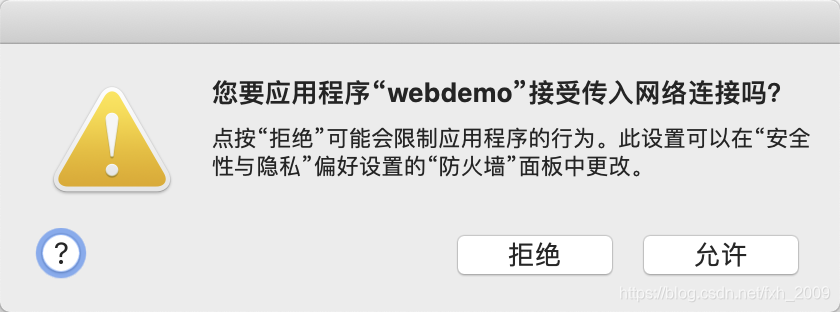
在浏览器里输入:localhost:8080,显示内容:
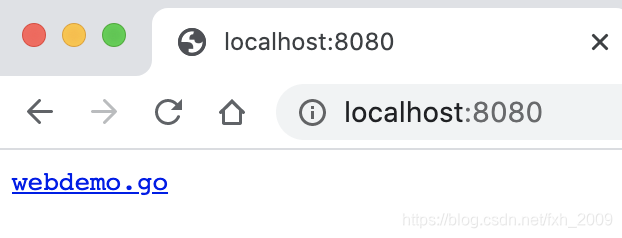
即可浏览文件,这些文件正是当前目录在HTTP服务器上的映射目录。
下面是代码说明:
第 1 行,标记当前文件为 main 包,main 包也是 Go 程序的入口包。
第 3~5 行,导入 net/http 包,这个包的作用是 HTTP 的基础封装和访问。
第 7 行,程序执行的入口函数 main()。
第 8 行,使用 http.FileServer 文件服务器将当前目录作为根目录(/目录)的处理器,访问根目录,就会进入当前目录。
第 9 行,默认的 HTTP 服务侦听在本机 8080 端口。





 扫一扫
扫一扫


 1878
1878

 被折叠的 条评论
为什么被折叠?
被折叠的 条评论
为什么被折叠?
 到【灌水乐园】发言





