


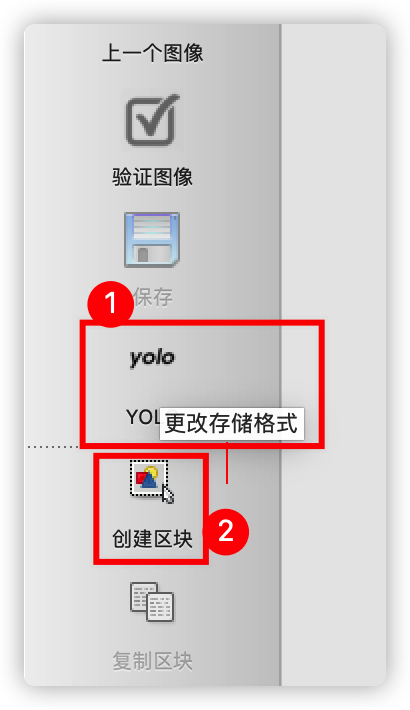
 该博客介绍了如何使用labelImg工具进行图像标注,包括在Mac和Windows上的安装步骤,以及标注过程。用户需准备classes.txt和images/目录,运行labelImg.py进行标注,保存的标注结果为Yolo格式,包含目标类别、位置信息。
📦 https://github.com/tzutalin/labelImg
安装步骤
- download from github repo
- install dependencies
pip3 install pyqt5 lxml - build from resource
- mac
make qt5py3 - win10
pyqt5, pyrcc5 -o libs/resources.py resources.qrc
- mac
- 准备
classes.txt和images/ - 运行qt工程
python labelImg.py images/ classes.txt
使用方法
 最低0.47元/天 解锁文章






 扫一扫
扫一扫


 792
792

 被折叠的 条评论
为什么被折叠?
被折叠的 条评论
为什么被折叠?
 到【灌水乐园】发言





