


 本文介绍了如何使用代码注释来提高代码的可读性和维护性。通过示例展示了何时及如何添加注释,包括实验性代码的注释处理、调试过程中的注释应用等。此外还提到了一些常用的键盘快捷键。
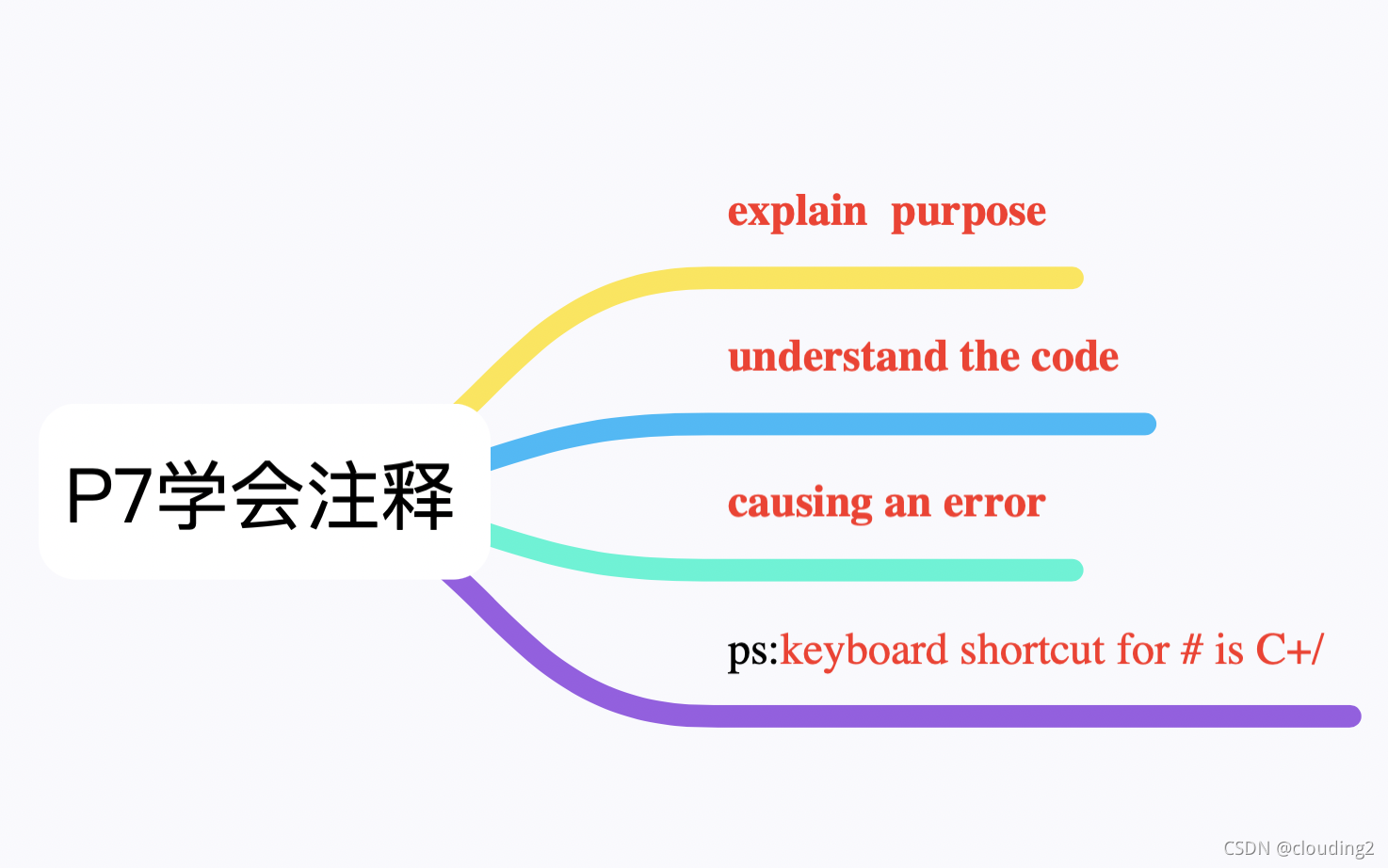
Comments are a way of documenting your code.
you can put comments in front of code that you're experimenting with, Maybe you try a line of code and it isn't working or it is working you want to try changing someting. Rather than deleting the line of code, sometimes i'll comment out that line of code.
#This is a comment in my code it does nothing
#No output will be displayed!
Comment calls to other programs to explain their purpose.
#Enable PIN check as listed in
#security requirements
enable_pin(current_user,pin)
Comments document your code so you and other programmers can understand the code.
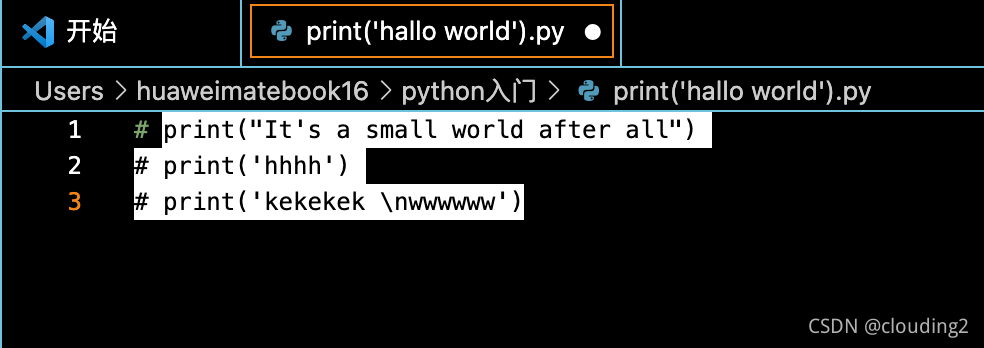
#Using double quotes for this string because
#the string itself contains a single quote
print("It's a small world after all")
Commenting lines of code can help you debug and figure out which line of code is causing an error.
I basically commented out all code, turned a whole bunch of lines of code into comments, and then see if the first five lines of code in my program worked. The first five line worked, then uncomment the next five lines, still no error message. Uncomment the next five lines, and so on until I see the error message.
print('hello world')
#print('It's a small world after all')
ps:keyboard shortcut for # is C+/
P8实操:
·可以用\转换单引号意义

快捷键也可以是C+K+C(comment)C+K+U(uncomment)





 扫一扫
扫一扫


 被折叠的 条评论
为什么被折叠?
被折叠的 条评论
为什么被折叠?
 到【灌水乐园】发言





