



使用 LangServe 提供服务
现在我们已经构建了一个应用程序,我们需要提供服务。这就是 LangServe 的用武之地。LangServe 帮助开发人员将 LangChain 链部署为 REST API。您无需使用 LangServe 即可使用 LangChain,但在此指南中,我们将展示如何使用 LangServe 部署您的应用程序。
安装
pip install "langserve[all]"
python服务器
要为python应用程序创建服务器,我们将创建一个 serve.py 文件。它将包含我们为提供应用程序服务的逻辑。它包括三件事
- 我们上面构建的链的定义
- 我们的 FastAPI 应用程序
- 提供链的路由的定义,这通过 langserve.add_routes 完成
具体程序如下:
from langchain_core.output_parsers import StrOutputParser
from langchain_core.prompts import ChatPromptTemplate
from langchain_ollama import OllamaLLM
from fastapi import FastAPI
import os

from langserve import add_routes

# 去掉本地ip代理
os.environ['NO_PROXY'] = '127.0.0.1,localhost'

# 1.。创建提示模板
system_template = "Translate the following into {language}:"
prompt_template = ChatPromptTemplate.from_messages([
     ('system', system_template),
     ('user', '{text}')
 ])

#2. 创建模型
model = OllamaLLM(
    temperature=0.8,
    model="qwen3:1.7b",
    keep_alive=5 * 60
)

#3.创建输出解析器
parser = StrOutputParser()

# 4.创建chain
chain = prompt_template | model | parser

# 5. web 服务app定义
app = FastAPI(
title="LangChainServer",
  version="1.0",
  description="A simple API server using LangChain's Runnable interfaces",
)

# 6. 使用langserve为本langchain添加服务路由
add_routes(
    app,
    chain,
    path="/my_test"
)

# 7.运行发布服务
if __name__ == '__main__':
    import uvicorn
    uvicorn.run(app, host="127.0.0.1", port= 8000)
LangServe Playground
每个 LangServe 服务都带有一个简单的内置UI,用于配置和调用具有流输出和中间步骤可见性的应用程序。
我们运行serve.py后,可以在pycharm控制台看到以下信息,说明服务正常启动:
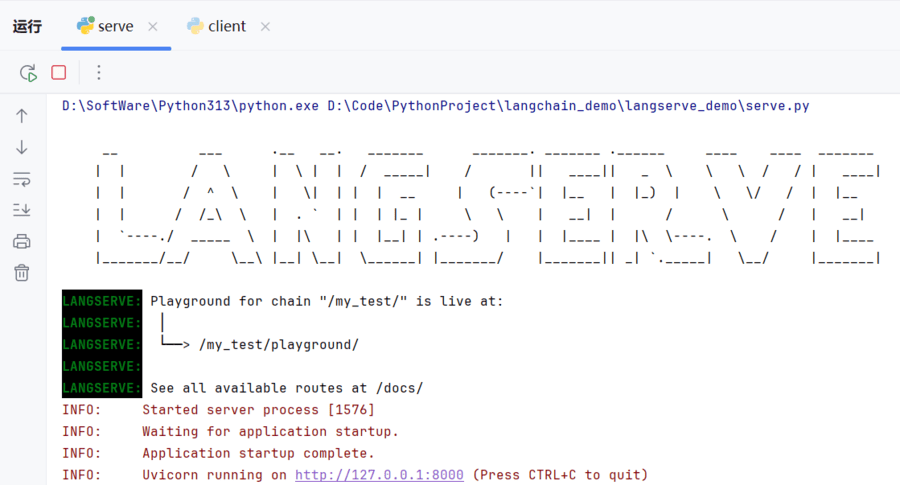
在浏览器中输入:http://127.0.0.1:8000/my_test/playground/
浏览器展示的内容如下:
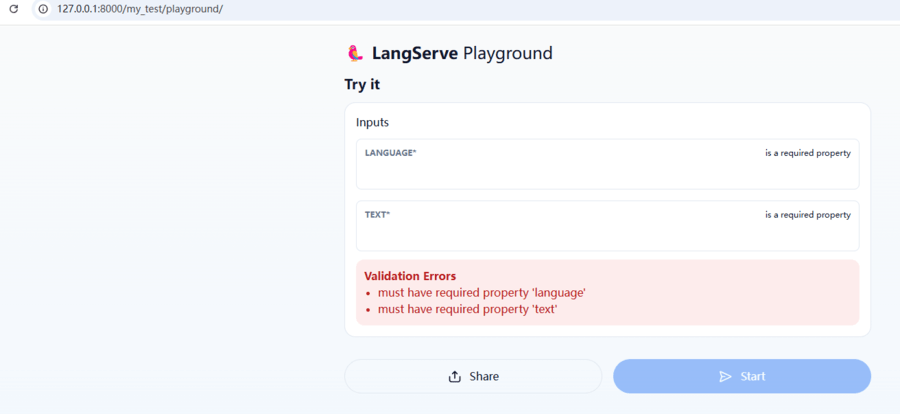
我们可以输入对应的参数,点击【start】获取结果:
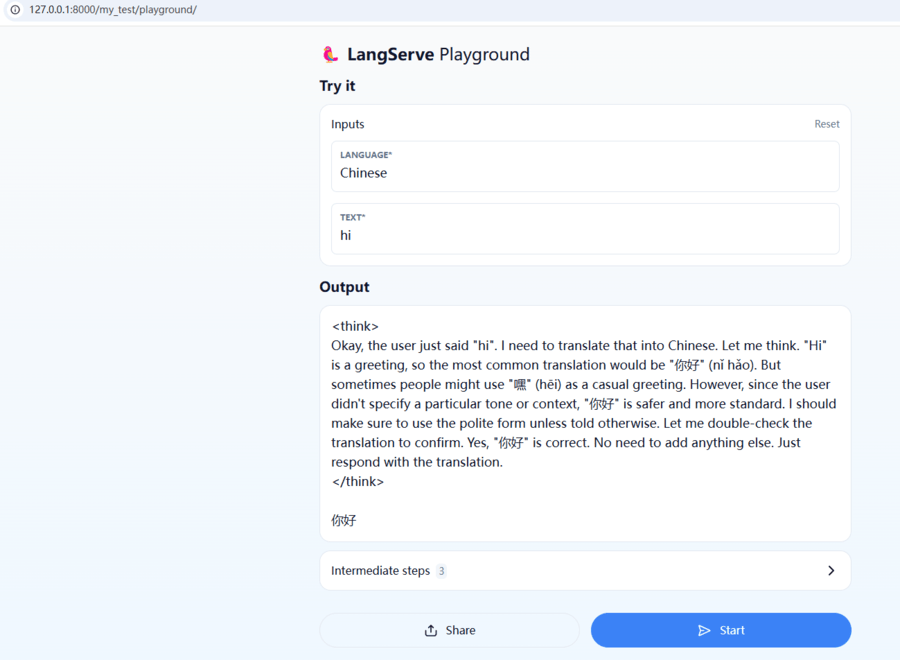
我们可以点开【Intermediate steps】,查看具体运行过程信息:
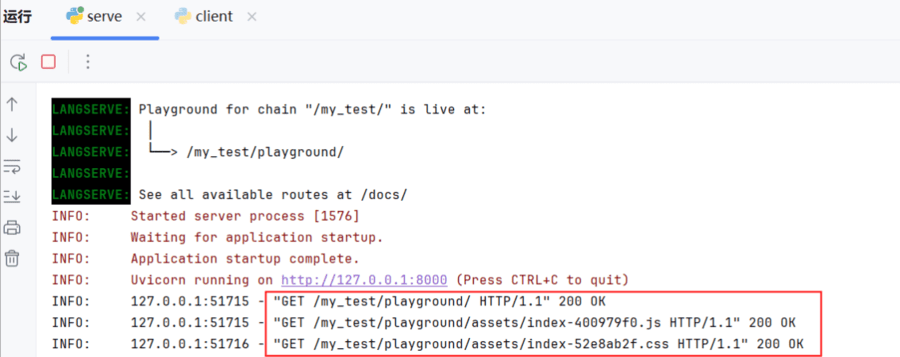
同时,我们可以观察到pycharm控制台输出的请求信息:
客户端
langserve.RemoteRunnable提供了以编程方式与langserve服务端交互能力。使用它,我们可以像在客户端运行一样与提供的链交互。
代码详情如下:
from langserve import RemoteRunnable
import os
# 去掉本地ip代理
os.environ['NO_PROXY'] = '127.0.0.1,localhost'

# 1.定义RemoteRunnable远程访问实例
remote_chain = RemoteRunnable("http://127.0.0.1:8000/my_test/")
# 2.输入参数并发起访问
result = remote_chain.invoke({"language": "Chinese", "text": "hi"})
print(result)
pycharm控制台输出:






 扫一扫
扫一扫


 550
550

 被折叠的 条评论
为什么被折叠?
被折叠的 条评论
为什么被折叠?
 到【灌水乐园】发言





