


 本文描述了在使用TIA博途V16时遇到的许可证问题,包括打开程序块时的错误提示和AutomationLicenseManagerService未启动的情况。解决方案是将该服务设置为自动启动并手动启动后,问题得以解决。
1.问题描述
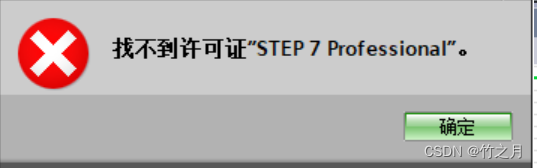
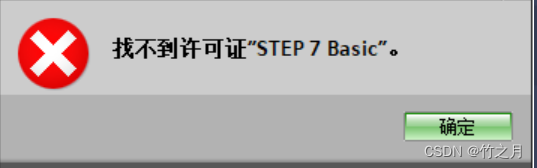
TIA 博途V16 的项目,打开“程序块”时,弹出 找不到许可证”STEP 7 Professional”。弹窗
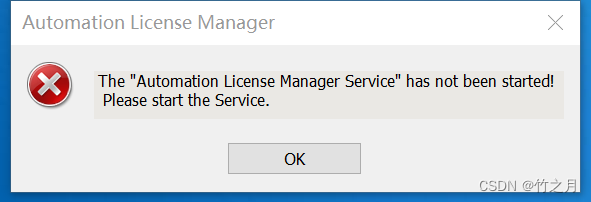
双击打开 “Automation License Manager” 软件时, 弹出 The "Automation License Manager Service" has not been started!Please start the Service. 弹窗
2.问题解决
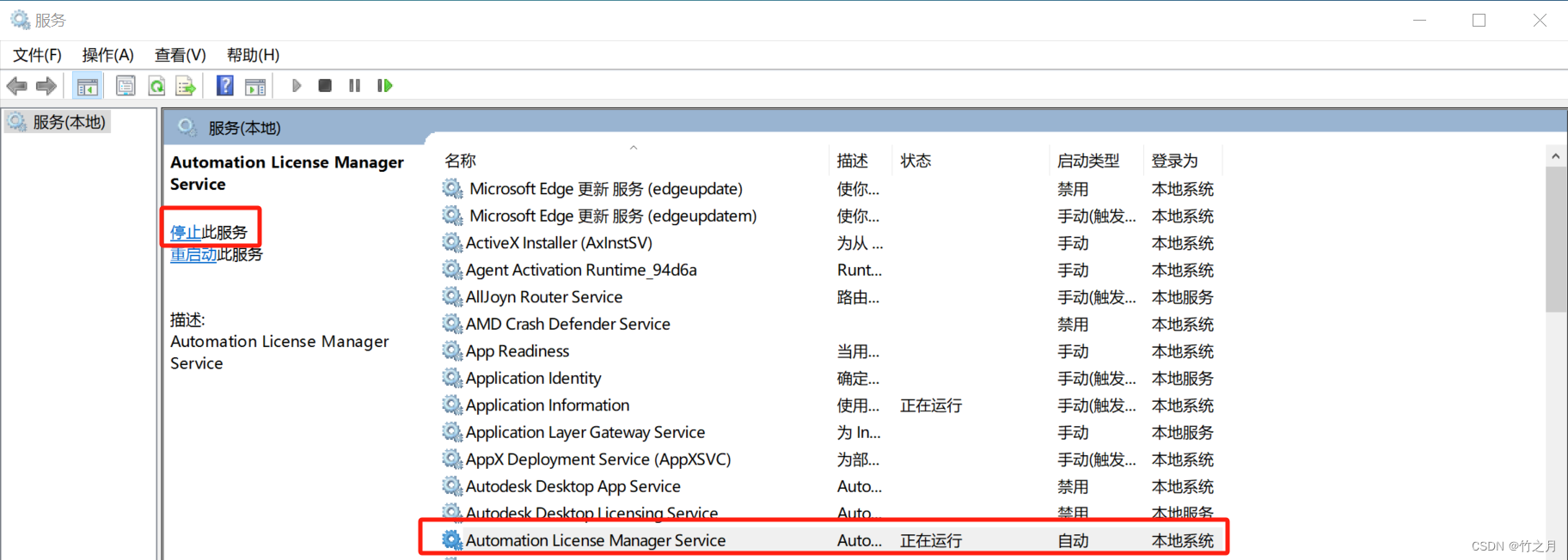
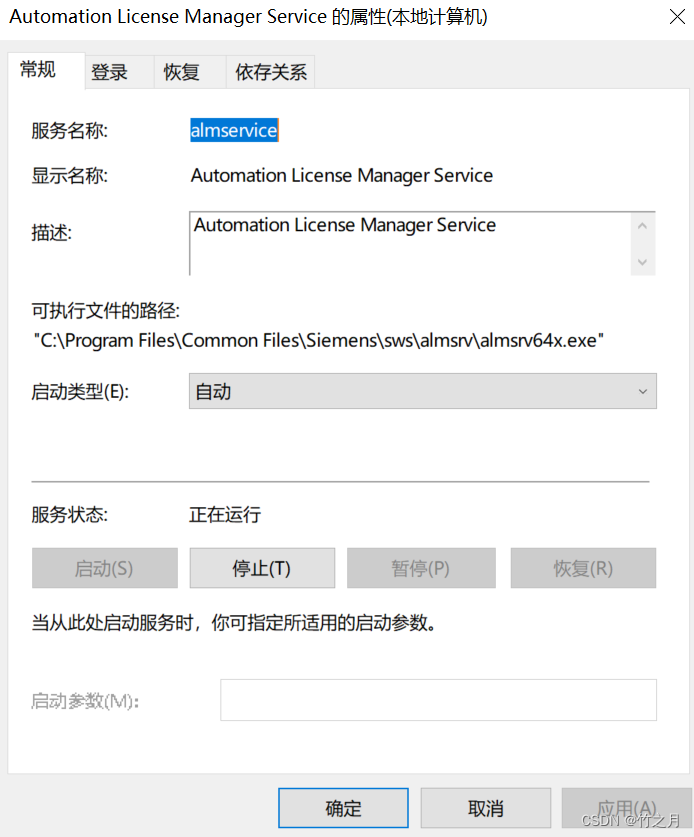
搜索 “服务”,找到 “Automation License Manager Service” ,双击 把启动类型 改为“自动”,并点击左上角的 “ 启动 此服务” ,状态转为 “正在运行”,再次打开项目的程序块,问题解决。






 扫一扫
扫一扫


 7965
7965

 被折叠的 条评论
为什么被折叠?
被折叠的 条评论
为什么被折叠?
 到【灌水乐园】发言





