


官网demo地址:
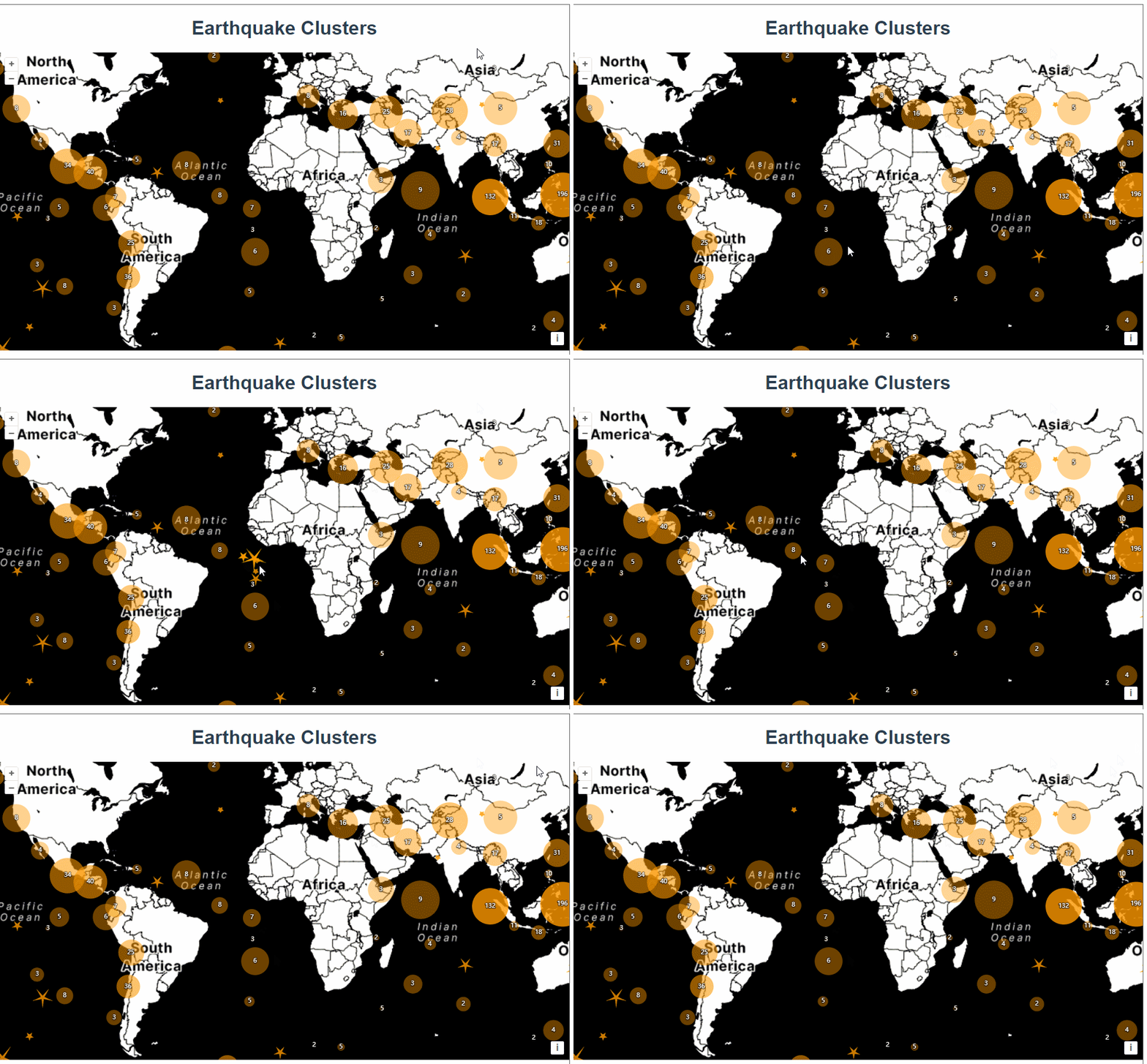
这篇展示了鼠标触摸聚合图层点位显示五角星的效果。
首先是初始化地图,加载了一个KML格式的矢量数据源,extractStyles为false表示不从kml数据源中提取样式。使用Select添加了鼠标选中的交互事件
vector = new VectorLayer({
      source: new Cluster({
        distance: 40,
        source: new VectorSource({
          url: "https://openlayers.org/en/latest/examples/data/kml/2012_Earthquakes_Mag5.kml",
          format: new KML({
            extractStyles: false,
          }),
        }),
      }),
      style: styleFunction,
    });
    const raster = new TileLayer({
      source: new StadiaMaps({
        layer: "stamen_toner",
      }),
    });
const map = new Map({
      layers: [raster, vector],
      interactions: defaultInteractions().extend([
        new Select({
          condition: function (evt) {
            return evt.type == "pointermove" || evt.type == "singleclick";
          },
          style: selectStyleFunction,
        }),
      ]),
      target: "map",
      view: new View({
        center: [0, 0],
        zoom: 2,
      }),
    });
其中有两个样式函数,先来看第一个styleFunction。
如果有子feature就显示为黄色圆圈,如果没有子feature则绘制成五角星。
 let currentResolution;
    function styleFunction(feature, resolution) {
      if (resolution != currentResolution) {
        calculateClusterInfo(resolution);
        currentResolution = resolution;
      }
      let style;
      const size = feature.get("features").length;
      if (size > 1) {
        style = new Style({
          image: new CircleStyle({
            radius: feature.get("radius"),
            fill: new Fill({
              color: [255, 153, 0, Math.min(0.8, 0.4 + size / maxFeatureCount)],
            }),
          }),
          text: new Text({
            text: size.toString(),
            fill: textFill,
            stroke: textStroke,
          }),
        });
      } else {
        const originalFeature = feature.get("features")[0];
        style = createEarthquakeStyle(originalFeature);
      }
      return style;
    }
使用calculateClusterInfo 函数计算圆圈的半径,将子feature的extent合并到了一起,结合分辨率算出半径。
const calculateClusterInfo = function (resolution) {
max 最低0.47元/天 解锁文章






 扫一扫
扫一扫


 1224
1224

 被折叠的 条评论
为什么被折叠?
被折叠的 条评论
为什么被折叠?
 到【灌水乐园】发言





