






IDEA新建Spring项目
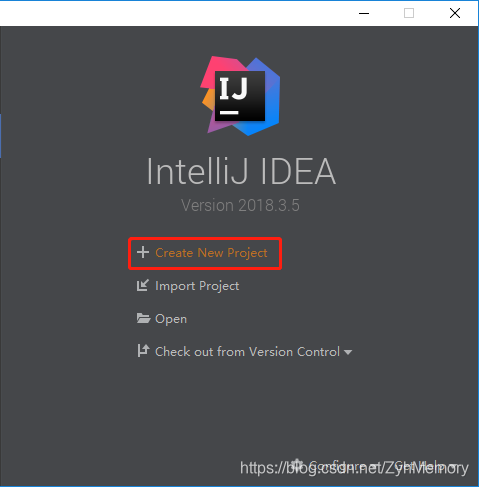
1. IntelliJ IDEA打开选择Create New Project
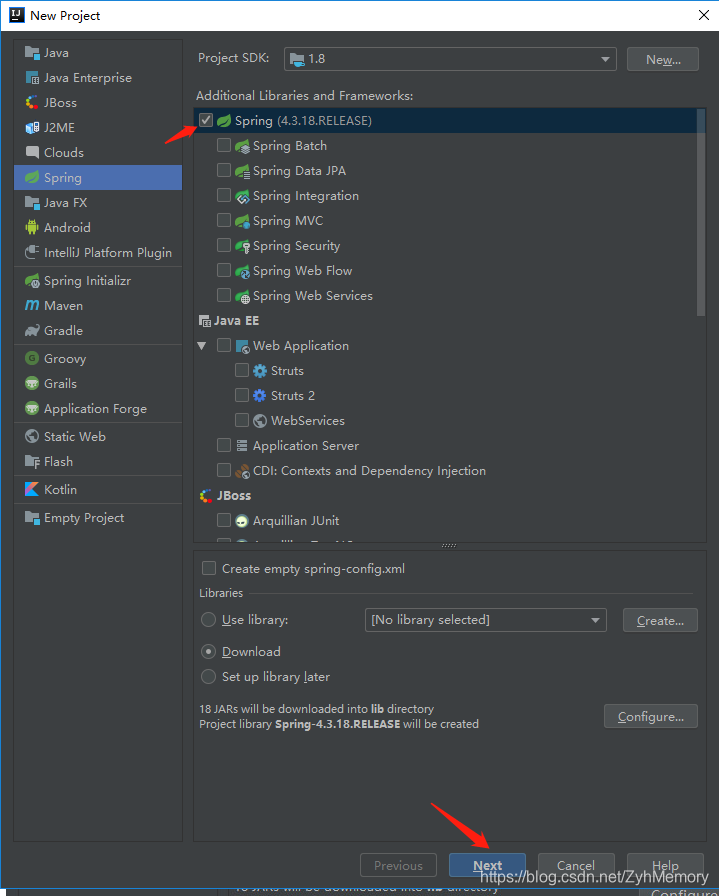
2. 默认应该是选中Sping的然后下一步
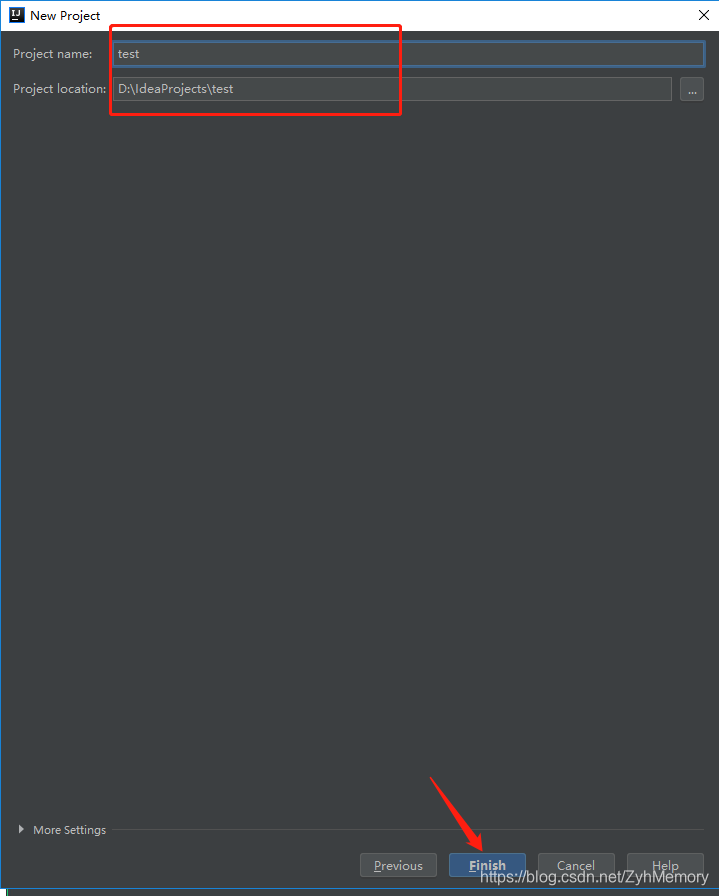
3. 设置路径和名字
4. 看到这个 别管他 过会就好了 然后就可以看到lib里面自动下好了jar包

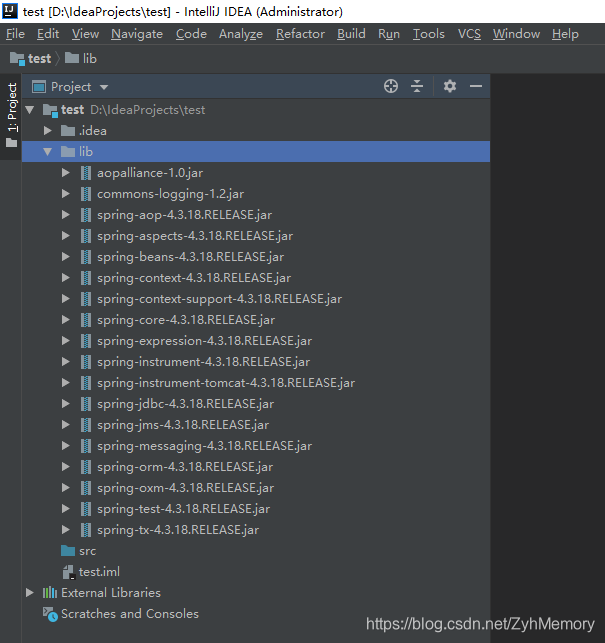
5. 写个HelloWorld看看
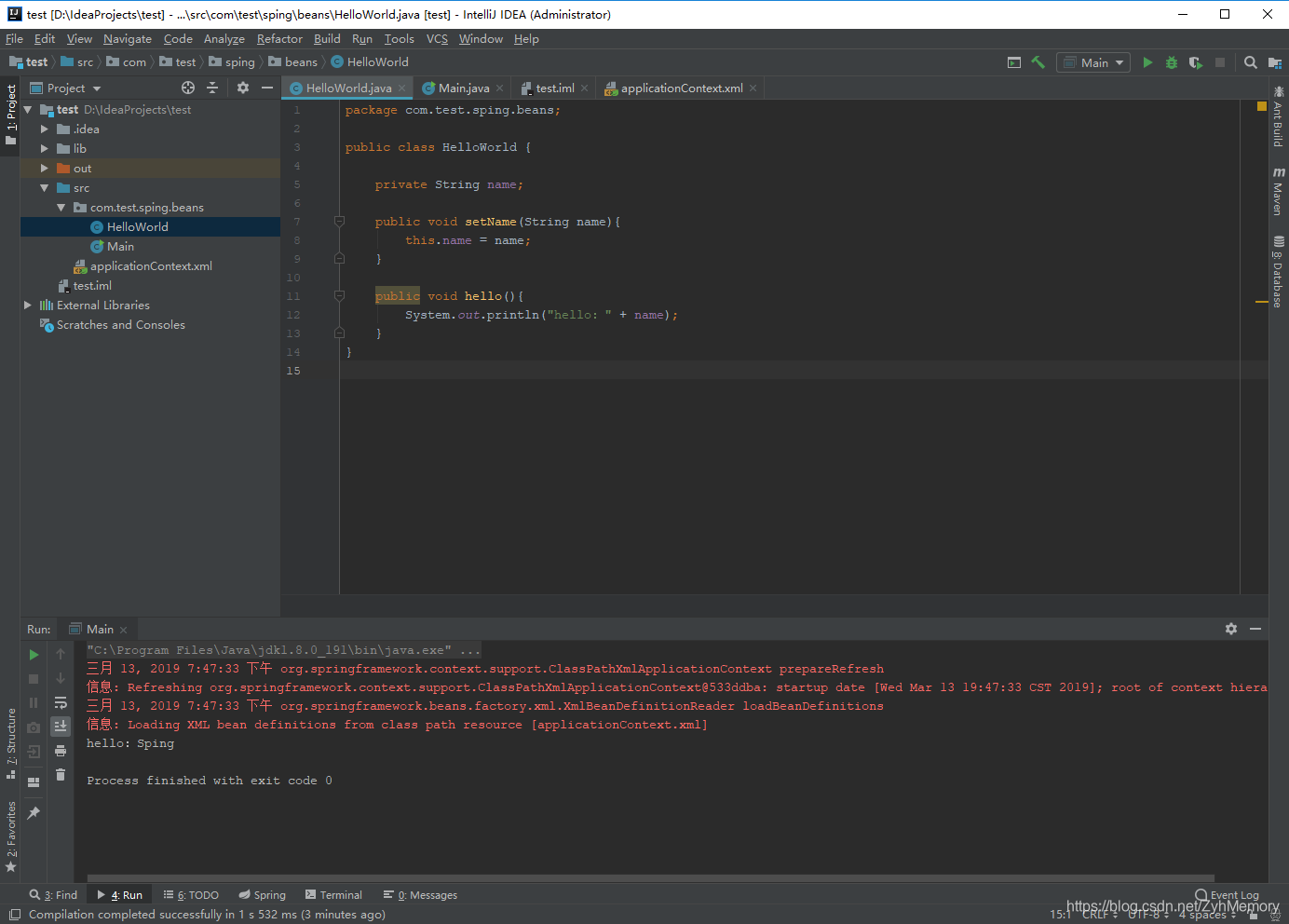
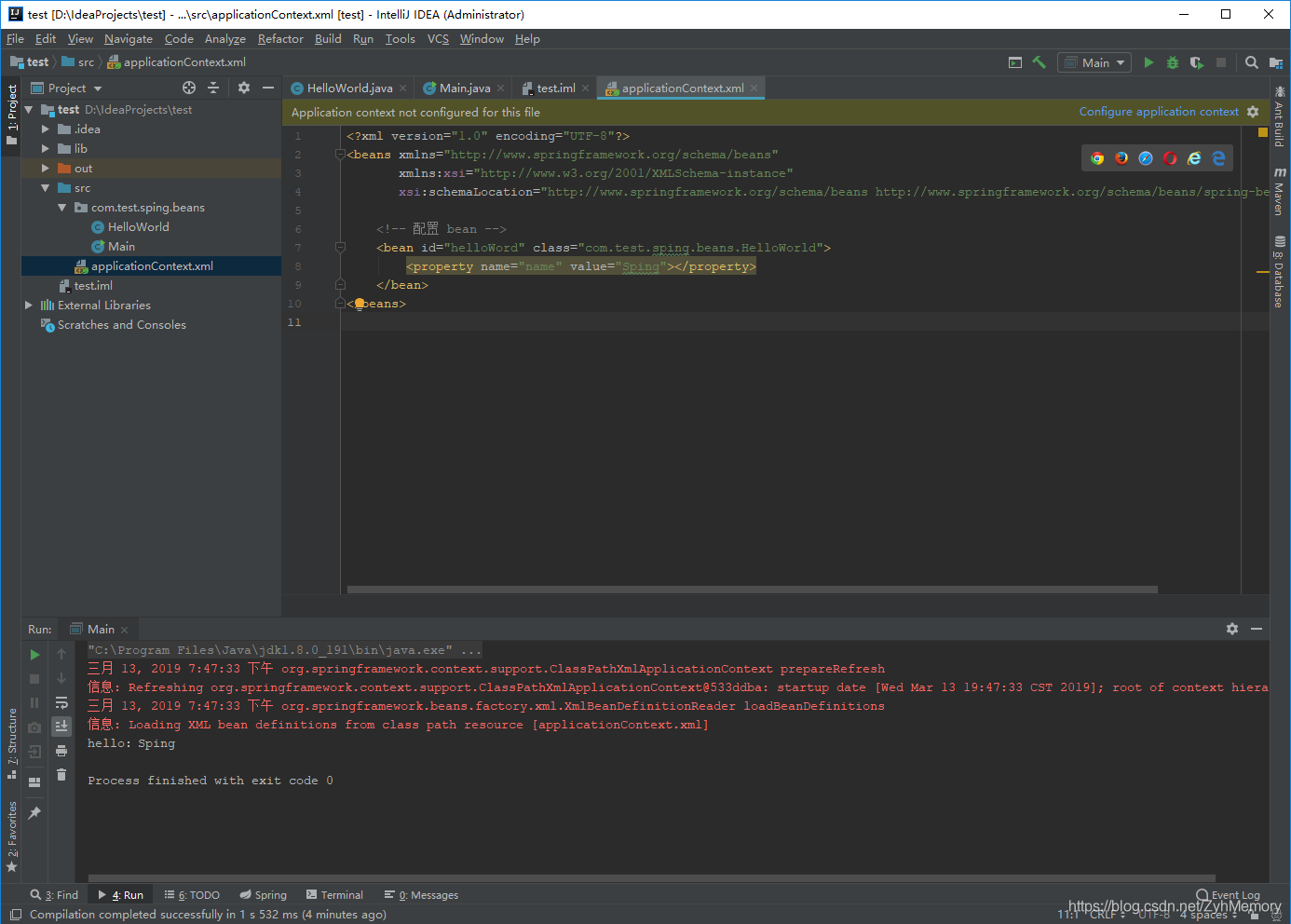
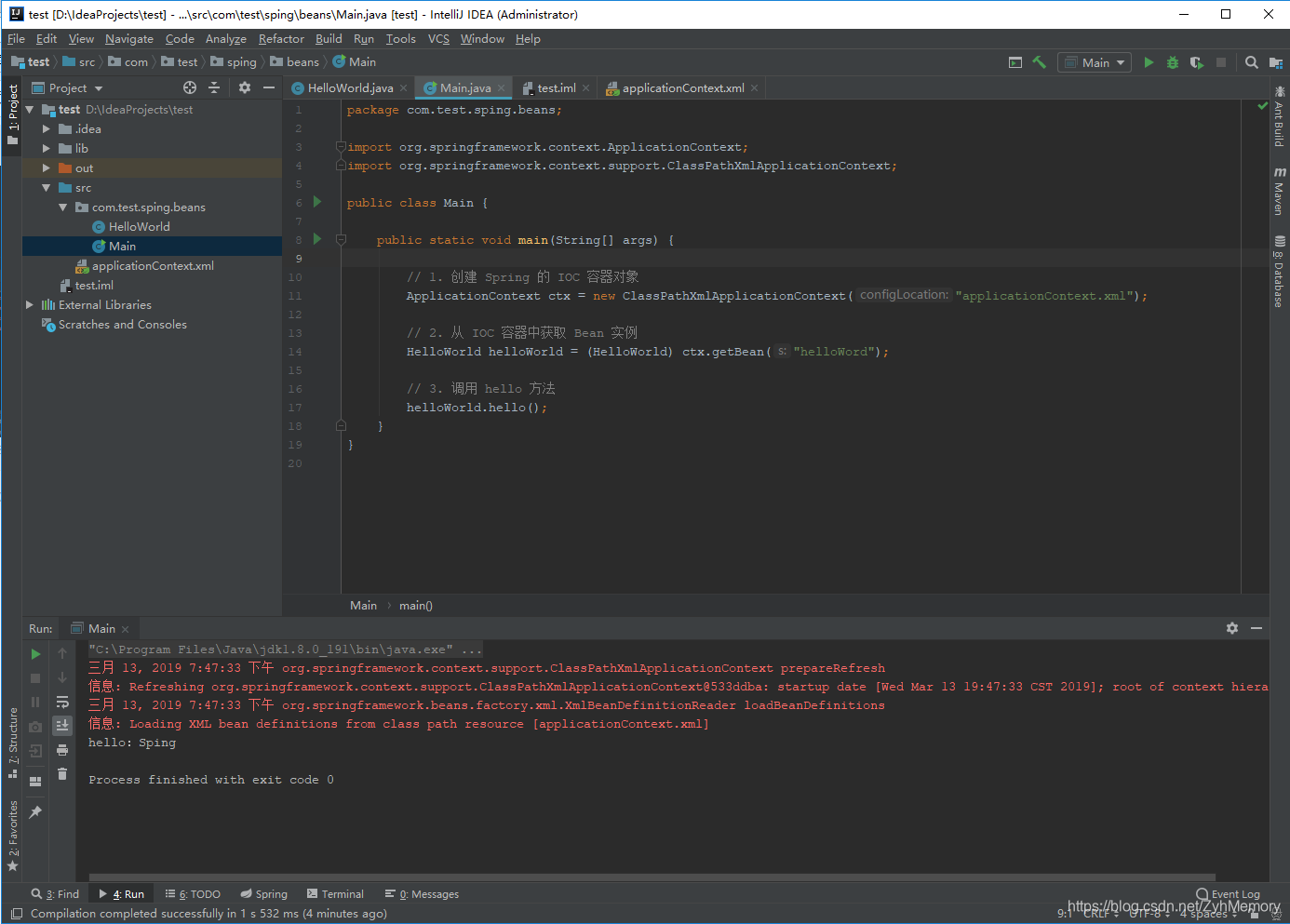
哦了,结束……
小插曲
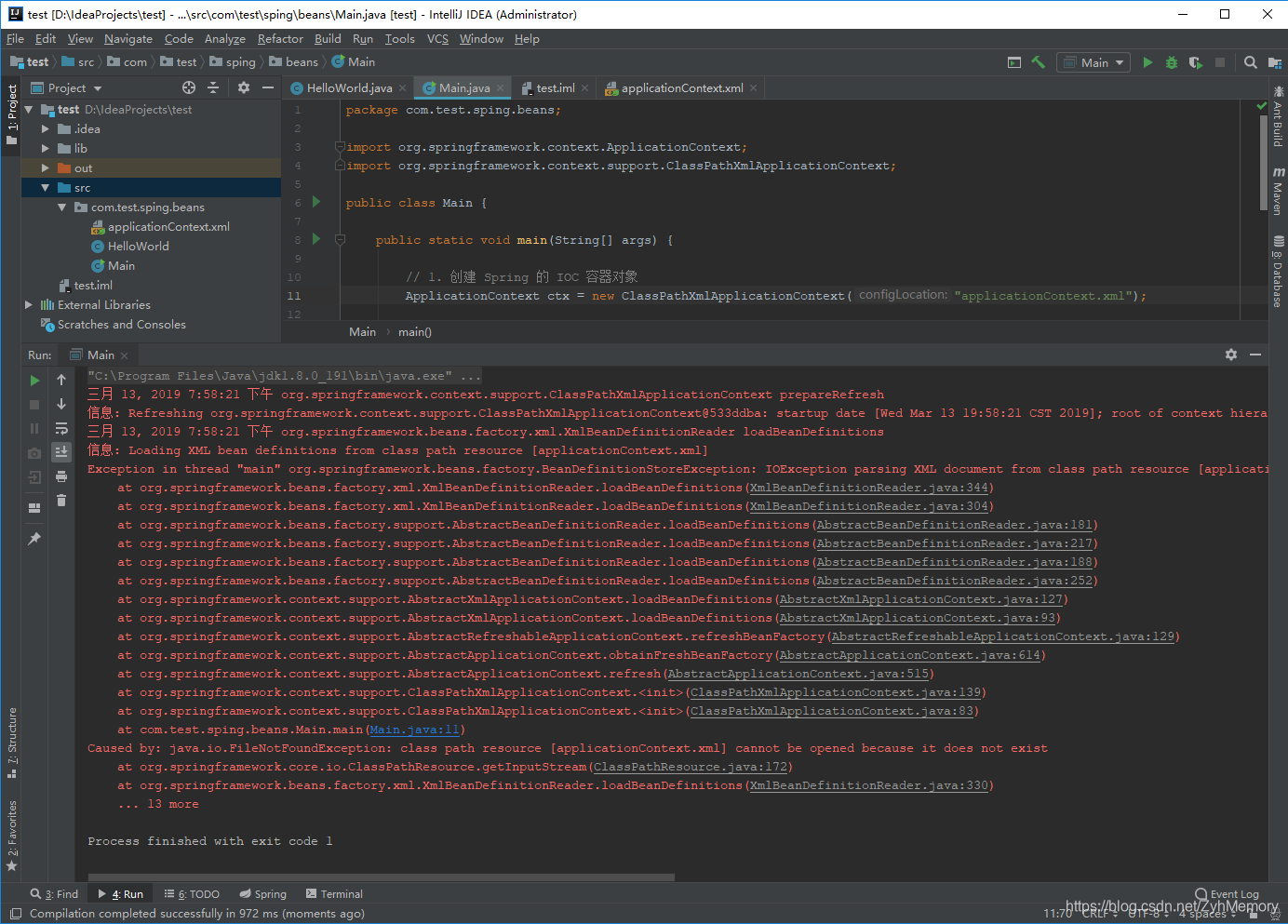
中间出现了找不到xml的情况,一定记得applicationContext.xml创建在src下
或者设置一下ClassPathXmlApplicationContext的路径
错误如下:
Exception in thread “main” org.springframework.beans.factory.BeanDefinitionStoreException: IOException parsing XML document from class path resource [applicationContext.xml]; nested exception is java.io.FileNotFoundException: class path resource [applicationContext.xml] cannot be opened because it does not exist





 扫一扫
扫一扫


 822
822

 被折叠的 条评论
为什么被折叠?
被折叠的 条评论
为什么被折叠?
 到【灌水乐园】发言





