


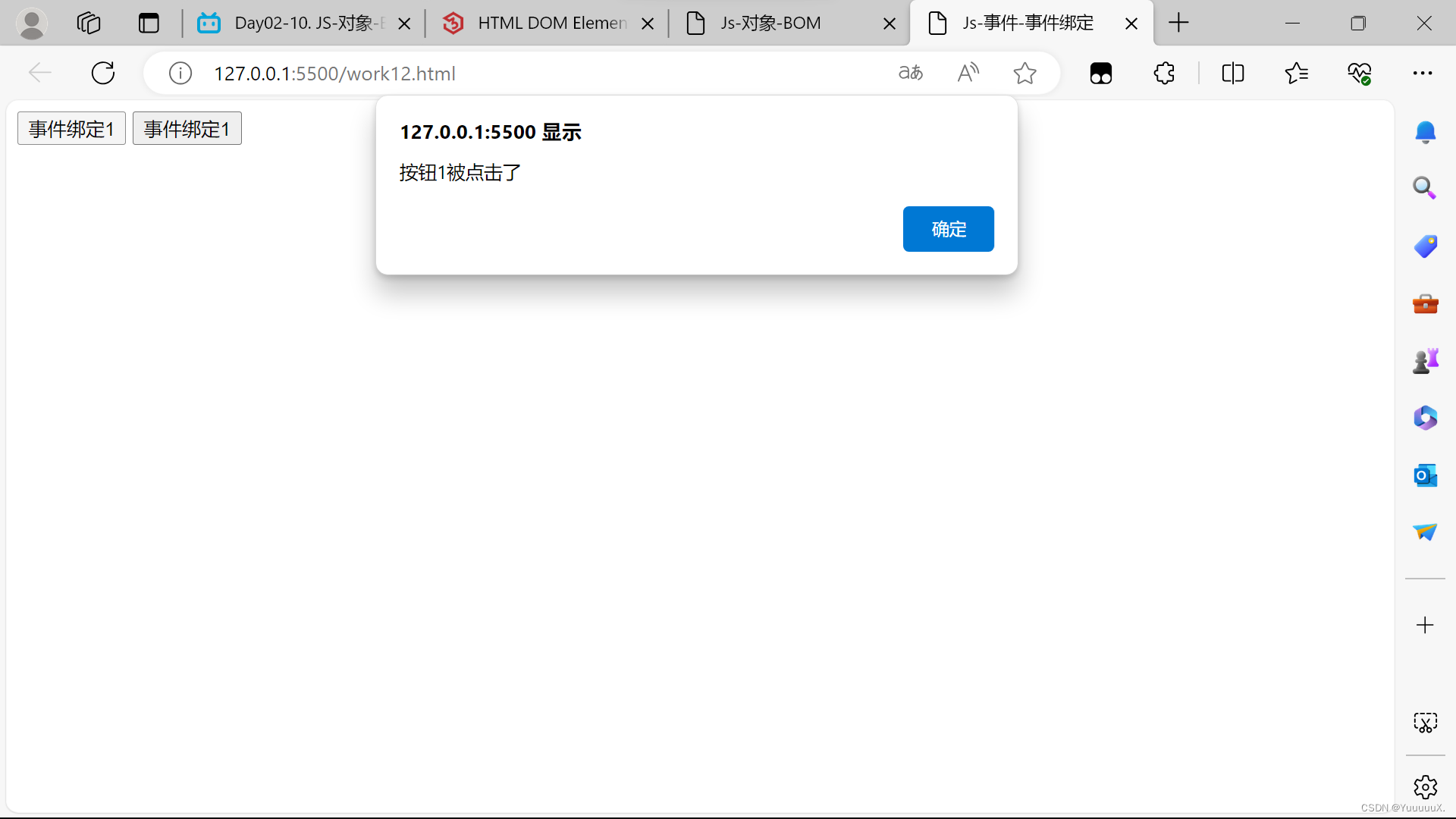
 本文介绍了如何在HTML中使用JavaScript进行事件绑定,通过两个按钮实例演示了`onclick`事件的使用,展示了如何为按钮添加点击事件并触发警告框显示相应消息。
JS-事件-事件绑定&常见事件
<!DOCTYPE html>
<html lang="en">
<head>
    <meta charset="UTF-8">
    <meta name="viewport" content="width=device-width, initial-scale=1.0">
    <title>Js-事件-事件绑定</title>
</head>

<body>
    <input type="button" id="btn1" value="事件绑定1" onclick="on()">
    <input type="button" id="btn2" value="事件绑定2">
</body>

<script>
      function on(){
        alert("按钮1被点击了");
      }
      document.getElementById('btn2').onclick=function(){
        alert("按钮2被点击了");
      }
</script>
</html>





 扫一扫
扫一扫


 24万+
24万+

 被折叠的 条评论
为什么被折叠?
被折叠的 条评论
为什么被折叠?
 到【灌水乐园】发言





