


 本文介绍了如何使用ResourceBundle.getBundle()方法加载properties配置文件,分别展示了通过c3p0和Druid数据源进行数据库连接池的配置与连接操作。内容包括设置驱动类名、URL、用户名和密码,并获取数据库连接。
1.使用ResourceBundle.getBundle()获取properties文件 注意参数是基本名称,不需要写后缀
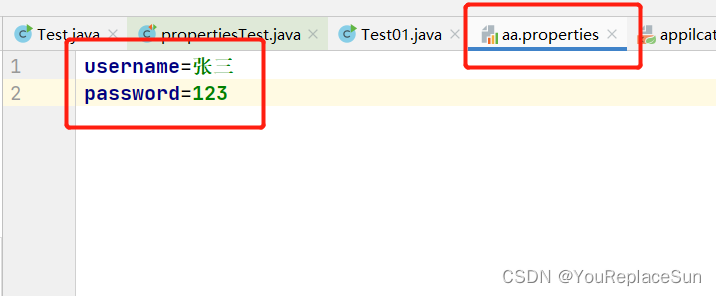
 @Test
    public void aa(){
        ResourceBundle rs = ResourceBundle.getBundle("aa");

        String username = rs.getString("username");
        String password = rs.getString("password");

        System.out.println(username+"========="+password);

    }
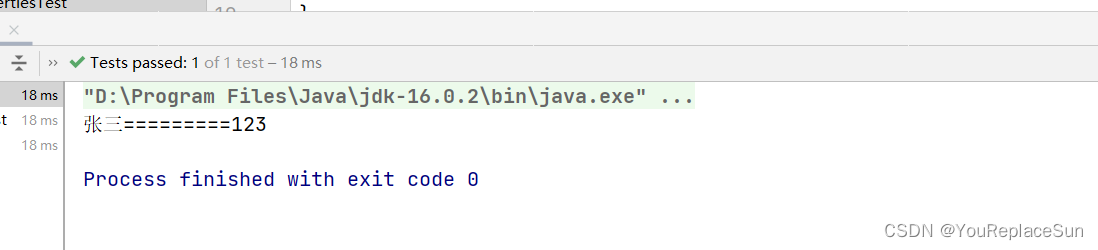
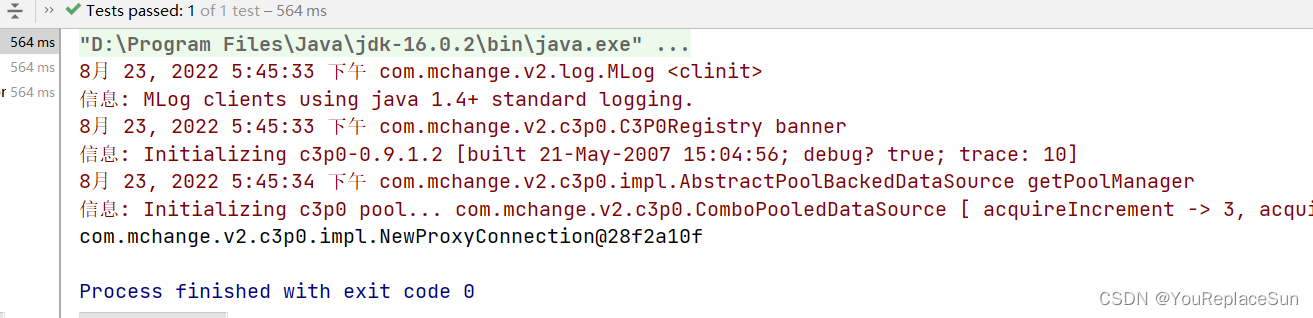
2.链接c3p0连接池
    @Test
    public void getDruidConnection() throws PropertyVetoException, SQLException {
        ResourceBundle rs = ResourceBundle.getBundle("druid");

        String driverClassName = rs.getString("driverClassName");
        String url = rs.getString("url");
        String username = rs.getString("username");
        String password = rs.getString("password");

        ComboPooledDataSource comboPooledDataSource = new ComboPooledDataSource();
        comboPooledDataSource.setDriverClass(driverClassName);
        comboPooledDataSource.setJdbcUrl(url);
        comboPooledDataSource.setUser(username);
        comboPooledDataSource.setPassword(password);

        Connection connection = comboPooledDataSource.getConnection();
        System.out.println(connection);


    }
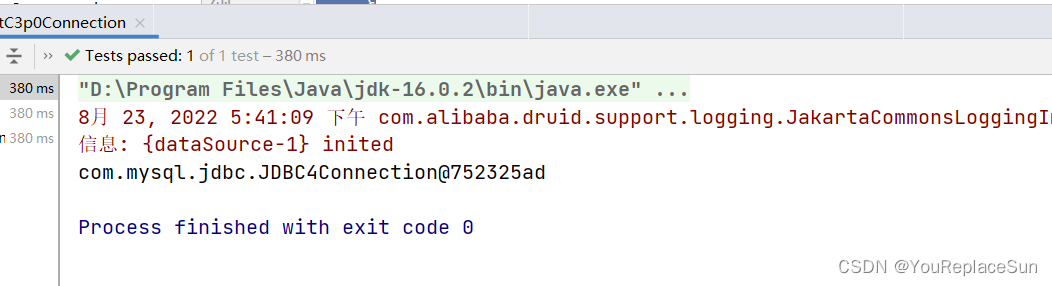
3. 链接druid 连接池
 @Test
    public void getC3p0Connection() throws SQLException {
        ResourceBundle rs = ResourceBundle.getBundle("druid");

        String driverClassName = rs.getString("driverClassName");
        String url = rs.getString("url");
        String username = rs.getString("username");
        String password = rs.getString("password");

        // 创建数据库源对象 设置链接参数
        DruidDataSource druidDataSource = new DruidDataSource();
        druidDataSource.setDriverClassName(driverClassName);
        druidDataSource.setUrl(url);
        druidDataSource.setUsername(username);
        druidDataSource.setPassword(password);

        DruidPooledConnection connection = druidDataSource.getConnection();
        System.out.println(connection);

    }





 扫一扫
扫一扫


 567
567

 被折叠的 条评论
为什么被折叠?
被折叠的 条评论
为什么被折叠?
 到【灌水乐园】发言





