


Git报错:Could not read from remote repository.
由日志可知这次的错误提示是:
git@github.com: Permission denied (publickey).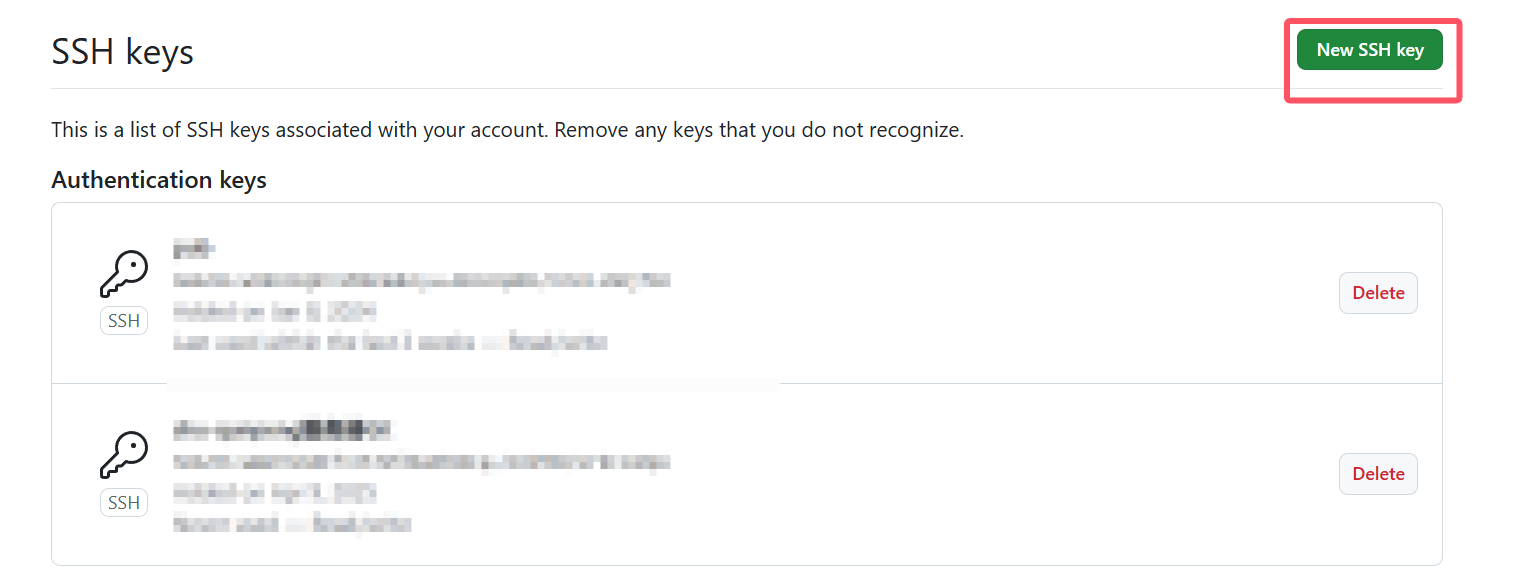
fatal: Could not read from remote repository.
这表示 尝试使用 SSH 克隆 GitHub 仓库时失败了,原因是:没有设置或没有正确加载 SSH 公钥。
解决方案如下:
步骤一:检查是否已有 SSH 密钥#执行下面命令查看是否已有密钥:
ls ~/.ssh
如果看到类似 id_rsa 和 id_rsa.pub,你就已经有密钥了。如果没有,那就要生成。
步骤二:生成 SSH 密钥(如果没有)
ssh-keygen -t rsa -b 4096 -C "your_email@example.com"
按提示一路回车,会在 ~/.ssh/ 下生成密钥文件。
步骤三:将公钥添加到 GitHub
先打印出公钥内容:
cat ~/.ssh/id_rsa.pub
复制输出的内容,然后:
-
登录 GitHub
-
点击右上角头像 → Settings → 左侧 “SSH and GPG keys”
-
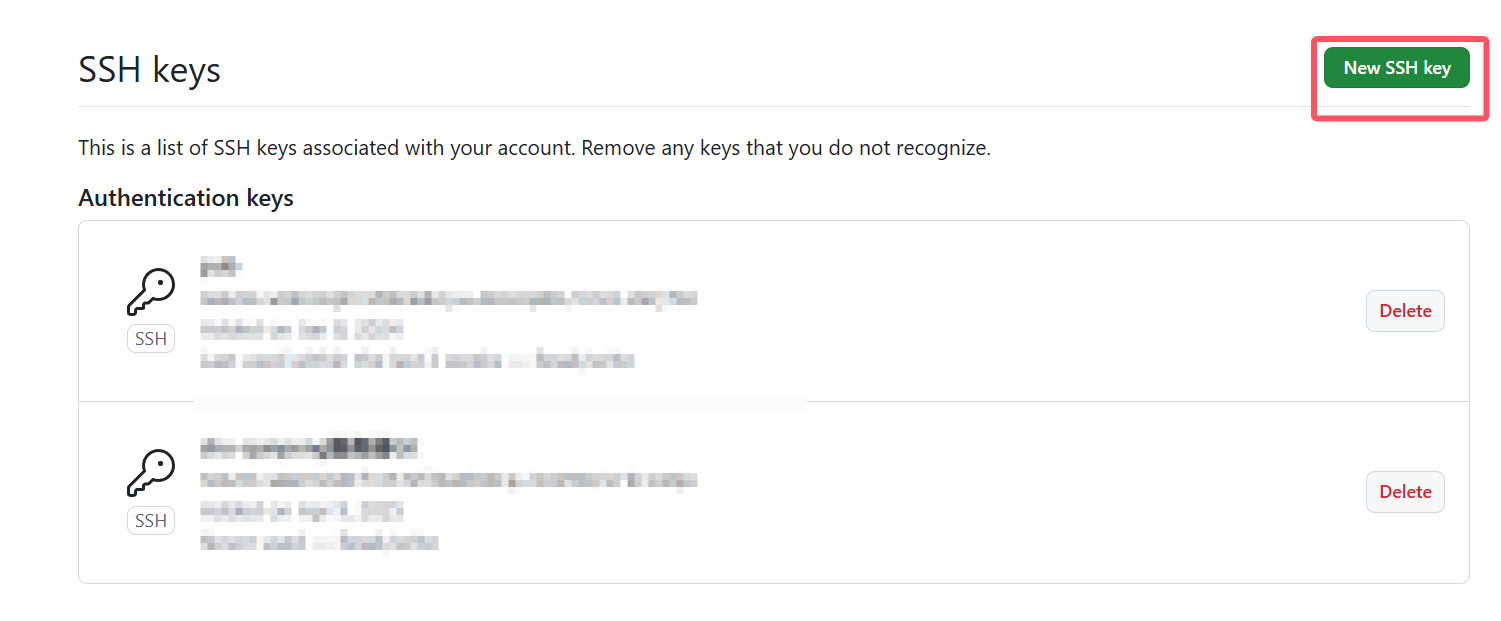
点击 “New SSH key”,粘贴你的公钥内容
步骤四:测试 SSH 连接
ssh -T git@github.com
看到以下提示说明 OK:
Hi ICTMCG! You've successfully authenticated, but GitHub does not provide shell access.
authenticated, but GitHub does not provide shell access.





 扫一扫
扫一扫


 2815
2815

 被折叠的 条评论
为什么被折叠?
被折叠的 条评论
为什么被折叠?
 到【灌水乐园】发言





