



android:layout_marginTop=“20dp”
android:text=“湿度阈值设置:”
android:textColor=“#6C6C6C”/>
<LinearLayout
android:layout_width=“match_parent”
android:layout_height=“wrap_content”
android:layout_marginTop=“5dp”
android:gravity=“center”
android:orientation=“horizontal”>
<LinearLayout
android:layout_width=“0dp”
android:layout_height=“wrap_content”
android:gravity=“right”
android:layout_weight=“1”>
<TextView
android:id=“@+id/tv_humiValue”
android:layout_width=“wrap_content”
android:layout_height=“wrap_content”
android:focusable=“false”
android:text=“30”/>
<TextView
android:layout_width=“wrap_content”
android:layout_height=“wrap_content”
android:text=“%RH”
/>
<SeekBar
android:id=“@+id/sb_humi”
android:layout_width=“0dp”
android:layout_height=“wrap_content”
android:layout_weight=“4”
android:max=“100”
android:progress=“30”/>
<TextView
android:layout_width=“match_parent”
android:layout_height=“wrap_content”
android:layout_marginLeft=“20dp”
android:layout_marginTop=“5dp”
android:text=“数值范围 0-100%RH”
android:textColor=“#6C6C6C”/>
<View
android:layout_width=“match_parent”
android:layout_height=“1dp”
android:layout_marginTop=“10dp”
android:background=“#cccccc”>
<TextView
android:layout_width=“wrap_content”
android:layout_height=“wrap_content”
android:layout_marginLeft=“20dp”
android:layout_marginTop=“20dp”
android:text=“光照阈值设置:”
android:textColor=“#6C6C6C”/>
<LinearLayout
android:layout_width=“match_parent”
android:layout_height=“wrap_content”
android:layout_marginTop=“5dp”
android:gravity=“center”
android:orientation=“horizontal”>
<LinearLayout
android:layout_width=“0dp”
android:layout_height=“wrap_content”
android:gravity=“right”
android:layout_weight=“1”>
<TextView
android:id=“@+id/tv_lightValue”
android:layout_width=“wrap_content”
android:layout_height=“wrap_content”
android:focusable=“false”
android:text=“3000”/>
<TextView
android:layout_width=“wrap_content”
android:layout_height=“wrap_content”
android:text=“Lx”/>
<SeekBar
android:id=“@+id/sb_light”
android:layout_width=“0dp”
android:layout_height=“wrap_content”
android:layout_weight=“4”
android:max=“10000”
android:progress=“3000”/>
<TextView
android:layout_width=“match_parent”
android:layout_height=“wrap_content”
android:layout_marginLeft=“20dp”
android:layout_marginTop=“5dp”
android:text=“数值范围 0-10000Lx”
android:textColor=“#6C6C6C”/>
<View
android:layout_width=“match_parent”
android:layout_height=“1dp”
android:layout_marginTop=“10dp”
android:background=“#cccccc”>
<LinearLayout
android:layout_width=“match_parent”
android:layout_height=“wrap_content”
android:orientation=“horizontal”>
<Button
android:id=“@+id/btn_confirm”
android:layout_width=“wrap_content”
android:layout_height=“wrap_content”
android:layout_weight=“1”
android:background=“@android:color/white”
android:paddingBottom=“10dp”
android:paddingTop=“10dp”
android:text=“确定”
android:textColor=“#257CFF”/>
<View
android:layout_width=“1dp”
android:layout_height=“match_parent”
android:background=“#cccccc”>
<Button
android:id=“@+id/btn_cancel”
android:layout_width=“wrap_content”
android:layout_height=“wrap_content”
android:layout_weight=“1”
android:background=“@android:color/white”
android:paddingBottom=“10dp”
android:paddingTop=“10dp”
android:text=“取消”
android:textColor=“#257CFF”/>
自定义对话框实现类:
package com.newland.project3_3;
import android.app.Dialog;
import android.content.Context;
import android.support.annotation.NonNull;
import android.view.View;
import android.widget.Button;
import android.widget.SeekBar;
import android.widget.TextView;
/**
- 设置阈值对话框
*/
public class SettingThresholdDialog extends Dialog {
private TextView tvTempValue,tvHumiValue,tvLightValue;
private Button btnCancel;
private Button btnConfirm;
private SeekBar sbTemp,sbHumi,sbLight;
public SettingThresholdDialog(@NonNull Context context) {
super(context,R.style.Dialog);
//关联布局文件
this.setContentView(R.layout.dialog_setting_threshold);
//初始化组件
initView();
addListener();
}
private void initView() {
sbTemp = findViewById(R.id.sb_temp);
sbHumi = findViewById(R.id.sb_humi);
sbLight = findViewById(R.id.sb_light);
tvTempValue = findViewById(R.id.tv_tempValue);
tvHumiValue = findViewById(R.id.tv_humiValue);
tvLightValue = findViewById(R.id.tv_lightValue);
btnCancel = findViewById(R.id.btn_cancel);
btnConfirm = findViewById(R.id.btn_confirm);
}
private void addListener() {
//温度SeekBar状态改变监听
sbTemp.setOnSeekBarChangeListener(new SeekBar.OnSeekBarChangeListener() {
@Override
public void onProgressChanged(SeekBar seekBar, int progress, boolean fromUser) {
//SeekBar进度显示到TextView上
tvTempValue.setText(String.valueOf(progress));
}
@Override
public void onStartTrackingTouch(SeekBar seekBar) {
}
@Override
public void onStopTrackingTouch(SeekBar seekBar) {
}
});
//湿度SeekBar状态改变监听
sbHumi.setOnSeekBarChangeListener(new SeekBar.OnSeekBarChangeListener() {
@Override
public void onProgressChanged(SeekBar seekBar, int progress, boolean fromUser) {
//SeekBar进度显示到TextView上
tvHumiValue.setText(String.valueOf(progress));
}
@Override
public void onStartTrackingTouch(SeekBar seekBar) {
}
@Override
public void onStopTrackingTouch(SeekBar seekBar) {
}
自我介绍一下,小编13年上海交大毕业,曾经在小公司待过,也去过华为、OPPO等大厂,18年进入阿里一直到现在。
深知大多数初中级Android工程师,想要提升技能,往往是自己摸索成长或者是报班学习,但对于培训机构动则近万的学费,着实压力不小。自己不成体系的自学效果低效又漫长,而且极易碰到天花板技术停滞不前!
因此收集整理了一份《2024年Android移动开发全套学习资料》,初衷也很简单,就是希望能够帮助到想自学提升又不知道该从何学起的朋友,同时减轻大家的负担。
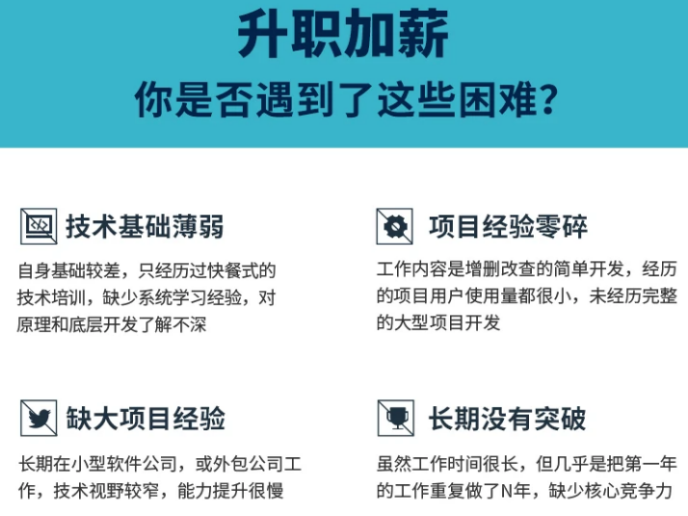
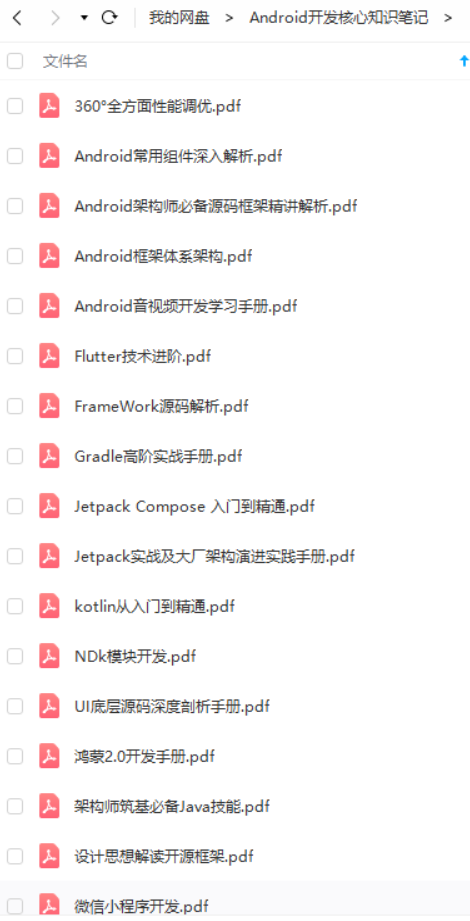
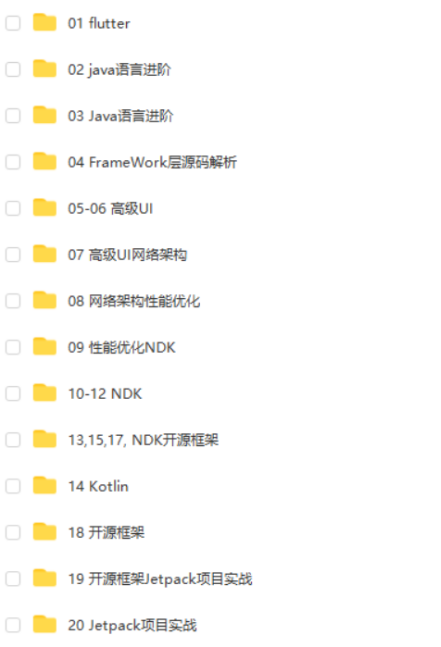
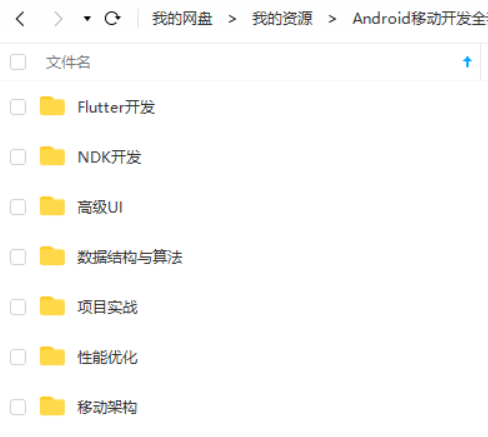
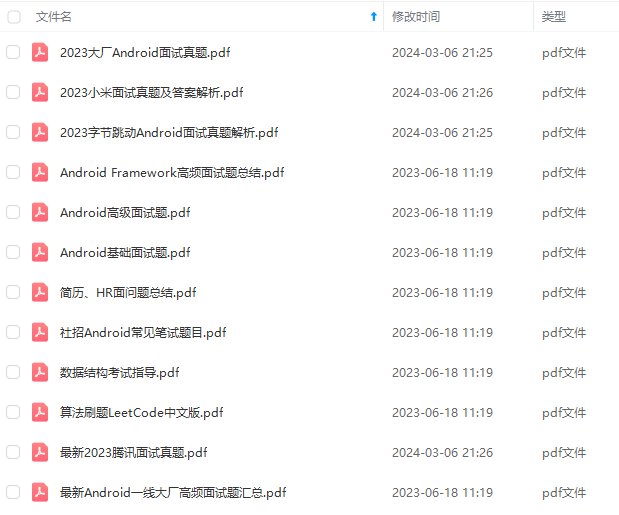
既有适合小白学习的零基础资料,也有适合3年以上经验的小伙伴深入学习提升的进阶课程,基本涵盖了95%以上Android开发知识点,真正体系化!
由于文件比较大,这里只是将部分目录截图出来,每个节点里面都包含大厂面经、学习笔记、源码讲义、实战项目、讲解视频,并且会持续更新!
如果你觉得这些内容对你有帮助,可以扫码获取!!(资料价值较高,非无偿)

最后
**一个零基础的新人,我认为坚持是最最重要的。**我的很多朋友都找我来学习过,我也很用心的教他们,可是不到一个月就坚持不下来了。我认为他们坚持不下来有两点主要原因:
他们打算入行不是因为兴趣,而是因为所谓的IT行业工资高,或者说完全对未来没有任何规划。
刚开始学的时候确实很枯燥,这确实对你是个考验,所以说坚持下来也很不容易,但是如果你有兴趣就不会认为这是累,不会认为这很枯燥,总之还是贵在坚持。
技术提升遇到瓶颈了?缺高级Android进阶视频学习提升自己吗?还有大量大厂面试题为你面试做准备!
提升自己去挑战一下BAT面试难关吧
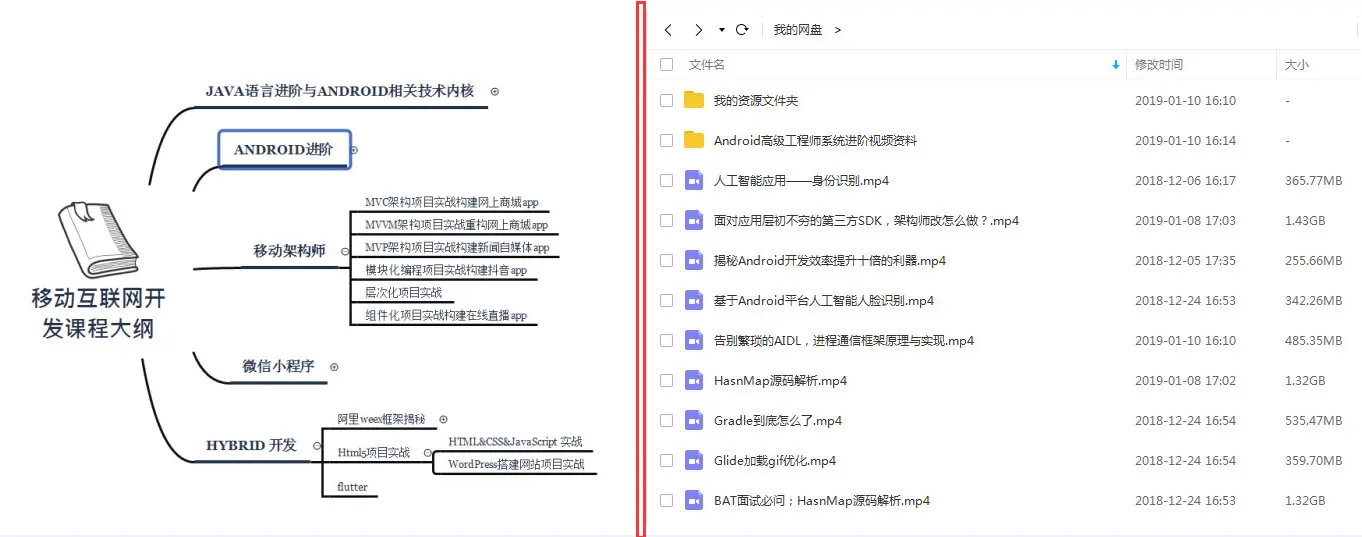
对于很多Android工程师而言,想要提升技能,往往是自己摸索成长,不成体系的学习效果低效漫长且无助。整理的这些知识图谱希望对Android开发的朋友们有所参考以及少走弯路,本文的重点是你有没有收获与成长,其余的都不重要,希望读者们能谨记这一点。
不论遇到什么困难,都不应该成为我们放弃的理由!
如果有什么疑问的可以直接私我,我尽自己最大力量帮助你!
最后祝各位新人都能坚持下来,学有所成。
《Android学习笔记总结+移动架构视频+大厂面试真题+项目实战源码》,点击传送门即可获取!
考验,所以说坚持下来也很不容易,但是如果你有兴趣就不会认为这是累,不会认为这很枯燥,总之还是贵在坚持。
技术提升遇到瓶颈了?缺高级Android进阶视频学习提升自己吗?还有大量大厂面试题为你面试做准备!
提升自己去挑战一下BAT面试难关吧
[外链图片转存中…(img-MbE3WFoS-1711608484806)]
对于很多Android工程师而言,想要提升技能,往往是自己摸索成长,不成体系的学习效果低效漫长且无助。整理的这些知识图谱希望对Android开发的朋友们有所参考以及少走弯路,本文的重点是你有没有收获与成长,其余的都不重要,希望读者们能谨记这一点。
不论遇到什么困难,都不应该成为我们放弃的理由!
如果有什么疑问的可以直接私我,我尽自己最大力量帮助你!
最后祝各位新人都能坚持下来,学有所成。





 扫一扫
扫一扫


 被折叠的 条评论
为什么被折叠?
被折叠的 条评论
为什么被折叠?
 到【灌水乐园】发言





