


我是如何一个小时教会小白手写netty框架的
socket
今天,小白的老师让小白写一个服务器,小白学艺不精,过来向大头求救了。
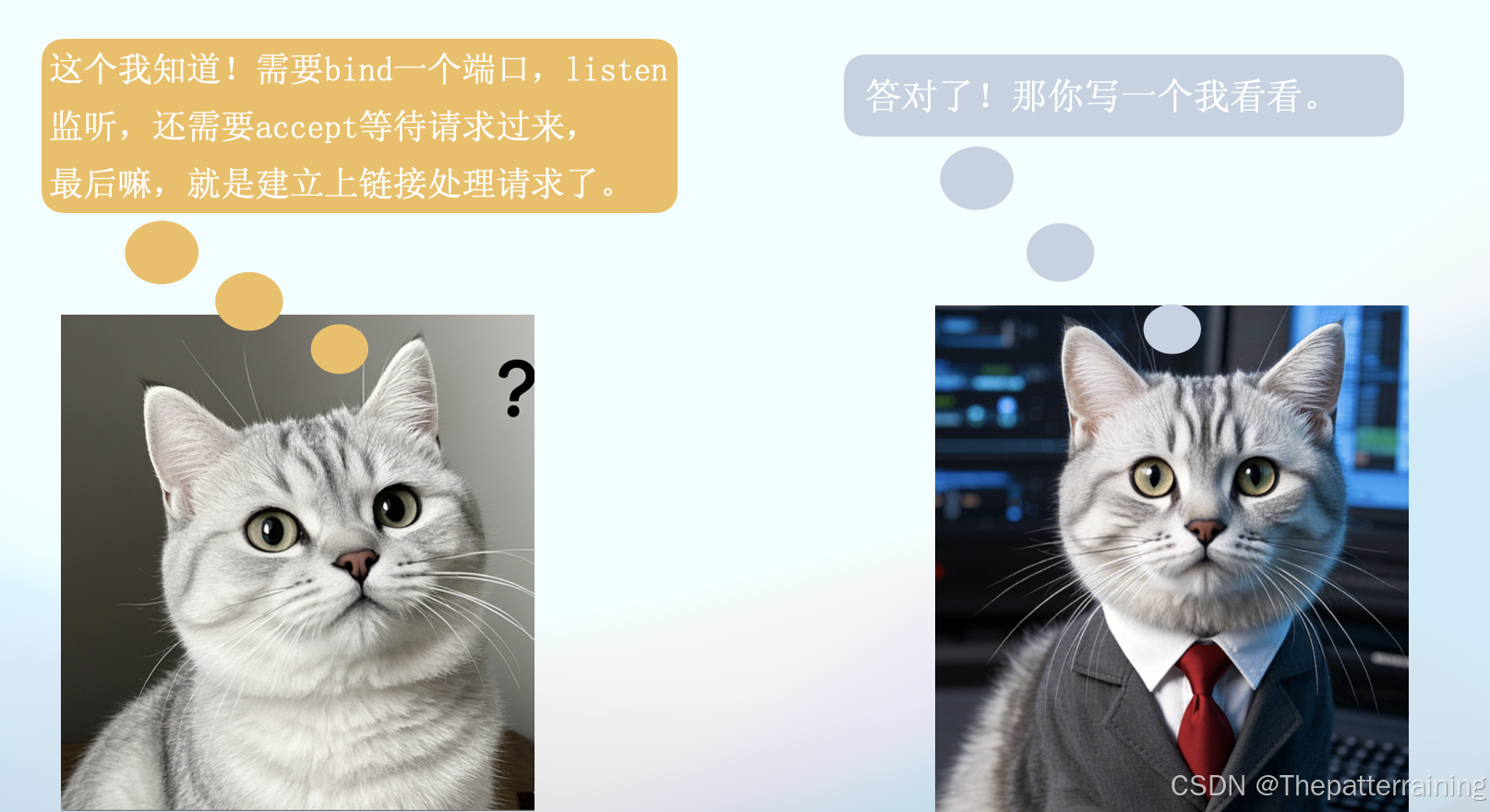
那么socket究竟是什么呢?套接字接口(socket interface)是一组函数,它们和Unix I /O函数结合起来,用以创建网络应用。从Linux内核的角度来看, 一个套接字就是通信的一个端点。从Linux程序的角度来看,套接字就是一个有相应描述符的打开文件。
下图来源于CSAPP的书。

这张图清晰的表明了socket是个啥,从逻辑上说,这玩意就是个接口,从这个接口能发送和接收数据,从物理上说,这玩意就是个文件,发送数据就是往这个文件里面写入数据,接收数据就是从这个文件里面读取数据。所以Socket也是个IO操作。只不过这个文件的数据不存储在你电脑的硬盘里面,而是通过网络发送出去了。
通过socket函数可以打开一个文件,返回一个文件描述符。文件描述符可以简单的理解为文件的ID,唯一标识,一般默认打开的3个文件描述符就是标准输入,标准输出,错误输出,对应0、1、2.假设我们打开了一个socket文件,描述符是3.
接下来通过服务器通过bind函数,可以将这个socket文件,和一个IP还有端口号进行绑定。绑定以后写入这个文件的数据就会从这个IP端口读取出来或者发送出去。
socket分为客户端和服务器,客户端主动发起请求,服务器被动接受请求,listen函数就是告诉Linux内核,我这个socket是一个服务器,而不是一个客户端。
最后通过accept函数,来等待客户端的连接.accept函数会返回一个新的文件描述符,通过这个新的文件进行传递数据,而老的文件仅仅负责建立连接。
下图为accept的时候服务器的状态,这个时候等待连接。
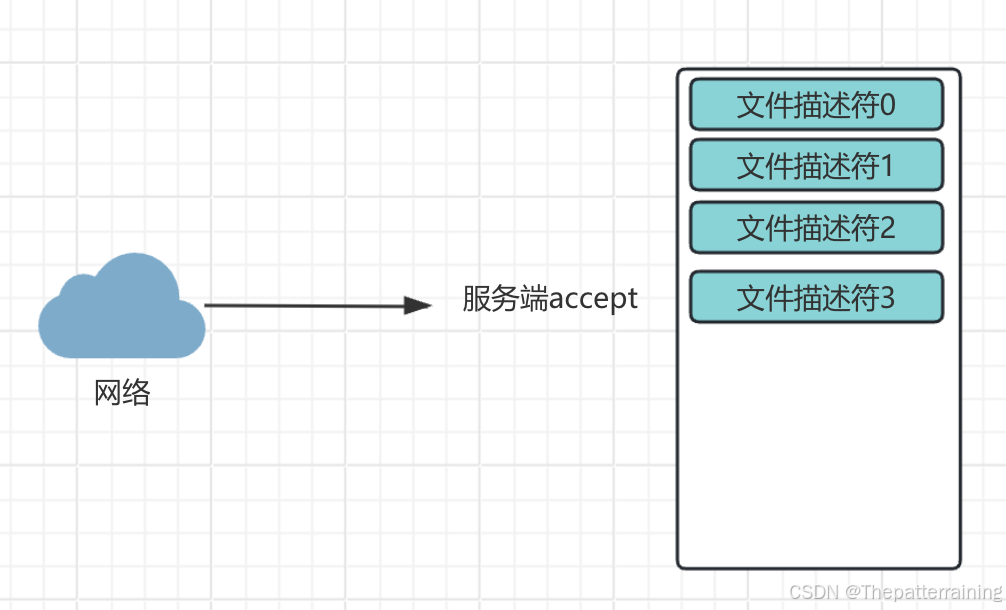
当连接建立以后,会通过新的文件描述符4进行通信。
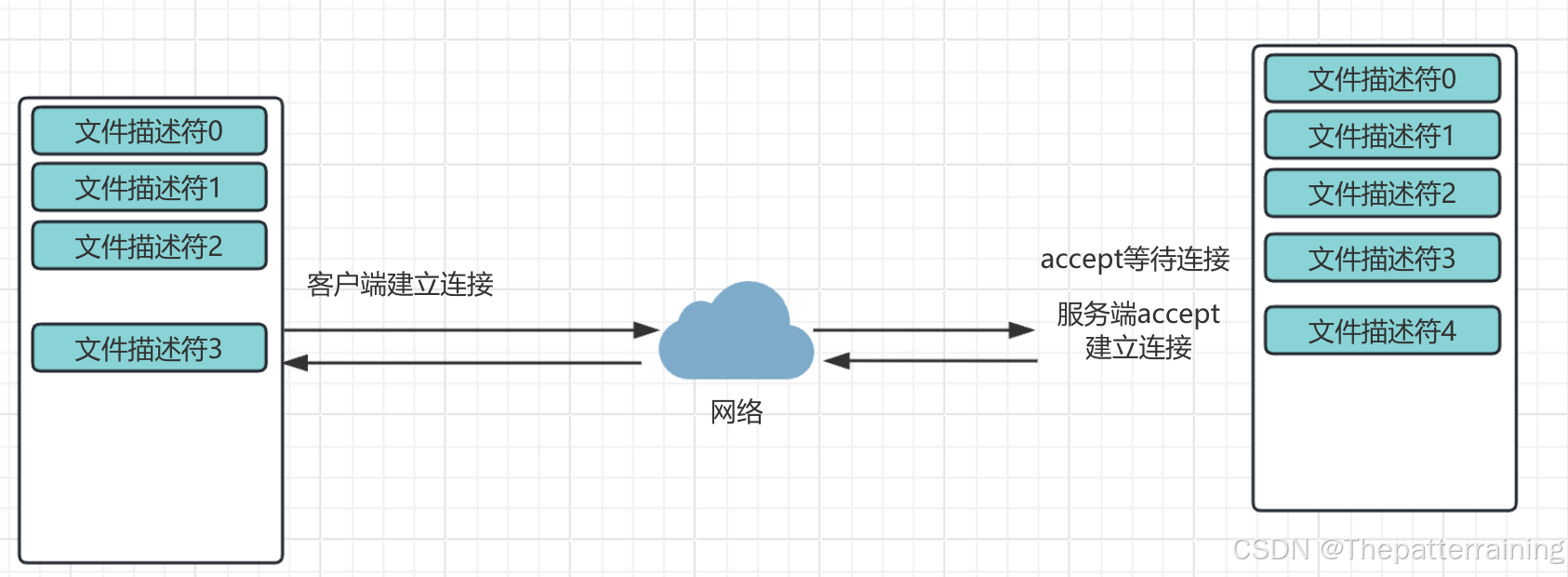
基于上述理论知识,学过哲学的都知道,实践是检验真理的唯一标准。所以小白用java实现了第一版socket服务器。端口号是8888,祝看到这里的兄弟们发发发发。
import java.io.*;
import java.net.ServerSocket;
import java.net.Socket;

public class SocketServer {


    private static final String FILE_PATH = "HelloWorld.java";
    private static String readFileAsString(String filePath) throws IOException {


        StringBuilder contentBuilder = new StringBuilder();
        try (BufferedReader br = new BufferedReader(new FileReader(filePath))) {


            String currentLine;
            while ((currentLine = br.readLine()) != null) {


                System.out.println(currentLine); // 打印读取的每一行
                contentBuilder.append(currentLine).append("\n");
            }
        }
        return contentBuilder.toString();
    }
    public static void main(String[] args) {


        int port = 8888; // 服务器监听的端口号
        try {


            // 创建服务器端的ServerSocket,绑定端口号
            ServerSocket serverSocket = new ServerSocket(port);
            System.out.println("Server is running and listening on port " + port);

            // 服务器无限循环,等待客户端连接
            while (true) {


                // 服务器调用accept()方法,阻塞并等待客户端连接
                Socket clientSocket = serverSocket.accept();
                System.out.println("Client connected.");

                try {


                    // 读取HTTP请求
                    BufferedReader in = new BufferedReader(new InputStreamReader(clientSocket.getInputStream()));
                    String inputLine;
                    StringBuilder request = new StringBuilder();
                    while ((inputLine = in.readLine()) != null && !inputLine.isEmpty()) {


                        request.append(inputLine).append("\n");
                    }

                    // 发送HTTP响应
                    PrintWriter out = new PrintWriter(clientSocket.getOutputStream(), true);
                    String fileContent = readFileAsString(FILE_PATH);
                    long contentLength = fileContent.getBytes().length;
                    String response = "HTTP/1.1 200 OK\r\n" +
                            "Content-Type: application/json\r\n" +
                            "Content-Length: " + contentLength + "\r\n" +
                            "Connection: close\r\n" +
                            "\r\n" +
                            fileContent;
                    out.println(response);

                    // 关闭连接
                    clientSocket.close();
                } catch (IOException e) {


                    e.printStackTrace();
                }
                System.out.println("Client says: hello world!");

                // 关闭连接
                clientSocket.close();
            }
        } catch (IOException e) {


            e.printStackTrace();
        }
    }
}
这个代码里面没有bind和listen。这是因为被java封装起来了。如果看看ServerSocket里面的代码就能看见这两个函数。
public ServerSocket(int port) throws IOException {


    //调用了另外一个构造函数
    this(port, 50, null);
}

public ServerSocket(int port, int backlog, InetAddress bindAddr) throws IOException {


  // 参数检测
  if (port < 0 || port > 0xFFFF)
      throw new IllegalArgumentException("Port value out of range: " + port);
  if (backlog < 1)
      backlog = 50;

  // 创建了一个实现类
  this.impl = createImpl();
  try {


      // 调用了bind方法
      bind(new InetSocketAddress(bindAddr, port), backlog);
  } catch (IOException | SecurityException e) {


      close();
      throw e;
  }
}
上面能看到调用了bind方法。再看看bind里面呢。能看到这个里面有getImpl().bind和getImpl().listen。这就是上面说的bind和listen函数了。
/**
 * 将服务器Socket绑定到指定的端点地址并设置监听队列长度
 * 此方法确保Socket未关闭且未绑定,并验证端点地址和backlog参数的合法性
 * 如果满足所有条件,则进行绑定和监听设置
 *
 * @param endpoint 要绑定的端点地址,如果为null,则创建一个未指定端口的InetSocketAddress实例
 * @param backlog 监听队列的长度,如果小于1,则使用默认值50
 * @throws IOException 如果绑定或监听过程中发生I/O错误
 * @throws SocketException 如果Socket已关闭、已绑定、地址未解析或不支持的地址类型
 * @throws IllegalArgumentException 如果端点地址类型不受支持
 */
public void bind(SocketAddress endpoint, int backlog) throws IOException {


    // 检查Socket是否已关闭
    if (isClosed())
        throw new SocketException("Socket is closed");
    // 检查Socket是否已绑定
    if (isBound())
        throw new SocketException("Already bound");
    // 如果未指定端点地址,则创建一个未指定端口的InetSocketAddress实例
    if (endpoint == null)
        endpoint = new InetSocketAddress(0);
    // 检查端点地址是否为InetSocketAddress类型
    if (!(endpoint instanceof InetSocketAddress epoint))
        throw new IllegalArgumentException("Unsupported address type");
    // 检查端点地址是否已解析
    if (epoint.isUnresolved())
        throw new SocketException("Unresolved address");
    // 检查backlog参数是否合法
    if (backlog < 1)
        backlog = 50;

    // 安全检查,确保有权限监听指定端口
    @SuppressWarnings("removal")
    SecurityManager security = System.getSecurityManager();
    if (security != null)
        security.checkListen(epoint.getPort());

    // 同步块,确保线程安全
    synchronized (stateLock) {


        // 再次检查Socket是否已关闭或绑定
        if (closed)
            throw new SocketException("Socket is closed");
        if (bound)
            throw new SocketException("Already bound");
        // 调用实现类的方法进行实际的绑定和监听设置
        getImpl().bind(epoint.getAddress(), epoint.getPort());
        getImpl().listen(backlog);
        // 设置绑定状态为true
        bound = true;
    }
}
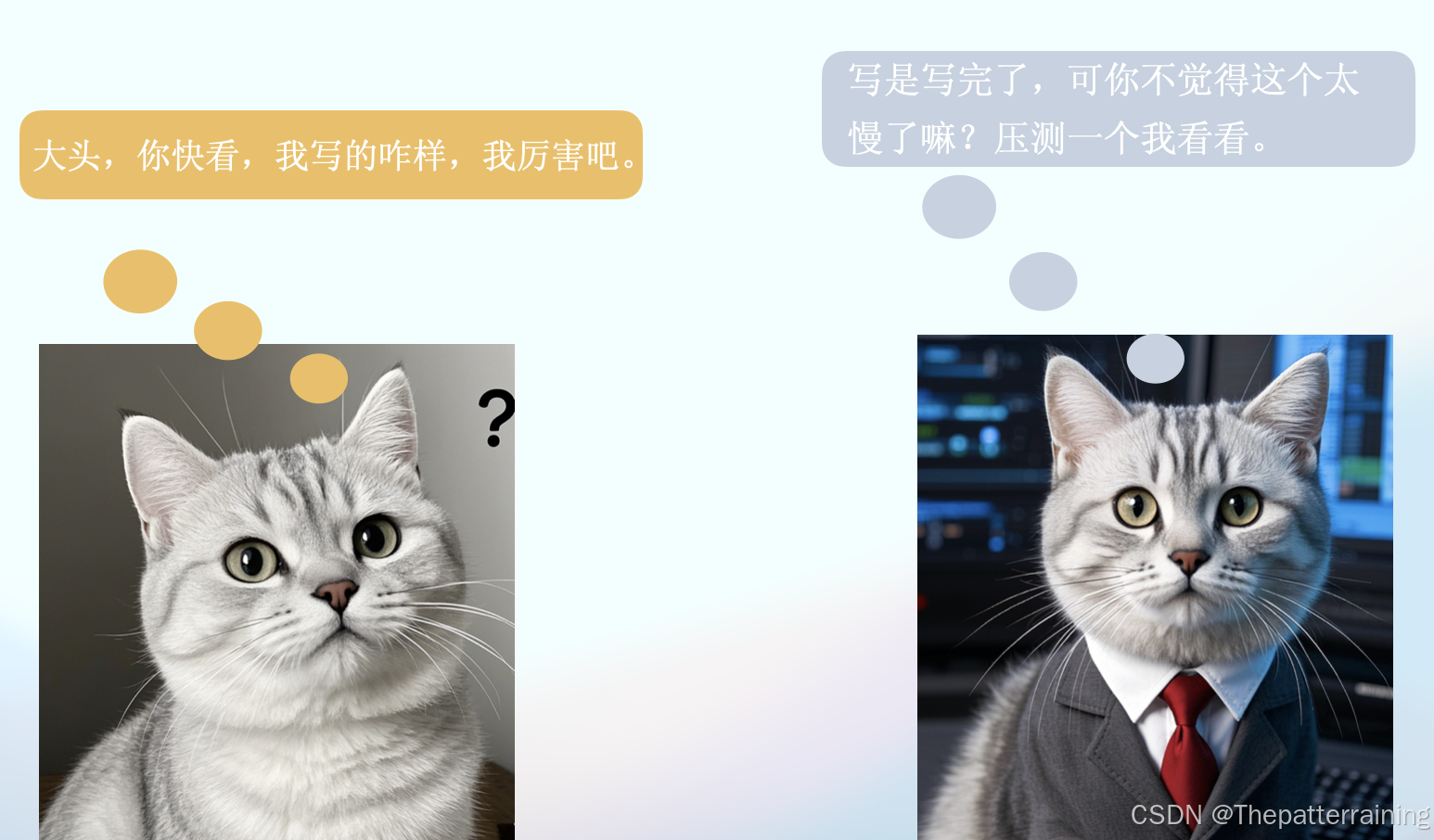
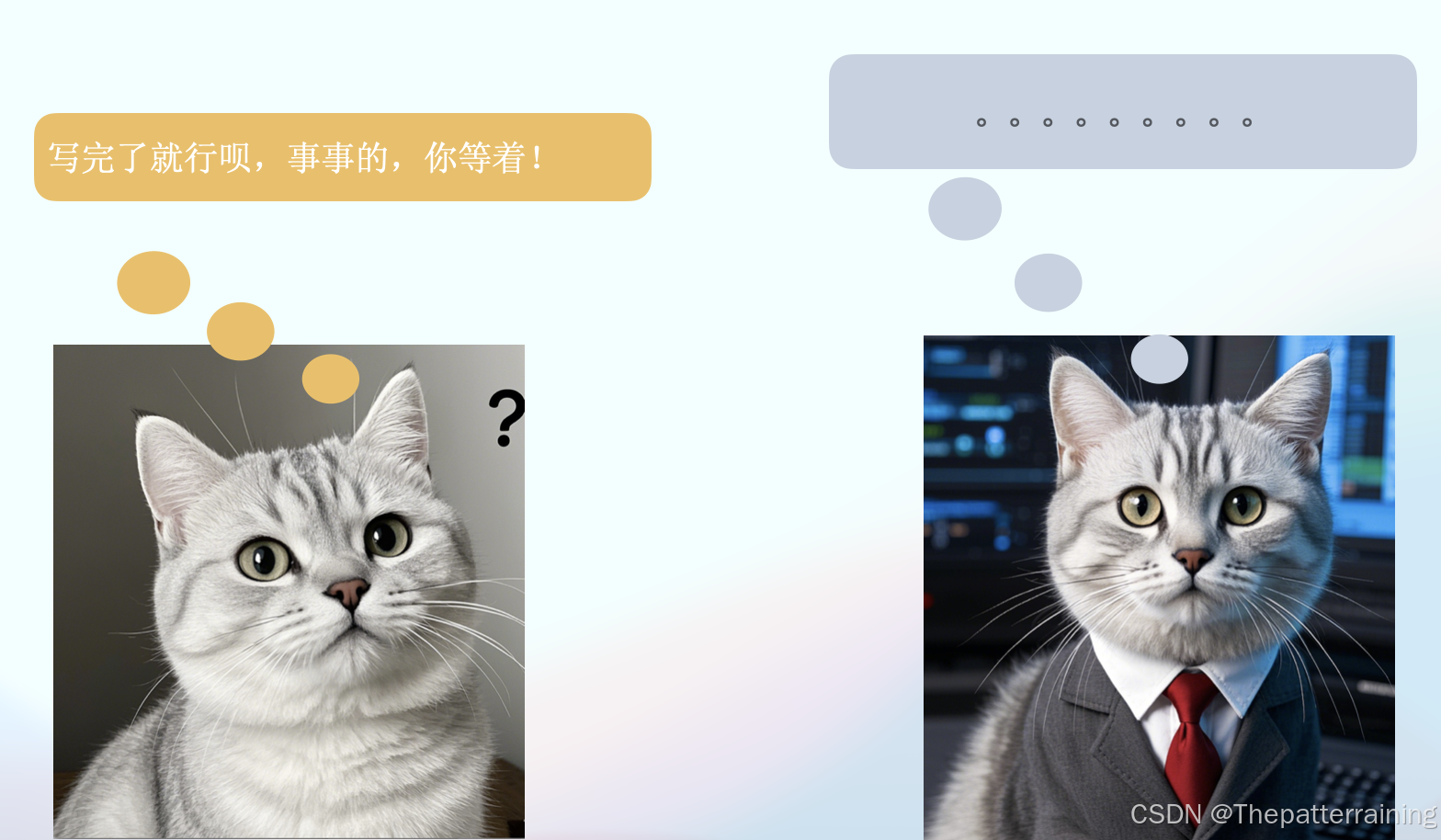
让我们用wrk压测一下。可以发现很垃圾。仅仅处理了4个请求,虽然响应时间很快。可是吞吐量太低了。
Running 30s test @ http://localhost:8888
  10 threads and 10000 connections
  Thread Stats   Avg      Stdev     Max   +/- Stdev
    Latency    55.33ms  326.77us  55.72ms   50.00%
    Req/Sec    40.00      0.00    40.00    100.00%
  Latency Distribution
     50%   55.44ms
     75%   55.72ms
     90%   55.72ms
     99%   55.72ms
  4 requests in 30.10s, 852.00B read
  Socket errors: connect 7967, read 196512, write 14, timeout 0
Requests/sec:      0.13
Transfer/sec:      28.30B
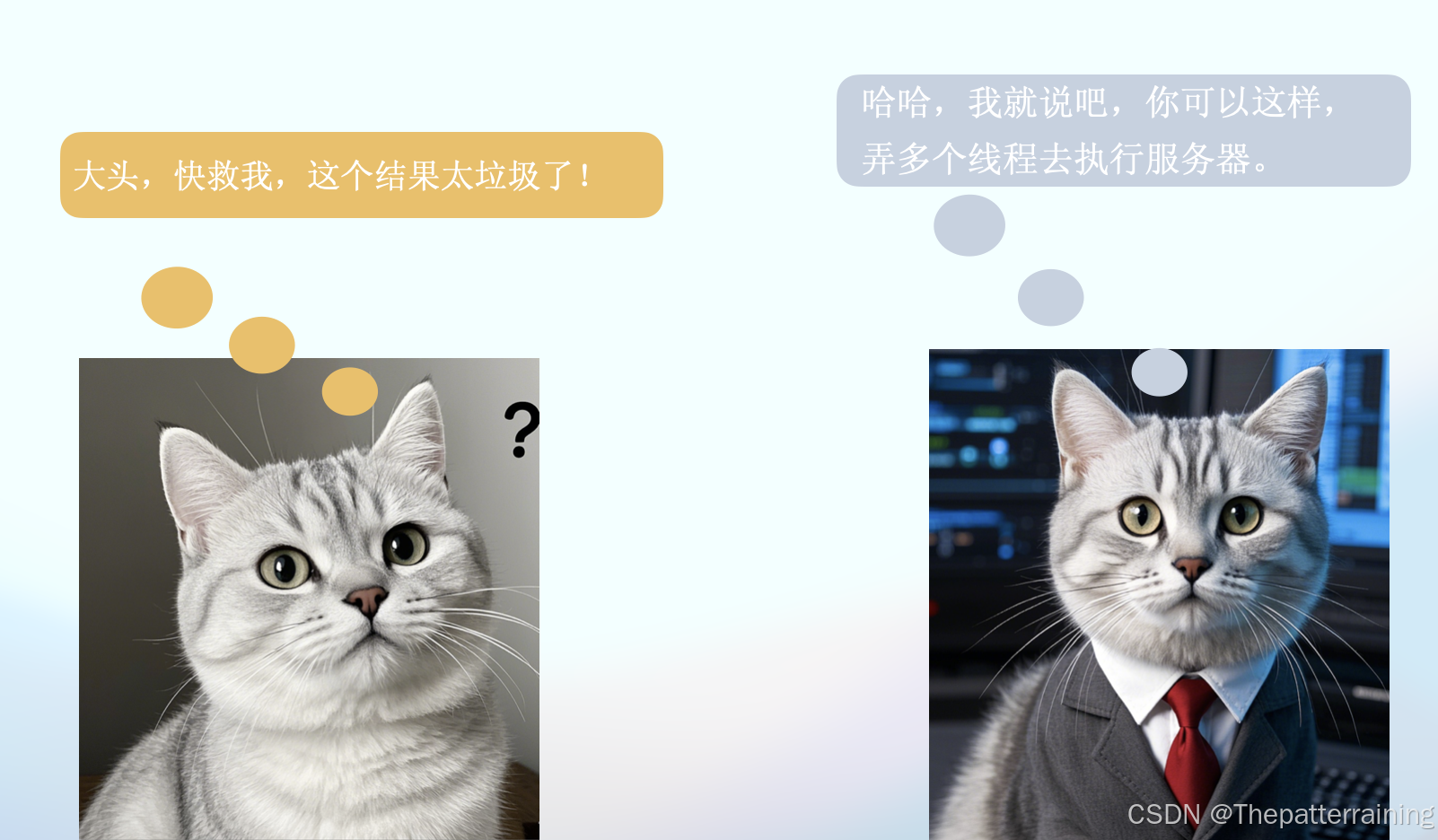
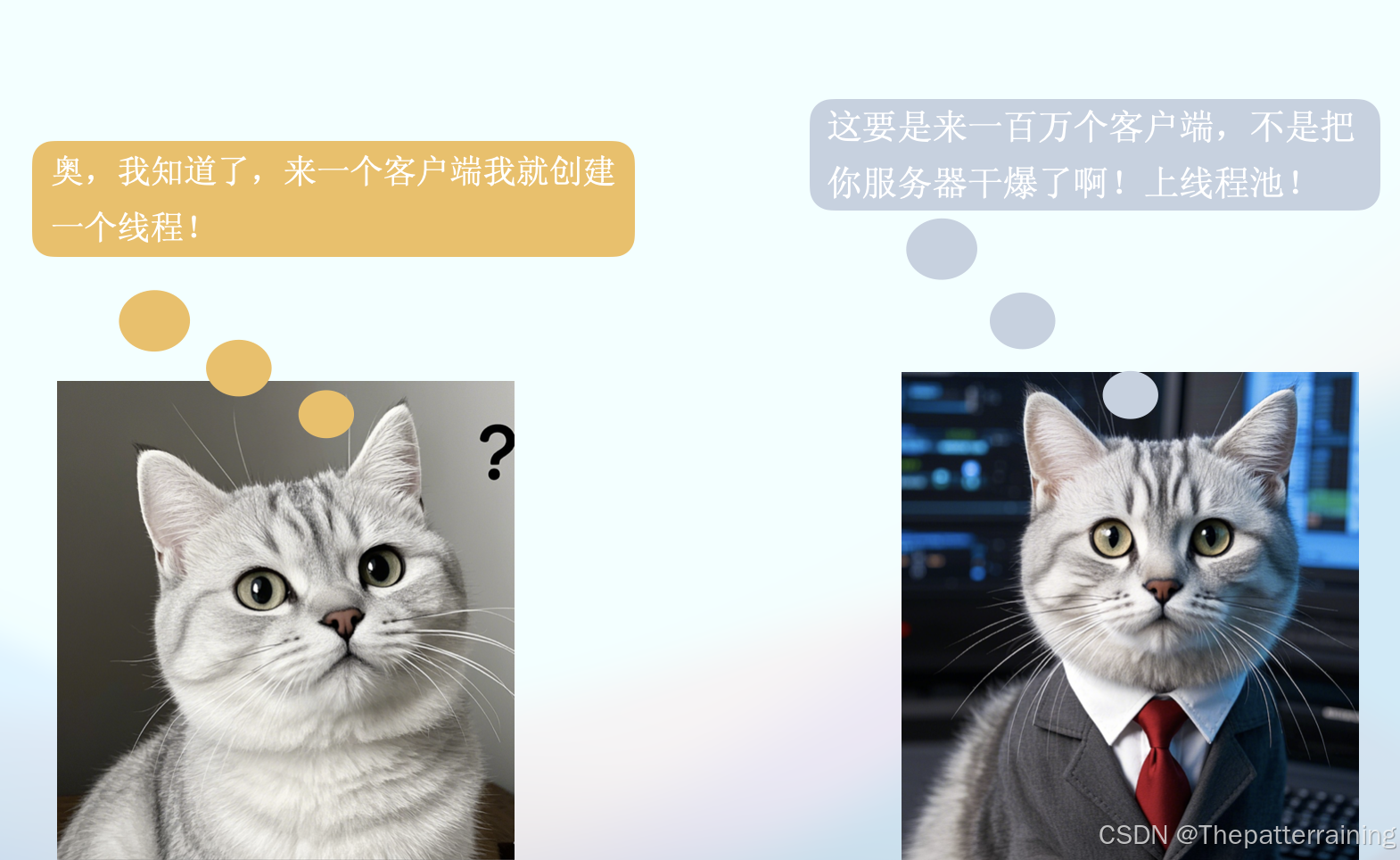
接下来,上线程池,小白实现了第二版代码。这次的代码加入了线程池,所有的客户端请求建立以后通过线程池的线程进行处理。建立10个线程。
import java.io.*;
import java.net.*;
import java.util.concurrent.ExecutorService;
import java.util.concurrent.Executors;
public class SimpleHttpServer {
private static final int PORT = 8888;
private static final String FILE_PATH = "HelloWorld.java";
public static void main(String[] args) {
ExecutorService threadPool = Executors.newFixedThreadPool(10);
try (ServerSocket serverSocket = new ServerSocket(PORT)) {
System.out.println("Server is running at http://localhost:" + PORT);
while (true) {
Socket clientSocket = serverSocket.accept();
threadPool.execute(new ClientHandler(clientSocket));
}
} catch (IOException e) {
e.printStackTrace();
}
}
private static class ClientHandler implements Runnable {
private final Socket clientSocket;
public ClientHandler(Socket clientSocket) {
this.clientSocket = clientSocket;
}
@Override
public void run() {
try {
// 读取HTTP请求
BufferedReader in = new BufferedReader(new InputStreamReader(clientSocket.getInputStream()));
String inputLine;
StringBuilder request = new StringBuilder();
while ((inputLine = in.readLine()) != null && !inputLine.isEmpty()) {
request.append(inputLine).append("\n");
}
// 发送HTTP响应
PrintWriter out = new PrintWriter(clientSocket.getOutputStream(), true);
String fileContent = readFileAsString(FILE_PATH);
long contentLength = fileContent.getBytes().length;
String response = "HTTP/1.1 200 OK\r\n" +
"Content-Type: application/json\r\n" +
"Content-Length: " + contentLength + "\r\n" +
"Connection: close\r\n" +
"\r\n" +
fileContent;
out.println(response);
// 关闭连接
clientSocket.close();
} catch (IOException e) {
e.printStackTrace();
}
}
private String readFileAsString(String filePath) throws IOException {
StringBuilder contentBuilder = new StringBuilder 最低0.47元/天 解锁文章






 扫一扫
扫一扫


 1203
1203

 被折叠的 条评论
为什么被折叠?
被折叠的 条评论
为什么被折叠?
 到【灌水乐园】发言





