



注意:前面都是基础讲解,如果有什么不懂的可以看看,但是如果只是追求实际运用场景,建议只看实际案例
原文
QMessageBox Class
The QMessageBox class provides a modal dialog for informing the user or for asking the user a question and receiving an answer.
它说,QMessageBox类提供了一个模态对话框,用于向用户显示信息、询问问题并接收用户回答。
setWindowFlags -> windowFlags
Window flags are a combination of a type (e.g. Qt::Dialog) and zero or more hints to the window system (e.g. Qt::FramelessWindowHint).If the widget had type Qt::Widget or Qt::SubWindow and becomes a window (Qt::Window, Qt::Dialog, etc.), it is put at position (0, 0) on the desktop. If the widget is a window and becomes a Qt::Widget or Qt::SubWindow, it is put at position (0, 0) relative to its parent widget.
Note: This function calls setParent() when changing the flags for a window, causing the widget to be hidden. You must call show() to make the widget visible again…
它说:窗口标志是窗口类型(例如Qt::Dialog)与零个或多个窗口系统提示(例如Qt::FramelessWindowHint)的组合。若部件原类型为Qt::Widget或Qt::SubWindow后转为窗口类型(Qt::Window、Qt::Dialog等),该部件将被置于桌面坐标(0, 0)位置。若窗口类型部件转为Qt::Widget或Qt::SubWindow类型,则会相对于其父部件定位在(0, 0)坐标处。
注意:修改窗口标志时此函数会调用setParent(),这将导致部件被隐藏。必须调用show()才能使部件重新可见。
注意:setWindowFlags属于QDialog
setIcon(QMessageBox::Icon) -> icon
This property holds the message box’s icon
此属性保存消息框的图标
void QMessageBox::setWindowTitle(const QString &title)
This function shadows QWidget::setWindowTitle().
Sets the title of the message box to title. On macOS, the window title is ignored (as required by the macOS Guidelines).
This function was introduced in Qt 4.2.
它说,此函数遮蔽了QWidget::setWindowTitle()的功能。它将消息框的标题设置为指定的标题。在macOS系统上,窗口标题会被忽略(遵循macOS界面指南的要求)。此功能自Qt 4.2版本起引入。
void setText(const QString &text) -> QString text() const
This property holds the message box text to be displayed.
此属性保存要显示的消息框文本。
int QMessageBox::exec()
Shows the message box as a modal dialog, blocking until the user closes it.When using a QMessageBox with standard buttons, this function returns a StandardButton value indicating the standard button that was clicked. When using QMessageBox with custom buttons, this function returns an opaque value; use clickedButton() to determine which button was clicked.
Users cannot interact with any other window in the same application until they close the dialog, either by clicking a button or by using a mechanism provided by the window system.
将消息框显示为模态对话框,直到用户关闭它为止。当使用带有标准按钮的QMessageBox时,此函数返回一个StandardButton值,指示被点击的标准按钮。当使用带有自定义按钮的QMessageBox时,此函数返回一个不透明的值;使用clickedButton()来确定哪个按钮被点击。
用户必须通过点击按钮或窗口系统提供的机制关闭对话框,才能与同一应用程序中的其他窗口进行交互。
实际案例
void ClientWindow::updateMessage(const QString &message)
{
    bool isException = isExceptionLine(message);
    if(isException)
    {
        QMessageBox::warning(this, "异常",message);
    }
    else
    {
        QMessageBox msgBox(this);
        msgBox.setWindowFlags(msgBox.windowFlags() | Qt::WindowStaysOnTopHint);
        msgBox.setIcon(QMessageBox::Information);
        msgBox.setWindowTitle("执行结果");
        msgBox.setText(message);
        msgBox.exec();
    }
}
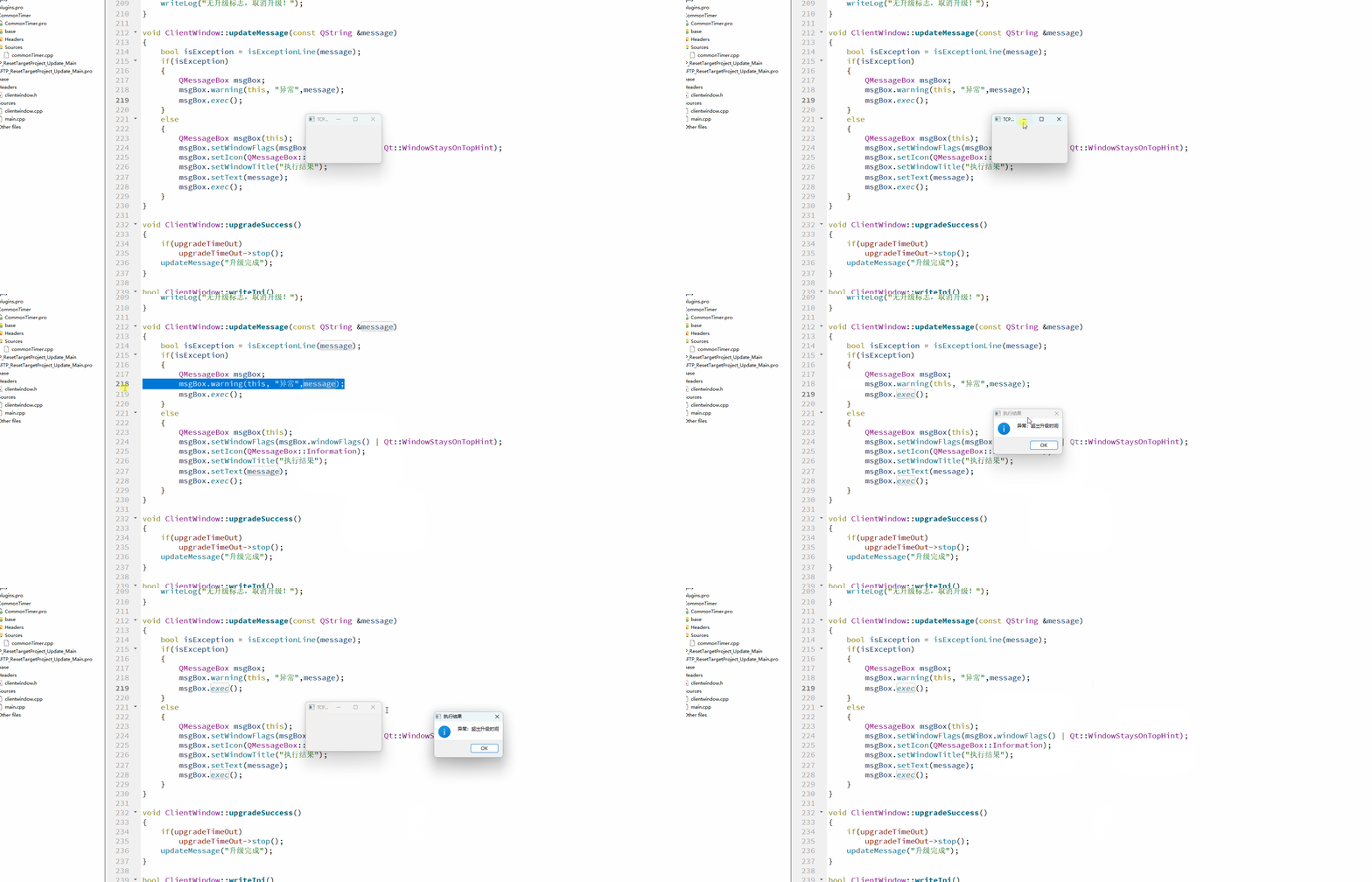
这个函数,可以在任意关键位置使用,主要也就用于调试过程,是一个非常有用的功能。当你的程序需要跑很长,短时间得不到结果时,用它作为提醒,相信很有帮助
效果展示
联动时间
这里,有个分辨是否为异常信息的小功能,如果有兴趣,请点击这里






 扫一扫
扫一扫


 925
925

 被折叠的 条评论
为什么被折叠?
被折叠的 条评论
为什么被折叠?
 到【灌水乐园】发言





