

vue2中自定义指令传参和不传参的使用

本文介绍了Vue2中自定义指令的生命周期,包括bind、inserted、update、componentUpdated和unbind。示例代码展示了如何创建和使用带参数及不带参数的自定义指令,并通过v-if动态控制来观察bind和unbind的执行情况。

首先说下vue自定义指令的生命周期

bind:只调用一次,指令第一次绑定到元素时调用。在这里可以进行一次性的初始化设置。

inserted:被绑定元素插入父节点时调用 (仅保证父节点存在,但不一定已被插入文档中)。

update:所在组件的 VNode 更新时调用,但是可能发生在其子 VNode 更新之前。指令的值可能发生了改变,也可能没有。但是你可以通过比较更新前后的值来忽略不必要的模板更新 (详细的钩子函数参数见下)。

componentUpdated:指令所在组件的 VNode 及其子 VNode 全部更新后调用。

unbind:只调用一次,指令与元素解绑时调用。

在这里我只用到了自定义指令中的bind,insert和unbind。

以下是我的自定义指令的代码,有两个。,使用参数的时候必须要是用obj[key]的方式。否则没有效果。


//导出插槽
export const ss = {
    bind(dom,options){
        //只调用一次,指令第一次绑定到元素shi
        console.log(dom);
        console.log(options.arg);
        alert('第一次来的')
       
    },
    //当指令插入到父节点的时候调用,只要有父节点就行,父节点不一定是document
    inserted(dom,options){   //第一个值是指令绑定的dom,第二个值是与指令有关的一个对象,里面的value就是指令的值
        //如果是带参数的传参就只能用obj[key]这种方式,不能用obj.key(调用过出不来结果)
        dom[options.arg] = options.value
    },
    unbind(dom,options){
        alert(111)
        console.log(dom);
        console.log(options.value);
    }
}
export const color ={
    inserted(dom,options){
        //以下是不带动态参数的
        /* dom.style.backgroundColor = options.value */
        //带动态参数的
        dom.style[options.arg] = options.value
    }
}

 这是在main.js中全局注册。

//可能会有多个自定义指令,引入所有的自定义指令 *代表所有
import * as direct from './directives'


//全局注册vue自定义指令
//Object.keys(direct)获得每个自定义指令的名称,然后forEach对每个自定义指令名称对应的自定义指令进行全局注册
 Object.keys(direct).forEach(key=>{
  Vue.directive(key,direct[key])
 })

这是使用自定义指令的vue文件  注意这里使用了参数。

<template>
  <div>
    <el-button type="primary" @click="sorry = !sorry"
      >{{sorry===true?'显示图片':'隐藏图片'}}</el-button
    ><br/>
    <img
      class="imgSize"
      v-if="sorry"
      v-ss:src="defaultSrc"
      src="http:skjdalkjdklad.com"
      alt=""
    />
    <div v-color:backgroundColor="cc" class="ns"></div>
  </div>
</template>

<script>
export default {
  data() {
    return {
      defaultSrc:
        "https://t7.baidu.com/it/u=4162611394,4275913936&fm=193&f=GIF",
      sorry: false,
      cc: "pink",
    };
  },

  components: {},

  computed: {},

  mounted() {},

  methods: {},
};
</script>
<style  scoped>
.imgSize {
  width: 200px;
  height: 200px;
}
.ns {
  height: 300px;
  width: 300px;
}
</style>

以下是效果,因为我这里使用了v-if的让其动态显示就是为了查看bind和unbind的效果,此时ss指令还没有,所已没有效果。

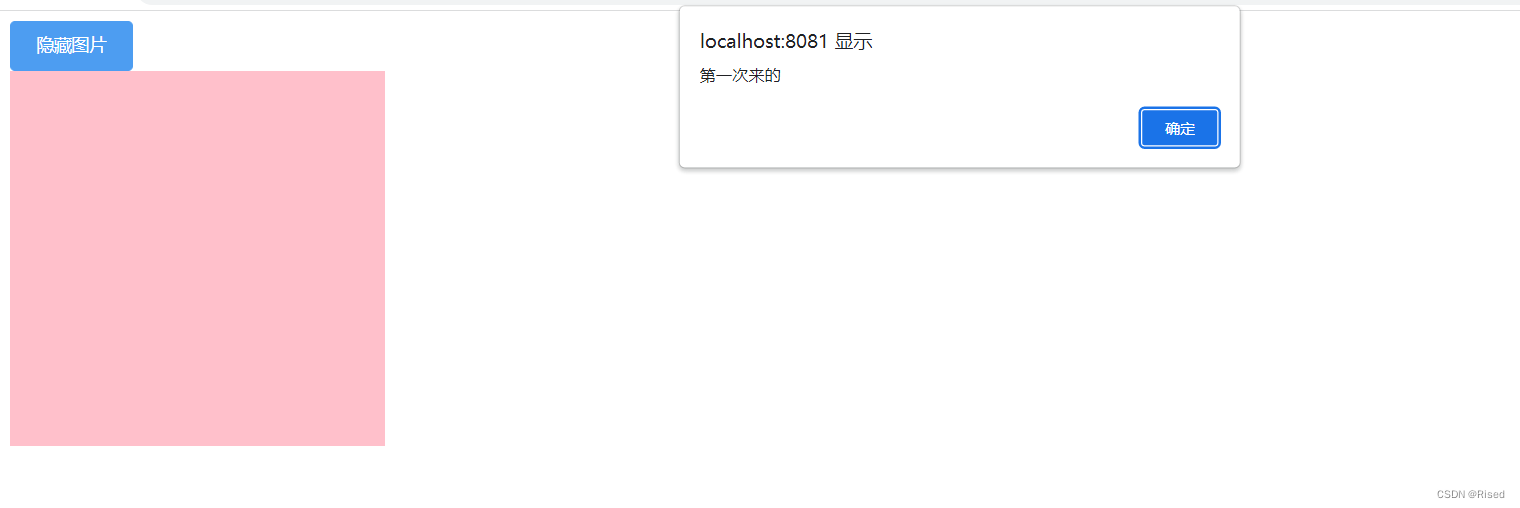
 当我点击按钮,v-if为true,先触发bind钩子函数
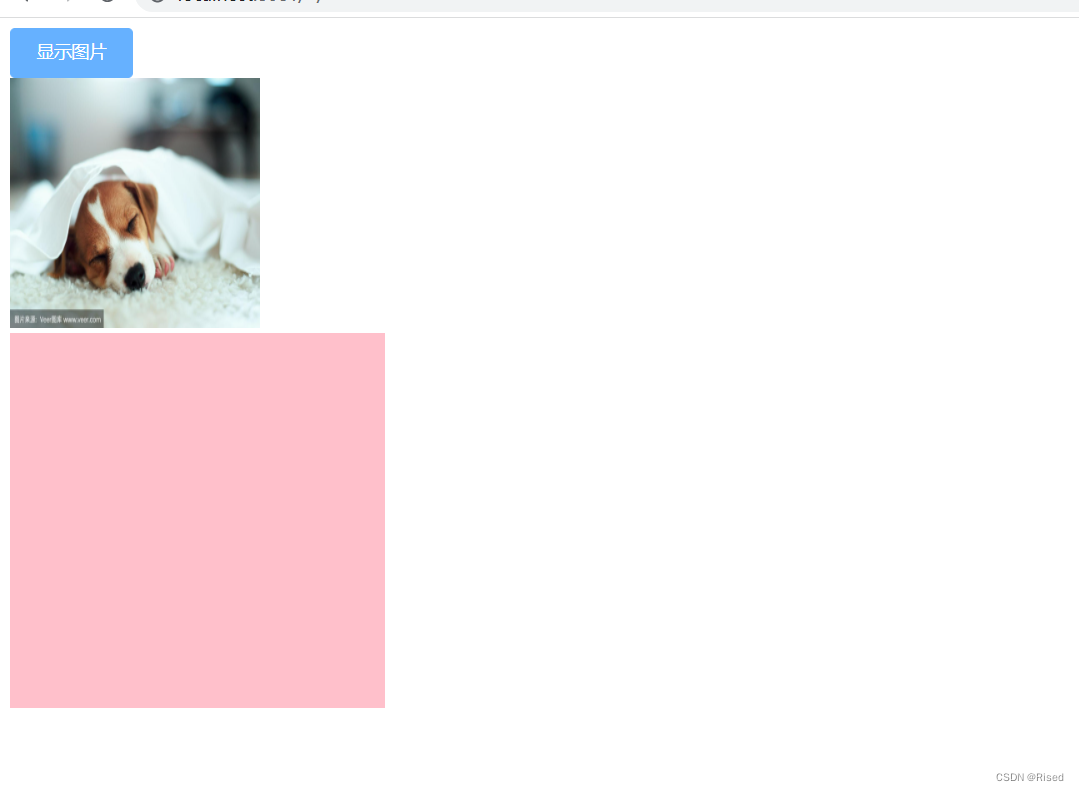
 然后走inserted函数
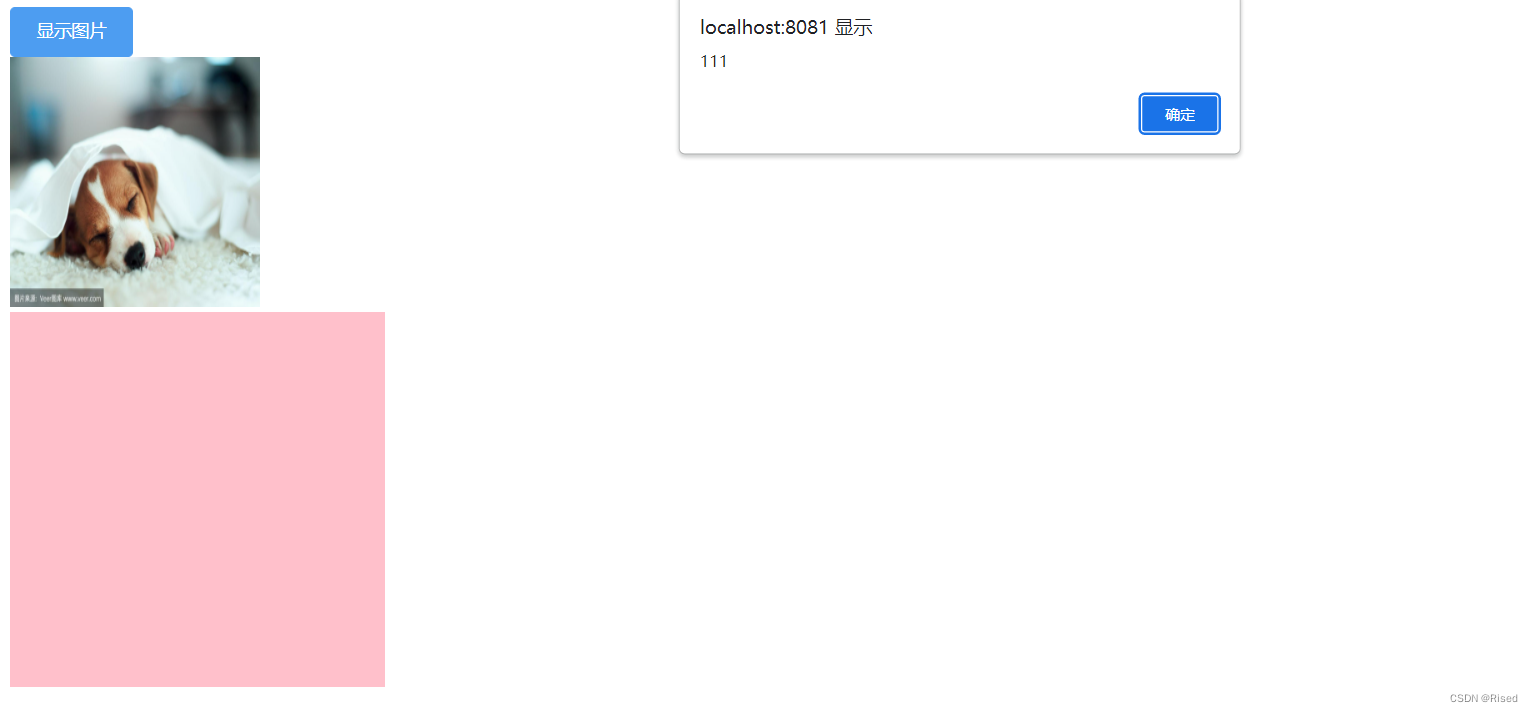
 我们在点击按钮,v-if为false,触发unbind函数
元素消失,指令自然也就不存在了。
 

 这是不带参数的代码,就修改了两处,一处使自定义指令处的代码。

//导出插槽
export const ss = {
  bind(dom, options) {
    //只调用一次,指令第一次绑定到元素shi
    console.log(dom);
    console.log(options.arg);
    alert("第一次来的");
  },
  //当指令插入到父节点的时候调用,只要有父节点就行,父节点不一定是document
  inserted(dom, options) {
    //第一个值是指令绑定的dom,第二个值是与指令有关的一个对象,里面的value就是指令的值
    //如果是带参数的传参就只能用obj[key]这种方式,不能用obj.key(调用过出不来结果)
    dom.src = options.value;
  },
  unbind(dom, options) {
    alert(111);
    console.log(dom);
    console.log(options.value);
  },
};
export const color = {
  inserted(dom, options) {
    //以下是不带动态参数的
    /* dom.style.backgroundColor = options.value */
    //带动态参数的
    dom.style.backgroundColor = options.value;
  },
};

一处是使用指令处的代码

<template>
  <div>
    <el-button type="primary" @click="sorry = !sorry"
      >{{sorry===true?'显示图片':'隐藏图片'}}</el-button
    ><br/>
    <img
    class="imgSize"
      v-if="sorry"
      v-ss="defaultSrc"
      src="http:skjdalkjdklad.com"
      alt=""
    />
    <div v-color="cc" class="ns"></div>
  </div>
</template>

<script>
export default {
  data() {
    return {
      defaultSrc:
        "https://t7.baidu.com/it/u=4162611394,4275913936&fm=193&f=GIF",
      sorry: false,
      cc: "pink",
    };
  },

  components: {},

  computed: {},

  mounted() {},

  methods: {},
};
</script>
<style  scoped>
.imgSize {
  width: 200px;
  height: 200px;
}
.ns {
  height: 300px;
  width: 300px;
}
</style>

结果同上。

<think>在Vue 3中,自定义指令传递参数主要通过以下四种方式实现: ### 1. 静态参数传递 ```vue <template> <div v-highlight:background="'yellow'">高亮背景</div> </template> ``` 指令定义: ```javascript app.directive('highlight', { mounted(el, binding) { // binding.arg 获取参数名('background') // binding.value 获取值('yellow') if (binding.arg === 'background') { el.style.backgroundColor = binding.value; } } }); ``` ### 2. 动态参数传递 ```vue <template> <div v-highlight:[direction]="color">动态方向高亮</div> </template> <script setup> import { ref } from 'vue'; const direction = ref('border'); // 可动态改变 const color = ref('red'); </script> ``` 指令内部通过`binding.arg`获取动态参数值(如'border')[^3] ### 3. 对象形式传参(多参数) ```vue <template> <div v-style="{ color: activeColor, fontSize: fontSize + 'px' }">样式指令</div> </template> <script setup> import { ref } from 'vue'; const activeColor = ref('blue'); const fontSize = ref(20); </script> ``` 指令定义: ```javascript app.directive('style', { mounted(el, binding) { Object.entries(binding.value).forEach(([key, val]) => { el.style[key] = val; // 设置colorfontSize }); }, updated(el, binding) { // 更新时重新设置样式 Object.entries(binding.value).forEach(([key, val]) => { el.style[key] = val; }); } }); ``` ### 4. 修饰符处理 ```vue <template> <button v-permission.admin="'edit'">管理员按钮</button> </template> ``` 指令定义: ```javascript app.directive('permission', { mounted(el, binding) { const requiredRole = binding.value; // 'edit' const modifiers = binding.modifiers; // { admin: true } // 检查修饰符 if (modifiers.admin) { // 执行管理员专属逻辑 } } }); ``` ### 综合示例:带参数修饰符的指令 ```vue <template> <!-- 参数:position, 修饰符:round, 值:10 --> <div v-margin.top.round="10">带边距元素</div> </template> ``` 指令实现: ```javascript app.directive('margin', { mounted(el, binding) { let marginValue = `${binding.value}px`; // 处理修饰符 if (binding.modifiers.round) { marginValue = Math.round(binding.value) + 'px'; } // 根据参数设置方向 switch(binding.arg) { case 'top': el.style.marginTop = marginValue; break; case 'bottom': el.style.marginBottom = marginValue; break; // ...其他方向 } } }); ``` ### 关键要点总结: 1. **参数获取**: - `binding.arg` → 获取指令参数(`:后面的部分`) - `binding.value` → 获取指令值(`=后面的部分`) - `binding.modifiers` → 获取修饰符对象(如`.round`→`{round:true}`)[^3] 2. **动态更新**: ```javascript updated(el, binding) { // 当参数或值变化时更新 if (binding.oldValue !== binding.value || binding.oldArg !== binding.arg) { // 执行更新逻辑 } } ``` 3. **类型安全(TypeScript)**: ```typescript import { DirectiveBinding } from 'vue' app.directive('margin', { mounted(el: HTMLElement, binding: DirectiveBinding) { const value: number = binding.value; // 明确类型 const arg: string | undefined = binding.arg; // 可能为undefined } }); ``` §§相关问题§§ 1. 如何在自定义指令中访问组件实例? 2. Vue 3自定义指令如何实现类型提示? 3. 指令参数动态变化时如何优化性能? 4. 自定义指令组合式API如何结合使用? </think> ### Vue 3 自定义指令参数传递方法详解 在 Vue 3 中,自定义指令的参数传递主要通过以下四种方式实现: --- #### 1. **直接传值** 通过指令值传递数据,适用于单个参数场景: ```vue <template> <div v-highlight="'yellow'">高亮文本</div> </template> ``` 指令定义: ```javascript app.directive('highlight', { mounted(el, binding) { el.style.backgroundColor = binding.value; // 'yellow' } }); ``` --- #### 2. **动态参数** 使用方括号 `[]` 传递动态参数,参数可响应式变化: ```vue <template> <div v-pin:[direction]="200">固定定位元素</div> </template> <script setup> import { ref } from 'vue'; const direction = ref('left'); // 可动态改为 'top'/'right'/'bottom' </script> ``` 指令定义: ```javascript app.directive('pin', { mounted(el, binding) { el.style.position = 'fixed'; // binding.arg 获取动态参数 el.style[binding.arg] = binding.value + 'px'; }, updated(el, binding) { // 响应参数变化 el.style[binding.arg] = binding.value + 'px'; } }); ``` --- #### 3. **对象形式传参** 传递对象实现多参数配置: ```vue <template> <div v-style="{ color: 'red', fontSize: '24px' }">多参数样式</div> </template> ``` 指令定义: ```javascript app.directive('style', { mounted(el, binding) { Object.entries(binding.value).forEach(([key, val]) => { el.style[key] = val; // 设置colorfontSize }); } }); ``` --- #### 4. **修饰符处理** 通过修饰符实现开关型参数: ```vue <template> <button v-confirm.delete="submitForm">删除数据</button> </template> ``` 指令定义: ```javascript app.directive('confirm', { mounted(el, binding) { el.addEventListener('click', () => { // 检查修饰符 if (binding.modifiers.delete) { if (!confirm('确定删除吗?')) return; } binding.value(); // 执行回调函数 }); } }); ``` --- ### 综合示例:权限校验指令 ```vue <template> <!-- 参数:权限类型,值:编辑权限 --> <button v-permission:edit="'admin'">编辑内容</button> </template> ``` 指令实现: ```javascript app.directive('permission', { mounted(el, binding) { const requiredRole = binding.value; // 'admin' const actionType = binding.arg; // 'edit' const userRoles = ['admin', 'editor']; // 实际从Vuex/Pinia获取 if (!userRoles.includes(requiredRole)) { el.style.display = 'none'; } // 根据操作类型添加提示 if (actionType === 'edit') { el.title = '需要编辑权限'; } } }); ``` ### 关键参数说明 在指令钩子函数的 `binding` 对象中: - `value`:获取指令值(`=` 后面的部分) - `arg`:获取动态参数(`:` 后面的部分) - `modifiers`:获取修饰符对象(如 `.delete` → `{ delete: true }`) - `instance`:访问组件实例(Vue 3.2+) --- ### 最佳实践建议 1. **复杂参数使用对象形式** 当需要传递多个参数时,使用对象更易维护: ```vue <div v-tooltip="{ text: '提示内容', position: 'top' }"></div> ``` 2. **响应参数变化** 在 `updated` 钩子中处理参数变化: ```javascript updated(el, binding) { if (binding.oldValue !== binding.value) { // 更新逻辑 } } ``` 3. **TypeScript 类型支持** 为指令提供类型定义: ```typescript import { Directive } from 'vue' const vPermission: Directive<HTMLElement, string> = { mounted(el, binding) { // binding.value 自动识别为string } } ```
评论 1
添加红包

请填写红包祝福语或标题

红包个数最小为10个

红包金额最低5元

当前余额3.43前往充值 >
需支付:10.00
成就一亿技术人!
领取后你会自动成为博主和红包主的粉丝 规则
hope_wisdom
发出的红包

打赏作者

Rised

你的鼓励将是我创作的最大动力

¥1 ¥2 ¥4 ¥6 ¥10 ¥20
扫码支付:¥1
获取中
扫码支付

您的余额不足,请更换扫码支付或充值

打赏作者

实付
使用余额支付
点击重新获取
扫码支付
钱包余额 0

抵扣说明:

1.余额是钱包充值的虚拟货币,按照1:1的比例进行支付金额的抵扣。
2.余额无法直接购买下载,可以购买VIP、付费专栏及课程。

余额充值


