


 本文详细介绍了Android中Fragment的基本概念,如何创建和使用Fragment,以及其在布局中的应用实例。通过实例展示如何在Activity中嵌套Fragment,实现屏幕空间的有效利用。
一、Fragment是什么
Fragment,翻译为片段、碎片,是一种可以嵌入在Activity当中的UI片段,它能让程序更加合理和充分地利用大屏幕的空间,因而在平板上应用得非常广泛。
甚至可以将Fragment理解成一个迷你型的Activity,虽然这个迷你型的Activity有可能和普通的Activity是一样大的。
二、创建Fragment
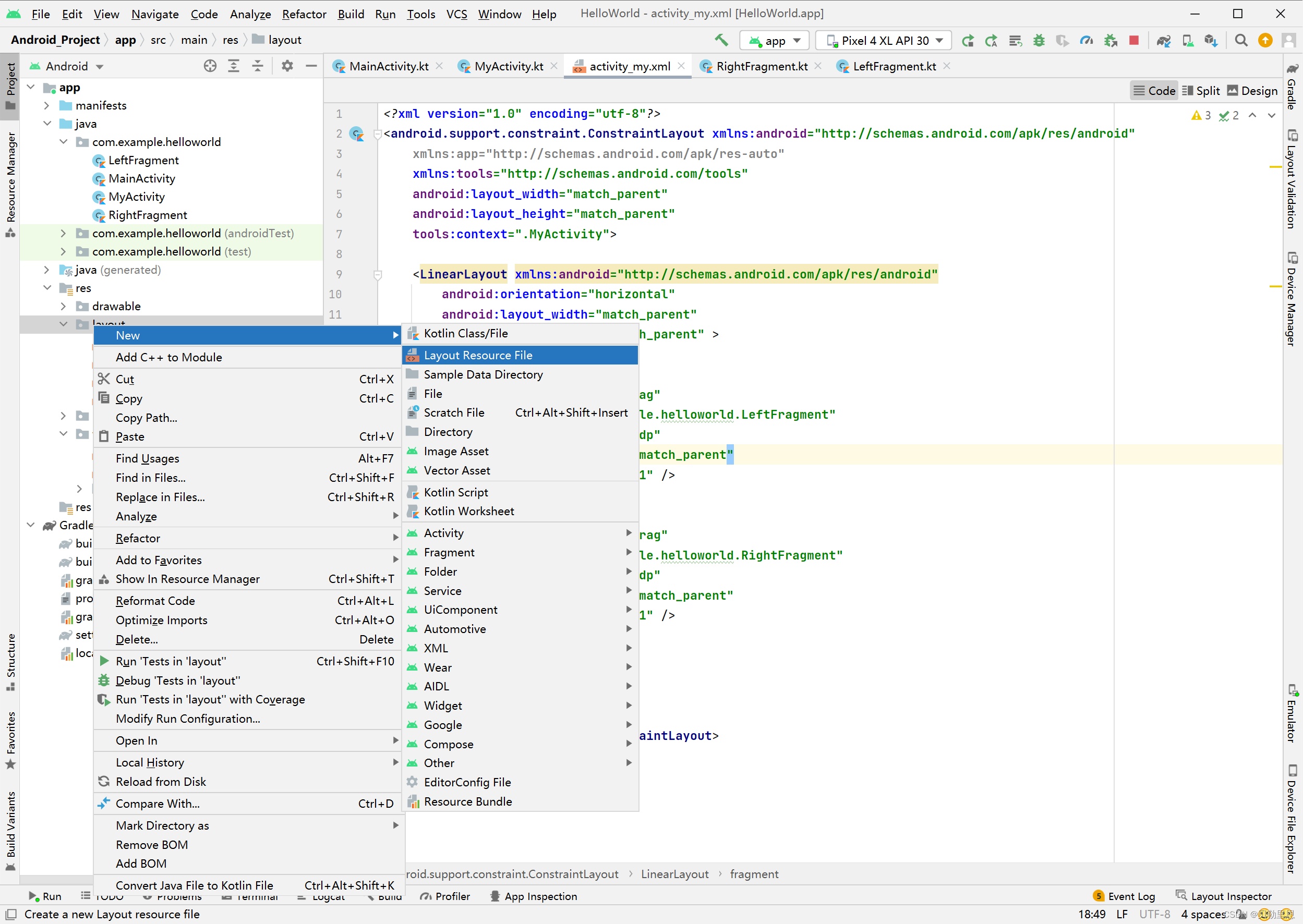
Fragment和Activity差不多,创建一个Fragment需要创建Fragment.xml、Fragment类文件;
创建left_fragment.xml
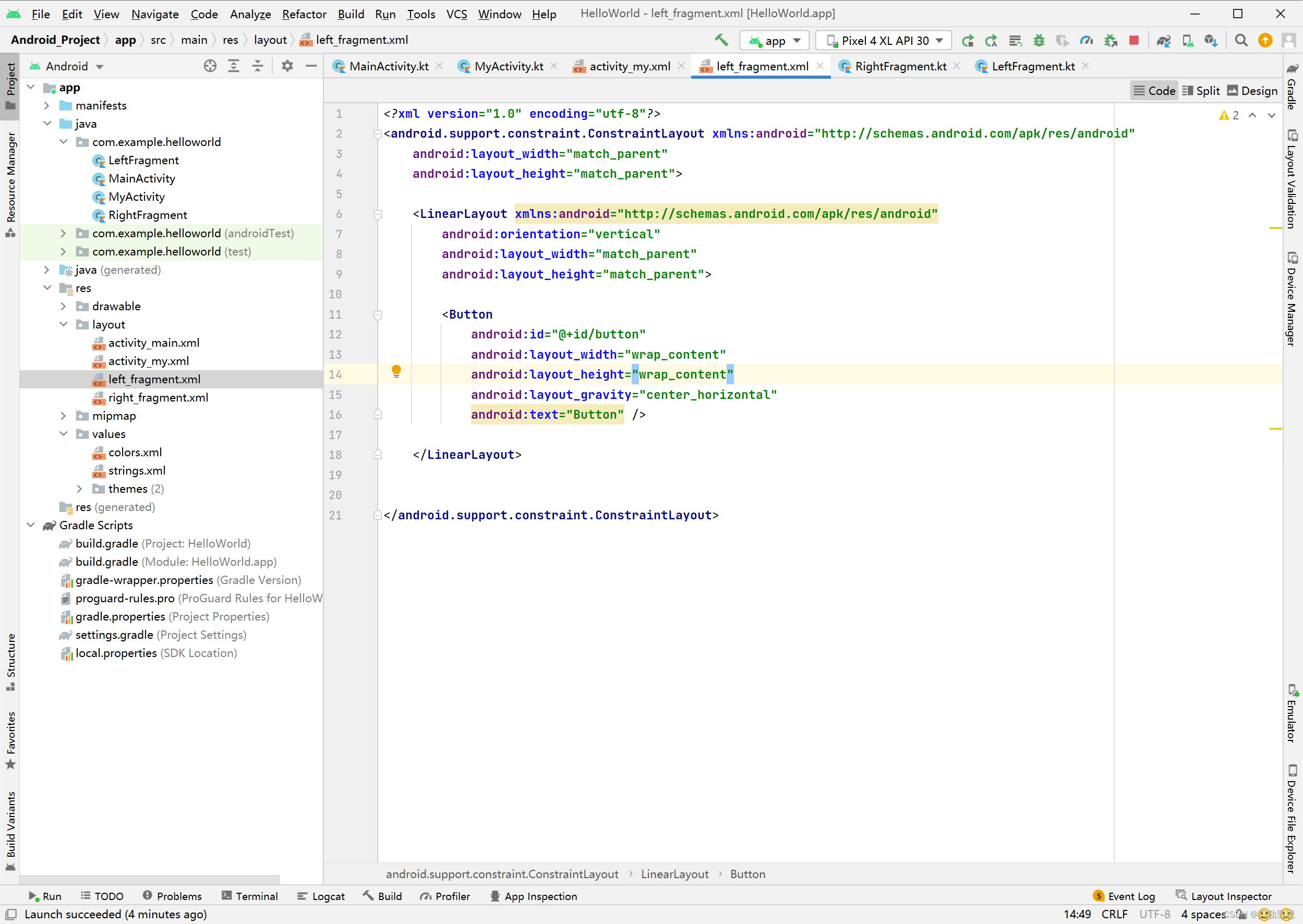
<?xml version="1.0" encoding="utf-8"?>
<android.support.constraint.ConstraintLayout xmlns:android="http://schemas.android.com/apk/res/android"
    android:layout_width="match_parent"
    android:layout_height="match_parent">

    <LinearLayout xmlns:android="http://schemas.android.com/apk/res/android"
        android:orientation="vertical"
        android:layout_width="match_parent"
        android:layout_height="match_parent">

        <Button
            android:id="@+id/button"
            android:layout_width="wrap_content"
            android:layout_height="wrap_content"
            android:layout_gravity="center_horizontal"
            android:text="Button" />

    </LinearLayout>


</android.support.constraint.ConstraintLayout>
创建LeftFragment类文件
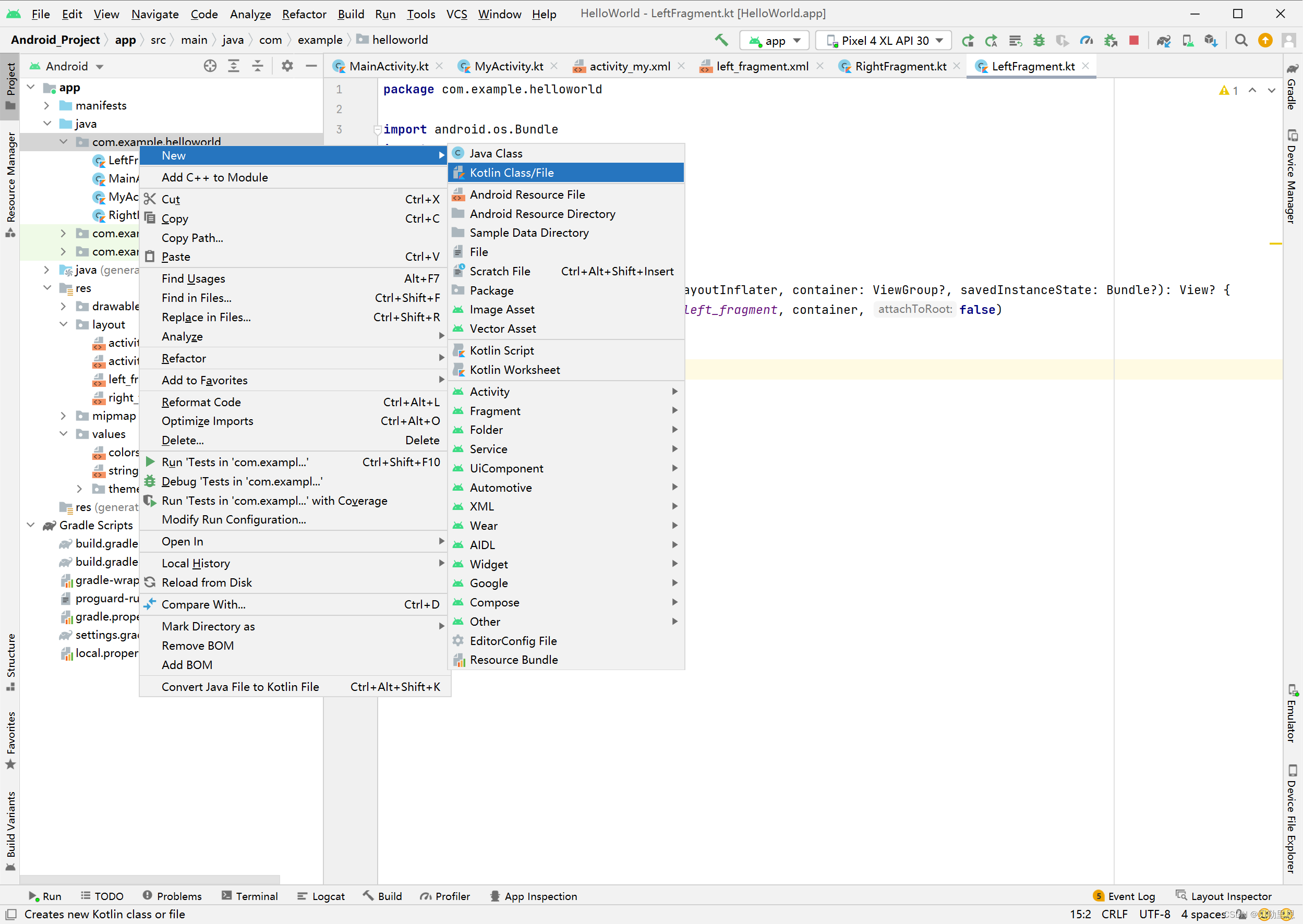
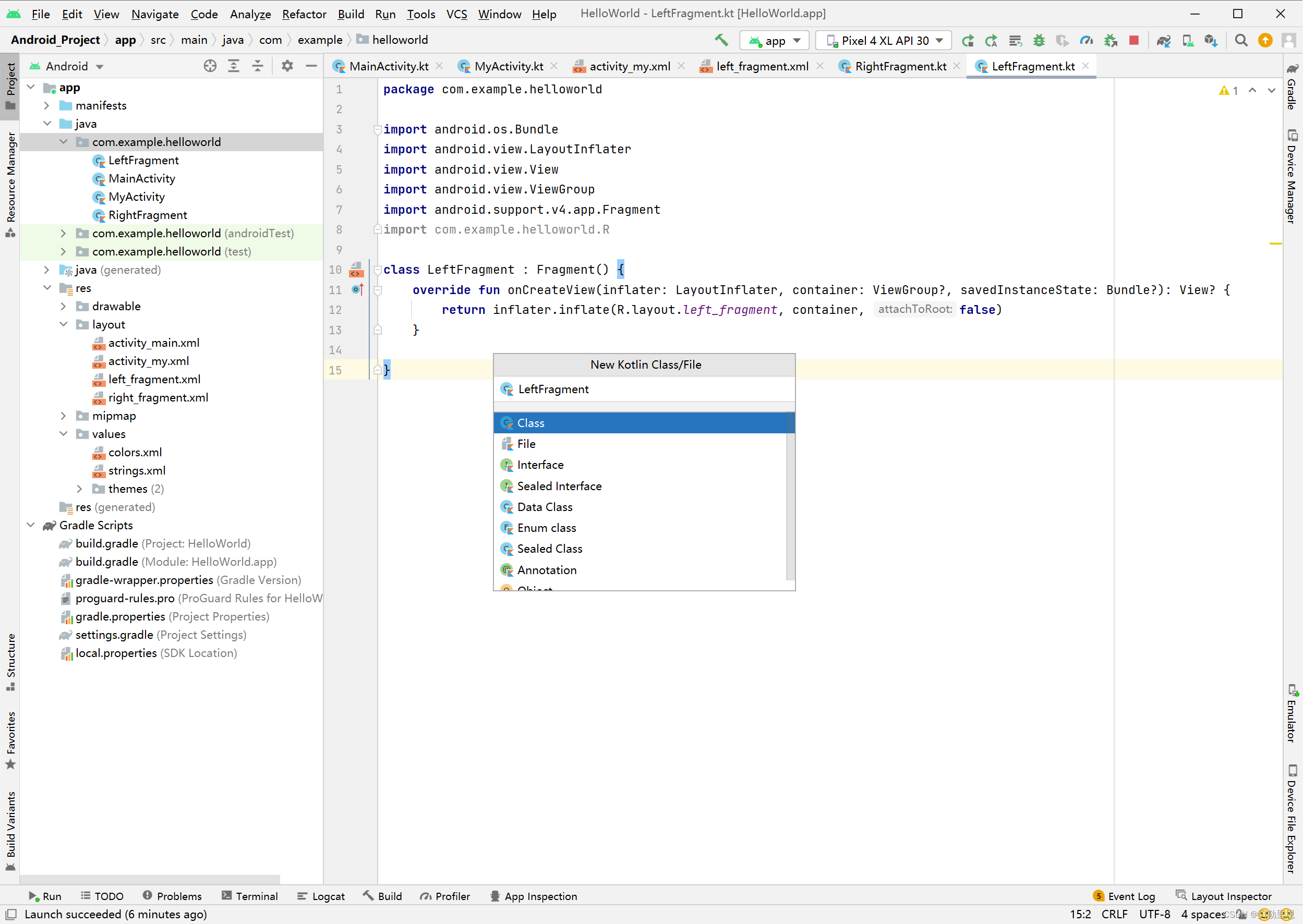
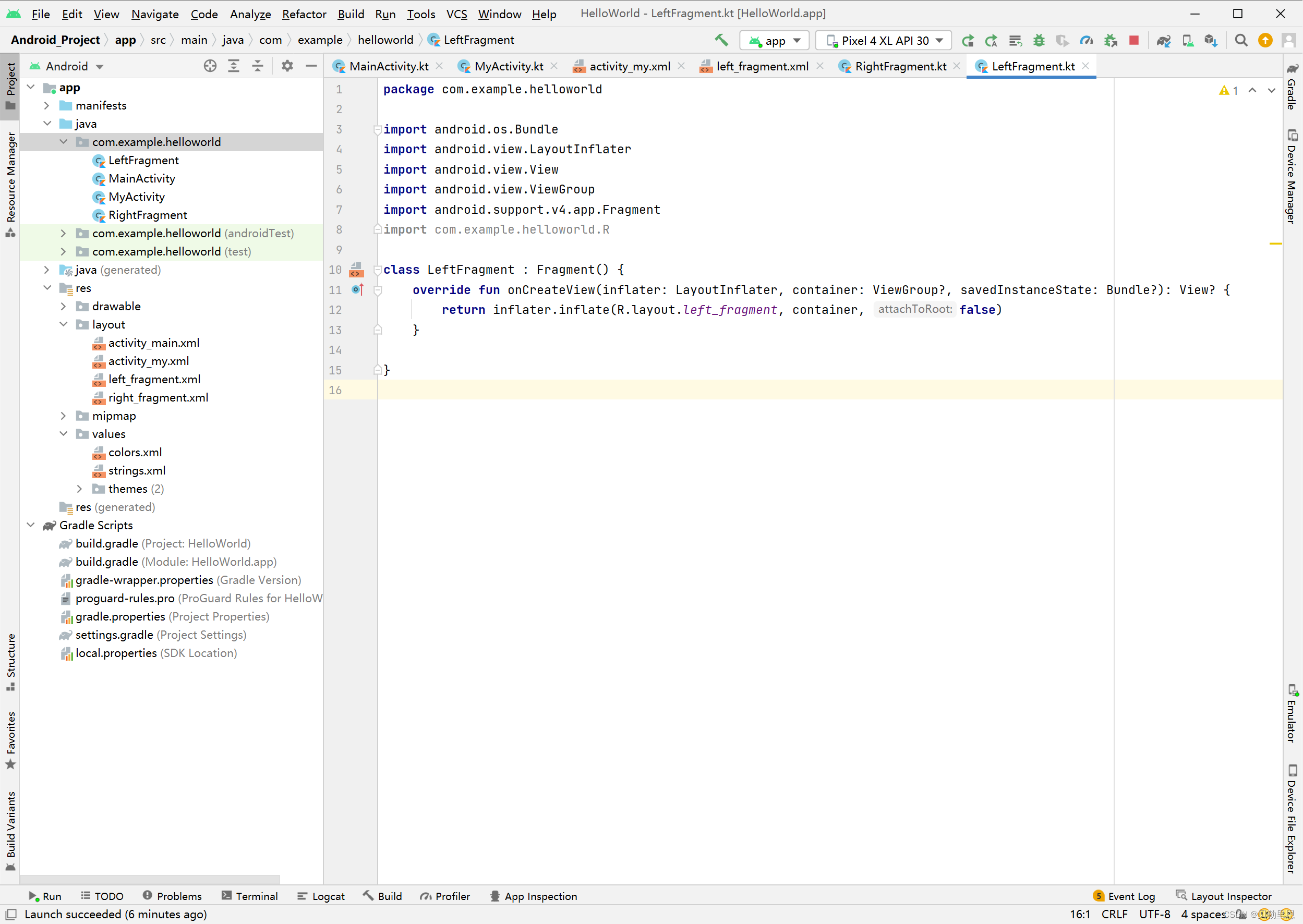
package com.example.helloworld

import android.os.Bundle
import android.view.LayoutInflater
import android.view.View
import android.view.ViewGroup
import android.support.v4.app.Fragment
import com.example.helloworld.R

class LeftFragment : Fragment() {
    override fun onCreateView(inflater: LayoutInflater, container: ViewGroup?, savedInstanceState: Bundle?): View? {
        return inflater.inflate(R.layout.left_fragment, container, false)
    }

}
同理创建left_fragment.xml和LeftFragment类文件
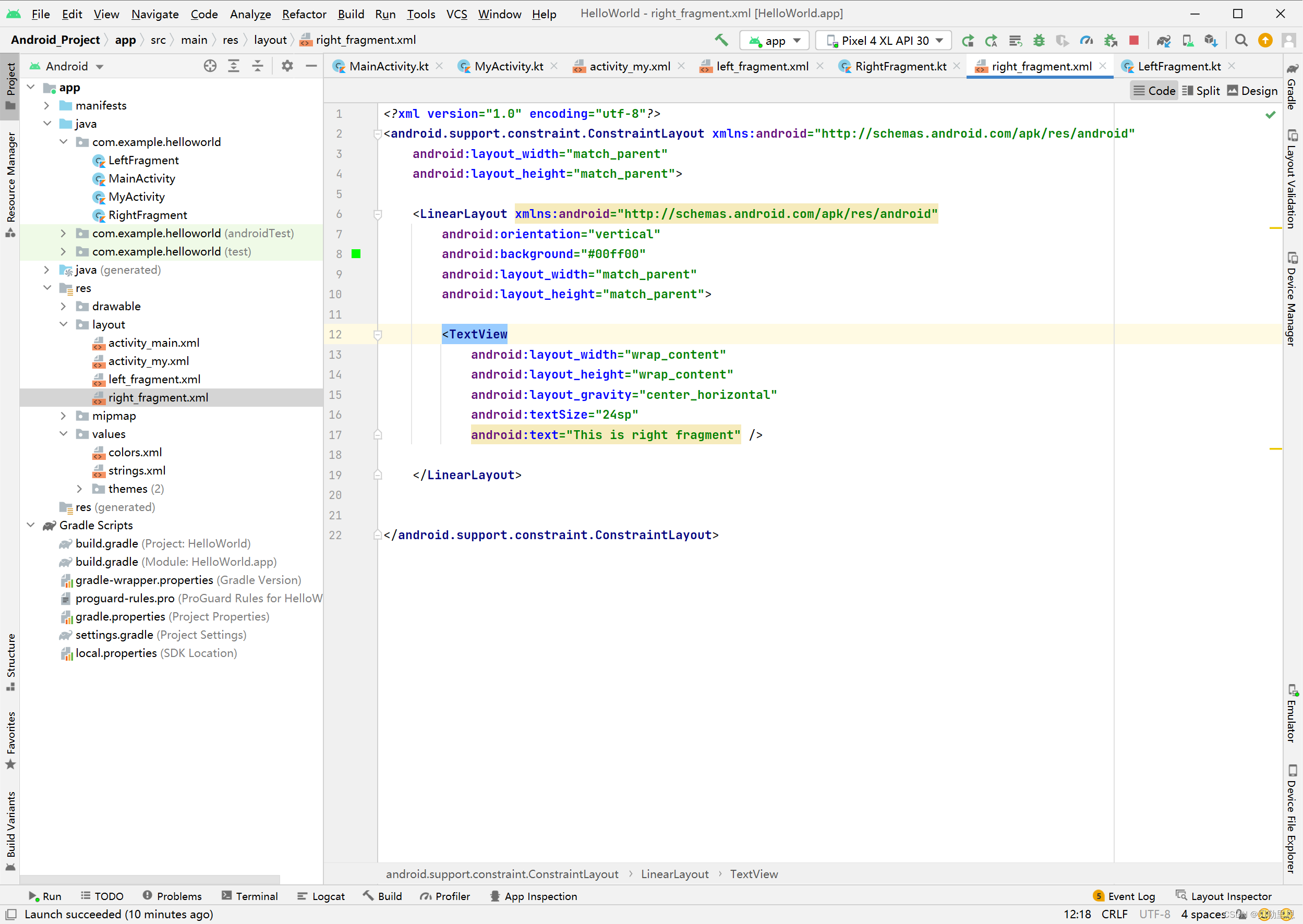
<?xml version="1.0" encoding="utf-8"?>
<android.support.constraint.ConstraintLayout xmlns:android="http://schemas.android.com/apk/res/android"
    android:layout_width="match_parent"
    android:layout_height="match_parent">

    <LinearLayout xmlns:android="http://schemas.android.com/apk/res/android"
        android:orientation="vertical"
        android:background="#00ff00"
        android:layout_width="match_parent"
        android:layout_height="match_parent">

        <TextView
            android:layout_width="wrap_content"
            android:layout_height="wrap_content"
            android:layout_gravity="center_horizontal"
            android:textSize="24sp"
            android:text="This is right fragment" />

    </LinearLayout>


</android.support.constraint.ConstraintLayout>
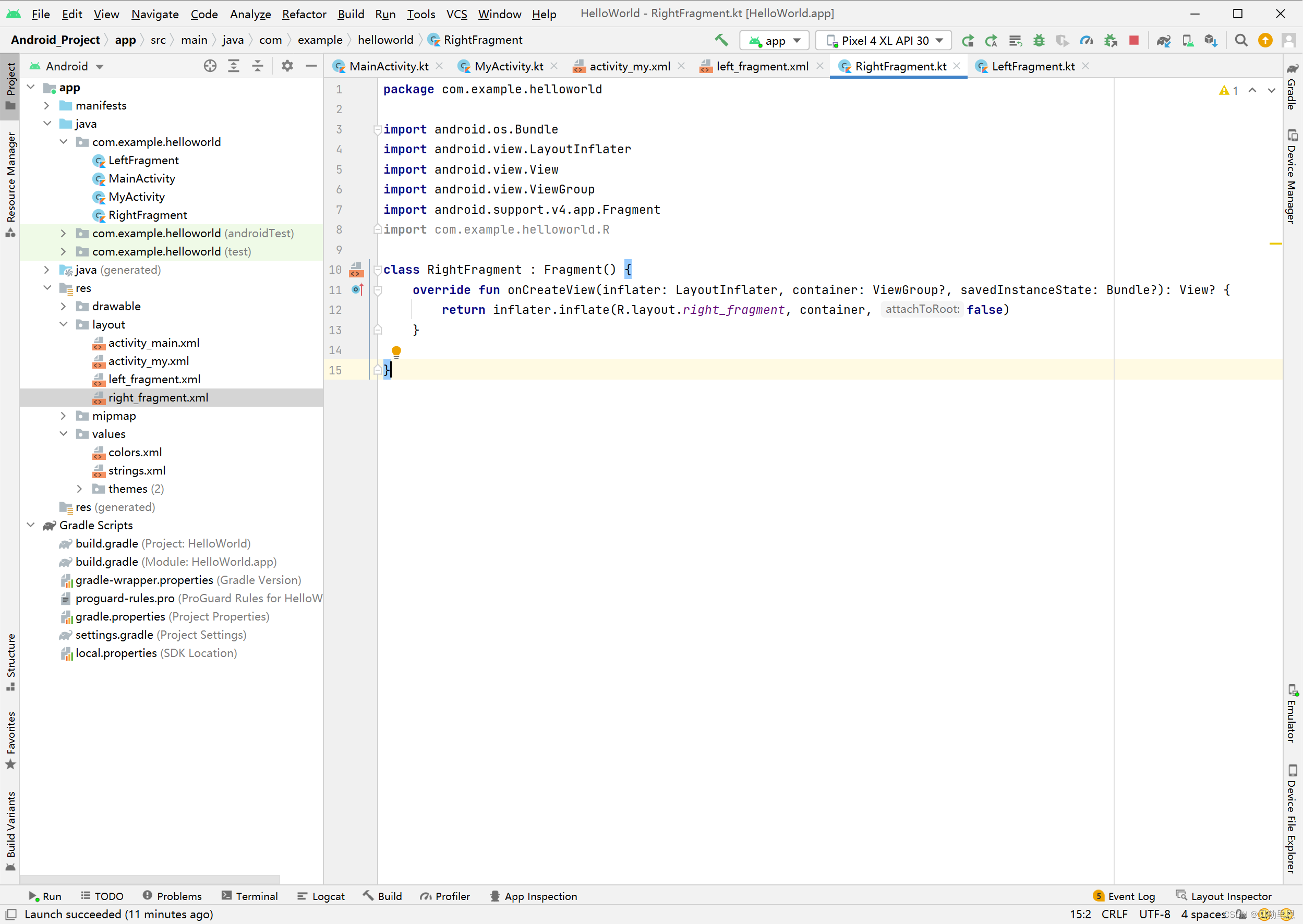
package com.example.helloworld

import android.os.Bundle
import android.view.LayoutInflater
import android.view.View
import android.view.ViewGroup
import android.support.v4.app.Fragment
import com.example.helloworld.R

class RightFragment : Fragment() {
    override fun onCreateView(inflater: LayoutInflater, container: ViewGroup?, savedInstanceState: Bundle?): View? {
        return inflater.inflate(R.layout.right_fragment, container, false)
    }

}
三、使用Fragment
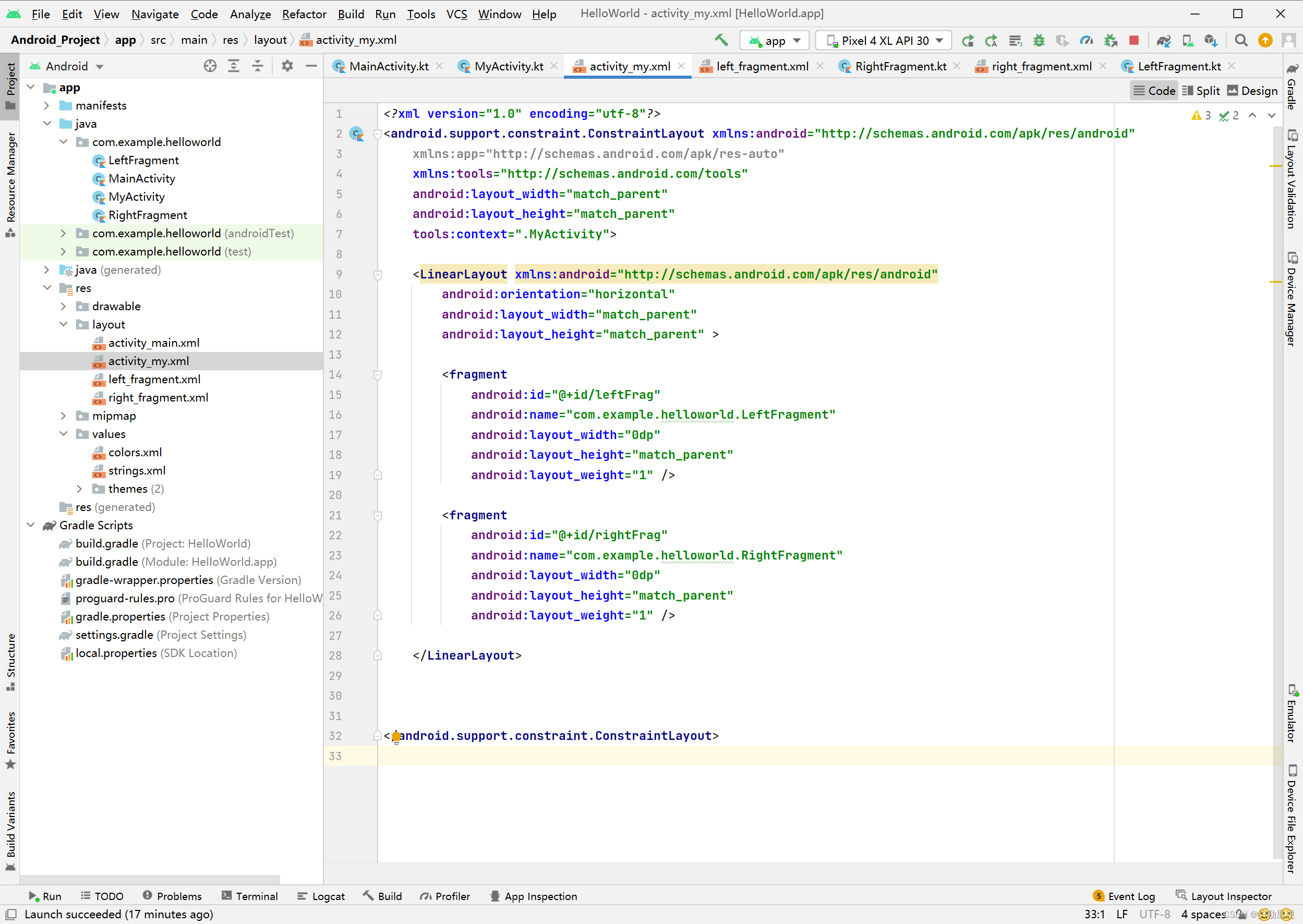
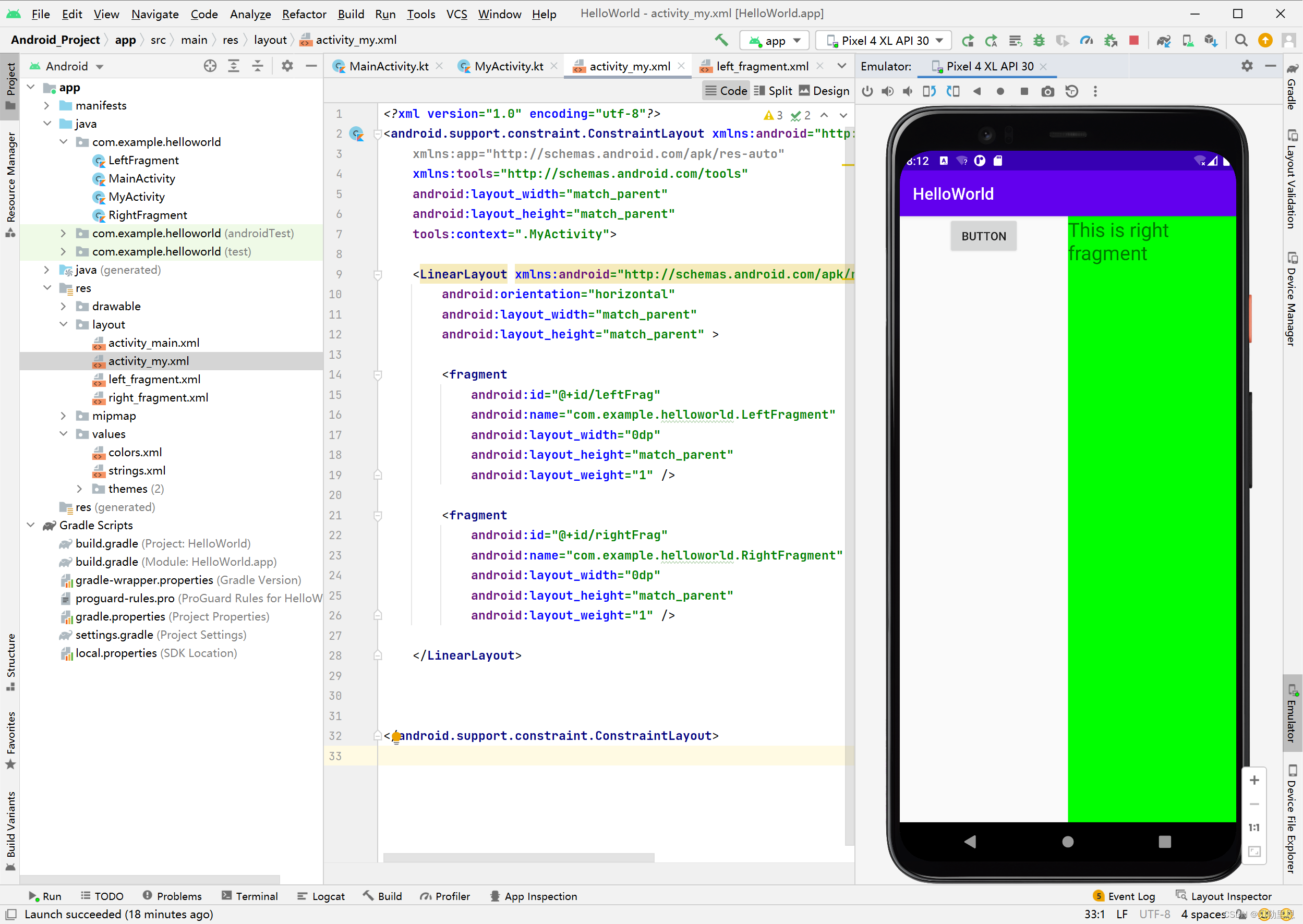
<?xml version="1.0" encoding="utf-8"?>
<android.support.constraint.ConstraintLayout xmlns:android="http://schemas.android.com/apk/res/android"
    xmlns:app="http://schemas.android.com/apk/res-auto"
    xmlns:tools="http://schemas.android.com/tools"
    android:layout_width="match_parent"
    android:layout_height="match_parent"
    tools:context=".MyActivity">

    <LinearLayout xmlns:android="http://schemas.android.com/apk/res/android"
        android:orientation="horizontal"
        android:layout_width="match_parent"
        android:layout_height="match_parent" >

        <fragment
            android:id="@+id/leftFrag"
            android:name="com.example.helloworld.LeftFragment"
            android:layout_width="0dp"
            android:layout_height="match_parent"
            android:layout_weight="1" />

        <fragment
            android:id="@+id/rightFrag"
            android:name="com.example.helloworld.RightFragment"
            android:layout_width="0dp"
            android:layout_height="match_parent"
            android:layout_weight="1" />

    </LinearLayout>


</android.support.constraint.ConstraintLayout>
运行效果





 扫一扫
扫一扫


 1546
1546

 被折叠的 条评论
为什么被折叠?
被折叠的 条评论
为什么被折叠?
 到【灌水乐园】发言





