


题目
1. 基础文件和目录操作
(1)
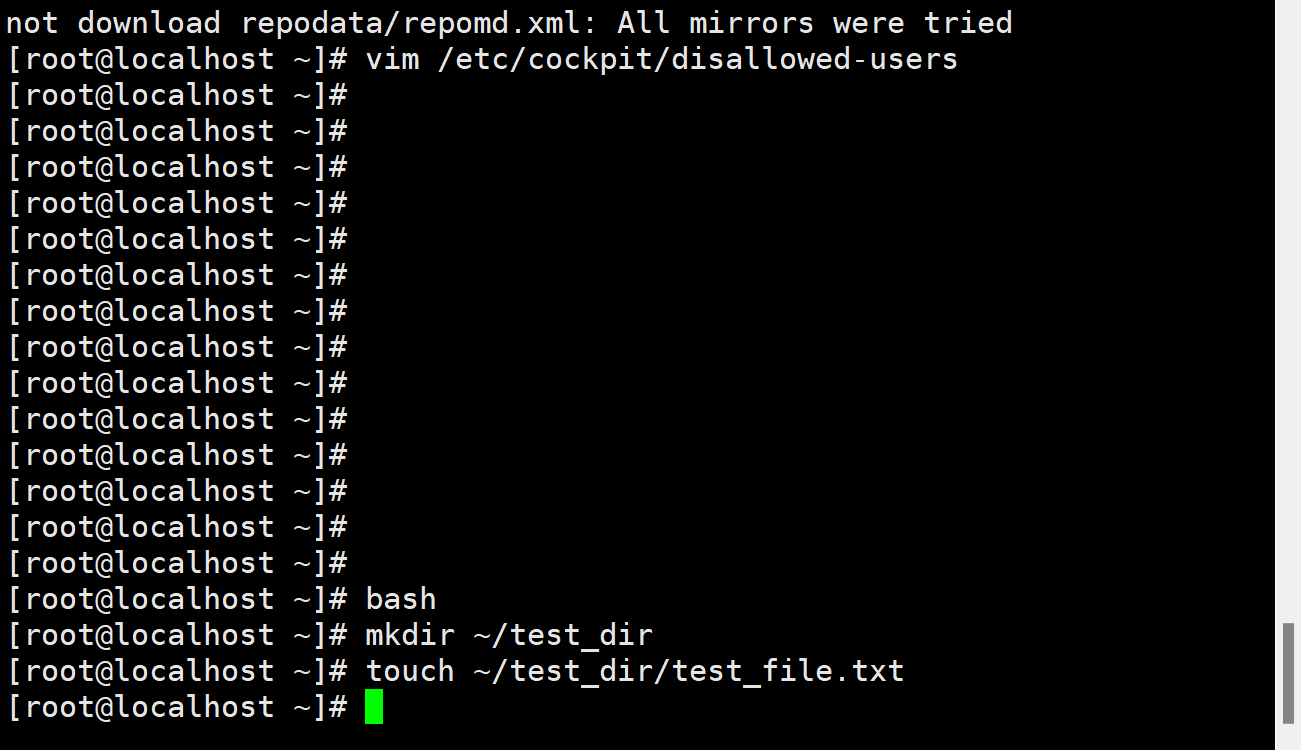
bash
mkdir ~/test_dir
touch ~/test_dir/test_file.txt
(2)
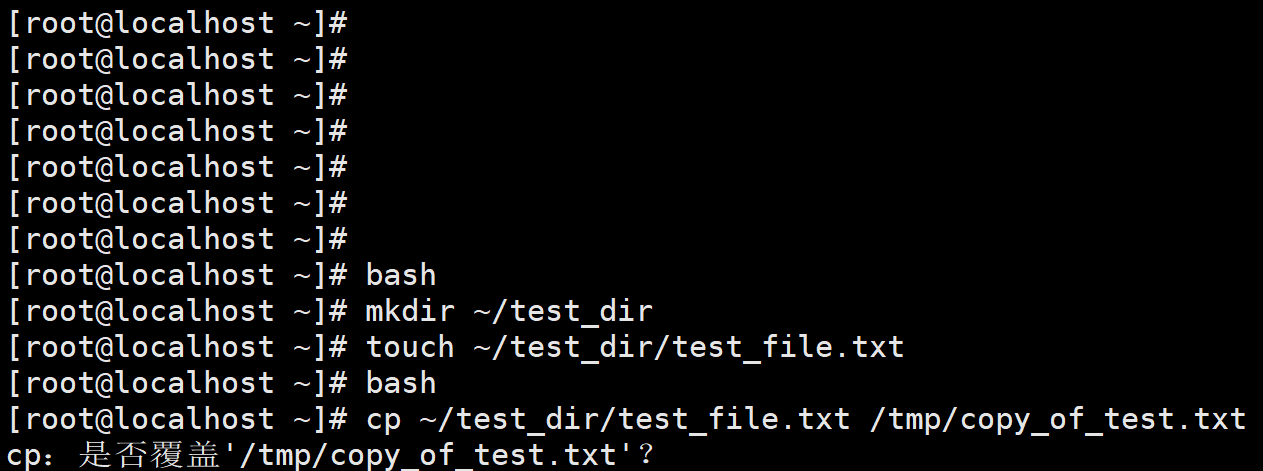
bash
cp ~/test_dir/test_file.txt /tmp/copy_of_test.txt
(3)
bash
rm -rf ~/test_dir
(4)
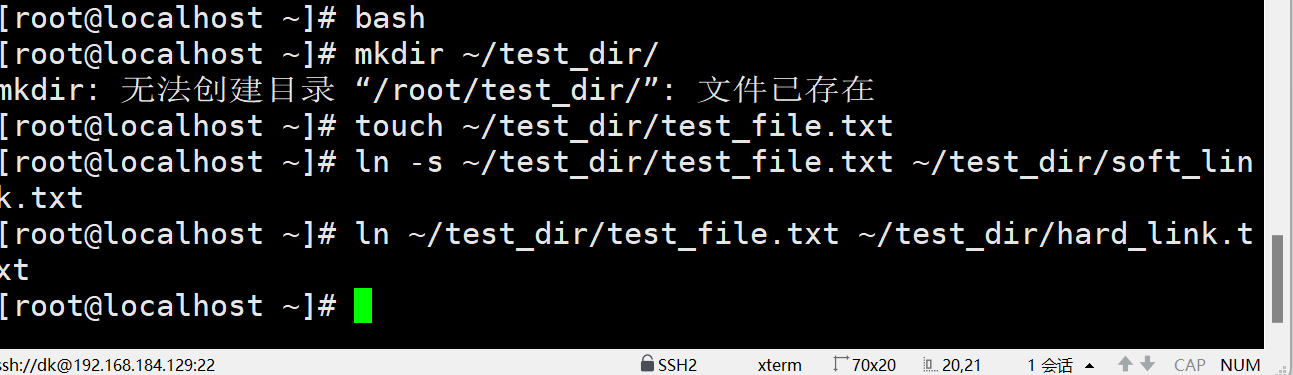
bash
mkdir ~/test_dir
touch ~/test_dir/test_file.txt
ln -s ~/test_dir/test_file.txt ~/test_dir/soft_link.txt
ln ~/test_dir/test_file.txt ~/test_dir/hard_link.txt
(5)
软链接 soft_link.txt 不能访问,因为软链接是指向原文件的符号链接,原文件删除后,软链接失去指向目标。
硬链接 hard_link.txt 还能访问,因为硬链接与原文件共享相同的 inode,原文件删除只是减少了链接计数,只要还有硬链接存在,文件内容就还在。
2. 文件内容查看与编辑
(1)
bash
head -10 /etc/passwd
(2)
bash
echo "这是追加的测试内容" >> /tmp/copy_of_test.txt
cat /tmp/copy_of_test.txt
(3)
bash
vim /tmp/copy_of_test.txt
在 vim 中,输入 :%s/测试/练习/g (全局替换),然后按 Esc,输入 :wq 保存退出。
3. 综合操作
(1)
bash
mkdir /home/backup
cp /etc/*.conf /home/backup/
(2)
bash
ls /home/backup | wc -l
(3)
bash
tar -czvf etc_backup.tar.gz /home/backup
rm -rf /home/backup
4. 文件权限管理
(1)
bash
chown user1:group1 /tmp/copy_of_test.txt
(2)
bash
chmod u=rwx,g=rx,o=r /tmp/copy_of_test.txt
(3)
bash
ls -l /tmp/copy_of_test.txt
5. 用户和用户组基础操作
(1)
bash
useradd -s /bin/bash newuser1
(2)
bash
groupadd newgroup1
usermod -a -G newgroup1 newuser1
(3)
bash
userdel newuser1
6. 文件和目录权限设置与修改
(1)
bash
mkdir ~/perm_test_dir
touch ~/perm_test_dir/perm_test_file.txt
chmod 750 ~/perm_test_dir
chmod 644 ~/perm_test_dir/perm_test_file.txt
(2)
bash
chgrp -R newgroup1 ~/perm_test_dir
(3)
bash
chmod -R 774 ~/perm_test_dir
7. 通过 dnf 安装 cockpit 的详细过程
更新软件包列表:
bash
sudo dnf update
安装 cockpit 软件包:
bash
sudo dnf install cockpit
启动 cockpit 服务并设置开机自启:
bash
sudo systemctl start cockpit
sudo systemctl enable cockpit
确认 cockpit 服务状态:
bash
sudo systemctl status cockpit





 扫一扫
扫一扫


 1264
1264

 被折叠的 条评论
为什么被折叠?
被折叠的 条评论
为什么被折叠?
 到【灌水乐园】发言





