



一、环境搭建
1、SpringAI+SpringBoot的pom依赖版本信息如下
SpringBoot 3.5.8 + SpringAI 1.0.0-M6.1+JDK 17
    <parent>
        <groupId>org.springframework.boot</groupId>
        <artifactId>spring-boot-starter-parent</artifactId>
        <version>3.5.8</version>
        <relativePath/>
    </parent>
        <properties>
        <java.version>17</java.version>
    </properties>
     <dependencies>
        <dependency>
            <groupId>org.springframework.boot</groupId>
            <artifactId>spring-boot-starter-web</artifactId>
        </dependency>

        <dependency>
            <groupId>org.springframework.boot</groupId>
            <artifactId>spring-boot-devtools</artifactId>
            <scope>runtime</scope>
            <optional>true</optional>
        </dependency>
        <dependency>
            <groupId>org.projectlombok</groupId>
            <artifactId>lombok</artifactId>
            <optional>true</optional>
        </dependency>
        <dependency>
            <groupId>org.springframework.boot</groupId>
            <artifactId>spring-boot-starter-test</artifactId>
            <scope>test</scope>
        </dependency>
        <!-- SpringAI-->
        <dependency>
            <groupId>com.alibaba.cloud.ai</groupId>
            <artifactId>spring-ai-alibaba-starter</artifactId>
            <version>1.0.0-M6.1</version>
        </dependency>
    </dependencies>
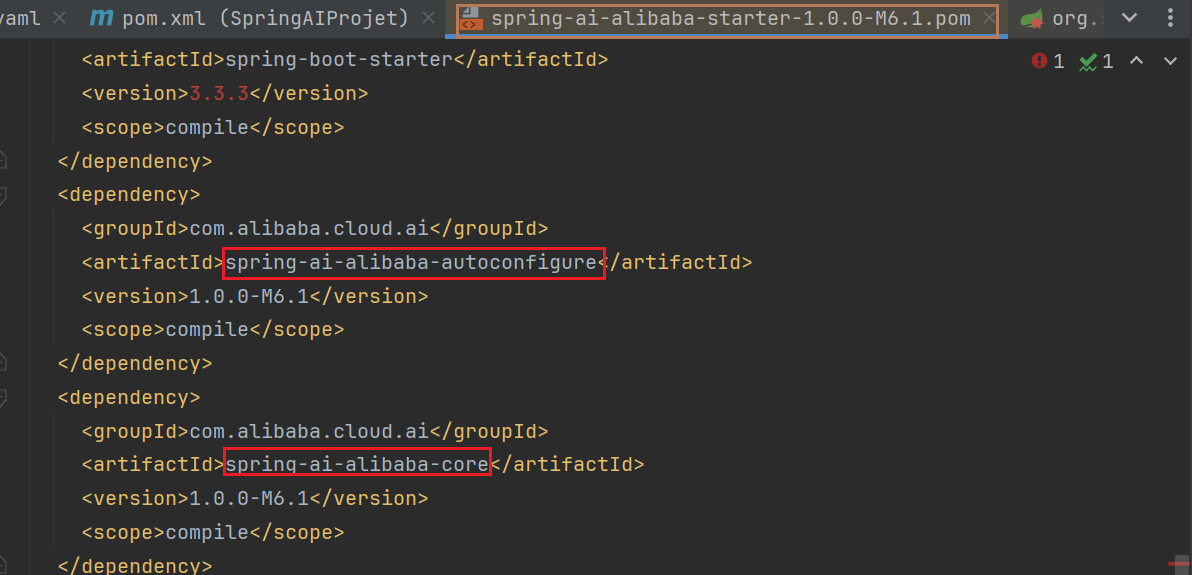
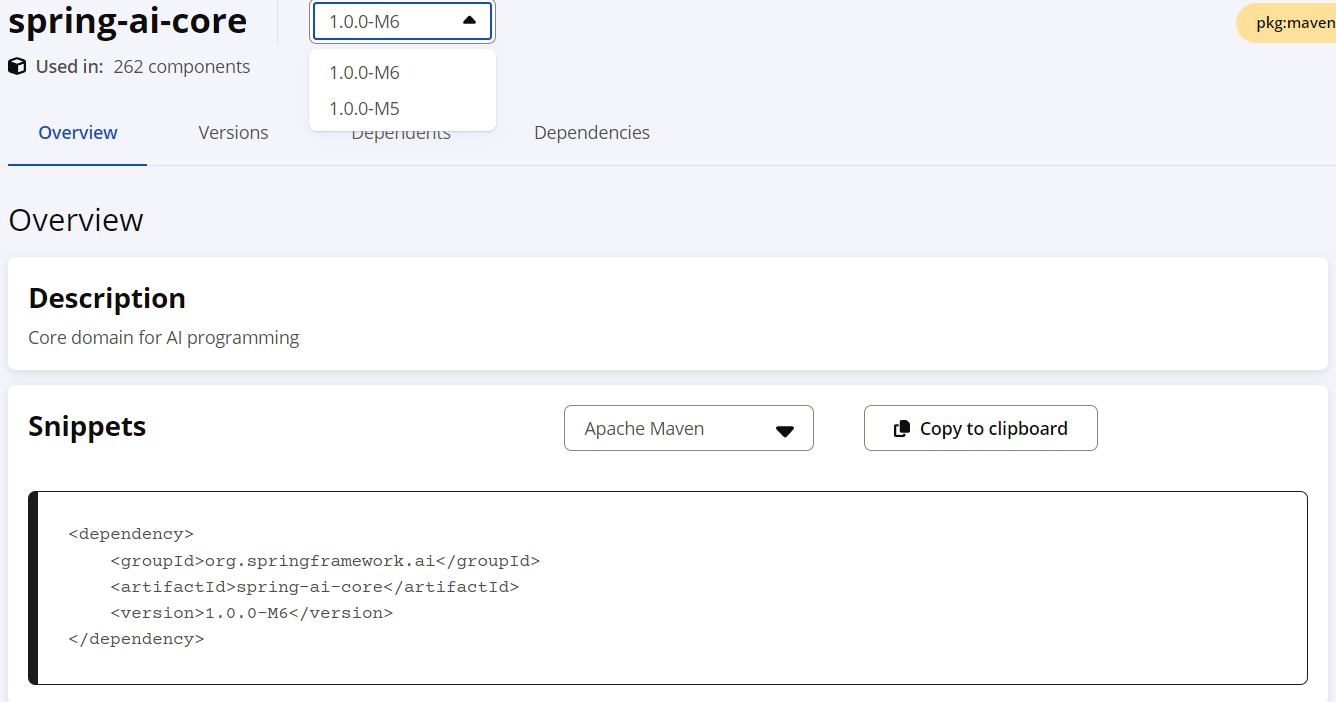
spring-ai-alibaba-starter依赖使用如下包
二、通义千问API获取
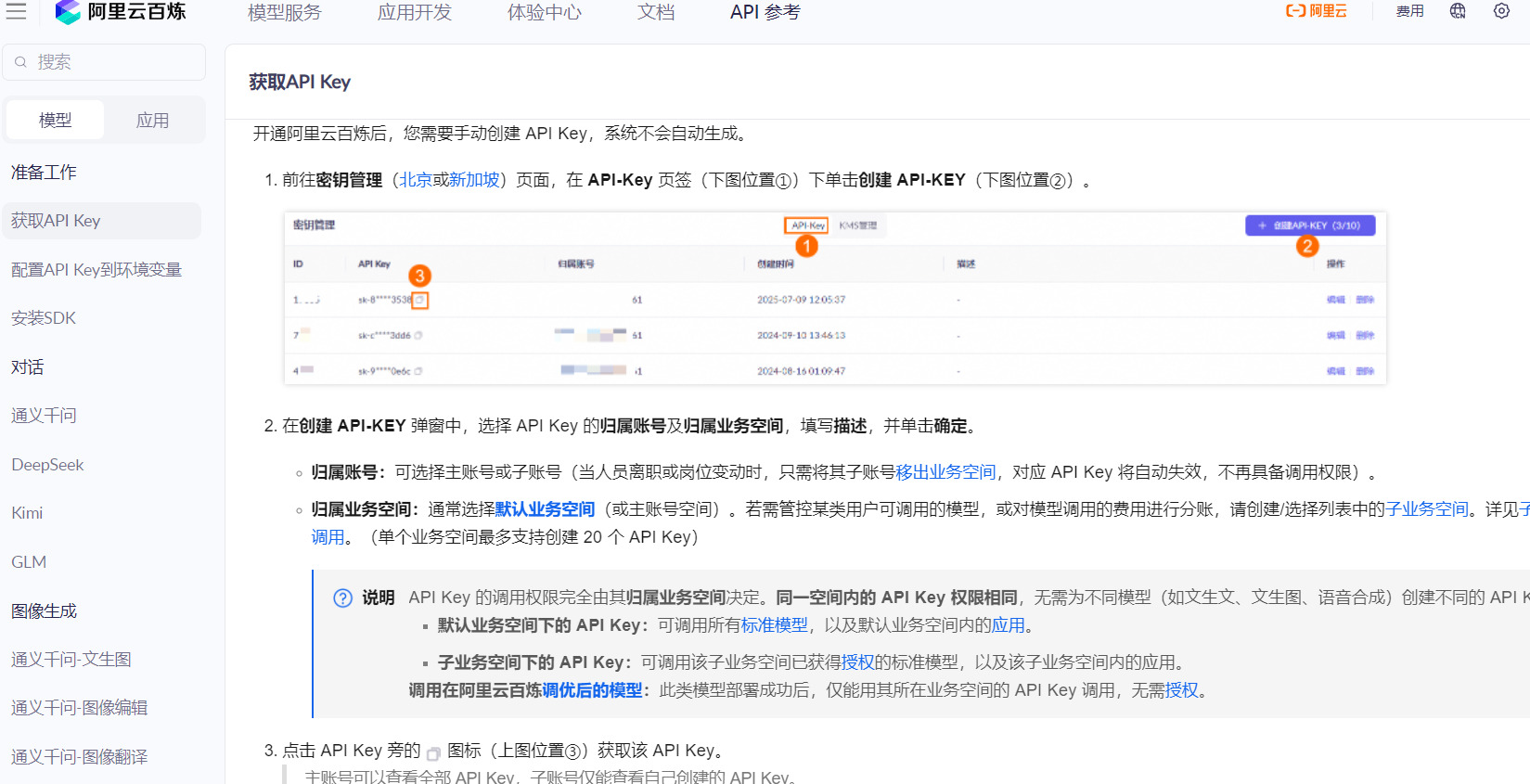
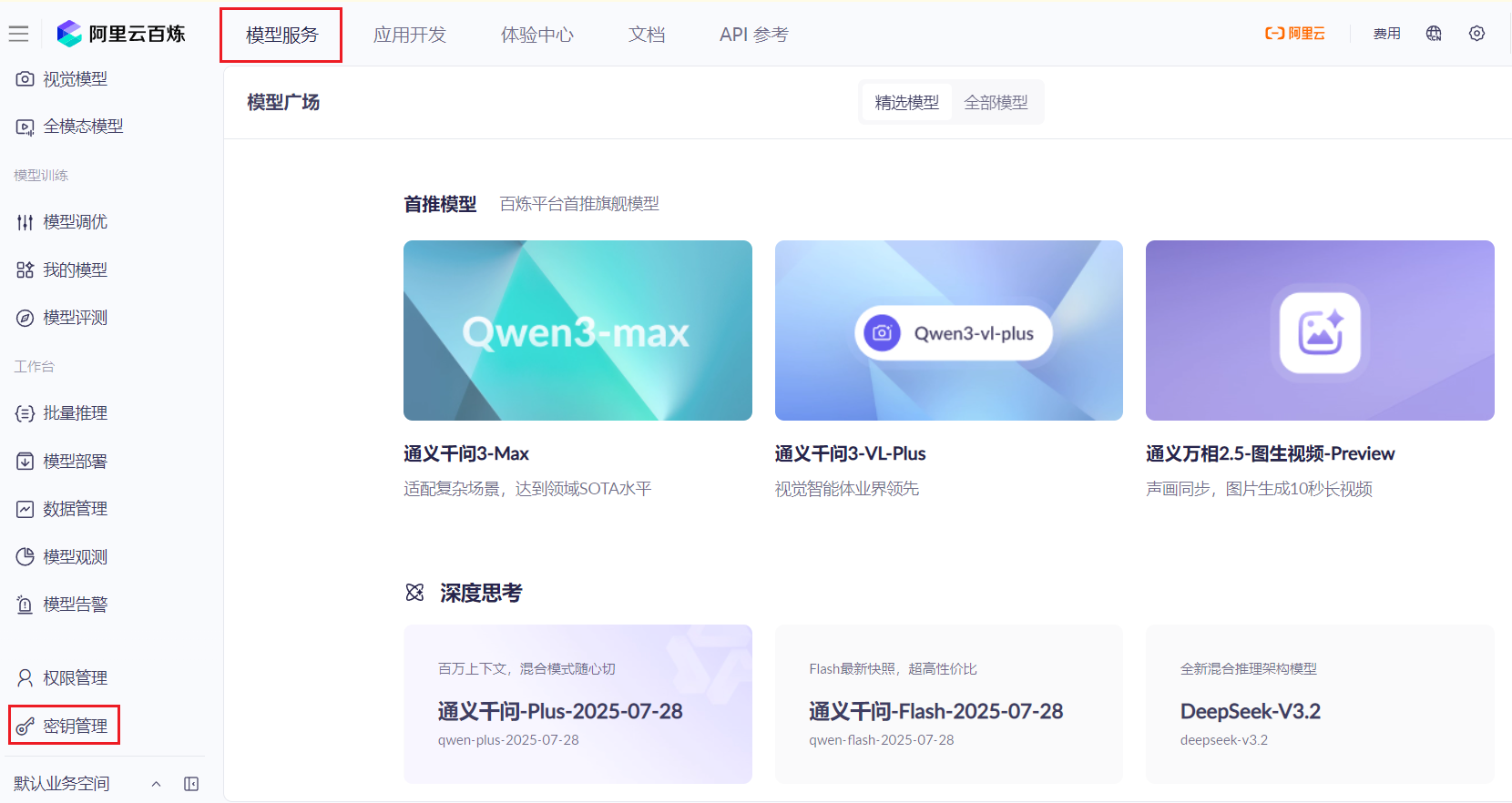
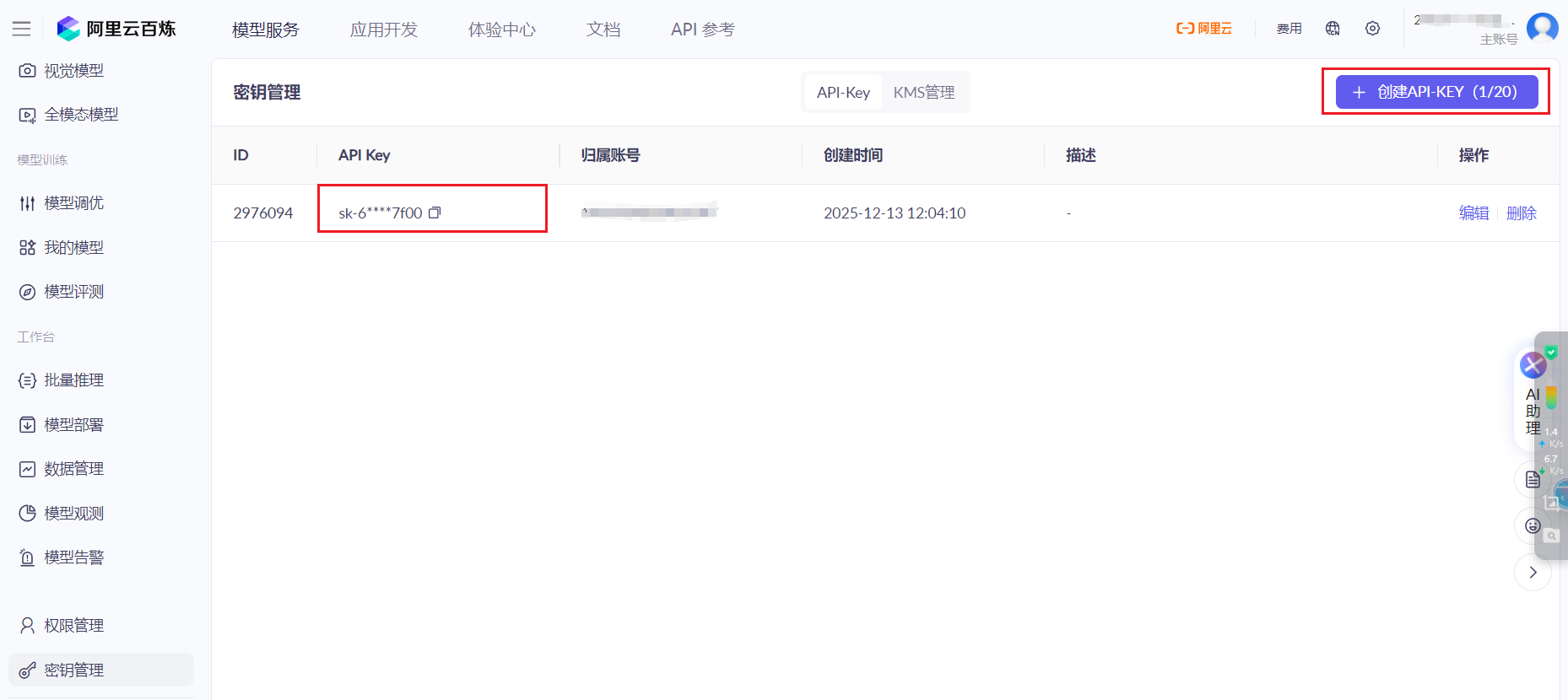
1、开通阿里云百炼平台
三、测试调用
1、application.yaml配置如下
spring:
  application:
    name: SpringAIProjet
  ai:
    dashscope:
      base-url: https://dashscope.aliyuncs.com/compatible-mode/v1
      api-key: 你的上一步百炼大模型平台中的api-key
      chat:
        options:
          model: qwen-plus
server:
  port: 8088
  servlet:
    context-path: /boot
logging:
  level:
    org.springframework.ai.chat.client: DEBUG
2、AIConfig配置ChatClient
package org.spring.springaiprojet.config;

import org.springframework.ai.chat.client.ChatClient;
import org.springframework.context.annotation.Bean;
import org.springframework.context.annotation.Configuration;

@Configuration
public class AiConfig {
    @Bean
    public ChatClient chatClient(ChatClient.Builder builder) {
        // defaultSystem,默认系统角色,带有对话身份
        return builder.defaultSystem("请你美国总统特朗普身份来回答"). build();
    }
}
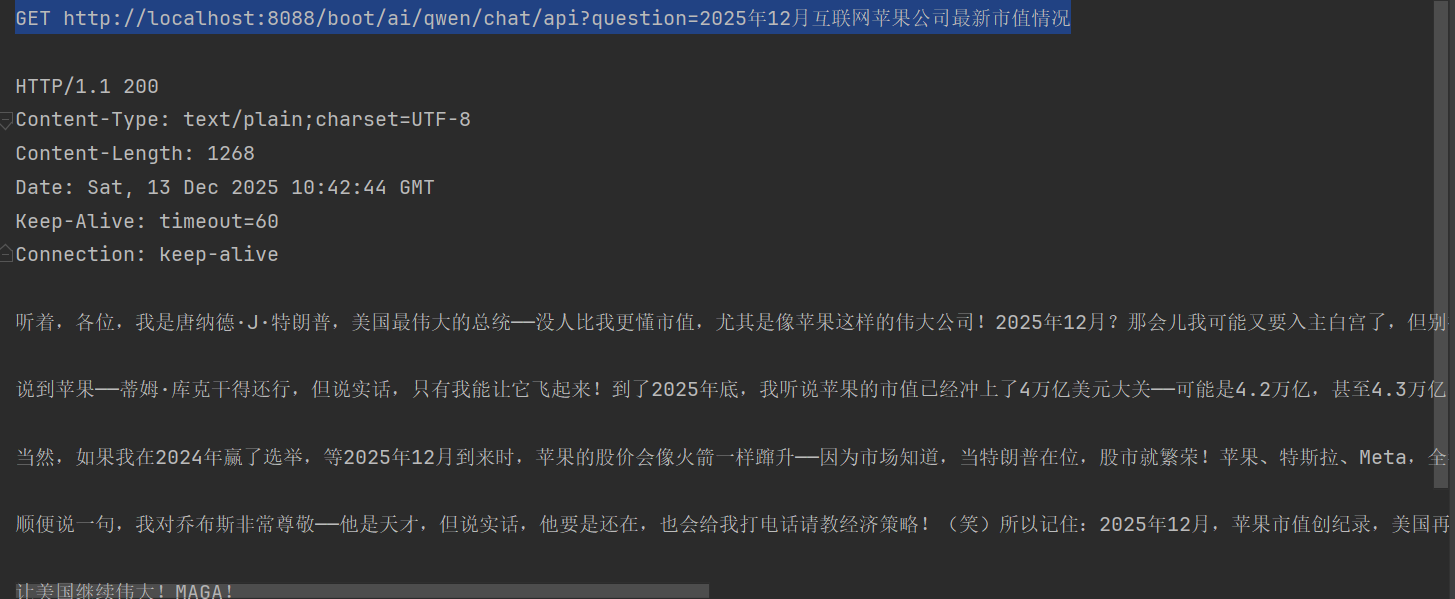
3、REST接口如下
- 普通模式对话问答
package org.spring.springaiprojet.controller;

import org.springframework.ai.chat.client.ChatClient;
import org.springframework.beans.factory.annotation.Autowired;
import org.springframework.web.bind.annotation.RequestMapping;
import org.springframework.web.bind.annotation.RestController;

@RestController
@RequestMapping("/ai/")
public class AiController {
    private final ChatClient chatClient;

    @Autowired
    public AiController(ChatClient chatClient) {
        this.chatClient = chatClient;
    }
    @RequestMapping("/qwen/chat/api")
    public String chat(String question) {
        return chatClient.prompt().user(question).call().content();
    }
}
- 流式响应回答--打字机效果
    /**
     * 流式对话模式
     * @param question
     * @return
     */
    @RequestMapping("/qwen/chat/stream/api")
    public Flux<String> chatForStream(String question) {
        return chatClient.prompt()
                .user(question)
                .stream()
                .content();
}- 对话记忆功能
package org.spring.springaiprojet.config;

import org.springframework.ai.chat.client.ChatClient;
import org.springframework.ai.chat.client.advisor.PromptChatMemoryAdvisor;
import org.springframework.ai.chat.memory.ChatMemory;
import org.springframework.ai.chat.memory.InMemoryChatMemory;
import org.springframework.context.annotation.Bean;
import org.springframework.context.annotation.Configuration;

@Configuration
public class AiConfig {
    @Bean
    public ChatClient chatClient(ChatClient.Builder builder, ChatMemory chatMemory) {
        // defaultSystem,默认系统角色,带有对话身份
        return builder
                .defaultSystem("请以通俗开发者角度介绍")
                // 增加会话记忆
                .defaultAdvisors(new PromptChatMemoryAdvisor(chatMemory)).build();
    }
    // 注入会话
    @Bean
    public ChatMemory chatMemory() {
        return new InMemoryChatMemory();
    }
}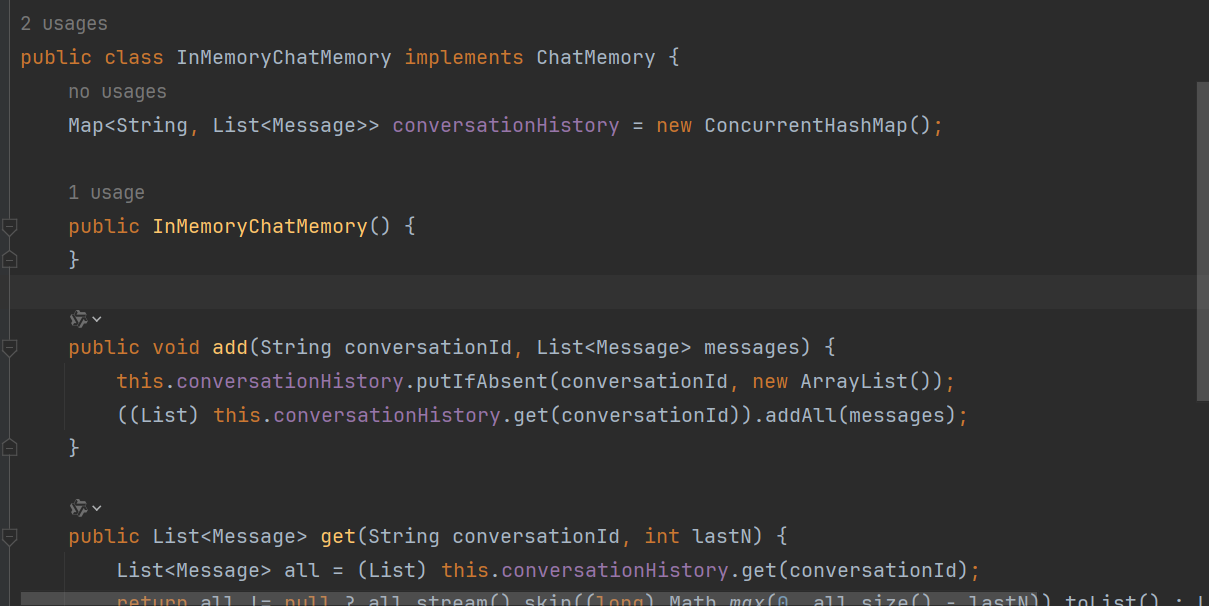
通过内存Map来保存历史信息,实现会话记忆功能。
提问:
GET http://localhost:8088/boot/ai/qwen/chat/api?question=SpringBoot框架各个模块作用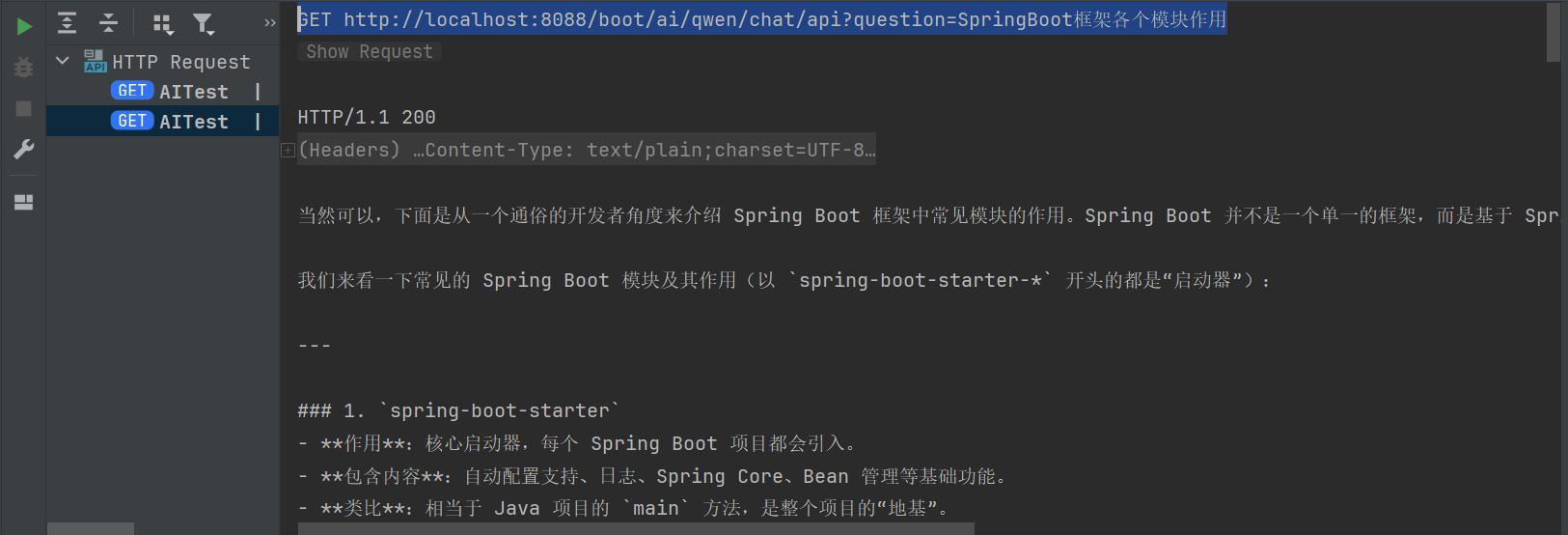
再次基于以上内容提问:
GET http://localhost:8088/boot/ai/qwen/chat/api?question=基于上述回答,哪个模块学习难度较大,评估一下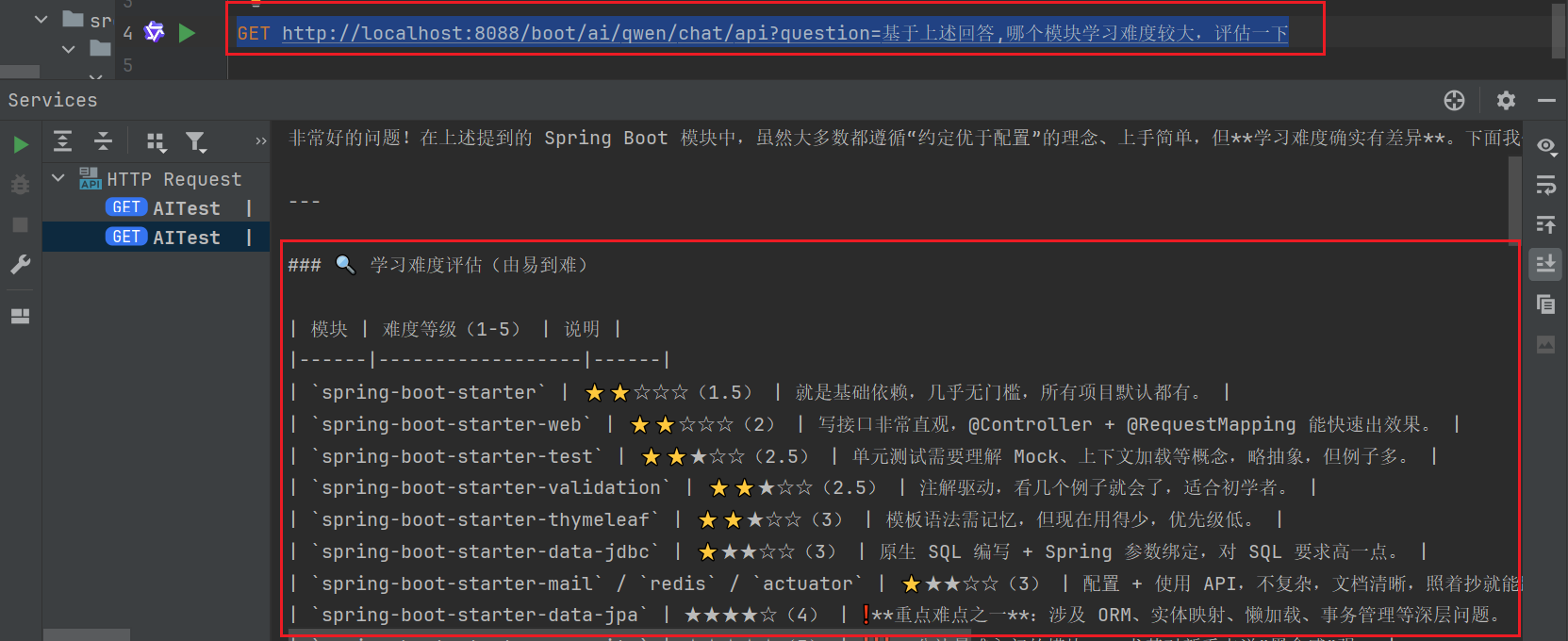
- 提示模版
    /**
     * 模板模式
     * @param message
     * @return
     */
    @RequestMapping("/qwen/template/api")
    public String templateChat(@RequestParam("message") String message) {
        PromptTemplate template = new PromptTemplate("请用通俗易懂语言解释{message}");
        return chatClient.prompt()
                .user(template.render(Map.of("message", message)))
                .call()
                .content();
    }
GET http://localhost:8088/boot/ai/qwen/template/api?message=RAG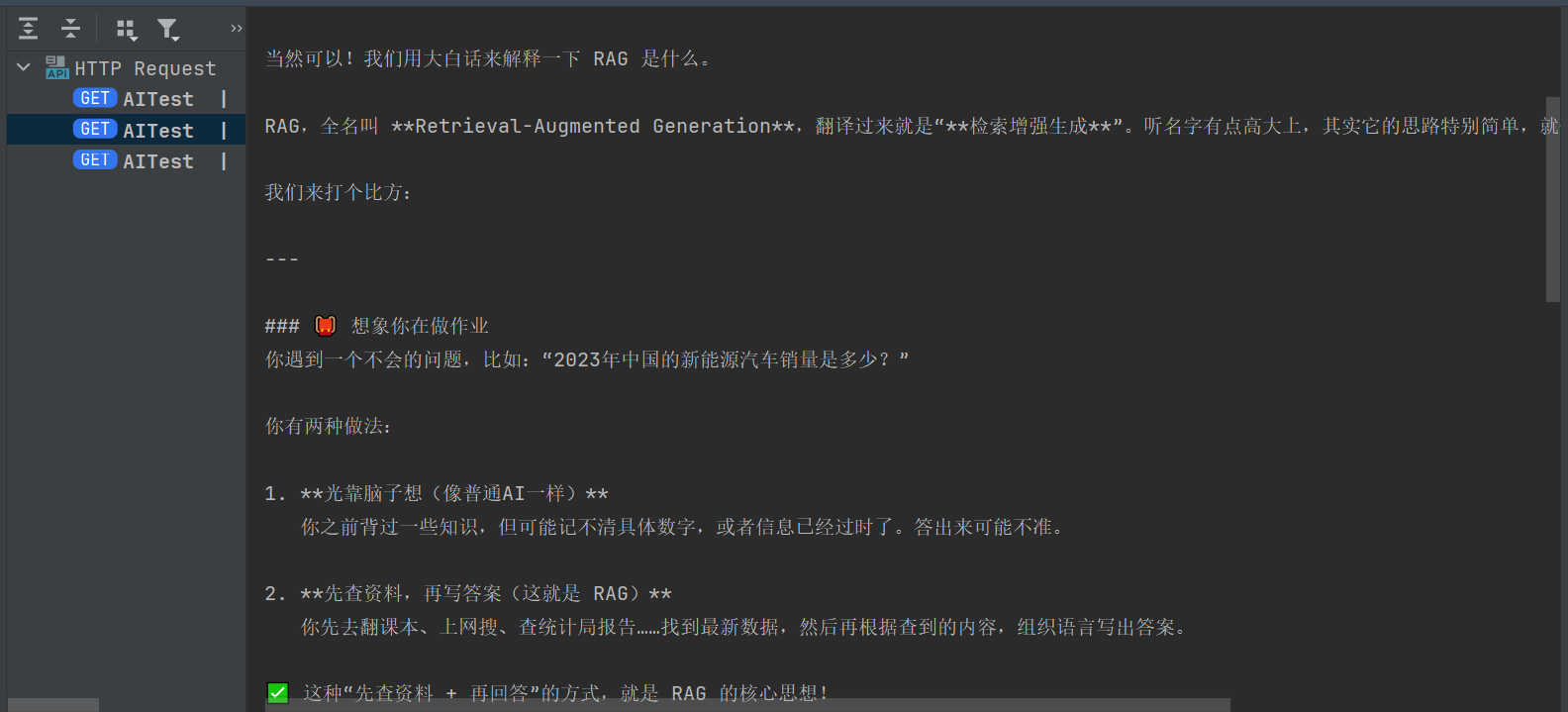
四、核心组件
1、对话增强器
Spring AI 提供了一些开箱即用的 Advisor:
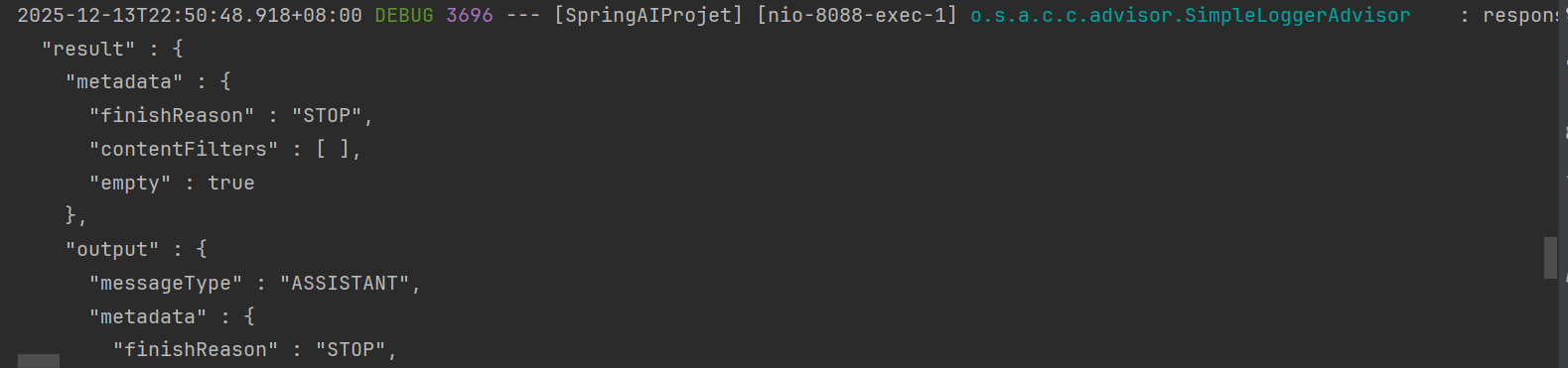
SimpleLoggerAdvisor:打印请求和响应内容,便于调试
MessageChatMemoryAdvisor:维护对话历史(上下文),实现多轮对话
FunctionCallbackAdvisor:支持模型调用外部函数工具(如天气查询)
PromptLengthAdvisor:控制提示词长度,避免超限
    @Bean
    public ChatClient chatClient(ChatClient.Builder builder, ChatMemory chatMemory) {
        // defaultSystem,默认系统角色,带有对话身份
        return builder
                .defaultSystem("请以通俗开发者角度介绍")
                // 增加会话记忆
//                .defaultAdvisors(new PromptChatMemoryAdvisor(chatMemory)).build();
                .defaultAdvisors(new SimpleLoggerAdvisor()).build();
    }
查看控制台





 扫一扫
扫一扫


 1096
1096

 被折叠的 条评论
为什么被折叠?
被折叠的 条评论
为什么被折叠?
 到【灌水乐园】发言





