


开发机选择 30% A100,镜像选择为 Cuda12.2-conda。
首先来为 Lagent 配置一个可用的环境。
# 创建环境
conda create -n agent_camp3 python=3.10 -y
# 激活环境
conda activate agent_camp3
# 安装
torch conda install pytorch==2.1.2 torchvision==0.16.2 torchaudio==2.1.2 pytorch-cuda=12.1 -c pytorch -c nvidia -y
# 安装其他依赖包
pip install termcolor==2.4.0 pip install lmdeploy==0.5.2
接下来通过源码安装的方式安装 lagent。
# 创建目录以存放代码
mkdir -p /root/agent_camp3 cd /root/agent_camp3 git clone https://github.com/InternLM/lagent.git cd lagent git checkout 81e7ace
pip install -r requirements.txt
#安装所有依赖库,再安装
pip install -e . cd ..
需要修改一下base_action.py
# 修改第16行,在langent/action/base_action.py
from griffe import DocstringSectionKind
部署模型
conda activate agent_camp3
lmdeploy serve api_server /share/new_models/Shanghai_AI_Laboratory/internlm2_5-7b-chat --model-name internlm2_5-7b-chat
部署lagent
cd /root/agent_camp3/lagent
conda activate agent_camp3
streamlit run examples/internlm2_agent_web_demo.py
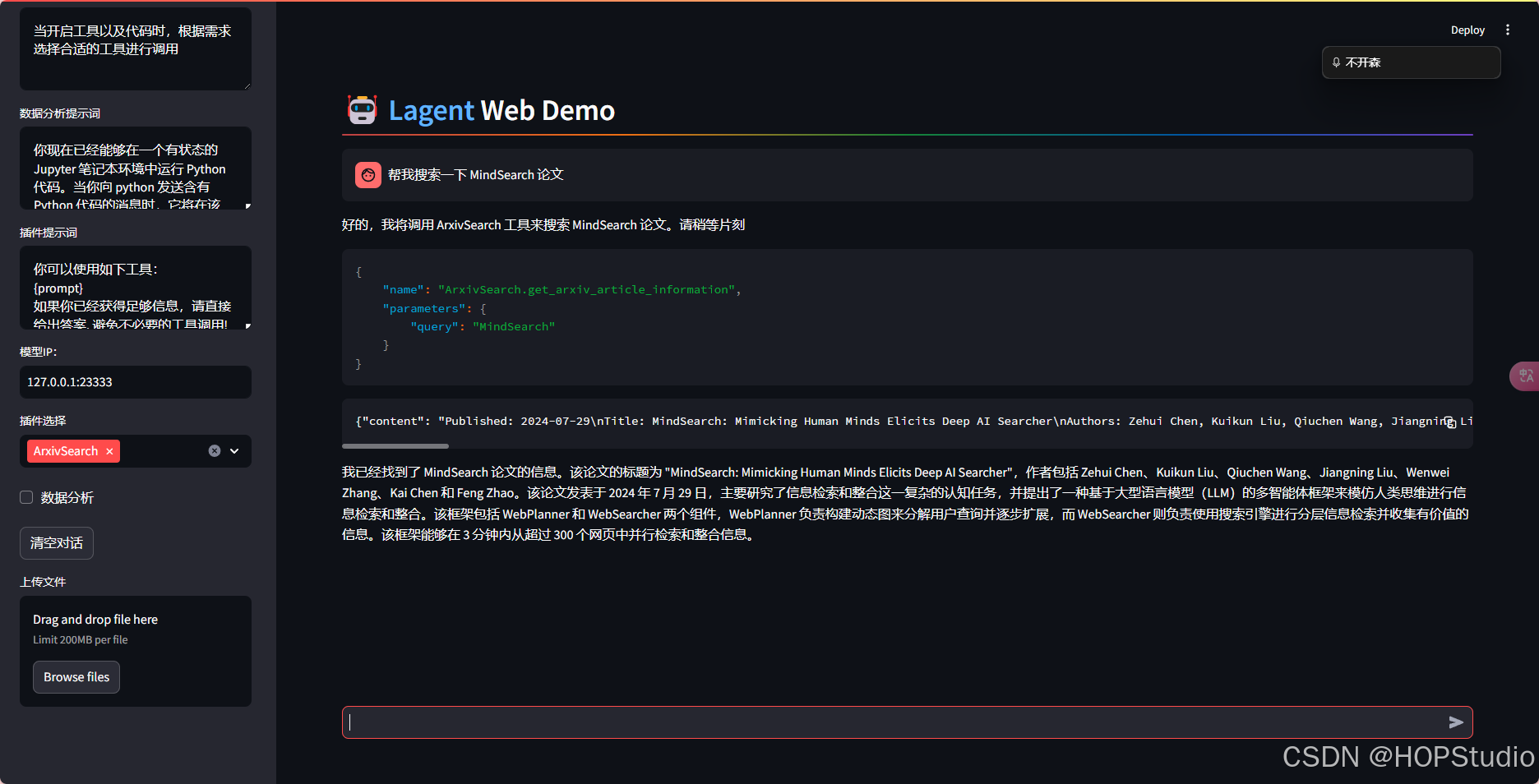
接下来,在本地浏览器中打开 localhost:8501,并修改模型名称一栏为 internlm2_5-7b-chat,修改模型 ip一栏为127.0.0.1:23333。
输入信息
帮我搜索一下 MindSearch 论文
继续使用其他插件
创建一个空文件
cd /root/agent_camp3/lagent
touch lagent/actions/magicmaker.py
写入如下代码
import json
import requests

from lagent.actions.base_action import BaseAction, tool_api
from lagent.actions.parser import BaseParser, JsonParser
from lagent.schema import ActionReturn, ActionStatusCode


class MagicMaker(BaseAction):
    styles_option = [
        'dongman',  # 动漫
        'guofeng',  # 国风
        'xieshi',   # 写实
        'youhua',   # 油画
        'manghe',   # 盲盒
    ]
    aspect_ratio_options = [
        '16:9', '4:3', '3:2', '1:1',
        '2:3', '3:4', '9:16'
    ]

    def __init__(self,
                 style='guofeng',
                 aspect_ratio='4:3'):
        super().__init__()
        if style in self.styles_option:
            self.style = style
        else:
            raise ValueError(f'The style must be one of {self.styles_option}')

        if aspect_ratio in self.aspect_ratio_options:
            self.aspect_ratio = aspect_ratio
        else:
            raise ValueError(f'The aspect ratio must be one of {aspect_ratio}')

    @tool_api
    def generate_image(self, keywords: str) -> dict:
        """Run magicmaker and get the generated image according to the keywords.

        Args:
            keywords (:class:`str`): the keywords to generate image

        Returns:
            :class:`dict`: the generated image
                * image (str): path to the generated image
        """
        try:
            response = requests.post(
                url='https://magicmaker.openxlab.org.cn/gw/edit-anything/api/v1/bff/sd/generate',
                data=json.dumps({
                    "official": True,
                    "prompt": keywords,
                    "style": self.style,
                    "poseT": False,
                    "aspectRatio": self.aspect_ratio
                }),
                headers={'content-type': 'application/json'}
            )
        except Exception as exc:
            return ActionReturn(
                errmsg=f'MagicMaker exception: {exc}',
                state=ActionStatusCode.HTTP_ERROR)
        image_url = response.json()['data']['imgUrl']
        return {'image': image_url}
按照上述方法开启webdemo,修改参数
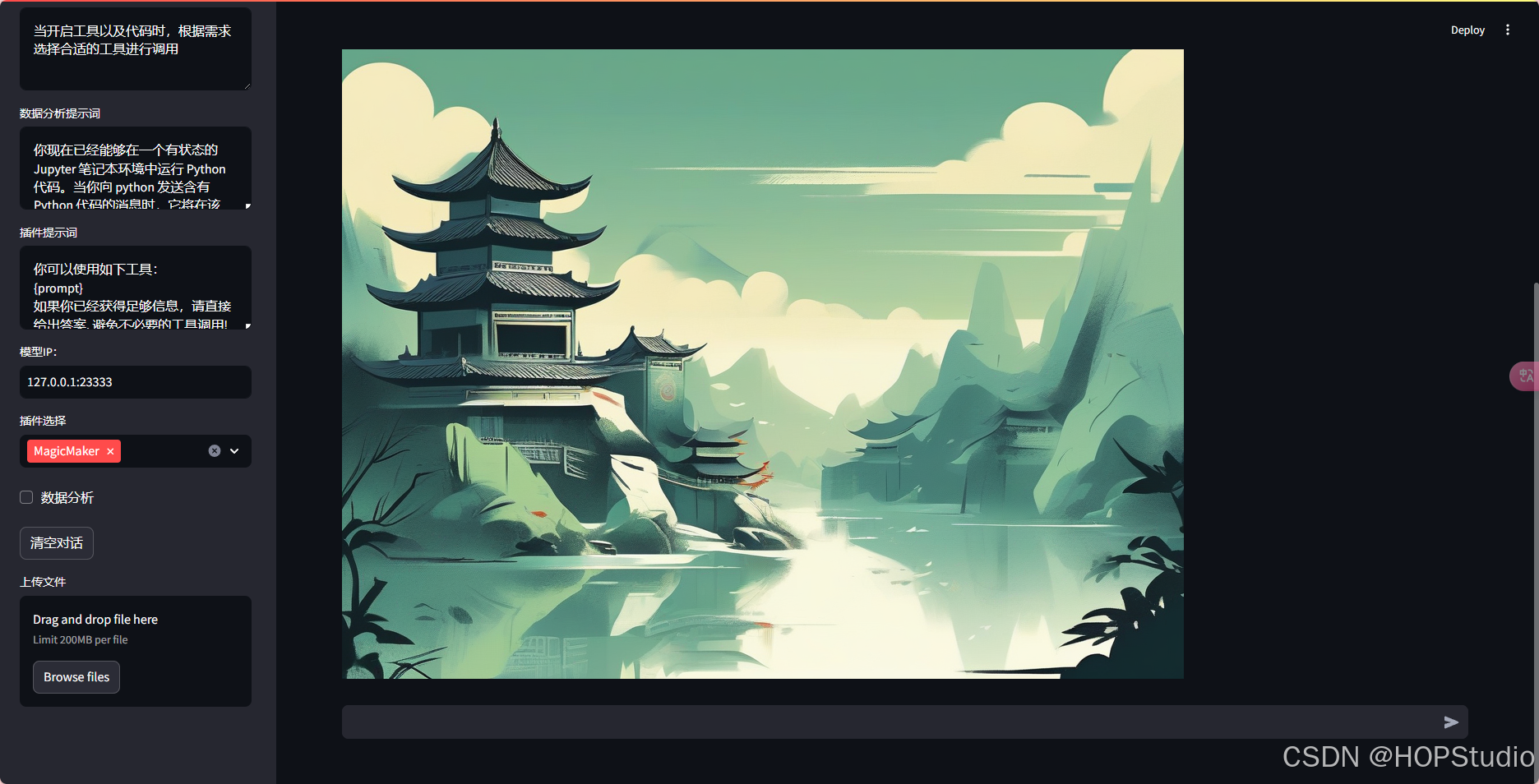
山水画
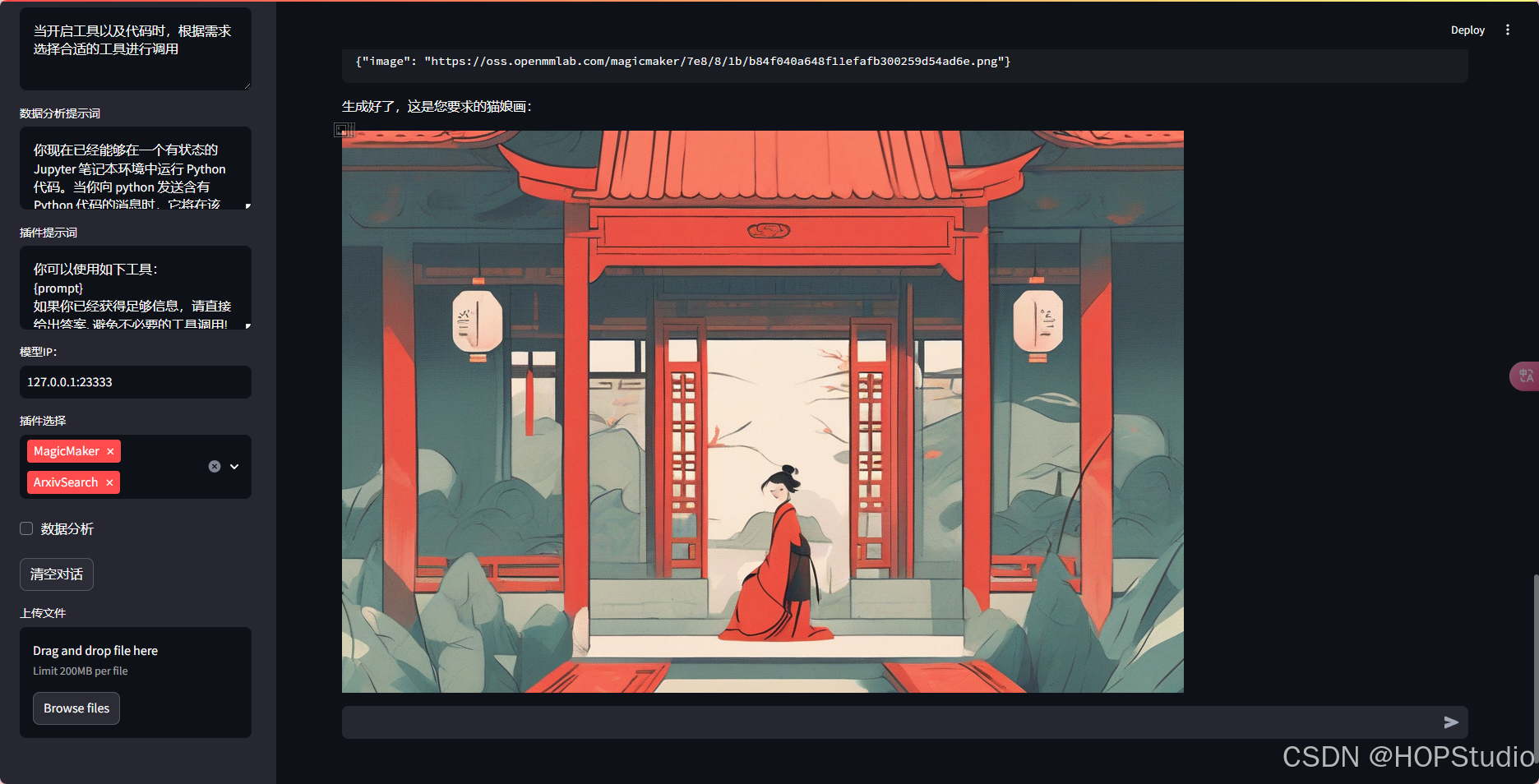
猫娘
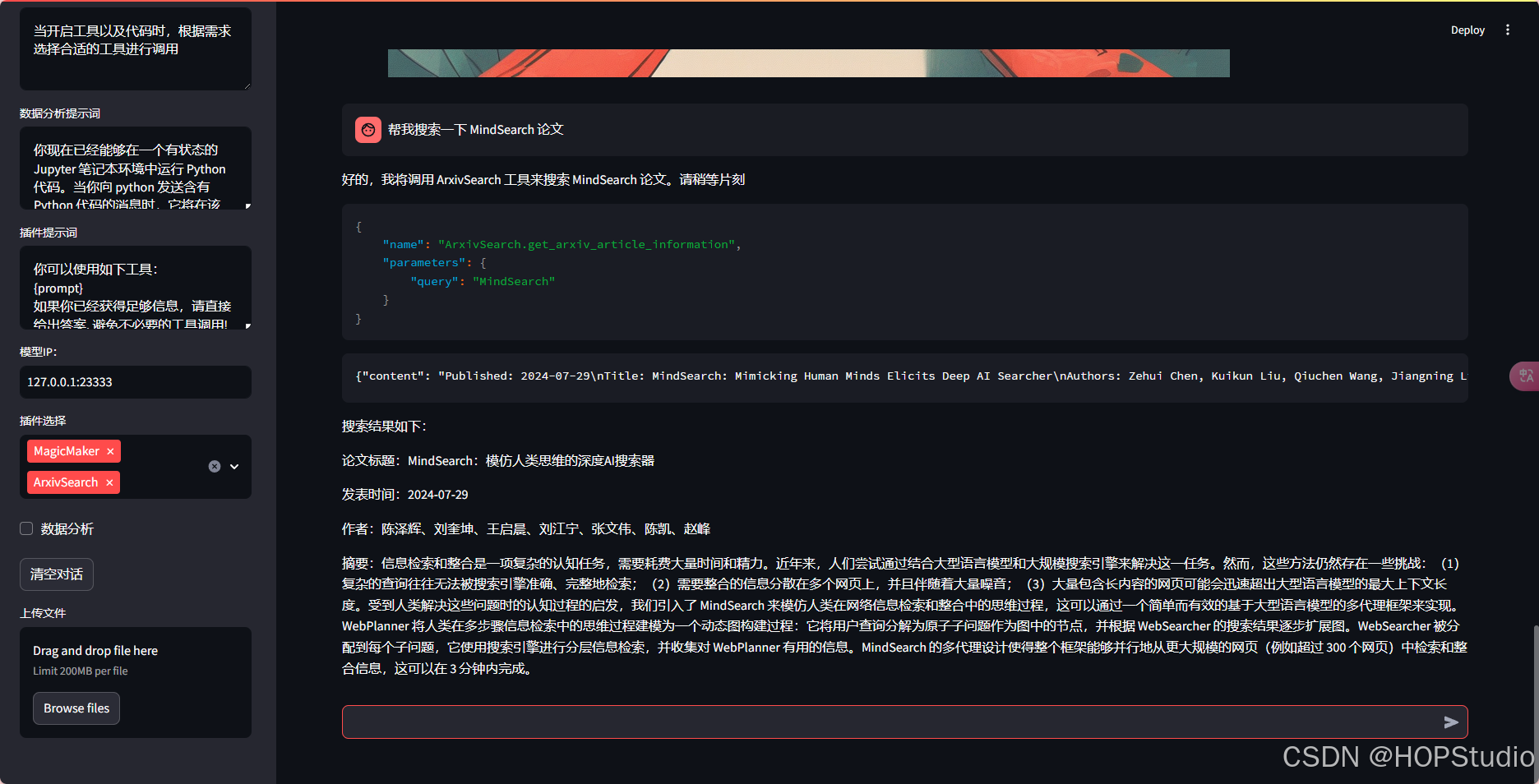
还是搜索mindsearch论文






 扫一扫
扫一扫


 1372
1372

 被折叠的 条评论
为什么被折叠?
被折叠的 条评论
为什么被折叠?
 到【灌水乐园】发言





