


 本文介绍了使用Python的Queue实现生产者消费者模型,并扩展到RabbitMQ中的消息队列管理,包括生产者发送消息和消费者接收消息的代码示例。
【一】基于Queue实现生产者消费者模型
import queue
import threading

message = queue.Queue(10)

def producer(i):
    while True:
        message.put(i)

def consumer(i):
    while True:
        msg = message.get()

for i in range(12):
    t = threading.Thread(target=producer, args=(i,))
    t.start()

for i in range(10):
    t = threading.Thread(target=consumer, args=(i,))
    t.start()
【二】基本使用(生产者消费者模型)
-
对于RabbitMQ来说,生产和消费不再针对内存里的一个Queue对象,而是某台服务器上的RabbitMQ Server实现的消息队列。
-
不同语言的示例代码参考
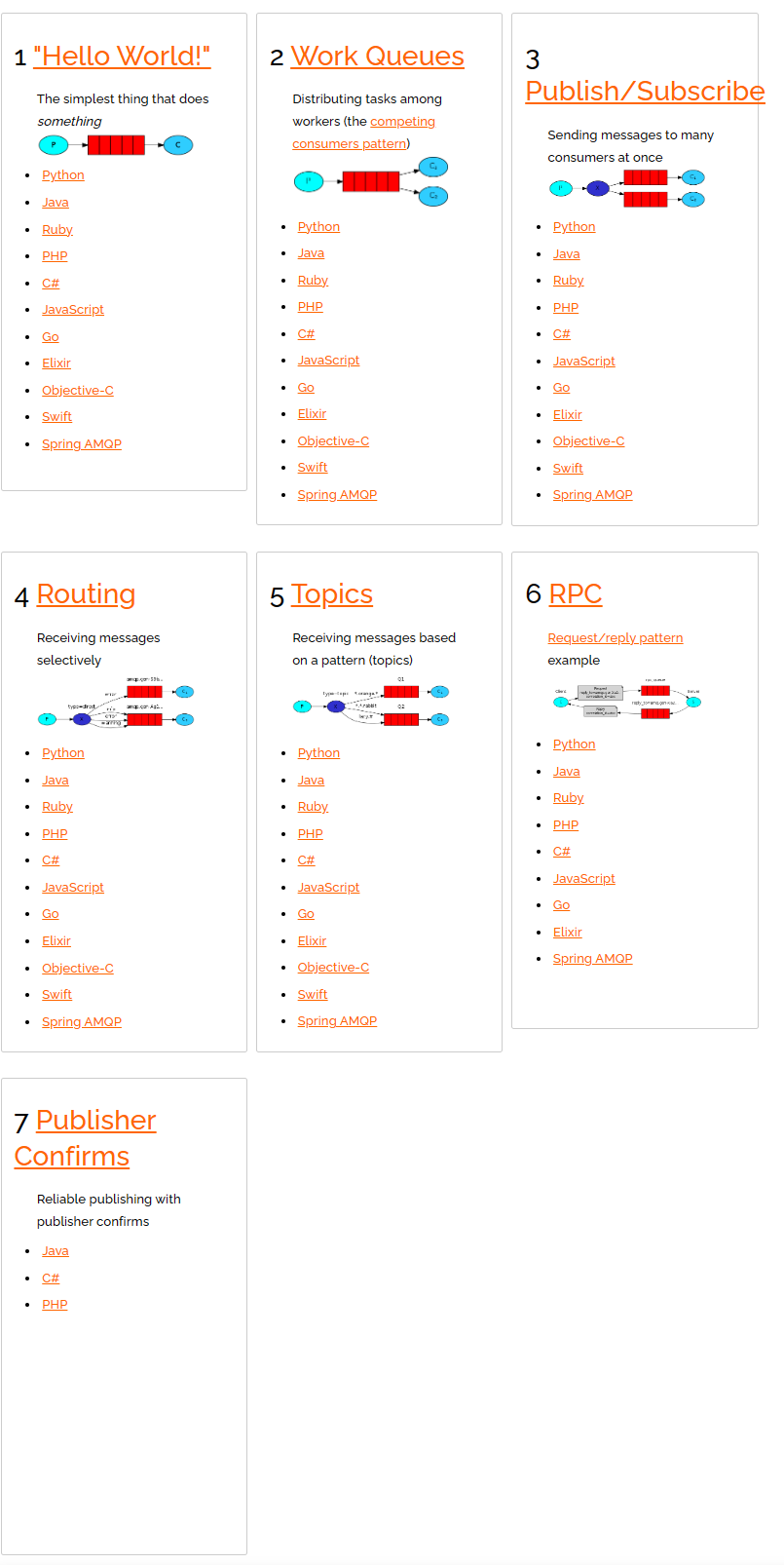
【1】生产者
- 安装模块
pip3 install pika- 使用
import pika
# 无密码
# connection = pika.BlockingConnection(pika.ConnectionParameters('127.0.0.1'))

# 有密码
credentials = pika.PlainCredentials("admin","admin")
connection = pika.BlockingConnection(pika.ConnectionParameters('101.133.225.166',credentials=credentials))
channel = connection.channel()

# 声明一个队列(创建一个队列)
channel.queue_declare(queue='dream')

channel.basic_publish(exchange='',
                      routing_key='dream', # 消息队列名称
                      body='hello world')
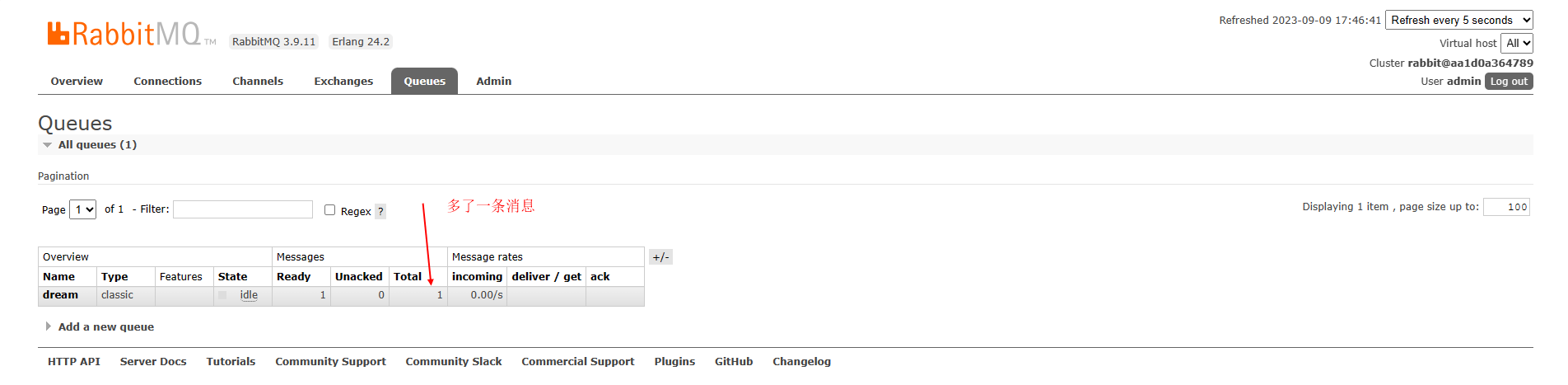
connection.close()- 运行上述代码,就会发现
- 在我们的消息队列里面多了一条消息
【2】消费者
import pika

credentials = pika.PlainCredentials("admin","admin")
connection = pika.BlockingConnection(pika.ConnectionParameters('101.133.225.166',credentials=credentials))
channel = connection.channel()

# 声明一个队列(创建一个队列)
channel.queue_declare(queue='dream')

def callback(ch, method, properties, body):
    print("消费者接受到了任务: %r" % body)

channel.basic_consume(queue='dream',on_message_callback=callback,auto_ack=True)

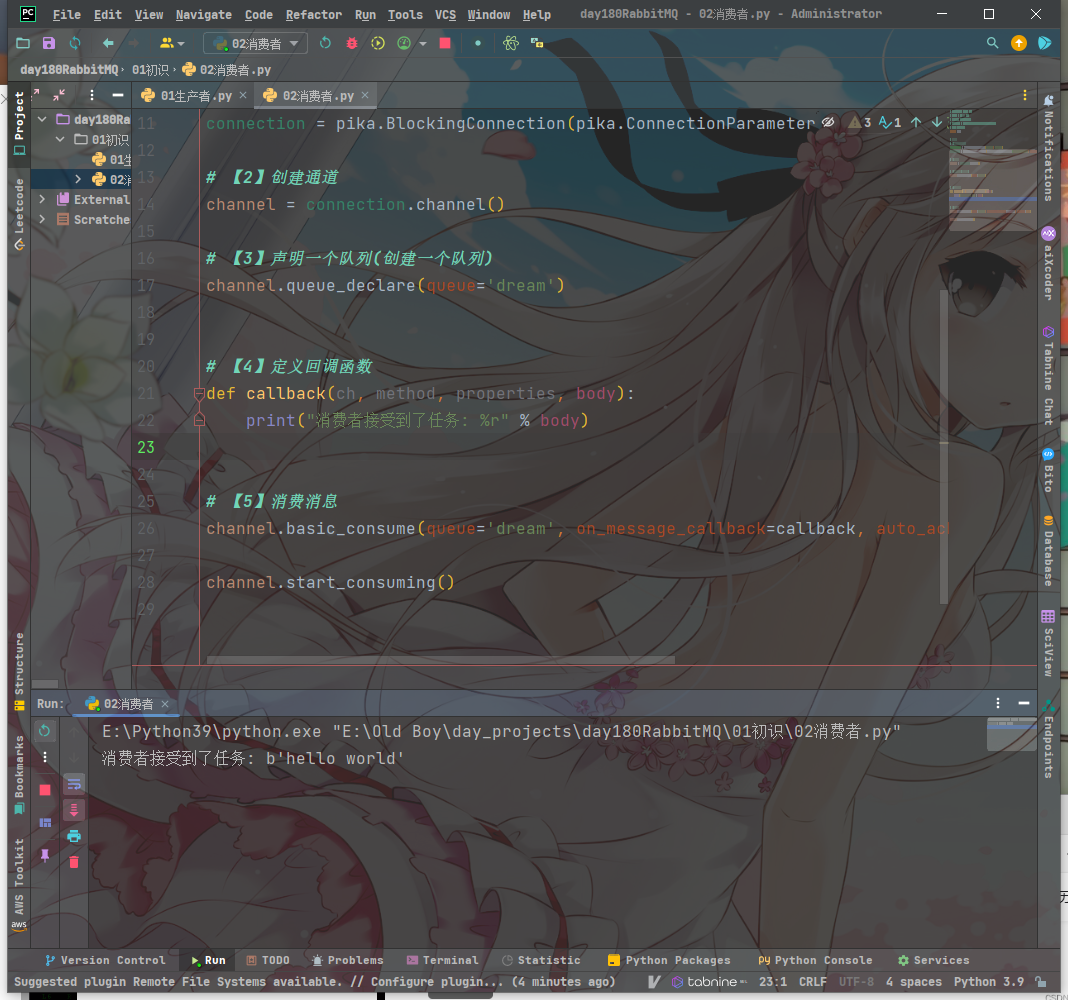
channel.start_consuming()- 消费者拿到消息并打印,等待下一条消息的输入
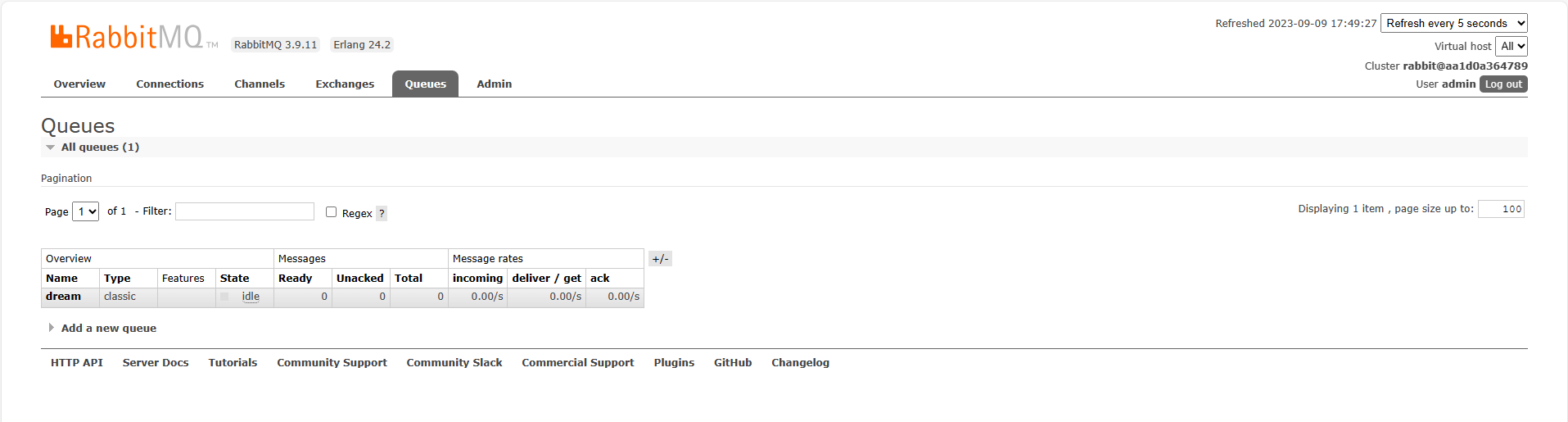
- 在我们的消息队列里面已经没有了消息





 扫一扫
扫一扫


 1365
1365

 被折叠的 条评论
为什么被折叠?
被折叠的 条评论
为什么被折叠?
 到【灌水乐园】发言





